 ProMapRanker
7 Best Platforms for Collaborative Programming in 2026

Free pair programming in VS Code · Pricing starts at: $0 a month
Direct answer
Our first pick is Visual Studio Live Share, best for free pair programming in VS Code. Listed starting prices: Visual Studio Live Share from $0 a month, CodeTogether from $8 a month and CodeSandbox from $12 a month. Alternatives: CodeTogether for IDE-based pair programming, and CodeSandbox for browser sandboxes and prototypes. The full list of 7 tools follows, with prices and free plan facts.
Short on time? The summary and table above give the quick view of 7 tools for platforms for collaborative programming, and the profiles that follow give the detail behind each entry.
Key takeaways
- Top of the list is Visual Studio Live Share, which targets free pair programming in VS Code.
- 5 of 7 tools offer a free plan: Visual Studio Live Share, CodeTogether, CodeSandbox, GitHub Codespaces, JetBrains Code With Me.
- For pair programming in JetBrains IDEs, JetBrains Code With Me is worth a look.
- The cheapest monthly starting price in the list is $0 per month, offered by Visual Studio Live Share.
- What to know about GitHub Codespaces first: usage-based billing can surprise heavy users.
Quick comparison
| Pick | Great for | Pricing starts at | Free tier | |
|---|---|---|---|---|
| Visual Studio Live Share | Free pair programming in VS Code | $0 a month | Yes | Visit |
 CodeTogether | IDE-based pair programming | $8 a month | Yes | Visit |
 CodeSandbox | Browser sandboxes and prototypes | $12 a month | Yes | Visit |
 GitHub Codespaces | Cloud dev environments | $0.18 per hour | Yes | Visit |
 Replit | Browser-based team coding | $20 a month | No | Visit |
 Gitpod | Cloud development environments | $20 a month | No | Visit |
 JetBrains Code With Me | Pair programming in JetBrains IDEs | $5 per month | Yes | Visit |
Our 7 picks for platforms for collaborative programming
Visual Studio Live Share
Great for: Free pair programming in VS Code
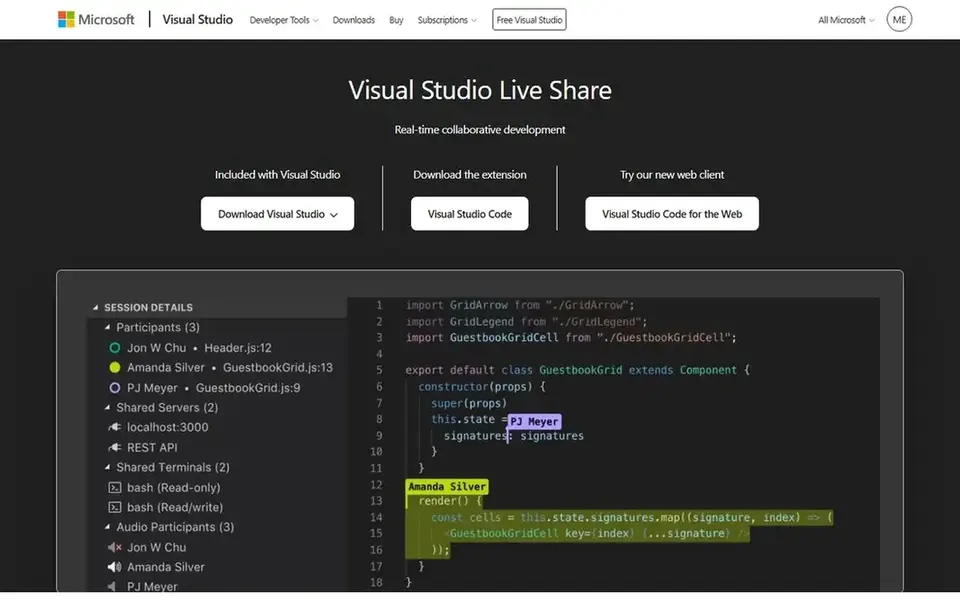
In short, Visual Studio Live Share is for free pair programming in VS Code. Visual Studio Live Share is a free extension for Visual Studio and VS Code that lets developers share a coding session in live. Microsoft has committed to a free level for developers, and no subscription is needed to use it.
Watch-outs: no built-in cloud hosting.
Worth adding: the host shares a link, guests join and edit the same code, debug together, share a terminal, and view a shared server, all without cloning the repository. The limits are scope and hosting. Visual Studio Live Share starts at: $0 per month. A free plan is available with Visual Studio Live Share.
- Shared terminals
- Co-editing, co-debugging
- Guests need VS Code or a browser
CodeTogether targets IDE-based pair programming. CodeTogether is a live sharing tool for IDEs from Genuitec that supports VS Code, Eclipse, and JetBrains editors. It supplies live code sharing, pair programming, mob programming, and code reviews, with a free level for short sessions with up to 3 guests.
For a team that uses Eclipse or a mix of IDEs and wants one pairing tool across them, CodeTogether is a practical pick. From a buyer's view, the community is also smaller than the one around Live Share. For a VS Code-only team, Live Share is free and more straightforward. The Teams plan costs $8 per month with unlimited session length and up to 32 guests per session, and an on-premises Enterprise plan opens at $1,750 a year. Price to start with CodeTogether: $8 per month. CodeTogether has a free plan.
Drawbacks to consider: smaller community than Live Share.
- Free level available
- Works in VS Code, Eclipse
- Current pricing centres on AI features
CodeSandbox works best for browser sandboxes and prototypes. CodeSandbox is a browser-based development environment built around sandboxes, which are small, shareable projects that run immediately. In daily use, on-demand VM credits cost about $0.15 an hour.
It is less suited to heavy back-end work, and the credit model brings a usage charge on top of the plan price. Worth adding: Pro costs $12 per month per workspace with 100 hours of VM credits, and Scale costs $170 per month with 160 hours and the full SDK. The free Build plan spans up to 5 workspace members with 40 hours of monthly VM credits. Entry price for CodeSandbox: $12 per month. Free access exists with CodeSandbox.
Honest limits: VM credits add usage costs.
- Free Build plan for small teams
- Quick browser sandboxes for prototypes
- Best for front-end work, less for back-end
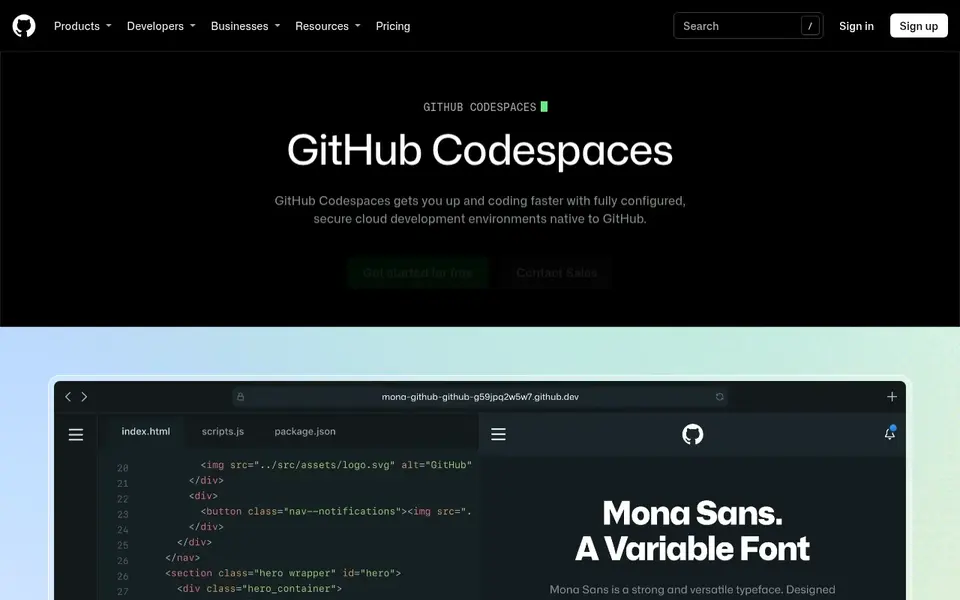
In short, GitHub Codespaces is for cloud dev environments. GitHub Codespaces spins up a full development environment in the browser, with VS Code, a terminal, and a dev container built from the repository. Worth adding: for a team that wants a flat monthly price, a subscription platform may be simpler to budget.
For everyday use, personal accounts get 120 core-hours and 15 GB of storage per month free, which handles about 60 hours on a 2-core machine. Worth adding: core-hours are simple to burn on a large machine, and organizations get no free quota, so org-owned codespaces bill from the first minute. For a team that already lives on GitHub, Codespaces removes the setup step: a new developer opens a repo and starts coding in minutes. Beyond that, compute costs $0.18 an hour for 2 cores, $0.36 for 4 cores, and up to $2.88 for 32 cores, with storage at $0.07 per GB per month. What you pay to start with GitHub Codespaces: $0.18 per hour. A free plan is available with GitHub Codespaces.
Trade-offs to know: no free quota for organizations.
- Ample free quota for personal accounts
- Full VS Code in the browser
- Usage-based billing can surprise heavy users
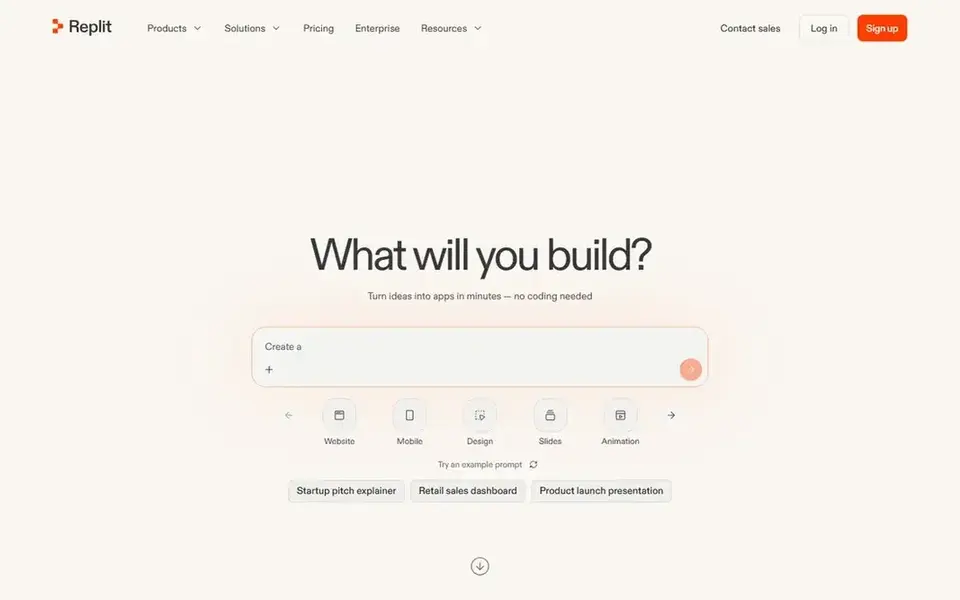
Where Replit fits: browser-based team coding. Replit is a browser-based development product where a team can write, run, and deploy code together in live. On top of that, core costs $20 per month, or $18 per month billed yearly, and bundles $20 of monthly credits for agent work and hosting.
Honest limits: agent work draws down credits.
From a buyer's view, the free Starter plan no longer appears on the pricing page, and agent work is billed by effort on top of the subscription. For a team that wants a shared workspace with no local setup, Replit is still one of the fastest ways to code together. Entry price for Replit: $20 per month. No free plan comes with Replit.
- Full coding workspace in the browser
- Live multiplayer editing
- No free plan on the current pricing page
Where Gitpod fits: cloud development environments. Enterprise is custom-priced with single-tenant deployment in the customer cloud. Also, for a team that wants ready environments with no per-seat cost, it remains a handy choice, but buyers should confirm the current terms before committ As for the details, the company was also acquired by OpenAI in 2026, which layers on uncertainty about the product direction.
The main drawbacks: pricing runs on compute units that are hard to model.
Gitpod removed its free level in mid-2026, so the entry point is the $20 Core plan. The compute unit system makes it hard to predict a monthly bill Also, the limits are the pricing model and the free level. Starting cost for Gitpod: $20 per month. Gitpod has no free plan.
- Up to 100 team members on Core
- Ready-to-code environments from any repo
- Free tier was removed
Pick JetBrains Code With Me if this describes you: pair programming in JetBrains IDEs. JetBrains Code With Me lets developers share a JetBrains IDE session in live, with simultaneous editing, debugging, and terminal sharing. The Community plan is free and lets unlimited 30-minute sessions with up to 3 guests, whereas Premium opens at $5 per month with unlimited session length and up to 50 guests.
JetBrains has said that the 2026.1 IDE release will be the last version to officially support Code With Me, as the service is gradually sunset. Worth adding: for a long-term pick, Live Share or CodeTogether may be safer. For everyday use, the primary drawback is the future of the product. On cost, JetBrains Code With Me starts like this: $5 per month. You can start on JetBrains Code With Me without paying.
What to check first: Service is being sunset in future IDE versions.
- Free Community plan for short sessions
- Works inside JetBrains IDEs
- Guests need a link and a browser
How we compared the tools
For each of the 7 tools we noted price, free plan or trial, fit for platforms for collaborative programming and the main limit, using vendor pages and documentation. Prices and plan limits come from vendor pages and can change, so confirm them on the vendor site before you buy. The ranking is editorial: typical fit first, then clear pricing, then free access. If your needs are unusual, read the profiles rather than relying on position.
Things to verify first
- Prices are a starting point; Visual Studio Live Share shows $0 per month to start, so verify what your seat count would cost.
- Read the fine print on the free plans from Visual Studio Live Share, CodeTogether, CodeSandbox and others; seat, project and feature caps differ.
- Read the limits listed for Visual Studio Live Share first: guests need VS Code or a browser.
- Total up the real monthly cost of JetBrains Code With Me, including add-ons, extra users and usage-based fees.
- Check whether Visual Studio Live Share bills monthly or annually, and what cancelling early costs.
Frequently asked questions
How are the tools for platforms for collaborative programming ordered?
The order follows typical fit for platforms for collaborative programming, with Visual Studio Live Share first and JetBrains Code With Me last, then price clarity and free access. It is editorial judgement, not a score, so another team could rank the tools differently.
What is the cheapest option for platforms for collaborative programming in this list?
On published monthly entry prices, Visual Studio Live Share is the lowest here at $0 per month. Entry price is only part of the cost, because seats, add-ons and billing terms can change the total.
What is collaborative programming?
Collaborative programming means two or more developers working on the same code at the same time, from different places. As for the details, tools range from shared cloud workspaces, where everyone edits the same environment, to pair programming apps, where a guest joins the host editor for a session.
Do these tools publish their prices?
Yes. Every tool from Visual Studio Live Share to JetBrains Code With Me shows a starting price, though seats, add-ons and billing terms still change the final cost.
Which options for platforms for collaborative programming have a free plan?
On this list, Visual Studio Live Share, CodeTogether, CodeSandbox, GitHub Codespaces and JetBrains Code With Me include a free plan. Caps on seats, usage or features are common, so test the free plan against your real workload.
Sources
See where you really rank - block by block
ProMapRanker scans Google Maps across a grid of your service area. Simple monthly plans from $19, white-label on every plan.
Start freeBrowse all guides
← Nurse Scheduling Software: 7 Options Compared in 20266 Best Project Scheduling Software for Construction Teams for 2026 →
 best legal scheduling software
Best Legal Scheduling Software (2026)
Shortlisting the best legal scheduling software? 5 products compared on cost, free access and ideal buyer. Pros and cons for every tool. Numbers first.
Read → best legal scheduling software for estate planning firms
6 Best Legal Scheduling Software for Estate Planning Firms (2026)
Best legal scheduling software for estate planning firms: 6 tools compared on price, free plans and fit. Short, factual notes on every option. Plain facts.
Read → best digital process automation software
Digital Process Automation Software: Best Picks of 2026
Searching for the best digital process automation software? Here are 7 options with prices and free plans. Each entry gets a plain verdict. Checked this month.
Read → v0 alternatives
Best v0 Alternatives in 2026
Looking for v0 alternatives? We compare 9 AI app builders and code tools on pricing, full-stack support, code ownership and the best fit for each project.
Read → asana alternatives
Asana Alternatives in 2026: 8 Tools Compared
Compare the best Asana alternatives for visual boards, docs, sprints, agency work, and enterprise projects, with free plans and pricing explained in 2026.
Read → best virtual mailbox service
Best Virtual Mailbox Service in 2026
Compare the best virtual mailbox services for travelers, remote workers, and small businesses, with starting prices, scan fees, and key trade-offs here.
Read →More in Project Management & Productivity · All guides A to Z by date · Latest guides