 ProMapRanker
Digital Process Automation Software: Best Picks of 2026

Mid-market teams centralising and scaling business processes · Pricing starts at: $30 per user per month (billed annually)
Direct answer
Pipefy is the first pick on this list for mid-market teams centralising and scaling business processes. Listed starting prices: Pipefy from $30 per user per month, n8n from €20 per month and Zapier from $19.99 a month. ServiceNow is better for large enterprises standardising IT, HR and customer workflows on one product, and Kissflow is better for business and IT teams building governed low-code workflows together. Details, prices and limits for the rest of the 7 tools are below.
ProMapRanker compared 7 tools for digital process automation software. The goal is a practical shortlist: published prices, free plan facts, best-fit use cases and honest limits for every entry.
Key takeaways
- Pipefy sits first on this list: mid-market teams centralising and scaling business processes.
- Make is the lowest-priced starter here at $12 per month.
- For teams building visual, multi-step workflows with data transformation, Make is worth a look.
- What to know about Kissflow first: no published list price, so budgeting needs a sales quote.
- A free plan is available from 4 of the 7 tools: Pipefy, n8n, Zapier, Make.
Quick comparison
| Pick | Great for | Pricing starts at | Free tier | |
|---|---|---|---|---|
| Pipefy | Mid-market teams centralising and scaling business processes | $30 per user per month (billed annually) | Yes | Visit |
 ServiceNow | Large enterprises standardising IT, HR and customer workflows on one system | Quote only | No | Visit |
 Kissflow | Business and IT teams building governed low-code workflows together | Quote only | No | Visit |
 n8n | Technical users who want self-hosting and developer control | €20 per month (billed yearly) | Yes | Visit |
 Zapier | Non-technical users connecting widely used apps rapidly | $19.99 a month (billed annually) | Yes | Visit |
 Camunda | Technical teams orchestrating complicated, developer-led processes | Quote only | Free trial (30 days) | Visit |
 Make | Teams building visual, multi-step workflows with data transformation | $12 a month | Yes | Visit |
Tool-by-tool breakdown
Pipefy is built with mid-market teams centralising and scaling business processes in mind. No-code templates and forms let a team start from a standard process, like procurement or onboarding, instead of building from a blank page.
Downsides: 10,000 database records and 20GB storage on the vendor pricing table; Single Sign-On, two-factor authentication.
Also, single Sign-On, two-factor authentication, white label and higher limits are gated to Enterprise at $62 per user per month billed yearly, and per-user pricing rises with headcount. For everyday use, the caps are the catch. What you pay to start with Pipefy: $30 per user per month. Free access exists with Pipefy. Main advantages: Unlimited processes and unlimited users on Business, with API access.
- No-code templates and forms
- Role-based access
- 500 API calls a month, 20 interfaces
ServiceNow
Great for: Large enterprises standardising IT, HR and customer workflows on one system
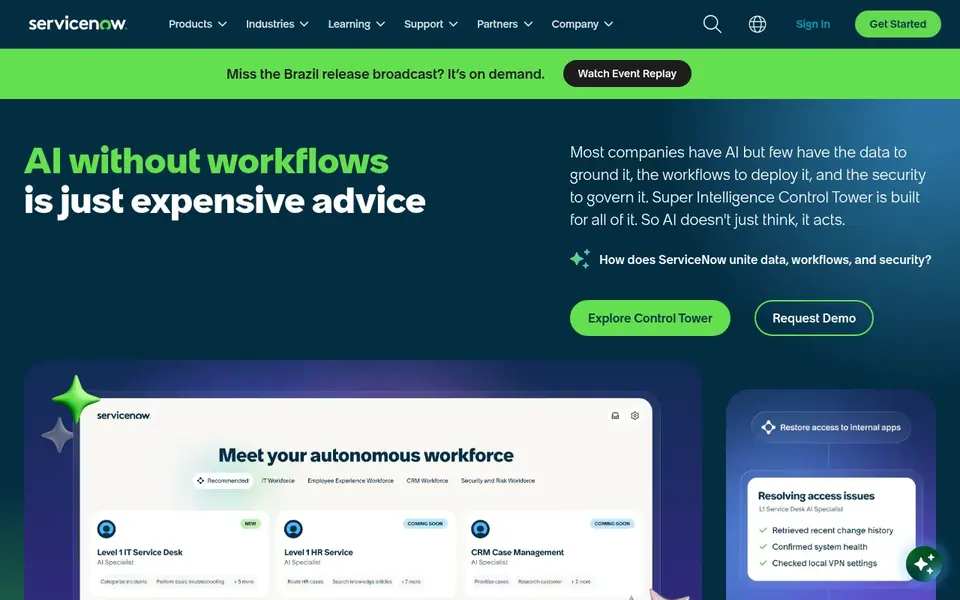
Choose ServiceNow for large enterprises standardising IT, HR and customer workflows on one platform. Change Management, Problem Management and Major Incident Management are not in Foundation and need Advanced, whereas completely autonomous AI agents, including the L1 Service Desk AI Specialist, are gated to Prime.
What to check first: Problem Management and Major Incident Management are not in Foundation and need Advanced; including the L1 Service Desk AI Specialist.
In daily use, ServiceNow is an enterprise platform for IT, HR and customer service workflows, with AI agents and workflow automation across departments. ServiceNow does not show a fixed starting price, so you request a quote. There is no free plan with ServiceNow.
- AI Agents and skills are included across the levels at different levels
- Asset and CMDB capabilities, with Workflow Data Fabric
- Every deal is a custom quote
Kissflow
Great for: Business and IT teams building governed low-code workflows together
Kissflow is a good fit for business and IT teams building governed low-code workflows together. Kissflow is a low-code system for building apps and automating structured business processes and approvals.
The main drawbacks: no permanent free level was shown on the vendor page checked.
There is no fixed entry price for Kissflow; pricing comes through a quote. No free plan comes with Kissflow.
- GDPR and CCPA certifications
- SOC 2 Type II
- No published list price, so budgeting needs a sales quote

n8n is aimed squarely at technical users who want self-hosting and developer control. Starter costs 20 euros per month billed yearly for 2,500 workflow executions, with Pro at 50 euros per month billed yearly, and a free self-hosted Community Edition is available on GitHub.
Pricing is execution-based, so one workflow execution counts once regardless of step count, which fits long workflows with numerous steps. Entry price for n8n: €20 per month. You can start on n8n without paying.
Points against: Cloud Starter is capped at 2,500 executions a month; separate environments and Git version control are gated to Business or Enterprise levels.
- Source-available and self-hostable, with JavaScript and Python steps
- Execution-based pricing, so one workflow execution counts once regardless of step count
- Steeper ramp-up time than no-code-only tools
Where Zapier fits: non-technical users connecting widely used apps rapidly. The catalogue handles 9,000+ app integrations, and Professional brings multi-step Zaps, webhooks and unlimited premium apps, which handles most small-team automation needs without any code. Count steps per run, not runs a month, when sizing a plan.
In daily use, professional costs $19.99 per month billed yearly for 750 tasks per month. The free plan provides 100 tasks per month at $0. Starting cost for Zapier: $19.99 per month. Zapier offers a free plan.
The main drawbacks: Free plan lets only two-step Zaps and 100 tasks a month; Team is needed for up to 25 users and SAML SSO.
- 9,000+ app integrations
- Multi-step Zaps
- Every step and external connector call uses tasks, so cost rises with volume
Camunda
Great for: Technical teams orchestrating complicated, developer-led processes
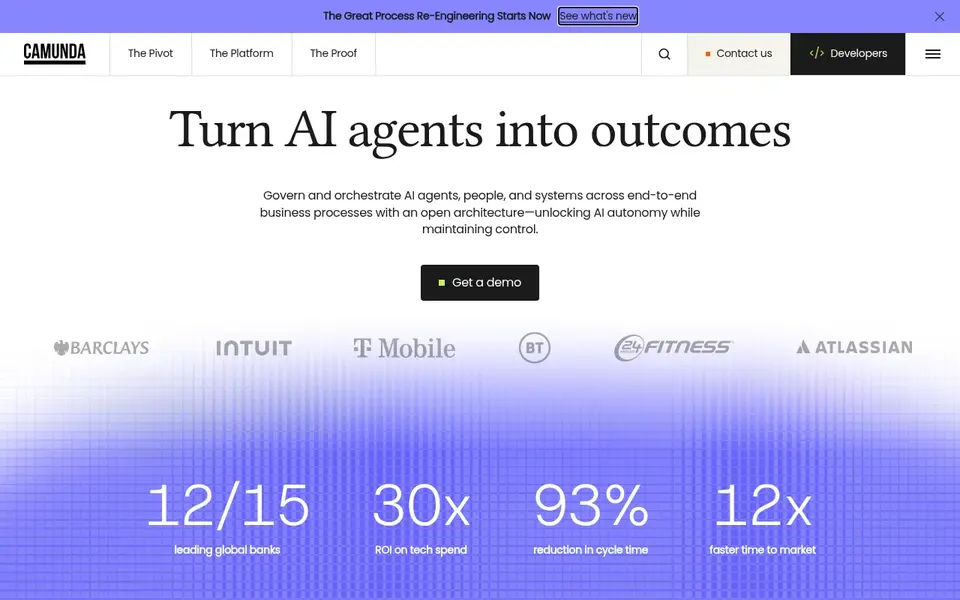
Where Camunda fits: technical teams orchestrating complicated, developer-led processes. Running in production on your own infrastructure needs an Enterprise licence, and Camunda SaaS is sold through sales with a 30-day free trial and no published price. Worth adding: the pricing page lists 24x7 support with SLAs and Customer Success for the Production and SaaS levels, but not for the free Development level.
Camunda is a process orchestration product that models, runs and monitors end-to-end processes using BPMN and DMN standards. Beyond that, a team should confirm the Enterprise licence cost and the SaaS quote together, since the two routes price very differently. Camunda sells by quote instead of a published price. Free access: Free trial (30 days).
Drawbacks to consider: 24x7 support with SLAs is not in the free Development level.
- Free Development level for building and testing on your own machine
- BPMN and DMN standards-based modelling and orchestration
- No published price

Pick Make if this describes you: teams building visual, multi-step workflows with data transformation. Make is a visual automation system for building multi-step scenarios across apps, with data transformation and AI agents. The credit model needs care.
Each module action in a scenario counts as one credit, so a scenario with ten steps uses ten credits per run, and complicated workflows use credits quicker than a straightforward count of runs recommends. From a buyer's view, estimate credits per run from the step count before choosing a level. What you pay to start with Make: $12 per month. Make has a free plan.
Watch-outs: Pricing is credit-based, so each step consumes credits and complicated workflows use credits faster.
- 3,500+ app integrations, plus AI Agents and Make Grid included on every plan
- Visual Scenario Builder with live data-flow view
- Free plan is capped at 1,000 credits a month
Selection criteria
The comparison looks at four things: starting price, free access, how well the feature set matches digital process automation software, and the main limit of each tool. Figures are shown as the vendors publish them. Billing terms, seat minimums and add-ons can change the real cost. Position on the page reflects fit for a typical buyer first, with price clarity and free access breaking ties. Treat it as a guide, not a ruling.
Things to verify first
- Confirm the entry price on the vendor page. For ServiceNow, Kissflow and Camunda that means a quote rather than a fixed price.
- Read the fine print on the free plans from Pipefy, n8n, Zapier and Make; seat, project and feature caps differ.
- Take the trial from Camunda and push a live task through it before you pay.
- Before choosing Pipefy, weigh its main limit: business is capped at 300 automation jobs per month, 500 API calls a month, 20 interfaces, 10,000 database records and 20GB storage on the vendor pricing table.
- Check whether the features you need in Pipefy sit on the entry plan or only on higher tiers.
- Ask ServiceNow which support channels and response times come with the plan you would buy.
Frequently asked questions
What is the cheapest option for digital process automation software in this list?
On published monthly entry prices, Make is the lowest here at $12 per month. Entry price is only part of the cost, because seats, add-ons and billing terms can change the total. For the full picture, the cards above cover all 7 entries of this digital process automation software list, including price, free plan and limits.
How are the tools for digital process automation software ordered?
The order follows typical fit for digital process automation software, with Pipefy first and Make last, then price clarity and free access. It is editorial judgement, not a score, so another team could rank the tools differently.
Do these tools publish their prices?
Not all of them. ServiceNow, Kissflow and Camunda publish no starting price, so expect a quote request for those. The rest, Pipefy included, show a starting price, though seats and billing terms still change the final cost.
Can I try these options before paying?
Often, yes. Pipefy, n8n, Zapier and Make have a free plan and Camunda offers a free trial. Use your own data and a real task during the test, and check what the free tier or trial limits before you rely on it.
Sources
See where you really rank - block by block
ProMapRanker scans Google Maps across a grid of your service area. Simple monthly plans from $19, white-label on every plan.
Start freeBrowse all guides
← Best Scheduling Software for Therapists (2026)6 Best Legal Scheduling Software for Estate Planning Firms (2026) →
 best scheduling software for real estate agents
5 Best Scheduling Software for Real Estate Agents for 2026
Best scheduling software for real estate agents, compared. 5 tools with published prices, free plans and limits. Plain-spoken summaries throughout. No filler.
Read → best kanban app for small business
Kanban App for Small Business: 6 Options Compared in 2026
6 options for the best kanban app for small business, with entry costs, free tiers and the buyer each one serves. With pricing notes and limits. No hype.
Read → best internal linking automation tools
Best Internal Linking Automation Tools (2026)
6 products for the best internal linking automation tools, ranked by fit, with starting costs and free tiers. Limits and pricing notes included. No hype.
Read → best storyboard software
Best Storyboard Software in 2026
Compare the best storyboard software in 2026, from free sketching apps to studio tools, with pricing, collaboration, animatics and export options compared.
Read → best online timesheet software
Best Online Timesheet Software (2026)
Best online timesheet software in 2026: 6 tools with starting prices, free plans and limits. Fit and flaws are laid out for each entry. Decide faster.
Read → vanta alternatives
Best Vanta Alternatives in 2026
We compared the best vanta alternatives for SOC 2, ISO 27001 and continuous compliance, covering evidence automation, audits and pricing for teams in 2026.
Read →More in Project Management & Productivity · All guides A to Z by date · Latest guides