 ProMapRanker
6 Best Legal Scheduling Software for Estate Planning Firms (2026)


Cheapest booking page with a free plan · Pricing starts at: $5 per user/month (billed yearly)
Direct answer
Start with Setmore if you need cheapest booking page with a free plan. Listed starting prices: Setmore from $5 per user/month, CARET Legal from $79 per user/month and MyCase from $50 per user/month. Look at CARET Legal for full practice system with calendaring, and at MyCase for client portal with scheduling and payments. All 6 tools are compared below on price, free plan and limits.
Short on time? The summary and table above give the quick view of 6 legal scheduling software for estate planning firms, and the profiles that follow give the detail behind each entry.
Key takeaways
- Top of the list is Setmore, which targets cheapest booking page with a free plan.
- Setmore, Calendly: these are the 2 tools out of 6 that offer a free plan.
- Clio fits Scheduling inside full practice management.
- The cheapest monthly starting price in the list is $5 per user/month, offered by Setmore.
- Before buying CARET Legal, weigh this: one-time implementation fees sit on top of the per-user price.
Quick comparison
| Pick | Great for | Pricing starts at | Free tier | |
|---|---|---|---|---|
| Setmore | Cheapest booking page with a free plan | $5 per user/month (billed yearly) | Yes | Visit |
 CARET Legal | Full practice system with calendaring | $79 per user/month (billed annually) | No | Visit |
 MyCase | Client portal with scheduling and payments | $50 per user/month (billed annually) | Free trial (10 days) | Visit |
 Calendly | Straightforward online booking with reminders | $10 per seat/month (billed annually) | Yes | Visit |
 CosmoLex | Practice management with custom pricing | Quote only | Free trial | Visit |
 Clio | Scheduling inside full practice management | $49 per user/month | Free trial (7 days) | Visit |
6 legal scheduling software for estate planning firms in detail

Setmore works best for cheapest booking page with a free plan. A live receptionist add-on is available for $99 per month, and the page lists a 30-day risk-free trial on Pro. Pro costs $12 a user per month on monthly billing, more than double the $5 annual figure, so a firm that wants the low price must commit to annual billing.
Pro users also get 500 SMS credits per month, with more available to buy in the app. The limits are the monthly billing jump and the SMS cap. Setmore pricing: $5 per user/month. Setmore includes a free tier.
Drawbacks to consider: Pro is $12 a user per month on monthly billing, not $5.
- 30-day risk-free trial on Pro
- Free plan for up to 4 users
- SMS reminders are capped at 500 credits per month per Pro user
Think of CARET Legal for full practice system with calendaring. CARET Legal is the full-system choice for an estate planning firm that wants calendaring, email, document management, billing and accounting in one place.
Trade-offs to know: One-time implementation fees sit on top of the per-user price.
As for the details, the firm also gets dedicated onboarding support, thorough training and expert data migration, which helps a firm moving from paper files or a legacy system. Beyond that, enterprise Plus at $99 brings analytics, automatic workflows and custom permissions, and Enterprise Insights at $119 brings customizable dashboards. CARET Legal cost at the entry level: $79 per user/month. No free plan comes with CARET Legal. What users get: built-in email.
- Enterprise plan at $79 per month billed yearly
- Calendaring and document management
- No free plan published
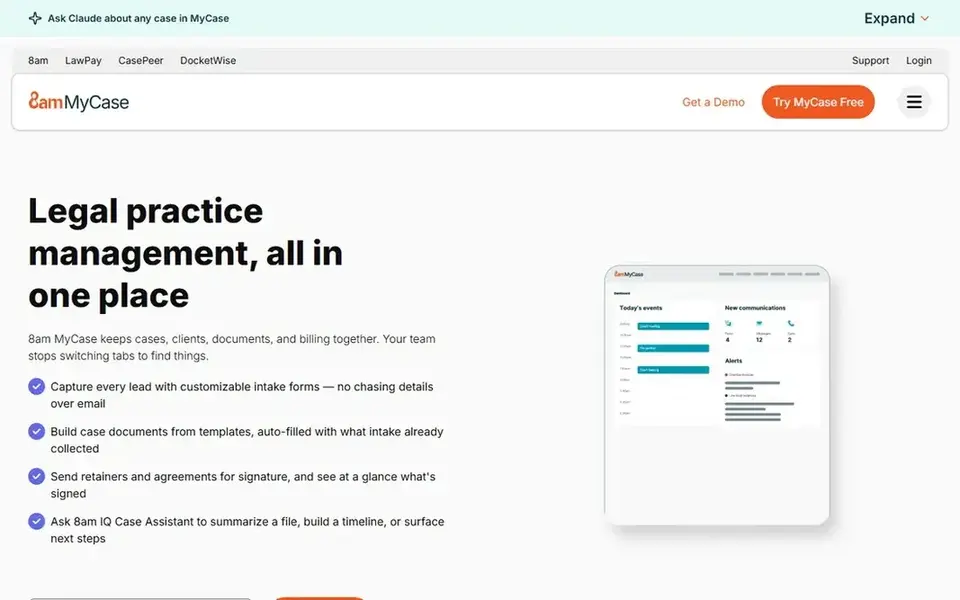
MyCase serves client portal with scheduling and payments. Clients can view documents, message the firm and pay a retainer online.
Honest limits: Automation sits on Pro at $100 per month billed yearly.
The firm can text clients straight from the matter, which helps when an elderly client or a family member is hard to reach by phone. MyCase starts at: $50 per user/month. As for free access: Free trial (10 days).
- 10-day trial with no card
- Client portal with texting and online payments
- No free plan
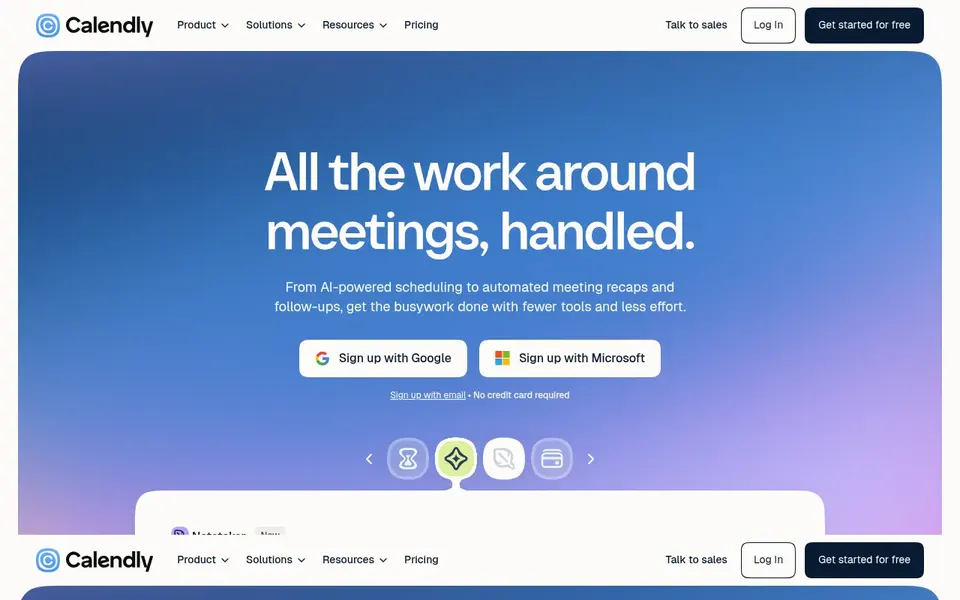
Calendly is designed for straightforward online booking with reminders. Calendly is the simplest way for an estate planning firm to let clients book a consultation without phone tag.
The limits are scope and the team step. Price to start with Calendly: $10 per seat/month. Free access exists with Calendly.
Points against: No practice management features, only scheduling.
- Standard at $10 a seat per month billed yearly
- Free plan with one event type
- Round-robin team scheduling needs Teams at $16 a seat per month
Pick CosmoLex if this describes you: practice management with custom pricing. The page does offer a free trial with no card needed.
The trial contains the same functionality as a subscription, with one exception: a single bank feed connection. The firm can add a CRM for marketing automation and intake forms, a website, Google Ads management and LexShare and LexSign for secure document sharing and e-signatures. CosmoLex does not show a fixed starting price, so you request a quote. Free options: Free trial.
Honest limits: pricing is customised per firm, so budgeting needs a sales call.
- CRM
- Websites and Google Ads as extras
- No per-user price is published on the pricing page

Where Clio fits: Scheduling inside full practice management. The calendar syncs two ways with Google and Microsoft Outlook, so consultation bookings, signing appointments and court dates stay in step with the rest of the firm.
Trade-offs to know: AI features sit on Core and above.
The client portal lets clients message the firm, pay online and track their matter. Clio pricing: $49 per user/month. Free access: Free trial (7 days).
- Two-way calendar sync with Google and Outlook
- Opens at $49 per user a month
- Not on the $49 Starter plan
How we chose
ProMapRanker used vendor pricing pages and product documentation as the base, then compared plans, free access and documented limits for 6 tools. Seat minimums, billing terms and add-ons can move the real cost, so the starting prices here are a guide and not a quote. Tools are placed by general fit for legal scheduling software for estate planning firms, with price clarity and free access as tie-breakers. A different team can reasonably rank them differently.
Questions to settle before buying
- Confirm the entry price on the vendor page. For CosmoLex that means a quote rather than a fixed price.
- Read the fine print on the free plans from Setmore and Calendly; seat, project and feature caps differ.
- Take the trial from MyCase, CosmoLex and Clio and push a live task through it before you pay.
- Read the limits listed for Setmore first: Pro is $12 a user per month on monthly billing, not $5.
- Confirm the exact CosmoLex plan that includes your must-have features.
- Work out what Clio costs with your real seat count, add-ons and usage, not just the entry price.
Frequently asked questions
Do these tools publish their prices?
Not all of them. CosmoLex publishes no starting price, so expect a quote request for it. The rest, Setmore included, show a starting price, though seats and billing terms still change the final cost.
Can I try these tools before paying?
Often, yes. Setmore and Calendly have a free plan and MyCase, CosmoLex and Clio offer a free trial. Use your own data and a real task during the test, and check what the free tier or trial limits before you rely on it.
Does Clio deal with client scheduling for estate planning?
Yes. Clio syncs two ways with Google and Microsoft Outlook calendars, so consultation bookings, signing appointments and court dates stay in step with the rest of the firm. The Elite level brings Clio Grow, which brings online appointment booking, intake forms and lead capture into the same system.
Is Setmore the right pick for everyone comparing legal scheduling software for estate planning firms?
No single tool suits every team. Setmore comes first because it fits cheapest booking page with a free plan, while CARET Legal suits full practice system with calendaring and MyCase suits client portal with scheduling and payments. Match the tool to your own size, budget and workflow before deciding.
What is the cheapest option for legal scheduling software for estate planning firms in this list?
On published monthly entry prices, Setmore is the lowest here at $5 per user/month. Entry price is only part of the cost, because seats, add-ons and billing terms can change the total. Prices, free plan details and limits for all 6 tools in this legal scheduling software for estate planning firms roundup sit on the individual cards above.
Sources
See where you really rank - block by block
ProMapRanker scans Google Maps across a grid of your service area. Simple monthly plans from $19, white-label on every plan.
Start freeBrowse all guides
← Digital Process Automation Software: Best Picks of 2026Best Legal Scheduling Software (2026) →
 best scheduling software for therapists
Best Scheduling Software for Therapists (2026)
Best scheduling software for therapists in 2026: 7 tools with starting prices, free plans and limits. Cost notes and weak points included. Skim the table first.
Read → best scheduling software for real estate agents
5 Best Scheduling Software for Real Estate Agents for 2026
Best scheduling software for real estate agents, compared. 5 tools with published prices, free plans and limits. Plain-spoken summaries throughout. No filler.
Read → best kanban app for small business
Kanban App for Small Business: 6 Options Compared in 2026
6 options for the best kanban app for small business, with entry costs, free tiers and the buyer each one serves. With pricing notes and limits. No hype.
Read → best enterprise risk management software
Best Enterprise Risk Management Software in 2026
We compared the best enterprise risk management software for risk registers, controls, and reporting, so teams can pick a platform that fits governance needs.
Read → best grants management software for nonprofits
Best Grants Management Software for Nonprofits in 2026
Find the best grants management software for nonprofits in 2026, with grantmaker tools, pricing, review workflows, and reporting compared side by side.
Read → manageengine remote access plus alternatives
Best ManageEngine Remote Access Plus Alternatives in 2026
We compare 9 manageengine remote access plus alternatives today, from TeamViewer and AnyDesk to ScreenConnect and BeyondTrust, with prices and free plans.
Read →More in Project Management & Productivity · All guides A to Z by date · Latest guides