 ProMapRanker
Best Kanban Apps for Small Business in 2026

Key takeaways
- Trello is our pick for most small businesses because it is fast to learn and its free plan covers real work.
- ClickUp and monday.com suit teams that want kanban plus lists, timelines, and reporting in one place.
- KanbanFlow and Kanban Tool suit teams that want a pure kanban board without a wider project platform.
- Per-user pricing adds up fast, so count seats, guests, and boards before you pick a paid plan.
- The best kanban apps for small business are the ones your team actually updates every day.
Quick comparison
| Pick | Great for | Pricing starts at | Free tier | |
|---|---|---|---|---|
 Trello | Simple visual boards | $5 per user per month | Yes | Visit |
 ClickUp | All-in-one work tracking | $7 per user per month | Yes | Visit |
 monday.com | Visual workflows | $9 per seat per month | Yes | Visit |
 Asana | Cross-team task coordination | See website | Yes | Visit |
 KanbanFlow | Pure kanban with time tracking | See website | Yes | Visit |
 Kanban Tool | Clean kanban with analytics | See website | Free trial | Visit |
 MeisterTask | Time tracking on boards | See website | Yes | Visit |
 Notion | Docs and tasks in one place | $10 per member per month | Yes | Visit |
The best kanban apps for small business
A kanban board should show who is doing what, what is stuck, and what is done next, at a glance. These picks range from simple boards to full work platforms, so you can match the tool to your team size and budget.
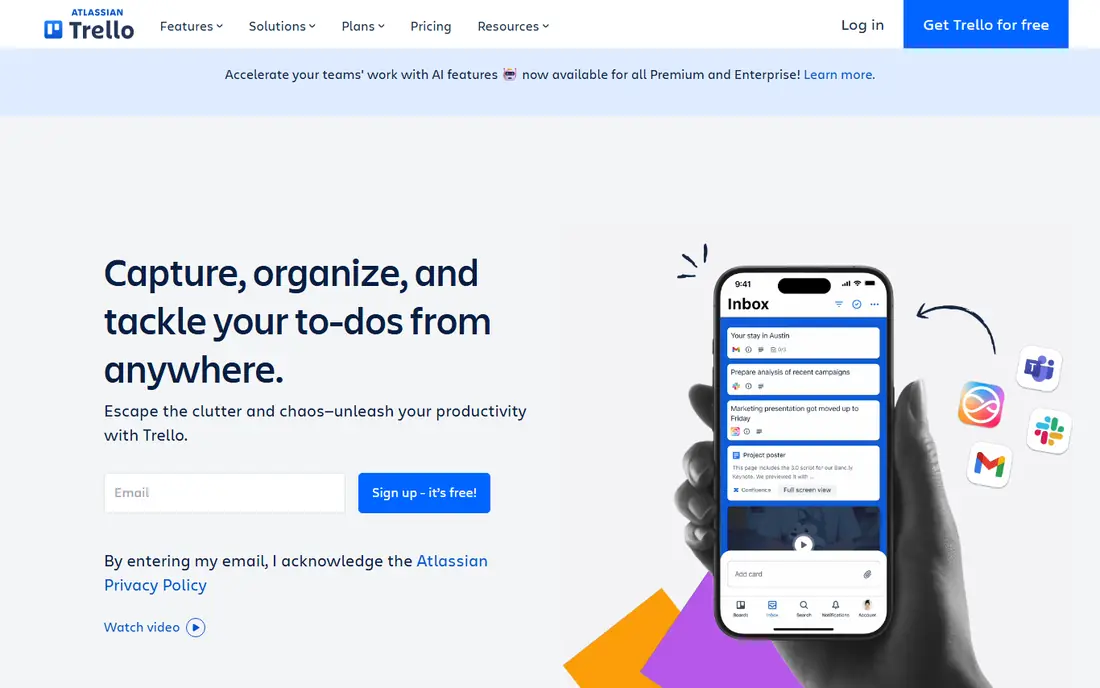
Trello is where many small teams meet kanban for the first time, and many never need to leave. Boards, lists, and cards work like a physical whiteboard, so a new hire can understand the system in minutes. The free plan covers unlimited cards, checklists, and due dates, which is enough for a small team running one or two clear pipelines.
The honest limit is ceiling. Trello is a board first, not a full project platform, so workload views, dependencies, and detailed reporting feel thin next to ClickUp or Asana. If your work fits on cards, Trello is hard to beat. If you need timelines and cross-project reporting, plan to move up a tier or pick a broader tool.
- Very easy to learn
- Drag-and-drop boards, lists, and cards
- Butler automation on paid plans
- Free plan limits boards per workspace
- Reporting is thin compared with larger platforms
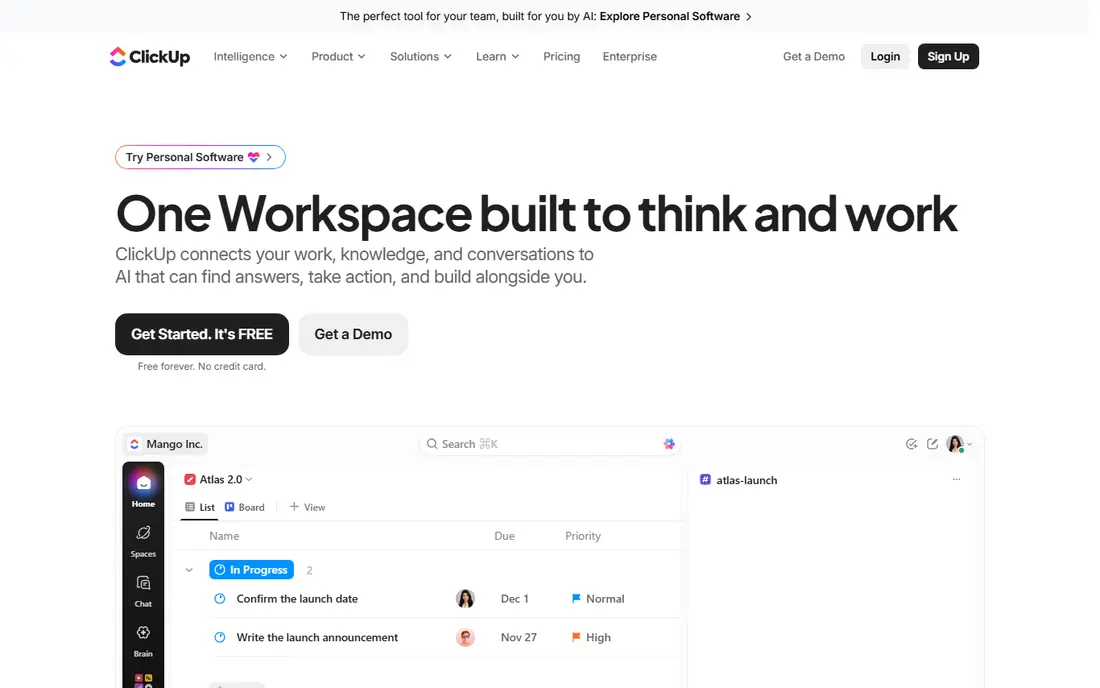
ClickUp suits small businesses that want to replace several tools at once. You get kanban boards, list views, timelines, docs, and goals in one workspace, so a team can track client work, internal tasks, and content in the same place. The free plan is generous for a small team that is still testing its process.
The catch is complexity. ClickUp offers so many views and settings that a new team can spend a week configuring instead of working. Start with one board, one list view, and a few custom fields, and add features only when a real workflow asks for them.
- Kanban plus lists, timelines, docs, and goals
- Strong free plan
- Many integrations
- Wide feature set can feel busy at first
- Setup takes longer than a simple board
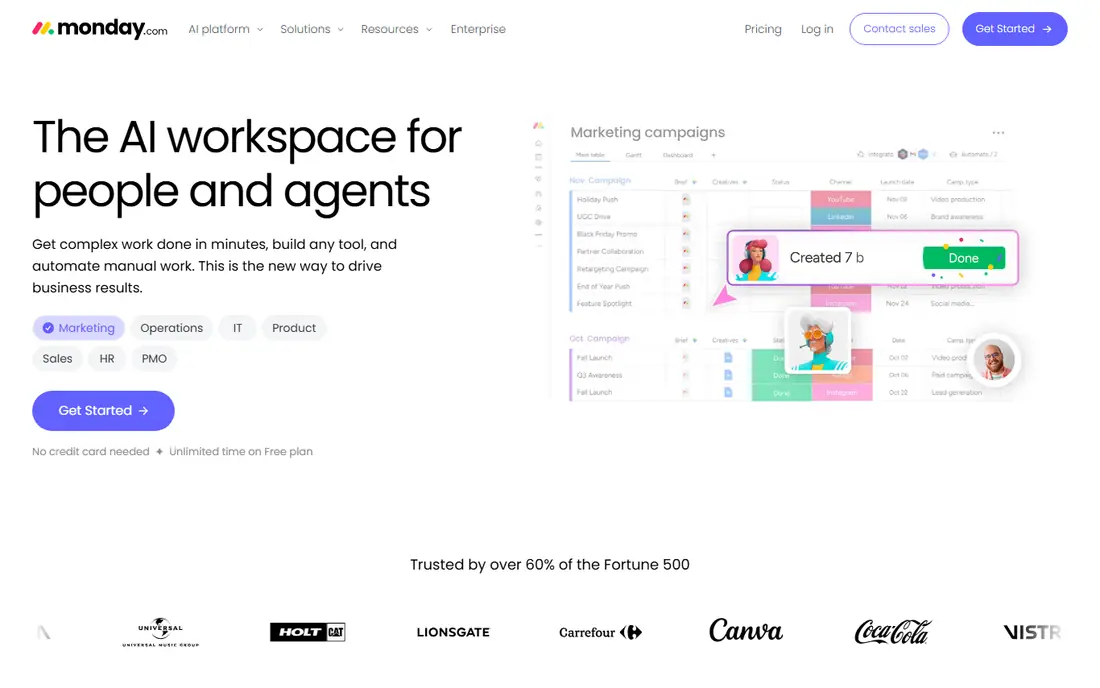
monday.com suits teams that like visual status at a glance. Boards use colour, labels, and progress columns to show where work stands, and templates help a small business set up sales, hiring, or content pipelines without starting from a blank board. Automations can move items, send alerts, and update status when work changes hands.
The downside is cost structure. Per-seat pricing means a growing team sees the bill grow with every hire, so check the seat minimums and the plan limits before you build your whole operation around it. For a small, stable team that values visual clarity, that trade can still be worth it.
- Colourful and visual boards
- Templates for common small business workflows
- Automations
- Pricing is per seat and can rise with team size
- Free plan is limited to a small number of seats
Asana suits small businesses where work passes between people and teams. A task can live on a kanban board, appear in a timeline, and still carry an owner, a due date, and comments in one place. That shared structure helps when marketing, operations, and a founder all touch the same work.
The catch is that Asana is a work management platform, not a pure kanban tool. Teams that want strict kanban rules, such as work-in-progress limits, may need workarounds or add-ons. Check the current pricing page too, since plan names and prices change, and the free plan will not cover every reporting need.
- Board, list, timeline, and calendar views
- Clear task ownership and due dates
- Strong integrations
- Kanban is one view among many, not the whole product
- Advanced features sit on higher plans
KanbanFlow is for teams that want kanban done properly, without a wider platform attached. It offers swimlanes, work-in-progress limits, and built-in time tracking, which are the features that separate a real kanban system from a simple card wall. For a small service business that bills by the hour, time tracking on the same board is a practical bonus.
The trade-off is polish and breadth. KanbanFlow looks plain, and it does not try to be a docs tool, a CRM, or a chat app. If your team wants one tool for everything, this is not it. If your team wants a board that respects kanban rules, it is a strong, focused pick.
- Clean kanban boards
- Built-in time tracking
- Swimlanes and work-in-progress limits
- Interface looks plain next to larger platforms
- Fewer integrations than Trello or ClickUp
Kanban Tool suits small businesses that want analytics without leaving the board. You can see cycle time, cumulative flow, and workload patterns, which helps a team spot bottlenecks instead of guessing why work piles up. Guest access also lets clients or contractors see specific boards without seeing everything else.
The catch is the trial-only free option. You will need to pay to keep using it long term, so use the trial to test a real project, not a demo board. Check the pricing page for current plans, since team and enterprise tiers differ in users and features.
- Clear kanban boards with analytics
- Time tracking and reporting
- Guest access for clients
- No permanent free plan, only a trial
- Smaller integration library than major platforms
MeisterTask suits small teams that need time and reporting built into the board. You can track hours on tasks, set up section automations that move work when a status changes, and pull reports on open, completed, and overdue tasks. That combination helps agencies and service teams that need to show clients what was done and how long it took.
The limit is the free plan, which caps projects at a small number. A team running several client pipelines at once will hit that cap fast. Check current pricing before you commit, and count projects, not just seats, when you compare it with Trello.
- Built-in time tracking
- Section automations
- Reporting and dashboards
- Free plan limits the number of projects
- Many integrations sit behind paid plans
Notion suits small businesses that already live in docs. You can keep meeting notes, standard operating procedures, and a kanban board in the same workspace, and link tasks to the pages that explain them. For a small team that hates switching between a docs app and a task app, that single home is a real advantage.
The catch is that Notion is a flexible database, not a dedicated kanban system. Work-in-progress limits, swimlanes, and strict kanban reporting need manual setup, and very large boards can feel slower than a dedicated board tool. If docs matter as much as tasks, Notion wins. If pure kanban speed matters most, pick a dedicated board.
- Kanban boards inside docs and wikis
- Flexible databases
- Strong free plan for individuals
- Kanban rules like work-in-progress limits need manual setup
- Can feel slow on very large boards
How we picked these
We compared official feature pages, pricing pages, and app listings for kanban tools that work for small teams in October 2026. We looked for boards that a small team can set up without an implementation project, with clear pricing and a usable free or trial option where possible. We kept a mix of simple boards, pure kanban tools, and wider platforms, and we left out tools built only for large enterprise agile teams.
How to choose a kanban app for a small business
Start with team size and workflow count. A solo owner or a team of three needs a simple board with a free plan. A team of ten with several client pipelines needs permissions, reporting, and a pricing model that still makes sense at that size. Write down how many boards, projects, and outside guests you need before you compare prices, since those limits decide the real cost.
Next, test the daily habit. Create a real board, move ten real tasks through it, and see if the team updates it without reminders. A board that looks great in a demo but feels like extra admin will be abandoned within a month. Check mobile apps too, since field and remote staff often update tasks from a phone.
Finally, check automation and integrations. Simple automations, such as moving a card when a due date passes or alerting an owner when work stalls, save more time than a long feature list. Confirm the tool connects to the email, calendar, chat, and file tools you already use, and confirm what happens to your data if you cancel.
Frequently asked questions
What is the best kanban app for small business?
Trello is our pick for most small businesses because it is simple, visual, and free to start. ClickUp or monday.com fit better if you also need timelines, docs, and reporting. The best kanban apps for small business match your team size, not just your feature wishlist.
Are there free best kanban apps for small business?
Yes. Trello, ClickUp, Asana, KanbanFlow, MeisterTask, and Notion all offer free plans, with different limits on boards, projects, or seats. Test a free plan with real work before paying, and check whether guests count as paid seats.
Is Trello enough for a small business?
For many small teams, yes. Trello covers boards, cards, checklists, due dates, and basic automation. You may outgrow it if you need detailed reporting, workload planning, or strict work-in-progress limits across many projects.
What is the difference between kanban and a to-do list?
A to-do list tracks tasks. A kanban board tracks flow, showing work in stages such as to do, doing, and done, plus who owns each item. That view makes bottlenecks visible, which is why small businesses use kanban for client work and operations.
Can a kanban app replace a CRM or project platform?
It can for simple pipelines, such as leads, jobs, or content stages. It cannot fully replace a CRM for sales history, invoicing, or detailed customer records. Many small businesses use a kanban board for daily work and a separate tool for billing and customer records.
Sources
See where you really rank - block by block
ProMapRanker scans Google Maps across a grid of your service area. Simple monthly plans from $19, white-label on every plan.
Start freeKeep reading
 wpforms alternatives
Best WPForms Alternatives in 2026
We compare 9 wpforms alternatives for WordPress forms, with free and paid options, current pricing notes, and honest limits for small business sites in 2026.
Read → windows task scheduler alternatives
Best Windows Task Scheduler Alternatives in 2026
Looking for Windows Task Scheduler alternatives? We compare 9 schedulers for Windows and cross-platform work, from free tools to enterprise automation.
Read → which ai video service is best
Which AI Video Service Is Best in 2026
which ai video service is best? We compare 10 legitimate AI video services on price, avatars, editing and output quality to help you pick the right tool.
Read →