 ProMapRanker
Best Legal Scheduling Software (2026)

Scheduling inside case management · Pricing starts at: $50 per user/month (billed annually)
Direct answer
This list puts MyCase first for Scheduling inside case management. Listed starting prices: MyCase from $50 per user/month, Appointlet from $9 per member/month and Setmore from $5 per user/month. Look at Appointlet for straightforward booking with intake questions, and at Setmore for low cost booking for small teams. The remaining 2 options are covered below with prices and limits.
Short on time? The summary and table above give the quick view of 5 tools for legal scheduling software, and the profiles that follow give the detail behind each entry.
Key takeaways
- MyCase is the opening pick, best for Scheduling inside case management.
- Before buying Acuity Scheduling, weigh this: no free plan, only a 7-day trial.
- Appointlet, Setmore, Calendly: these are the 3 tools out of 5 that offer a free plan.
- Calendly suits client booking links for most businesses.
- The cheapest monthly starting price in the list is $5 per user/month, offered by Setmore.
Quick comparison
| Pick | Great for | Pricing starts at | Free tier | |
|---|---|---|---|---|
| MyCase | Scheduling inside case management | $50 per user/month (billed annually) | Free trial | Visit |
 Appointlet | Straightforward booking with intake questions | $9 per member/month (billed yearly) | Yes | Visit |
 Setmore | Low cost booking for small teams | $5 per user/month (billed annually) | Yes | Visit |
 Acuity Scheduling | Booking with deposits and intake | $16 per month (billed yearly) | Free trial (7 days) | Visit |
 Calendly | Client booking links for most businesses | $10 per user/month (billed yearly) | Yes | Visit |
Our 5 picks for legal scheduling software
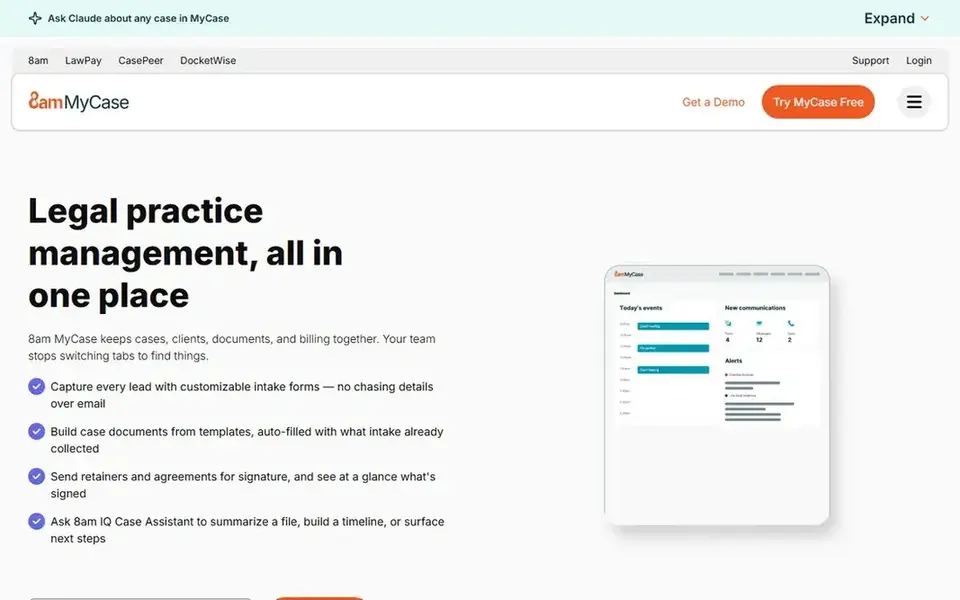
MyCase is aimed squarely at Scheduling inside case management. The Basic plan is listed at $50 per user a month billed yearly, with Pro at $100 and Advanced at $130. So the firm can see the full ladder before it chooses.
Watch-outs: The price rises steeply between levels.
For everyday use, the limits are the level jumps and the lack of a public booking link. Also, a firm that wants self-service booking should add Calendly or Appointlet beside MyCase. Worth adding: meetings and deadlines sit against the matter, and the client portal lets the firm share updates without long email chains. MyCase schedules internally well, but a client cannot pick a time from a link without staff help. Starting cost for MyCase: $50 per user/month. As for free access: Free trial.
- Cases, calendar, time, invoicing
- Client portal keeps meeting updates visible
- From $50 to $100 and $130
Appointlet makes the most sense for straightforward booking with intake questions. The free plan spans up to 5 members, 25 meetings per month.
One scheduling page, with intake questions included, so the firm learns the client need before the call. In practice, the limits are the meeting cap on free and the lack of a HIPAA plan. Entry price for Appointlet: $9 per member/month. You can start on Appointlet without paying.
Drawbacks to consider: No HIPAA plan, so regulated health work needs another tool.
- Including free
- Intake questions run on every plan
- The free plan caps meetings at 25 per month
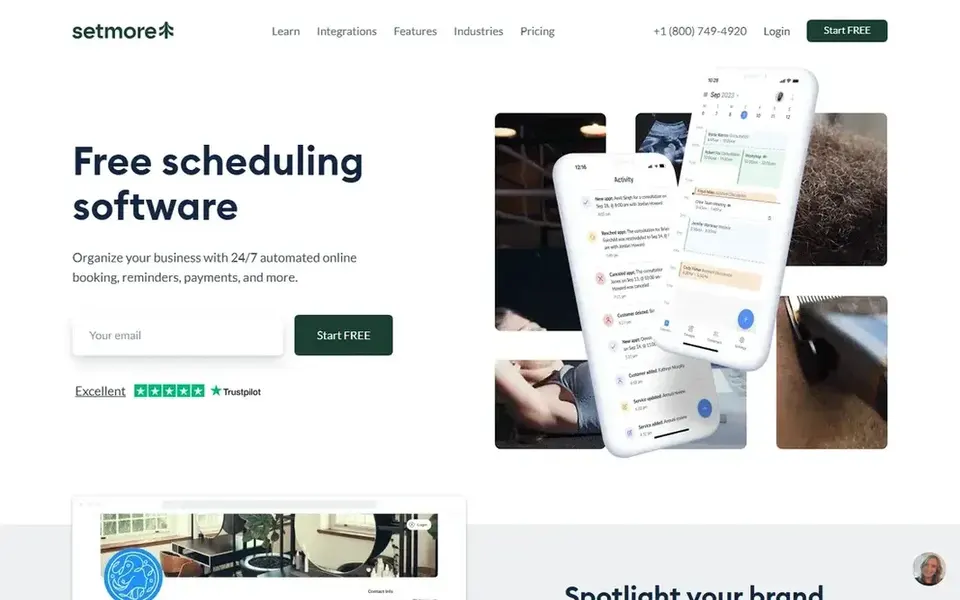
Pick Setmore if this describes you: low cost booking for small teams. Setmore is the cheapest subscription route in this comparison.
What to check first: SMS reminders sit on Pro only.
On top of that, the free plan is ample for a small team. Email reminders are the only reminder type at that level. Entry price for Setmore: $5 per user/month. Setmore includes a free tier.
- Free plan spans up to 4 users with unlimited appointments
- Pro is the cheapest subscription here at $5 per user billed yearly
- Pro costs $12 per user month to month, so the low price needs annual billing
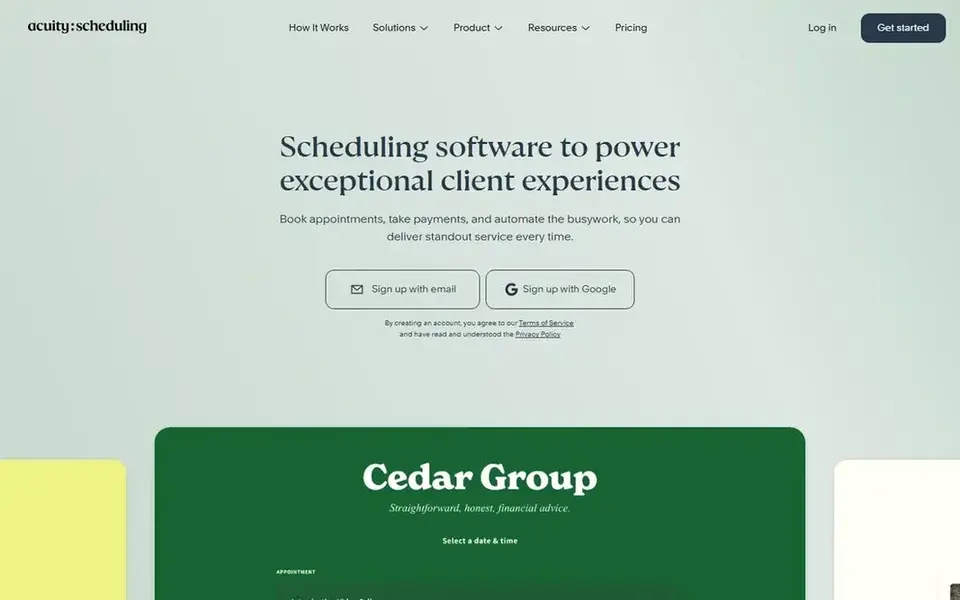
Where Acuity Scheduling fits: booking with deposits and intake. Acuity Scheduling, from Squarespace, is appointment booking software for businesses that want more than a link. Beyond that, the Starter plan costs $16 a month billed yearly and includes one calendar, intake forms, and payment collection, while Standard at $27 brings SMS reminders and staff calendars, and Premium at $49 brings HIPAA support and API access.
Acuity supplies a 7-day trial, then the firm must choose a level. Clients can pay a deposit at booking, which fits consultations that carry a fee. More specifically, the flat monthly price is an advantage for teams, since it does not rise per user in the way Calendly does. As for the details, a firm that takes deposits and needs intake forms before a consultation will find Acuity a solid fit, provided it prices the level with the calendar count it needs. Starting cost for Acuity Scheduling: $16 per month. Trial and free access: Free trial (7 days).
Trade-offs to know: Higher levels cost $27 and $49 a month for more calendars.
- Intake forms and deposits collect detail before the meeting
- Flat monthly price spans the account
- Only a 7-day trial
Calendly is aimed squarely at client booking links for most firms. Calendly is the booking link most clients already recognise. In daily use, for a firm that books one-to-one client meetings, Standard includes the job at a clear price.
The firm can add seats as the team grows. Worth adding: round-robin and collective scheduling need the Teams plan at $16 per user a month billed yearly. On top of that, the Standard plan costs $10 per user per month billed yearly, or $12 month to month, and layers on unlimited event types, up to six connected calendars, group events, payment collection, and automatic reminders. Beyond that, the limits sit on the free plan and on team scheduling. The starting price for Calendly: $10 per user/month. You can start on Calendly without paying.
Watch-outs: Free plan permits only one event type and one calendar.
- Payment collection through Stripe and PayPal
- Unlimited event types on Standard, with six calendar connections
- Round-robin scheduling needs the Teams plan at $16 per user
What went into this list
For each of the 5 tools we noted price, free plan or trial, fit for legal scheduling software and the main limit, using vendor pages and documentation. Figures are shown as the vendors publish them. Billing terms, seat minimums and add-ons can change the real cost. The sequence is a judgement call: typical use case first, then pricing transparency, then free access. Use the profiles to check fit.
A buyer's checklist
- Confirm the entry price on the vendor page: Setmore starts at $5 per user/month, but seat counts and billing terms change the total.
- Check what the free option really includes: Appointlet, Setmore and Calendly offer a free plan, and usage caps differ.
- Run a trial of MyCase and Acuity Scheduling with real work before paying for a year; your own workflow is the best test.
- Before choosing MyCase, weigh its main limit: the price rises steeply between levels, from $50 to $100 and $130.
- Ask the daily users to test Acuity Scheduling on a live task before you roll it out to everyone.
- Add up seats, add-ons and usage charges for Appointlet before comparing it with cheaper entries.
Frequently asked questions
Which options for legal scheduling software have a free plan?
Appointlet, Setmore and Calendly offer a free plan in this list. Free plans usually cap users, projects or features, so check the limits on the vendor page. Several others offer a trial instead.
How do I stop no-shows for client meetings?
Use automatic reminders by email and SMS, need a deposit for consultations, and set buffers between meetings so a late client does not crowd the next appointment. Calendly, Acuity, Setmore, and Appointlet all offer reminders, with SMS on subscription levels.
What is legal scheduling software?
Legal scheduling software lets clients book meetings, consultations, and intake calls without email back and forth. Some tools are standalone booking links, whereas others place scheduling inside a full practice management system.
What is the cheapest option for legal scheduling software in this list?
On published monthly entry prices, Setmore is the lowest here at $5 per user/month. Entry price is only part of the cost, because seats, add-ons and billing terms can change the total.
Can scheduling software take deposits for consultations?
Acuity collects deposits from its $16 Starter plan, Calendly collects payments through Stripe and PayPal from Standard at $10 per user a month, and Appointlet takes payment at booking on Premium at $9 per member a month. Check the payment fees, the refund terms, and whether the deposit syncs to your billing system before you enable it.
Can I try these options before paying?
Often, yes. Appointlet, Setmore and Calendly have a free plan and MyCase and Acuity Scheduling offer a free trial. Use your own data and a real task during the test, and check what the free tier or trial limits before you rely on it.
Sources
See where you really rank - block by block
ProMapRanker scans Google Maps across a grid of your service area. Simple monthly plans from $19, white-label on every plan.
Start freeBrowse all guides
← 6 Best Legal Scheduling Software for Estate Planning Firms (2026)Nurse Scheduling Software: 7 Options Compared in 2026 →
 best digital process automation software
Digital Process Automation Software: Best Picks of 2026
Searching for the best digital process automation software? Here are 7 options with prices and free plans. Each entry gets a plain verdict. Checked this month.
Read → best scheduling software for therapists
Best Scheduling Software for Therapists (2026)
Best scheduling software for therapists in 2026: 7 tools with starting prices, free plans and limits. Cost notes and weak points included. Skim the table first.
Read → best scheduling software for real estate agents
5 Best Scheduling Software for Real Estate Agents for 2026
Best scheduling software for real estate agents, compared. 5 tools with published prices, free plans and limits. Plain-spoken summaries throughout. No filler.
Read → best note taking app for college
Best Note Taking App for College
best note taking app for college compared for 2026: handwriting, lectures, revision, and organization, with free plans and student prices in this guide.
Read → top code sharing tools for software teams
Top Code Sharing Tools for Software Teams in 2026
Compare the top code sharing tools for software teams in 2026, from GitHub Gist and CodePen to Pastebin, StackBlitz and private sharing options today.
Read → hootsuite alternatives
Best Hootsuite Alternatives in 2026
Compare the best Hootsuite alternatives for scheduling, analytics and team approvals, with free plans, pricing and options for small business in 2026.
Read →More in Project Management & Productivity · All guides A to Z by date · Latest guides