 ProMapRanker
Top Code Sharing Tools for Software Teams in 2026

Key takeaways
- GitHub Gist is the default for sharing versioned snippets, while CodePen and StackBlitz suit runnable front-end demos.
- Pastebin and Hastebin suit quick, disposable text sharing, but they are not a place for secrets or private code.
- For team knowledge, a snippet needs a home with search and ownership, not just a link in chat.
- Never share secrets, API keys or customer data in a public snippet, and treat a secret gist as link-accessible, not private.
Quick comparison
| Pick | Great for | Pricing starts at | Free tier | |
|---|---|---|---|---|
 GitHub Gist | Versioned code snippets | Free | Yes | Visit |
 CodePen | Runnable front-end demos | Free | Yes | Visit |
 JSFiddle | Quick front-end tests | Free | Yes | Visit |
 Pastebin | Fast disposable text sharing | Free | Yes | Visit |
 Hastebin | Simple anonymous pastes | Free | Yes | Visit |
 CodeSandbox | Shareable browser projects | Free | Yes | Visit |
 StackBlitz | Runnable full-stack demos | Free | Yes | Visit |
 Replit | Shareable browser coding projects | Free | Yes | Visit |
 Glitch | Shareable web apps and bots | Free | Yes | Visit |
 PrivateBin | Encrypted private pastes | Free | Yes | Visit |
The best top code sharing tools for software teams
We compared snippet hosts, runnable playgrounds and private paste tools on versioning, execution, sharing controls, pricing and team fit. These ten cover quick bug reports, public demos, internal libraries and private sharing.
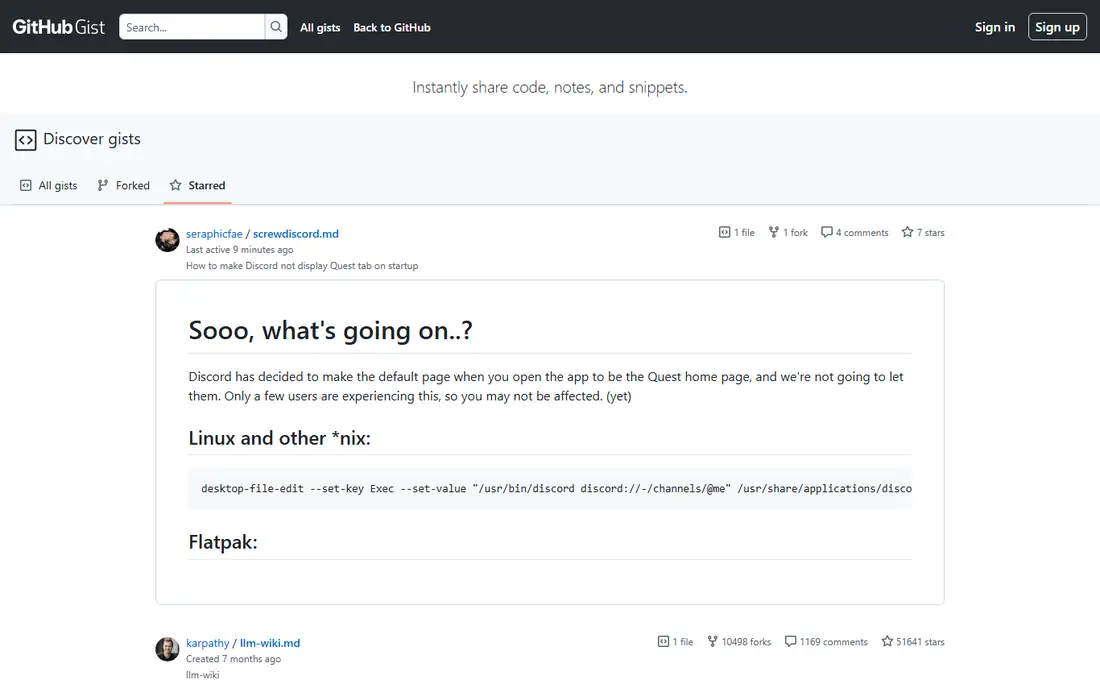
GitHub Gist is the default snippet tool for software teams, and for good reason. Each gist is a small Git repository, so you get version history, forks and comments without setting up a full repository. Embeds let teams put working examples into documentation, blog posts and support answers.
Gist is included with a free GitHub account. The important warning is visibility: a secret gist is hidden from search but anyone with the link can open it, so it is not a private vault. For public examples, reusable configs and interview code, it is our pick.
- Every gist is a Git repository with history
- Embeddable in docs and blogs
- Forks and comments built in
- Secret gists are link-accessible, not truly private
- No runnable preview for most languages
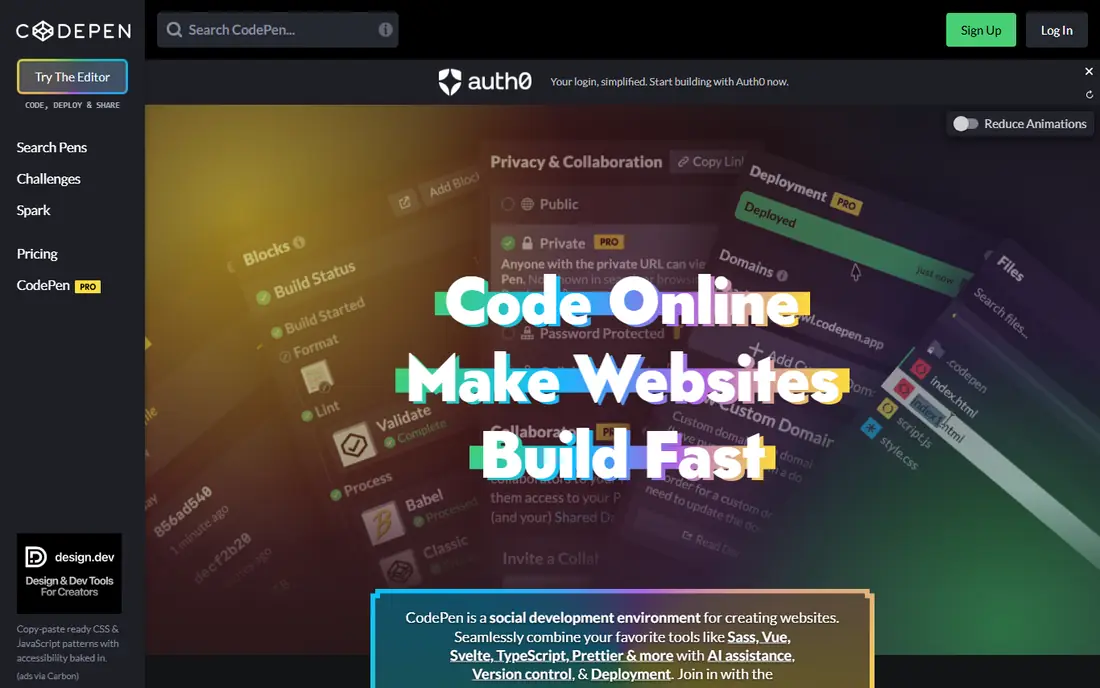
CodePen is where front-end teams share runnable demos. Write HTML, CSS and JavaScript in the browser, see the result live, and share a link that anyone can fork and change. That loop makes it ideal for bug reproductions, UI experiments and portfolio pieces.
A free plan covers public pens, with Pro plans from $8 per month on published pricing for private pens, assets and collaboration features. It does not run back-end code, so pair it with a full-stack sandbox when a demo needs a server. For front-end sharing, no tool here is faster.
- Instant live preview for HTML, CSS and JavaScript
- Easy sharing and forking
- Large front-end community
- Front-end only
- Team and asset features need a paid plan
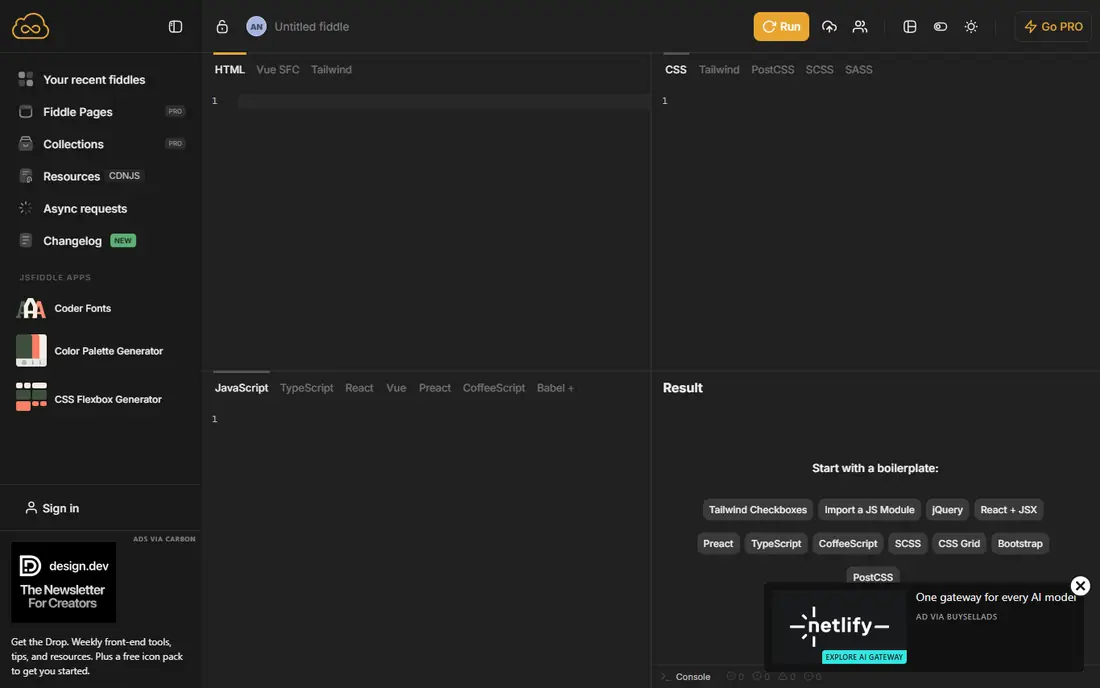
JSFiddle is the lighter, faster alternative to CodePen for a quick test. Paste HTML, CSS and JavaScript, run it, and share the link in a bug report or chat message. That simplicity is its strength: there is almost no setup between an idea and a runnable example.
It is free, with no account needed for basic fiddles. It lacks the community, collections and polish of CodePen, and it is not a team workspace. For a one-off test or a support answer, JSFiddle is often the quickest tool in this list.
- Free and fast
- No account needed for basic use
- Easy link sharing for bug reports
- Interface is simpler than CodePen
- Collaboration and team features are limited
Pastebin is the classic paste service: paste text, get a link, share it. Developers use it for logs, configs and code fragments in bug reports, support threads and chat. Its familiarity means almost anyone can open a link without an account or explanation.
Basic use is free, with a Pro plan for longer retention and private pastes. The limits are clear: there is no version history, no running code and no real team workspace. Never paste secrets, keys or customer data here, and assume a public paste can be found by search.
- Very fast for plain text and logs
- No account needed for basic pastes
- Widely recognised link format
- No versioning or execution
- Public pastes are indexed
- Not safe for secrets or private code
Hastebin is a simpler, open source paste service for teams that want Pastebin without accounts and clutter. Paste code, get a short link, and share it. The clean interface and syntax highlighting cover most quick-sharing needs.
It is free, and self-hosting an instance is possible for teams that want control. The trade-off is permanence: pastes on public instances may expire, and there is no library or search to find an old paste later. Use it for throwaway sharing, not for a lasting snippet library.
- Free and open source
- Clean, fast interface
- Anonymous pasting with no account
- Pastes can expire depending on the instance
- No versioning, search or team features
CodeSandbox moves beyond snippets to whole projects. Share a link to a running web app, let teammates edit in the browser, and review the result live. That makes it useful for prototypes, design reviews and bug reproductions that need more than one file.
A free plan covers public sandboxes, with paid team plans for private workspaces. It is strongest for front-end and full-stack JavaScript projects. When a shared example needs several files, dependencies and a live preview, CodeSandbox beats a plain paste every time.
- Full browser projects, not just snippets
- Team workspaces
- Instant preview and sharing
- Best for web projects
- Advanced team features are paid
StackBlitz lets teams share runnable web applications without local setup. Import a GitHub repository or start a template, share the link, and anyone can run and edit the project in the browser. That is valuable for demos, tutorials and hiring tasks where setup friction kills participation.
A free plan is available, with paid plans for private projects and team features. It is web-focused, so native mobile or desktop code needs a different tool. For web teams, it is one of the strongest sharing options here.
- Runs full-stack web apps in the browser
- Fast startup
- GitHub repository import
- Web-focused
- Heavy or non-web projects suit other tools better
Replit combines sharing with execution across many languages, not just web code. Share a project link, let teammates run and edit it in the browser, and deploy a small app from the same place. That breadth suits classrooms, hackathons and multi-language teams.
Free use is available, with paid plans from around $20 per month for team features. Check visibility settings before sharing, since free projects may be public. For a runnable example in Python, Go or another non-web language, Replit is more flexible than CodePen.
- Runs many languages in the browser
- Multiplayer editing
- Easy link sharing and deployment
- Free projects are public by default on some plans
- Browser limits suit smaller projects
Glitch gives every project a live web address, which makes sharing a working app as easy as sharing a link. Teammates can remix a project, change the code and get their own live version in seconds. That remix model suits tutorials, bots, demos and small internal tools.
A free plan is available, with paid plans for higher limits. Free project limits apply to resources and uptime, so it is not a production host. For a quick, shareable web demo that non-developers can open, Glitch is one of the friendliest tools here.
- Instant web apps with live URLs
- Easy remixing
- Friendly for beginners and small teams
- Smaller ecosystem than CodeSandbox or Replit
- Project limits on free plans
PrivateBin is the right tool when a paste must stay private. Text is encrypted in the browser before upload, so the server cannot read it, and options for expiry and burn-after-reading limit how long a paste survives. Teams can self-host an instance for internal use.
It is free and open source. It is not a snippet library: there is no search, versioning or team workspace, and losing the link means losing the paste. Use it for sensitive fragments shared one-to-one, and use Gist or an internal docs system for lasting team knowledge.
- Client-side encryption for pastes
- Burn-after-reading and expiry options
- Open source and self-hostable
- No versioning or team library
- Recipient needs the link and password if one is set
How we picked these
We compared official product pages, pricing pages and current code sharing roundups. We kept only tools that exist and work in October 2026 and that genuinely help software teams share code, whether as snippets, runnable demos or private pastes. We favoured a mix of public, runnable and private tools, and we excluded tools that are mainly file sharing without code features, so the list stays focused on code.
How to share code well in a team
Pick the tool by lifespan. A throwaway log belongs in Hastebin or Pastebin. A reusable example belongs in Gist or an internal snippet library with a clear title and description. A runnable demo belongs in CodePen, CodeSandbox or StackBlitz, where reviewers can run it without setup.
Write a short note with every share: what the code does, what problem it solves, and what the reviewer should check. A bare link with no context wastes the reviewer's time and gets ignored. Add a test case or a failing example when sharing a bug, since a runnable reproduction gets fixed faster than a description alone.
Protect secrets as a habit. Scan every snippet for API keys, passwords, tokens and customer data before sharing, and rotate any secret that was ever posted publicly. Treat public snippet sites as public forever, even if you delete the paste later.
Frequently asked questions
What is the best code sharing tool for software teams?
GitHub Gist is the best default for snippets, since it adds versioning, forks and embeds to plain sharing. For runnable front-end demos, CodePen is best, and for full projects, CodeSandbox or StackBlitz are better. Most teams need two tools, not one.
Is GitHub Gist private?
Public gists are visible to anyone. Secret gists are hidden from search but open to anyone with the link, so they are not truly private. Do not put secrets, internal credentials or customer data in any gist.
What is the difference between Pastebin and GitHub Gist?
Pastebin is fast, disposable text sharing with no versioning. Gist is a Git-backed snippet with history, forks, comments and embeds. Use Pastebin for a quick log, and Gist for code you want to keep, revise and reference later.
Can I share runnable code, not just text?
Yes. CodePen and JSFiddle run front-end code in the browser, while CodeSandbox, StackBlitz, Replit and Glitch run fuller projects. Pick by language and project size: front-end only, or multi-file and multi-language.
How should teams organise shared snippets long term?
Give snippets a home with search, ownership and review, such as an internal docs system or a curated Gist collection, rather than leaving them scattered in chat. Title each snippet clearly, note its purpose, and delete or update outdated examples regularly.
Sources
- https://gist.github.com
- https://codepen.io
- https://jsfiddle.net
- https://pastebin.com
- https://hastebin.com
- https://codesandbox.io
- https://stackblitz.com
- https://replit.com
- https://glitch.com
- https://privatebin.info
- https://appmus.com/feature/share-code-snippets?platform=online
- https://dev.to/simpledrop/beyond-pastebin-3-modern-code-sharing-tools-for-devs-3f87
See where you really rank - block by block
ProMapRanker scans Google Maps across a grid of your service area. Simple monthly plans from $19, white-label on every plan.
Start freeKeep reading
 zscaler alternatives
Best Zscaler Alternatives in 2026
Looking for zscaler alternatives? We compare 9 SASE and zero trust platforms on architecture, data protection, pricing, and fit for your network and team.
Read → zapier alternatives free
Best Zapier Alternatives Free in 2026
Nine automation tools for zapier alternatives free in 2026, all with genuinely free tiers, plus free plan limits, starting prices and upgrade paths explained.
Read → which platform is best for online reputation
Which Platform Is Best for Online Reputation in 2026
Wondering which platform is best for online reputation? We compare 8 review, listing, and response tools for small and multi-location businesses and agencies.
Read →