 ProMapRanker
Best ManageEngine Remote Access Plus Alternatives in 2026


Broad compatibility and support · Pricing starts at: $24.90 per month
Key takeaways
- TeamViewer and AnyDesk are the safest general replacements, with broad platform support and free personal tiers.
- Splashtop and Zoho Assist offer the best value for small support teams, while ScreenConnect and BeyondTrust suit larger IT operations.
- Remote Access Plus is aimed at IT teams managing many endpoints, so check unattended access limits before you pick a per-technician tool.
- Pricing models differ sharply, with per-technician, per-computer and per-user plans, so price your actual fleet size rather than the headline rate.
Quick comparison
| Pick | Great for | Pricing starts at | Free tier | |
|---|---|---|---|---|
| TeamViewer | Broad compatibility and support | $24.90 per month | Yes | Visit |
 AnyDesk | Fast low-latency sessions | $22.90 per month | Yes | Visit |
 Splashtop | Value for remote work and support | $5 per month | Free trial | Visit |
 Zoho Assist | Budget support for small teams | $10 per technician per month | Yes | Visit |
 ConnectWise ScreenConnect | IT service providers and support teams | $33 per month | Free trial | Visit |
 BeyondTrust Remote Support | Enterprise security and compliance | $2,097 per year | No | Visit |
 LogMeIn Resolve | Endpoint management plus support | $29 per month | Free trial | Visit |
 RealVNC Connect | Lightweight secure access | $8.25 per month | Yes | Visit |
 RemotePC | Cheap per-computer access | See website | No | Visit |
The best manageengine remote access plus alternatives
These nine tools offer attended and unattended remote access, file transfer and session controls for IT teams. They range from simple personal tools to enterprise platforms with audit and compliance features.
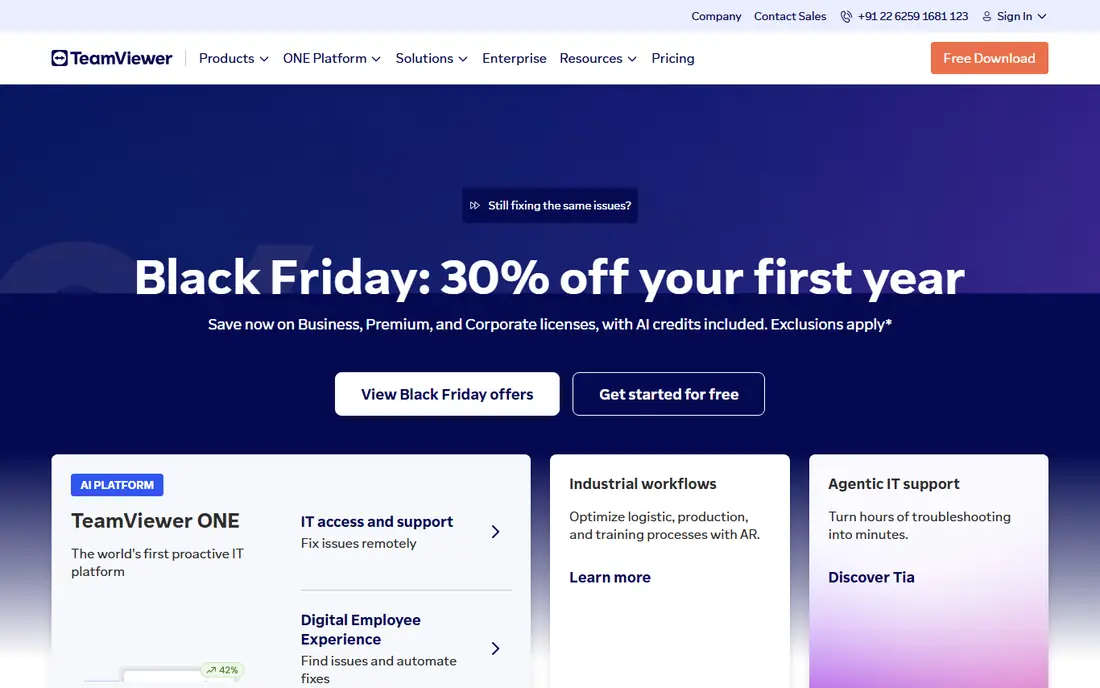
TeamViewer is the default name most IT teams already know, and that familiarity helps when you support users on many devices. Setup uses an ID and password or a managed device list, and sessions support file transfer, chat, session recording and multi-monitor views. Integrations with Microsoft Teams, ServiceNow and Salesforce suit teams that already run a service desk.
The price is the main drawback. Remote Access starts at 24.90 dollars a month billed annually, and business support tiers cost more. The free personal tier is useful for home use but will flag suspected commercial use, so business use needs a paid plan. If compatibility and vendor trust matter most, TeamViewer remains a solid pick.
- Works across Windows, Mac, Linux, iOS and Android
- Attended and unattended access
- Large integration set
- Paid tiers cost more than most rivals
- Free tier flags suspected commercial use

AnyDesk is built for speed. Its codec keeps sessions smooth on slow or mobile connections, which matters when you support users on hotspots or international links. The client is small and quick to install, and paid plans add unattended access, file transfer, remote printing and address book controls. Paid plans start near 22.90 dollars a month in recent pricing comparisons.
AnyDesk is less of an enterprise platform than TeamViewer or BeyondTrust, with fewer compliance and service desk integrations. Session recording and advanced controls sit on paid tiers. Choose AnyDesk when connection speed is the priority and your team works over imperfect networks.
- Low latency on weak connections
- Lightweight client
- Unattended access on paid plans
- Fewer enterprise integrations than TeamViewer
- Free tier also polices commercial use
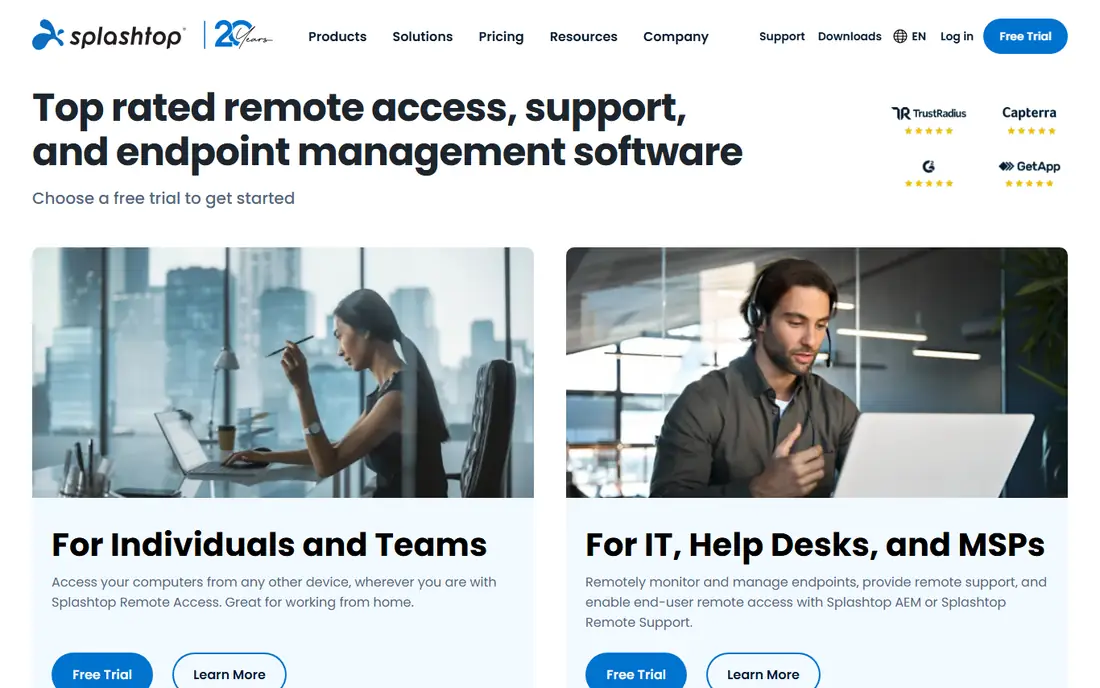
Splashtop gives you two useful products at low prices. Remote Access Solo starts at 5 dollars a month billed annually for individual remote work, while Splashtop SOS, priced near 22 dollars a month per concurrent technician billed annually, lets a support tech reach unlimited attended computers and mobile devices. Performance is strong, and security features include two-factor authentication and device controls.
The lineup takes study, since Solo, Pro, Performance, SOS and Enterprise editions use different licensing models. SOS caps unattended computers per license, so count managed machines before you buy. For a support team watching budget, Splashtop is one of the best value replacements on this list.
- Very low entry price
- Strong performance
- Separate support product for technicians
- Product lineup is confusing
- No permanent free tier
Zoho Assist is the quiet value pick for small support desks. The free plan covers one technician and five unattended computers with chat and file transfer, which handles many micro-businesses. Paid remote support starts at 10 dollars per technician per month billed annually, and a parallel unattended-access line starts at a similar price for a set of computers.
The split product is the catch. Remote support and unattended access are billed separately, so map your needs before assuming one price covers both. Setup is fast, with a browser-based technician console and no install for ad-hoc sessions. If your team already uses Zoho products, the Desk and CRM handoff is a genuine plus.
- Real free tier for one technician
- Low paid pricing
- Integrates with Zoho Desk and CRM
- Remote support and unattended access are priced separately
- Advanced recording needs higher tiers
ScreenConnect, from ConnectWise, is built for support teams that run many sessions a day. It offers attended and unattended access, session transfer, branding, auditing and integrations with ConnectWise Manage and other service desk tools. A self-hosted option on higher tiers suits teams with strict data rules, and the concurrent technician model can be cheaper than per-device pricing for busy desks.
Pricing starts near 33 dollars a month in recent comparisons, and costs can climb as technicians and features grow. The console is powerful but takes more setup than TeamViewer or Zoho Assist. For a managed service provider or internal IT team with steady ticket volume, ScreenConnect is a strong professional replacement.
- Built for managed service providers
- Self-hosted option on higher tiers
- Strong session and branding controls
- Costs rise as you scale
- Interface takes time to learn
BeyondTrust Remote Support is the enterprise pick when security and compliance drive the decision. It offers granular access controls, full session recording, audit logs and privileged access management, plus an appliance option for self-hosting. That depth suits healthcare, finance and government teams that must prove who accessed what, and when.
The cost and weight are real drawbacks. Entry pricing has been listed near 2,097 dollars a year, and larger deployments are quoted. A team with a handful of endpoints will find it overkill. For a larger IT operation with compliance duties, BeyondTrust is the most controlled alternative on this list.
- Strong auditing, session recording and privileged access controls
- Appliance-based self-hosting
- Built for regulated industries
- Quote-driven pricing beyond the entry figure
- Heavyweight for small teams
LogMeIn Resolve, formerly GoTo Resolve, combines remote support with endpoint management. The entry plan near 29 dollars a month covers unattended remote access, while higher tiers add live support, incident management, patching and device monitoring. That blend suits mid-market IT teams that want support and basic device management in one console.
The tier gating is the catch. Mobile support, automation and monitoring sit on higher plans, so the entry price does not buy the full product. Small teams may find Resolve pricey for simple remote access alone. If you want support plus patching without a second tool, Resolve deserves a trial.
- Remote support plus patching and monitoring on higher tiers
- Mobile support
- Ticketing features
- No permanent free tier
- Useful features are gated behind higher tiers
RealVNC Connect is a good fit when you want simple, secure remote access without a heavy platform. It works across Windows, Mac, Linux and mobile, with file transfer, chat and session controls on paid plans. The free Lite tier covers a small number of devices, and paid plans start near 8.25 dollars a month.
RealVNC is not a full service desk product, so teams that need ticketing, automation and deep reporting will need another tool beside it. For direct access to servers, lab machines and home offices, its simplicity and low price are strengths. Check device limits on each tier before you commit a fleet to it.
- Lightweight and cross-platform
- Free Lite tier for a few devices
- Straightforward setup
- Fewer service desk integrations
- Support features are basic compared with ScreenConnect
RemotePC is priced per computer rather than per technician, which makes it cheap for a small fleet that needs always-on access. Plans have been listed from near 22 dollars a year for a single computer in past comparisons, though current pricing should be checked on the vendor site. It offers file transfer, chat, remote printing and multi-monitor support for everyday remote work.
The trade-off is polish and depth. RemotePC lacks the service desk integrations and advanced session management of ScreenConnect or BeyondTrust, and its interface feels basic beside TeamViewer. If your main need is cheap, reliable access to a set of machines, RemotePC is a practical replacement.
- Very low per-computer pricing
- Always-on access
- File transfer and chat included
- Support features are basic
- Interface feels less polished than rivals
How we picked these
We compared official pricing pages, product documentation and public reviews for remote access and remote support tools live in October 2026. We favored tools with attended and unattended access, file transfer and session security, and we excluded tools that only offer screen sharing for meetings. Where vendor pricing varies by billing term or region, we used the most commonly published starting figure and wrote See website where no clear figure was available.
What to check before you switch
Count endpoints and technicians separately
Per-technician pricing favors busy desks with many machines, while per-computer pricing favors a small fleet with few technicians. Price both models for your actual counts, since the cheaper headline rate often flips at scale.
Test unattended access on your real machines
Install the agent on a mix of Windows, Mac and mobile devices, then test reboot, wake, file transfer and multi-monitor sessions. A tool that works well in a demo can still struggle with a specific firewall, VPN or older operating system.
Confirm audit and compliance needs
If you handle patient data, financial records or government work, get HIPAA, SOC 2 and audit log details in writing before you buy. Marketing pages alone are not enough for a compliance file, and some features sit only on higher tiers.
Frequently asked questions
What is the closest alternative to ManageEngine Remote Access Plus?
TeamViewer and AnyDesk are the closest general replacements for attended and unattended access across platforms. ScreenConnect is closer for managed service providers, while Zoho Assist is closer for small teams on a tight budget.
Is there a free alternative?
Yes, for personal or light use. TeamViewer, AnyDesk, Zoho Assist and RealVNC Connect offer free tiers, though commercial use usually requires a paid plan. Splashtop and ScreenConnect offer free trials rather than permanent free plans.
Which alternative is cheapest for a small team?
Splashtop Solo and RealVNC Connect are among the cheapest entry points, with Zoho Assist free tier covering very small teams. Price your full team and device count, since per-technician and per-computer models change the total.
Do these tools work on Mac and mobile?
Most do. TeamViewer, AnyDesk, Splashtop, Zoho Assist, ScreenConnect and RealVNC Connect support Windows, Mac and mobile platforms, though feature depth varies by platform. Check mobile support if you must reach phones and tablets.
Can I self-host a remote access tool?
ScreenConnect and BeyondTrust offer self-hosted options on higher tiers, and AnyDesk offers self-hosting on its top tier. Most other tools on this list are cloud hosted only, so confirm hosting options early if your policy requires it.
How do I migrate from Remote Access Plus?
Export your device list, agent groups and technician accounts first, then install the new agent in parallel on a small group. Test sessions, file transfer and unattended reboot before you remove the old agent from the full fleet.
Sources
See where you really rank - block by block
ProMapRanker scans Google Maps across a grid of your service area. Simple monthly plans from $19, white-label on every plan.
Start freeKeep reading
 zscaler alternatives
Best Zscaler Alternatives in 2026
Looking for zscaler alternatives? We compare 9 SASE and zero trust platforms on architecture, data protection, pricing, and fit for your network and team.
Read → zapier alternatives free
Best Zapier Alternatives Free in 2026
Nine automation tools for zapier alternatives free in 2026, all with genuinely free tiers, plus free plan limits, starting prices and upgrade paths explained.
Read → which platform is best for online reputation
Which Platform Is Best for Online Reputation in 2026
Wondering which platform is best for online reputation? We compare 8 review, listing, and response tools for small and multi-location businesses and agencies.
Read →