 ProMapRanker
Best Storyboard Software in 2026


Professional animation boards · Pricing starts at: $67.50 per month
Key takeaways
- Storyboarder is the strongest free option for artists who like to draw, while Boords and StudioBinder suit teams that need review and approval.
- Toon Boom Storyboard Pro remains the choice for professional animation work, but its price and learning curve are higher than the simpler web tools.
- Plot, Canva and Storyboard That help non-artists build a board fast, using templates, stock-style frames or click-together scenes.
- FrameForge and ShotPro focus on camera planning and 3D blocking, which matters more for live-action shoots than for simple pitch boards.
Quick comparison
| Pick | Great for | Pricing starts at | Free tier | |
|---|---|---|---|---|
| Toon Boom Storyboard Pro | Professional animation boards | $67.50 per month | Free trial | Visit |
 Boords | Team boards and client review | $26 per user per month | Yes | Visit |
 StudioBinder | Full pre-production workflow | $42 per month | Yes | Visit |
 FrameForge | Camera and lens planning | See website | Free trial | Visit |
 Storyboarder | Free hand-drawn boards | Free | Yes | Visit |
 Plot | Simple web storyboards | $9.99 per month | Free trial | Visit |
 Canva | Template boards for beginners | Free | Yes | Visit |
 Storyboard That | Click-together classroom boards | $9.99 per month | Free trial | Visit |
 ShotPro | 3D previs on iOS | $39.99 one-time | No | Visit |
The best storyboard software
A storyboard is a plan, not a finished film. The right tool depends on whether you draw, whether you work alone, and whether a client or a crew needs to approve each frame before the shoot.

Toon Boom Storyboard Pro is the tool most animation studios reach for when a board must move into production. You can draw panels, add camera moves, time each shot and build an animatic with dialogue and sound. Its export options also fit studio pipelines, which matters when the board goes to layout, animation and editing teams.
The catch is scope. If you only need a simple board for a short marketing video, Storyboard Pro gives you far more tool than you need, at a price to match. The monthly price shown here is the annual billing equivalent, with monthly billing higher. Use the trial on a real project before you commit, and check that your computer meets the system needs for animation work.
- Drawing and timing tools built for animation
- Animatic creation with sound
- Wide export options for studio pipelines
- High price for casual users
- Takes time to learn well
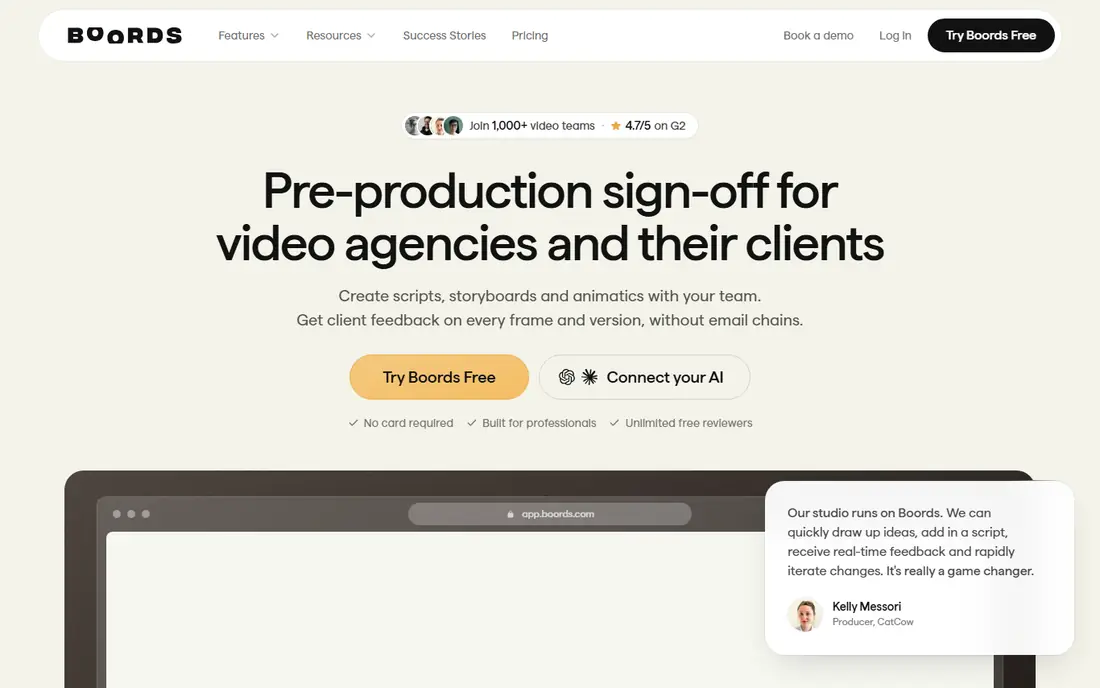
Boords is built for video teams that need a tidy board a client can actually review. Panels stay numbered and organized, you can turn a board into an animatic, and clients can comment frame by frame through a share link without needing an account. That review loop is the main reason agencies pick Boords over a general design tool.
The free plan covers a small number of storyboards and a limited set of AI image credits, which is enough to test the workflow. Paid plans add more users, AI images and team controls. If your team already draws frames elsewhere, Boords still works well as the place where those frames get organized, reviewed and approved.
- Clean numbered panels and animatics
- Client review links with frame comments
- AI image options on paid plans
- AI image allowances cap heavy use on lower plans
- Not a full video editor
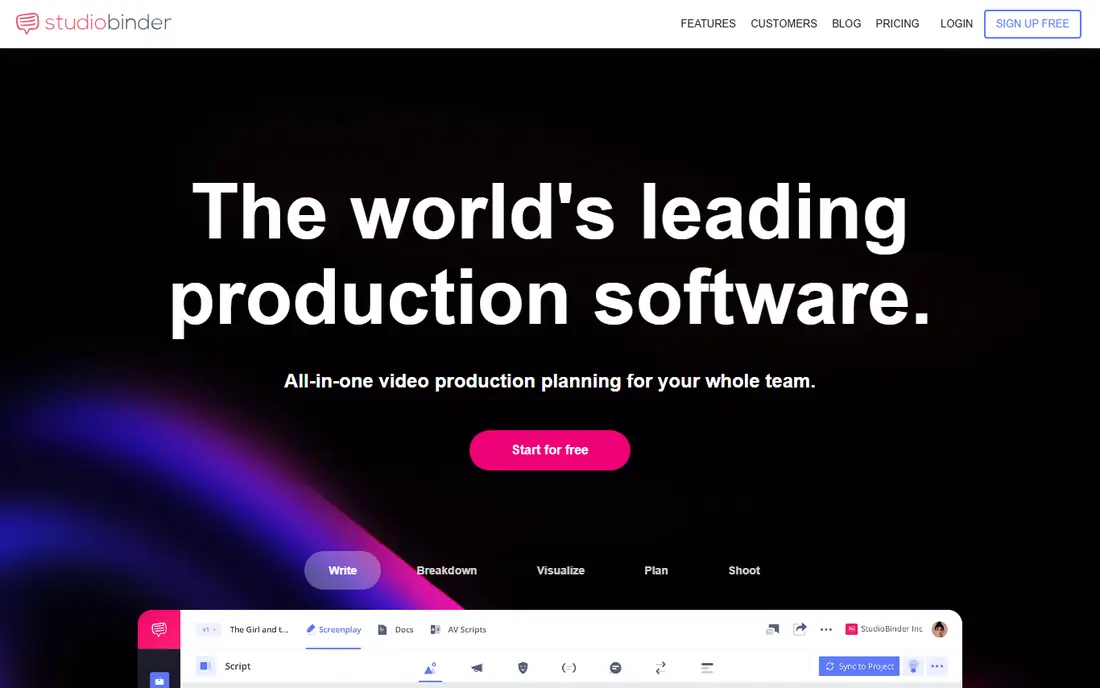
StudioBinder is more than a storyboard app. It links boards to shot lists, breakdowns, schedules and call sheets, so a change in one place can flow into the rest of pre-production. For a production team, that link is valuable. You can upload drawn frames or images, arrange them, add notes and share the board with crew and clients.
Solo creators may find the wider system heavier than they need. If you only want a board, a simpler tool will be faster. StudioBinder makes sense when you already plan to manage the whole shoot in one place, and the storyboard is one part of that plan.
- Storyboards plus shot lists, schedules and call sheets
- Strong collaboration and task tools
- Presentation mode for pitches
- Storyboarding alone can feel buried in a larger system
- Higher plans cost more for small teams
FrameForge is for directors and cinematographers who need to plan a shot in physical terms. You can place a virtual camera, choose a lens, set a dolly or crane move and see what the frame will actually look like. That level of detail helps a crew agree on a setup before expensive shoot days begin.
It is not the right pick for a quick pitch board. FrameForge costs more upfront than most tools here, and its workflow rewards careful planning rather than fast sketching. Download the trial and build one real scene with your planned lenses before you buy, since the value depends on how much camera detail your shoots need.
- Accurate lens and camera planning for live action
- 3D sets, dollies and cranes
- Detailed framing and movement notes
- One-time price is high
- Interface feels older than newer web tools
Storyboarder, from Wonder Unit, is our pick for anyone who can draw and wants to spend nothing. It runs on Windows, Mac and Linux, and it keeps the workflow simple: draw a panel, add dialogue and action notes, set timing, and export. It can also work with Photoshop, which suits artists who already draw in that app.
The trade-off is collaboration. Storyboarder is a desktop app for one artist, not a shared web workspace with comments and approvals. If you need a client to approve frames online, pair it with a sharing tool, or pick Boords instead. For a solo filmmaker or student, it is hard to beat at the price.
- Completely free and open source
- Simple drawing and timing tools
- Exports to PDF and editing formats
- No built-in team review workflow
- No AI frame generation
Plot, found at theplot.io, is a straightforward web tool for building a board without drawing skill. You arrange frames, add shot notes and keep scenes in order, which is enough for many short videos, ads and school projects. The entry plan starts at $9.99 per month, with higher plans adding team and business features.
Plot will not replace a drawing app if the art itself is the deliverable. Its strength is speed and clarity: a small team can agree on shots in an afternoon, then hand the board to a crew. Try the trial with your next video script and see whether the board reads clearly to someone who was not in the planning meeting.
- Simple web interface for non-artists
- Scene and shot organization
- Affordable entry plan
- Less drawing power than desktop art tools
- Smaller feature set than full production suites
Canva is not a specialist storyboard app, but it is often the fastest way for a beginner to make a readable board. Start with a storyboard template, drop in images or simple drawings, add captions and shot notes, and share a link. Most people already know the interface, so there is almost no learning curve.
The limits show up on a real production. Canva lacks the shot timing, animatic and camera tools that film-specific apps provide, and a template board can look generic if you do not customize it. Use Canva for pitches, social videos and classroom work, and move to a film tool when timing and camera moves matter.
- Free plan with storyboard templates
- Huge library of images, shapes and text tools
- Easy sharing
- Not built for shot timing or animatics
- Template boards can look generic
Storyboard That lets you build a board by choosing scenes, characters and props, then posing them and adding dialogue. It is popular in classrooms because students can tell a story visually without drawing. Teachers and trainers also use it for simple explainer stories and presentations.
The fixed art style is both the strength and the limit. A board made here reads clearly, but it will not look like a professional film board, and it cannot show precise camera work. For education, training and simple storytelling, it is a strong pick. For a client pitch in film or advertising, Boords or Storyboard Pro will present better.
- Large library of scenes, characters and props
- No drawing skill needed
- Strong for education and simple stories
- Art style is fixed and cartoon-like
- Less suited to professional film pitches
ShotPro is a 3D previs app for iOS that lets you block a scene with characters, props and a movable camera. You can set shots, add movement and export a movie or images to share with a crew. The one-time purchase is appealing in a market full of subscriptions, and it works well on a tablet you can take to a location scout.
The main limits are platform and pace of updates. ShotPro runs on iOS only, so a Windows or Android team cannot use it directly. It also lacks the AI generation and timeline depth of newer previs tools. Still, for an iPad-based director who wants to block shots on set, it remains a practical and affordable choice.
- 3D blocking with a real virtual camera on iPad and iPhone
- One-time purchase rather than a subscription
- Animatic exports
- IOS only
- Fewer recent updates than web-based rivals
How we picked these
We compared official feature and pricing pages, plus public roundups, for tools that are live in October 2026 and truly built for storyboarding or previs. We kept a mix of free, web, desktop and 3D options, and we left out general drawing apps that lack storyboard structure. Where pricing sources disagreed, we used the most recent vendor-linked figure we could confirm, or See website where the price was not clear.
How to choose a storyboard tool for your project
Start with the end use of the board. A pitch board needs to look clean and read fast, so a template or review tool may be enough. A production board needs timing, shot notes and exports that the crew can follow on set. An animation board needs drawing and animatic tools that fit the studio pipeline. Matching the tool to the end use saves more time than chasing extra features.
Next, test the review step, not just the drawing step. A board that no one reviews is just a private sketch. Check how a client or crew member comments, whether they need an account, and what the exported PDF or video looks like. A tool that exports cleanly will save you rework at the moment you can least afford it.
Finally, count the real cost across the project. A free app is ideal for one short video, while a subscription makes sense if you board every week. Check seat limits, export watermarks on free plans and AI credit caps before you build a large board in a tool that will charge you to finish it.
Frequently asked questions
What is the best storyboard software for beginners?
Canva is the easiest start if you want templates and no drawing, while Storyboarder is the best free choice if you like to draw. Plot sits between the two, with a simple web workflow and shot organization. Pick based on whether you draw or prefer to arrange ready-made frames.
What is the best app for storyboarding on a team?
Boords and StudioBinder are the strongest team options here. Boords is simpler and focused on boards and client review, while StudioBinder covers the wider pre-production workflow. A small agency will often prefer Boords, while a production company may prefer StudioBinder.
Is there good software for storyboarding that is free?
Yes. Storyboarder is free and open source, and Canva and Boords both offer free plans with limits. Storyboarder suits artists, Canva suits template users, and Boords suits a team testing a review workflow. Check free-plan limits on frames, exports and watermarks before a large project.
What is the best software for storyboarding animation?
Toon Boom Storyboard Pro is the professional standard for animation boards and animatics. It costs more and takes longer to learn, but its drawing, timing and export tools fit studio work. Students and solo animators can start with Storyboarder and move up when a studio pipeline requires it.
Can storyboard software replace drawing skill?
It can reduce the need for drawing, but it cannot replace shot thinking. Template and AI tools help non-artists arrange frames, while 3D tools help directors block cameras. You still need to decide what each shot shows, how long it lasts and why it follows the last shot.
What should a storyboard include for each shot?
Each frame should show the image, the shot size and camera move, the action, and any dialogue or sound note. Add scene and shot numbers so the crew can find each setup fast. A board without numbers and notes is harder to shoot from, even if the drawings look good.
Sources
See where you really rank - block by block
ProMapRanker scans Google Maps across a grid of your service area. Simple monthly plans from $19, white-label on every plan.
Start freeKeep reading
 zoho inventory alternatives
6 Alternatives to Zoho Inventory, Compared on Price and Fit
Zoho Inventory alternatives: 6 tools compared on price, free plans and fit. Katana leads the list for manufacturers. Fit and flaws are laid out for each entry.
Read → zoho crm alternatives
Best Zoho CRM Alternatives (2026)
Need Zoho CRM alternatives? We compare 7 tools on cost, free access and who each suits. Every pick gets a straight assessment. Built for quick decisions.
Read → zelle alternatives
Best Zelle Alternatives in 2026
Compare the best Zelle alternatives for sending money to friends, paying sellers and moving funds abroad, with honest notes on fees, speed and safety in 2026.
Read →