 ProMapRanker
6 Best Project Scheduling Software for Construction Teams for 2026

Teams that require classic scheduling with critical path · Pricing starts at: $10 per user/month (Plan 1)
Direct answer
If you need teams that require classic scheduling with critical path, Microsoft Project is the first tool to look at here. Listed starting prices: Microsoft Project from $10 per user/month (Plan 1), TeamGantt from $59 per month (flat, Base plan) and GanttPRO from $8 per user/month. Alternatives: TeamGantt for small builders that want straightforward Gantt charts at a flat price, and Buildertrend for residential builders that schedule from bid to handover. Prices, free plans and limits for all 6 tools follow.
ProMapRanker put together this guide to project scheduling software for construction teams for readers who want a clear shortlist without reading every vendor page. It compares 6 tools on starting price, free plans, who each one suits and where each one falls short.
Key takeaways
- Top of the list is Microsoft Project, which targets teams that need classic scheduling with critical path.
- What to know about Buildertrend first: pricing is by quote with no published rates.
- TeamGantt, Fieldwire: these are the 2 tools out of 6 that offer a free plan.
- Procore fits general contractors that schedule entire projects.
Quick comparison
| Pick | Great for | Pricing starts at | Free tier | |
|---|---|---|---|---|
| Microsoft Project | Teams that require classic scheduling with critical path | $10 per user/month (Plan 1) | Free trial (30 days) | Visit |
 TeamGantt | Small builders that want straightforward Gantt charts at a flat | $59 per month (flat, Base plan) | Yes | Visit |
 Buildertrend | Residential builders that schedule from bid to handover | Quote only | No | Visit |
 GanttPRO | Small teams that want Gantt-first scheduling per user | $8 per user/month (billed yearly) | Free trial (14 days) | Visit |
 Fieldwire | Field teams that schedule tasks on drawings | $39 per user/month (billed annually) | Yes | Visit |
 Procore | General contractors that schedule entire projects | Quote only | No | Visit |
Every option for project scheduling software for construction teams explained
Microsoft Project
Great for: Teams that require classic scheduling with critical path
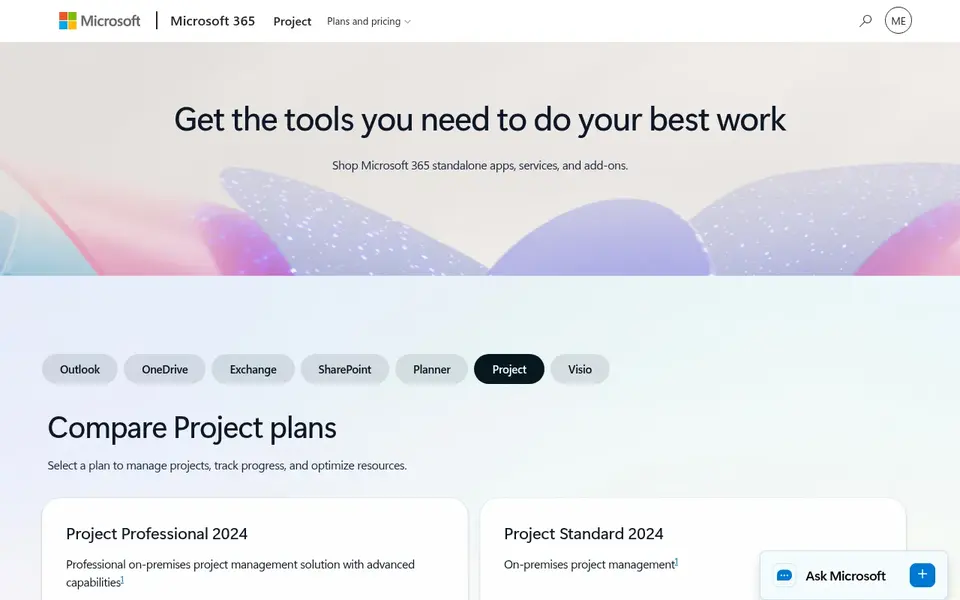
Choose Microsoft Project for teams that require classic scheduling with critical path. The interface is capable but takes time to learn, and field staff will find it harder to use than Fieldwire or Buildertrend.
Downsides: Plan 1 lacks the desktop app and portfolio tools.
The starting price for Microsoft Project: $10 per user/month. Trial and free access: Free trial (30 days).
- Full critical path and baseline scheduling
- Deep integration with Microsoft 365
- No free plan
TeamGantt
Great for: Small builders that want straightforward Gantt charts at a flat
In short, TeamGantt is for small builders that want straightforward Gantt charts at a flat price. Drag-and-drop timelines, dependencies, and critical path are quick to learn, and the Builder Edition from $199 a month layers on lookahead schedules.
In daily use, the free Personal plan includes 1 user, 1 project, and 40 tasks, which is enough for a trial. More specifically, TeamGantt has no built-in RFIs, budgets, or field punch lists. Price to start with TeamGantt: $59 per month. TeamGantt offers a free plan.
Watch-outs: Base plan caps at 5 projects.
- Straightforward drag-and-drop timelines
- Flat monthly price does not grow with headcount
- Baselines need the Business plan
Buildertrend
Great for: Residential builders that schedule from bid to handover
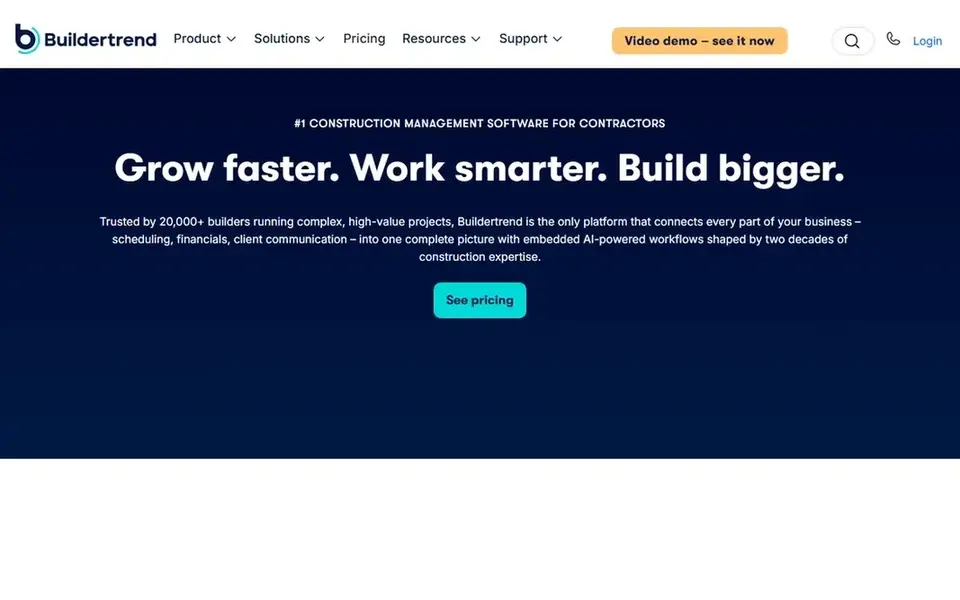
Buildertrend is a good fit for residential builders that schedule from bid to handover. Templates for common job types accelerate scheduling for builders that repeat similar projects.
The main drawbacks: restricted critical path tools.
Pricing is by quote, with no published rates, so a builder must book a demo and talk to sales to get a number. Buildertrend does not show a fixed starting price, so you request a quote. Buildertrend has no free tier.
- Client portal shares the schedule with homeowners
- Made for home builders and remodelers
- Pricing is by quote with no published rates
For small teams that want Gantt-first scheduling per user, GanttPRO is a natural candidate. GanttPRO is built around the Gantt chart, which makes it a solid fit for construction teams that plan work as a timeline first and a task list second. GanttPRO has no field tools, RFIs, or drawing markup, so site crews will need a separate app.
Beyond that, resource management and workload views start on the Business plan at $17 per user a month billed yearly, which is a jump for teams that track labor across jobs. Every plan, including Core at $8 per user a month billed yearly, links tasks with all four dependency types, reschedules linked tasks automatically, and contains the critical path and baselines. GanttPRO pricing: $8 per user/month. Trial and free access: Free trial (14 days).
The main drawbacks: resource management needs the Business plan.
- Gantt chart with critical path and baselines on every plan
- Clean timeline interface
- No free plan

In short, Fieldwire is for field teams that schedule tasks on drawings. Business at $64 per user a month layers on custom forms, integrations, and a BIM viewer, whereas Business Plus at $89 adds RFIs, submittals, change orders, and budget tools.
Fieldwire pricing: $39 per user/month. Fieldwire includes a free tier.
The main drawbacks: Reports and exports need the Pro plan.
- Published per-user pricing
- Tasks pinned to drawings keep the schedule tied to the plan
- RFIs and budgets need Business Plus

Procore was built for general contractors that schedule entire projects. The schedule tool links tasks with dependencies and a critical path, and field crews update progress from mobile devices. So the office sees the same plan the site sees.
Pricing is by quote, based on annual construction volume, which means small builders must talk to sales before they know the cost. For everyday use, for general contractors running multiple large projects at once, Procore is the standard choice, and the depth justifies the price. There is no list price for Procore, so a quote is the way in. Procore has no permanent free option.
Where it is weaker: setup takes weeks for a full rollout.
- Schedules, drawings, RFIs
- Capable mobile app
- Pricing is by quote and expensive for small builders
Selection criteria
The comparison looks at four things: starting price, free access, how well the feature set matches project scheduling software for construction teams, and the main limit of each tool. Where a price is missing, the vendor does not list one publicly or ties it to a quote. Always confirm before budgeting. The ranking is editorial: typical fit first, then clear pricing, then free access. If your needs are unusual, read the profiles rather than relying on position.
Questions to settle before buying
- Get a written quote from Buildertrend and Procore; the list shows no starting price for them.
- Check what the free option really includes: TeamGantt and Fieldwire offer a free plan, and usage caps differ.
- Run a trial of Microsoft Project and GanttPRO with real work before paying for a year; your own workflow is the best test.
- Before choosing Microsoft Project, weigh its main limit: no free plan.
- Check whether Microsoft Project bills monthly or annually, and what cancelling early costs.
- Let daily users try Buildertrend on real work; their feedback beats any feature checklist.
Frequently asked questions
How are the tools for project scheduling software for construction teams ordered?
Microsoft Project sits first and Procore last because the order follows typical fit for project scheduling software for construction teams, then price clarity and free access. It is a judgement call, so read each profile for fit and limits.
Which options for project scheduling software for construction teams have a free plan?
On this list, TeamGantt and Fieldwire include a free plan. Caps on seats, usage or features are common, so test the free plan against your real workload. Several others offer a trial instead.
What is the best project scheduling software for construction teams?
Microsoft Project comes first here and is built for teams that require classic scheduling with critical path. Buyers with other needs may prefer TeamGantt (for small builders that want straightforward Gantt charts at a flat price) or Buildertrend (for residential builders that schedule from bid to handover). Compare costs and limits first.
Can I try these tools before paying?
Often, yes. TeamGantt and Fieldwire have a free plan and Microsoft Project and GanttPRO offer a free trial. Use your own data and a real task during the test, and check what the free tier or trial limits before you rely on it.
Is Microsoft Project the right pick for everyone comparing project scheduling software for construction teams?
No single tool suits every team. Microsoft Project comes first because it fits teams that need classic scheduling with critical path, while TeamGantt suits small builders that want simple Gantt charts at a flat price and Buildertrend suits residential builders that schedule from bid to handover. Match the tool to your own size, budget and workflow before deciding.
Sources
See where you really rank - block by block
ProMapRanker scans Google Maps across a grid of your service area. Simple monthly plans from $19, white-label on every plan.
Start freeBrowse all guides
← 7 Best Platforms for Collaborative Programming in 2026Best Resource Booking Software for Consulting Firms (2026) →
 best nurse scheduling software
Nurse Scheduling Software: 7 Options Compared in 2026
Searching for the best nurse scheduling software? Here are 7 options with prices and free plans. Fit, price and catches for every tool. Numbers first.
Read → best legal scheduling software
Best Legal Scheduling Software (2026)
Shortlisting the best legal scheduling software? 5 products compared on cost, free access and ideal buyer. Pros and cons for every tool. Numbers first.
Read → best legal scheduling software for estate planning firms
6 Best Legal Scheduling Software for Estate Planning Firms (2026)
Best legal scheduling software for estate planning firms: 6 tools compared on price, free plans and fit. Short, factual notes on every option. Plain facts.
Read → best operations management software
Best Operations Management Software in 2026
Best operations management software compared for 2026: monday, Asana, ClickUp, Smartsheet and more on workflows, planning and team control in one guide.
Read → what's the best online skin care service
What Is the Best Online Skin Care Service in 2026
What's the best online skin care service in 2026? We compare Curology, Apostrophe, and Musely on pricing, provider types, prescriptions and safety notes.
Read → best construction project management software
Best Construction Project Management Software in 2026
Searching for the best construction project management software? We compare 9 tools for builders, remodelers, and field teams on price and fit for 2026.
Read →More in Project Management & Productivity · All guides A to Z by date · Latest guides