 ProMapRanker
Asana Alternatives in 2026: 8 Tools Compared

Key takeaways
- ClickUp offers the most features per plan, but needs someone to own the setup or it becomes cluttered.
- monday.com suits visual teams that want colourful boards, dashboards, and no-code automations.
- Trello remains the simplest board for small teams, while Notion suits docs plus light project tracking.
- Jira and Linear suit software teams, while Wrike and Smartsheet suit enterprise and programme work.
Quick comparison
| Pick | Great for | Pricing starts at | Free tier | |
|---|---|---|---|---|
 monday.com monday.com | Visual workflows | See website | Yes | Visit |
 ClickUp ClickUp | All-in-one value | See website | Yes | Visit |
 Trello Trello | Simple Kanban boards | See website | Yes | Visit |
 Notion Notion | Docs plus tasks | See website | Yes | Visit |
 Wrike Wrike | Enterprise projects | See website | Yes | Visit |
 Smartsheet Smartsheet | Spreadsheet-style tracking | See website | No | Visit |
 Teamwork Teamwork | Agency client work | See website | Yes | Visit |
 Basecamp Basecamp | Flat-price simplicity | See website | No | Visit |
The best Asana alternatives
We compared official feature pages, pricing pages, app store listings, privacy policies, and public reviews. Only alternatives are listed here, never Asana itself as a product. The right pick depends on team size, work style, and how much structure you want.
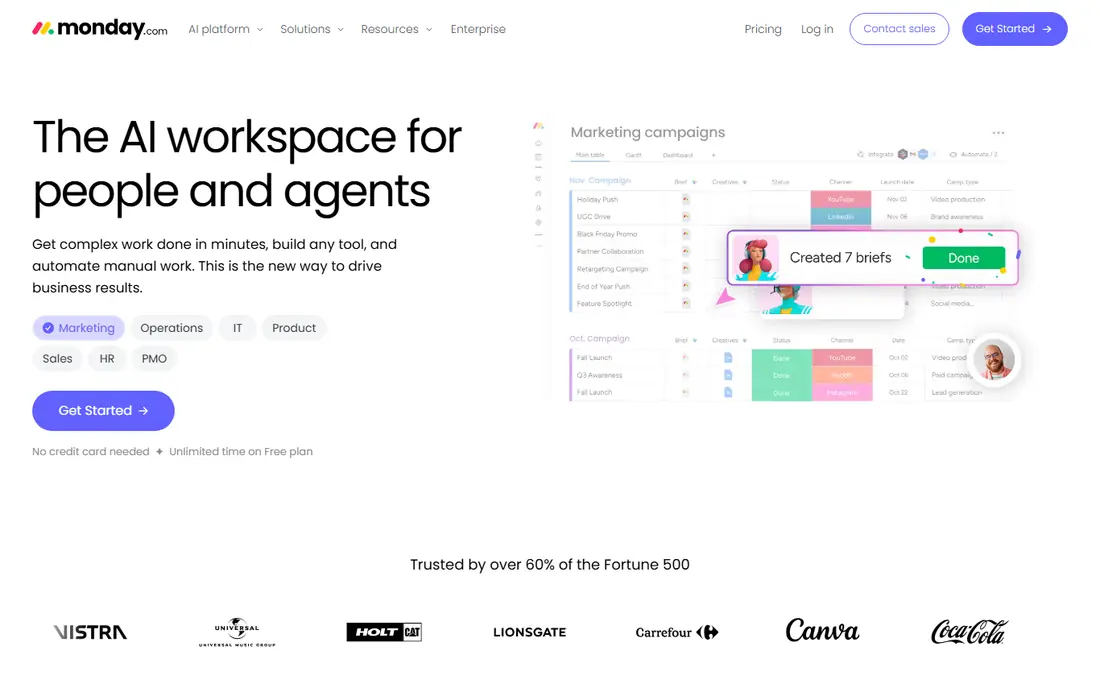
monday.com is the most visual tool on this list, with colourful boards, timelines, and dashboards that make project status easy to see at a glance. Automations can move tasks, send alerts, and update statuses without code, which helps operations teams that repeat the same workflow often. Templates cover marketing, sales, HR, and product work.
The cost grows with each seat, and paid plans start with a minimum seat count, so small teams should check the total, not just the per-seat price. Setup also takes time if you build many custom boards. For teams that think visually and want clear dashboards, monday.com is a strong alternative.
- Visual boards and dashboards
- No-code automations
- Many templates
- Per-seat pricing adds up
- Free plan is limited to small teams
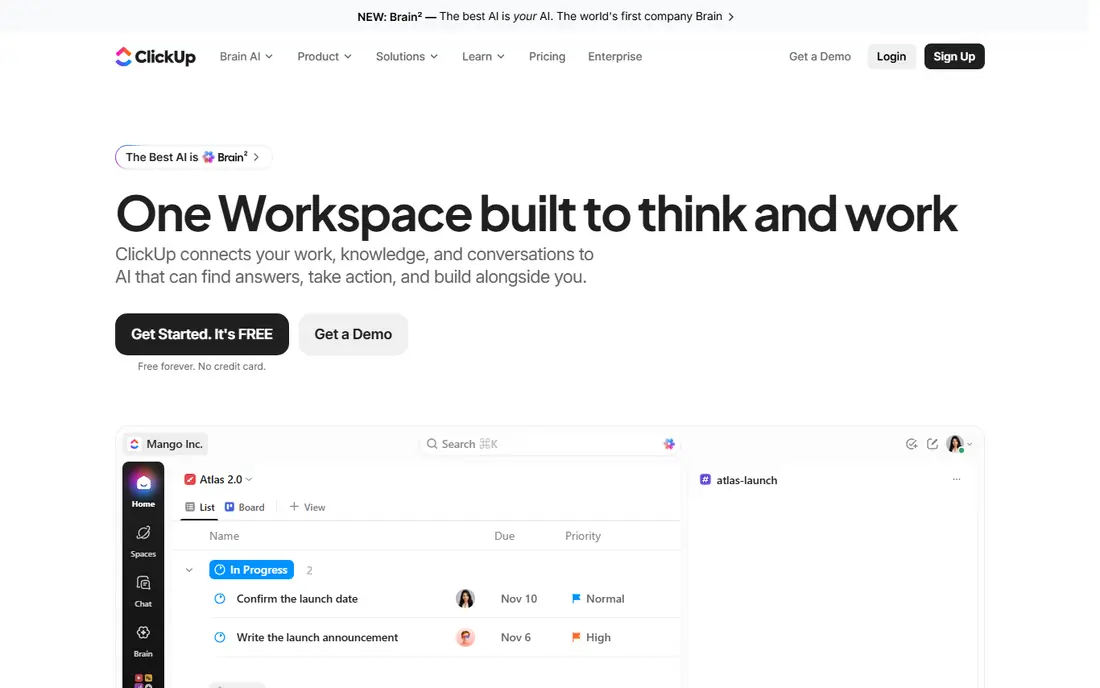
ClickUp packs tasks, docs, whiteboards, goals, and chat into one workspace, which appeals to teams that want fewer tools. Views include lists, boards, calendars, Gantt charts, and timelines, so different teams can work in the same data in different ways. The free plan is generous for small teams, and paid plans add automations and reporting.
The risk is overload. With so many options, a workspace can become messy if no one owns structure, naming, and permissions. Teams that assign an owner and start with a simple setup get the most value. For all-in-one depth at a fair price, ClickUp leads this list.
- Many views and features per plan
- Docs, goals, and chat in one place
- Generous free plan
- Flexibility can lead to clutter
- Setup needs ownership
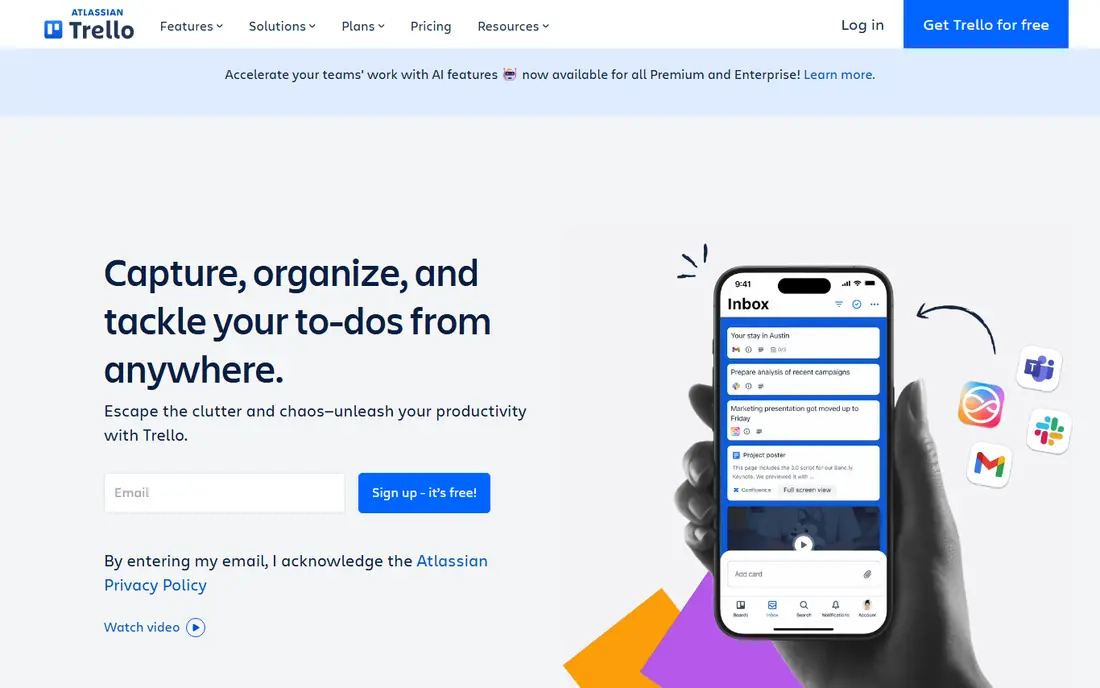
Trello is the simplest tool here, and that simplicity is the point. Boards, lists, and cards map cleanly to work in progress, and new team members can learn it in minutes. The free plan covers small teams, and the mobile app works well for checking tasks on the move.
The limit appears as projects grow. Reporting, workload views, and advanced automations are thinner than in ClickUp or monday.com, and larger programmes may need paid add-ons. For a team whose whole plan fits on a few boards, Trello is fast, clear, and hard to beat.
- Very easy to learn
- Fast board setup
- Good mobile app
- Limited reporting and workload tools
- Large projects need paid Power-Ups
Notion suits teams that live in documents as much as tasks. Specs, meeting notes, wikis, and task databases can live in one place, with links between pages. That structure helps product and content teams keep context close to the work, rather than split across separate tools.
The trade-off is project depth. Notion lacks the workload, portfolio, and advanced reporting tools found in Wrike or Smartsheet, and very large task lists can feel slower. For docs-first teams with light to moderate project tracking, Notion is a calm, flexible alternative.
- Flexible pages and databases
- Good for wikis and specs
- Many templates
- Project reporting is lighter than dedicated PM tools
- Can feel slow for large task lists
Wrike is built for larger teams that need structure, approvals, and reporting. It offers Gantt charts, workload views, time tracking, and request forms, which suit marketing, professional services, and enterprise delivery teams. Security and permission controls are stronger than in simpler tools.
The cost of that power is setup time and complexity. Small teams may find Wrike heavy for simple task lists, and pricing rises with advanced features. For organisations that need audit trails, approvals, and cross-team reporting, Wrike is a serious alternative.
- Strong approvals and reporting
- Workload views
- Enterprise security options
- Setup is heavier
- Interface can feel complex for small teams
Smartsheet appeals to teams that think in rows and columns. Its grid view feels familiar to spreadsheet users, while dashboards, reports, and automations add project control on top. Programme managers use it to track many projects, budgets, and milestones in one place.
The main limits are price and style. There is no free plan, only a trial, and the grid-first design is less visual than monday.com or Trello. For data-heavy programme work, though, Smartsheet offers control that board tools struggle to match.
- Familiar grid view
- Strong reporting and dashboards
- Good for programme work
- No free plan, only a trial
- Less visual than board tools
Teamwork is designed for agencies and client-service teams, with client portals, time tracking, and project profitability views. Clients can see progress without seeing internal detail, which reduces status calls. Task lists, milestones, and workload views cover delivery work well.
The trade-off is focus. Teamwork is less common for general internal projects, and some useful features sit on higher tiers. For agencies that bill by time and manage many clients, the client and profit tools make Teamwork a strong alternative.
- Client portals and time tracking
- Profitability views
- Good for agencies
- Less known outside agency work
- Some features sit on higher plans
Basecamp takes the opposite path from ClickUp: fewer features, one price, and a calm interface. To-do lists, message boards, schedules, and file storage cover most small-team project needs without a maze of settings. The flat Pro price beats per-seat plans once a team passes about twenty people.
The limit is depth. Basecamp lacks Gantt charts, advanced automations, and detailed workload reporting, so complex programmes will outgrow it. For small teams that want simplicity and predictable pricing, Basecamp is a refreshing alternative.
A trial with real work also reveals how each tool handles permissions. Check who can see private projects, who can invite guests, and how easily a departing team member can be removed. Those controls matter more as a team grows, and they are easy to overlook during a short demo. Also check mobile apps, since many team members update tasks from a phone. A tool that works well on desktop but feels awkward on mobile will see fewer updates, and stale tasks quickly make any board unreliable.
- Flat pricing for unlimited users on Pro
- Simple to-do lists and message boards
- Low learning curve
- Fewer views and automations
- Not suited to complex programme reporting
How we picked these
We compared official feature pages and pricing pages, app store listings, privacy policies, and public reviews. We required current availability in October 2026 and a clear alternative use case, from simple boards to enterprise programme work. We weighed views, automations, reporting, collaboration, pricing model, and free plan limits. We did not claim hands-on testing beyond that comparison, and we listed only alternatives, never Asana itself.
How to choose an Asana alternative
Start with how your team actually works. Board thinkers should shortlist Trello or monday.com. Docs-first teams should try Notion. Software teams should test Jira or Linear, though Linear is not in this list because we focused on broader alternatives. Agencies should test Teamwork, while programme teams should test Wrike or Smartsheet.
Next, check pricing for your real team size, including seat minimums and renewal terms. A low per-seat price can still cost more than Basecamp flat pricing for a large team. Run a real project in two finalists for two weeks, with the same tasks and deadlines, then keep the tool your team actually updates.
Frequently asked questions
What is the best Asana alternative overall?
ClickUp is our overall pick for value, because it offers many views, docs, and goals in one workspace at a fair price. monday.com is better for visual teams, while Trello is better for simple boards. The best alternative depends on team size and work style.
What are the top Asana alternatives for small teams?
Trello and Notion suit small teams best, because both have free plans and low learning curves. ClickUp also works for small teams that want more features without paying at first. Basecamp suits larger small teams once flat pricing beats per-seat costs.
Is there a free Asana alternative?
Yes, Trello, ClickUp, Notion, monday.com, Wrike, and Teamwork all offer free plans, though limits vary. Free plans usually cap guests, views, automations, or storage. Check the free plan limits for your team size before you commit.
What is the best Asana alternative for software teams?
Jira and Linear are the strongest software-focused options, with sprints, backlogs, and code integrations. Among the tools listed here, ClickUp and Wrike can handle software work, but they are broader tools. Software teams should test a specialist tool alongside a general one.
Can I migrate projects from Asana?
Most tools offer import from Asana or from CSV files, though custom fields, comments, and attachments may need checking after import. Test migration with one small project first, and check task owners, dates, and attachments before moving a full workspace.
Which Asana alternative is simplest?
Trello is the simplest, with boards, lists, and cards that most people learn in minutes. Basecamp is also simple, with a calm interface and fewer settings. Simplicity helps adoption, but larger projects may need the reporting tools found in Wrike or Smartsheet.
Sources
See where you really rank - block by block
ProMapRanker scans Google Maps across a grid of your service area. Simple monthly plans from $19, white-label on every plan.
Start freeKeep reading
 zeffy payment processor stripe alternatives
Zeffy and Stripe Alternatives for Nonprofits in 2026
Explore zeffy payment processor stripe alternatives for nonprofits. We compare 8 fundraising platforms on fees, donor tools, and nonprofit focus. Check fees.
Read → workday alternatives
Workday Alternatives in 2026
Workday alternatives compared: we review 8 HR and payroll platforms that replace Workday, with pricing, strengths and honest limits for each team size.
Read → what's the best weather app
What's the Best Weather App in 2026
Wondering what's the best weather app? We compare 10 free and paid apps for forecasts, radar, alerts, and Colorado mountain weather for everyday and storm use.
Read →