 ProMapRanker
Best Collaboration Software in 2026

Key takeaways
- Slack and Microsoft Teams cover chat and meetings, while Asana, Monday.com, and ClickUp cover projects and task ownership.
- Notion is the best single workspace for docs, wikis, and light projects, especially for small teams that want fewer tools.
- Trello remains the simplest project tool, and Miro is the strongest choice for visual workshops and brainstorming.
- Free plans vary widely: ClickUp and Slack offer generous starting tiers, while Monday.com limits its free plan to two seats.
- The right pick depends on whether your team struggles most with communication, task tracking, or shared documents.
Quick comparison
| Pick | Great for | Pricing starts at | Free tier | |
|---|---|---|---|---|
 Slack Slack | Team chat and channels | $7.25 per user per month | Yes | Visit |
 Microsoft Teams Microsoft Teams | Chat and meetings in Microsoft 365 | See website | Yes | Visit |
 Asana Asana | Structured projects and goals | $10.99 per user per month | Yes | Visit |
 Monday.com Monday.com | Visual boards and dashboards | $9 per user per month | Yes | Visit |
 Notion Notion | Docs, wikis, and light projects | $10 per user per month | Yes | Visit |
 ClickUp ClickUp | All-in-one work management | $7 per user per month | Yes | Visit |
 Trello Trello | Simple kanban boards | $5 per user per month | Yes | Visit |
 Miro Miro | Visual whiteboards and workshops | See website | Yes | Visit |
The best collaboration software
We compared official feature pages and pricing pages for tools that help teams communicate, plan work, and share documents. No single tool wins for every team, so this list covers chat-first, project-first, docs-first, and visual tools, and notes where each one falls short.
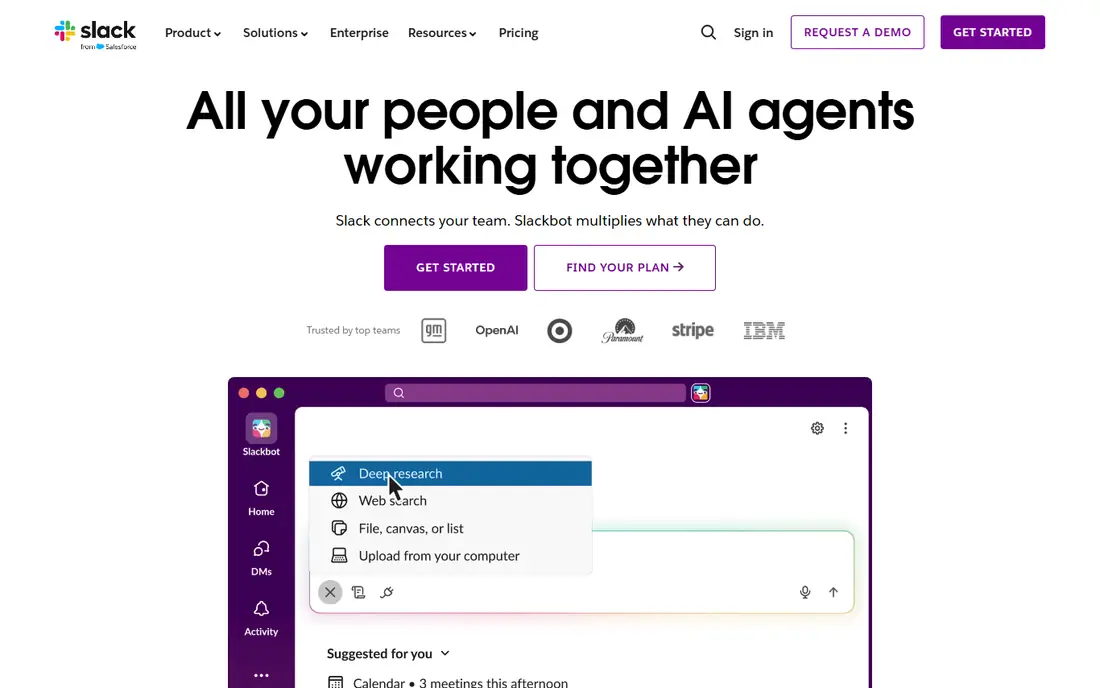
Slack organizes team talk into channels, so project updates, announcements, and social chat do not all land in one inbox. Threads keep side discussions tidy, and integrations pull alerts from tools such as Google Drive, Asana, and GitHub into the channels where people already work. Huddles add a quick voice option when typing is too slow.
The free plan works for small teams getting started, with the 90-day message history limit as the main constraint. Pro is listed at $7.25 per user per month on annual billing and removes that limit while adding more integrations and guest access. Slack is the pick when chat is your main gap, but it is not a project tracker on its own, so most teams pair it with a task tool.
- Channels keep conversations organized by topic
- Huge integration library
- Huddles for quick voice chats
- Free plan keeps only 90 days of message history
- Busy channels can become noisy without good habits
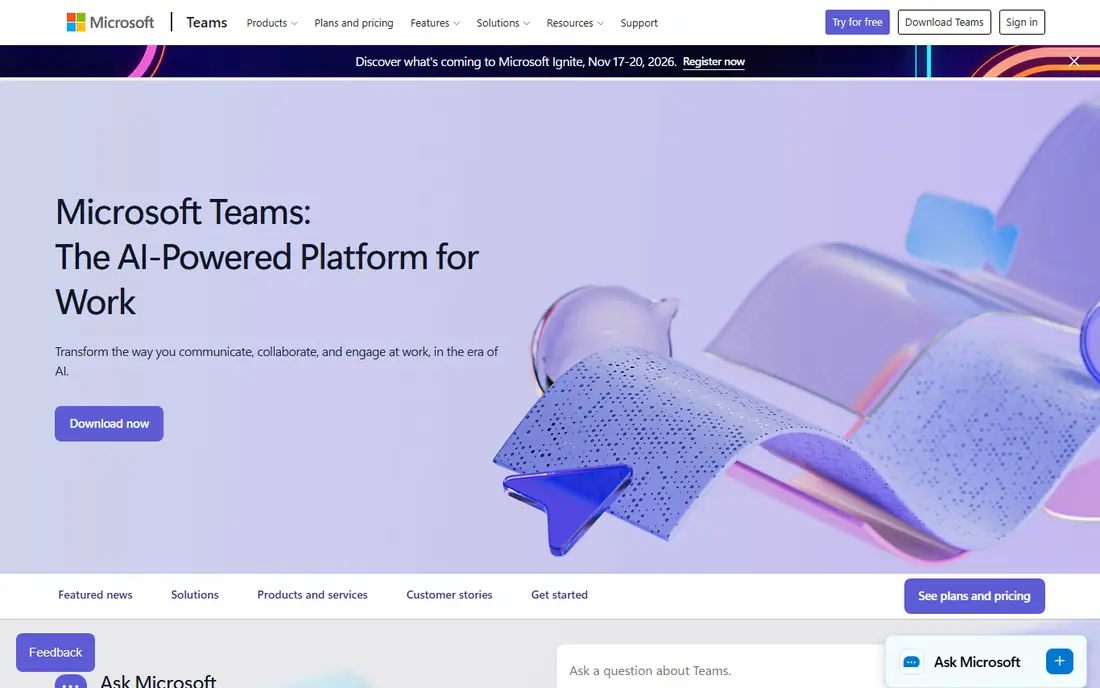
Microsoft Teams brings chat, video meetings, and file collaboration into one app, tightly linked to Outlook, Word, Excel, and SharePoint. For organizations already on Microsoft 365, that integration is hard to beat: a meeting, a shared document, and a chat thread can all live around the same team without extra accounts.
A free version covers chat and video for small groups, while paid options include Teams Essentials and Microsoft 365 business plans, with pricing on the vendor site. Teams is the natural pick for Microsoft shops and larger organizations with compliance needs. Teams that do not use Microsoft 365 may find Slack simpler and lighter for chat alone.
- Built into Microsoft 365
- Strong meetings, chat, and file collaboration
- Good for large organizations
- Interface can feel crowded
- Best value requires a Microsoft 365 subscription

Asana turns messy group work into owned tasks with due dates, assignees, and a clear timeline. Lists, boards, calendars, and timeline views let different people see the same project in the way that suits them, while goals and portfolios help managers track progress across several projects at once.
The free Personal plan covers small teams with basic task management. Starter is listed at $10.99 per user per month on annual billing and adds timeline views, advanced search, and more automation. Asana suits teams that need structure and accountability more than free-form docs, and it pairs well with Slack or Teams for day-to-day chat.
- Clear task ownership and timelines
- Goals and portfolios on higher plans
- Many integrations
- Free plan is limited for larger teams
- Advanced reporting sits on higher tiers
Monday.com is built around colorful, flexible boards where each row is an item and each column tracks status, owner, date, or budget. Dashboards pull those boards into charts and summaries, which makes it popular with marketing, operations, and project teams that want a clear visual status at a glance.
The free plan is limited to two seats, so it works as a trial for a pair rather than a team plan. Basic is listed at $9 per user per month on annual billing, with Standard and Pro adding timeline views, more automation, and dashboards. Monday.com is the pick for visual planners, but check the seat minimums and plan limits before rolling it out to a whole department.
- Highly visual boards and dashboards
- Flexible columns for many workflows
- Strong automation options
- Free plan covers only two seats
- Costs rise as you add features and seats
Notion combines documents, wikis, databases, and simple project boards in a single workspace. A team can keep meeting notes, a company handbook, a content calendar, and a task tracker in one place, linked together rather than scattered across apps. Templates make setup fast, and the block-based editor is easy to learn.
The free plan is generous for individuals and small teams, while Plus is listed at $10 per user per month on annual billing. Notion is the best pick for teams whose main problem is scattered documents and unclear ownership of knowledge. It does not replace Slack or Teams for real-time chat, and it is lighter on advanced project reporting than Asana or Monday.com.
- Docs, wikis, databases, and tasks in one workspace
- Flexible templates
- Generous free tier for individuals
- Not a full chat tool
- Heavy databases can feel slow for large teams
ClickUp aims to replace several tools at once, with tasks, docs, whiteboards, dashboards, goals, and native time tracking under one login. Views include lists, boards, calendars, Gantt charts, and timelines, so different roles can work from the same data without exporting it elsewhere.
The free plan covers unlimited tasks and members, which is unusually generous. Unlimited is listed at $7 per user per month on annual billing and adds more storage, integrations, and automation. ClickUp offers strong value, but its breadth is also its risk: without an admin who turns off unused features and sets conventions, workspaces get messy fast.
- Tasks, docs, whiteboards, goals, and time tracking in one app
- Generous free plan
- Many views
- Feature depth can overwhelm new users
- Setup needs an owner to stay tidy
Trello keeps project work as simple as cards on boards. You drag a card from To Do to Doing to Done, add checklists, due dates, attachments, and comments, and everyone sees the same status. That simplicity is why small teams, freelancers, and community groups keep choosing it over heavier tools.
The free plan covers up to ten collaborators per workspace with unlimited cards. Standard is listed at $5 per user per month on annual billing and adds more checklists, custom fields, and unlimited boards. Trello is the pick when you want a shared board today with no training, and it is the wrong pick when you need portfolios, workload planning, or detailed reporting.
- Easiest kanban setup here
- Unlimited cards on free plan
- Butler automation for routine moves
- Limited reporting and workload views
- Large projects can outgrow boards
Miro gives remote teams a shared whiteboard where sticky notes, diagrams, flowcharts, and frames live on one large canvas. Workshops, sprint planning, user journey mapping, and brainstorming all work better here than in a chat thread or a document, since everyone can move, group, and vote on items in real time.
The free plan covers up to three boards, which suits occasional workshops. Paid plans add unlimited boards, more collaboration controls, and administration, with pricing on the vendor site. Miro pairs well with Slack, Asana, or Notion: use it for the visual thinking, then move agreed actions into your task tool.
- Infinite canvas for brainstorming and mapping
- Strong templates for workshops
- Good for remote teams
- Not a task tracker or chat tool
- Board sprawl needs curation
How we picked these
We compared official feature pages and pricing pages, and we kept only tools that exist and work in October 2026 and truly support team collaboration, whether through chat, projects, docs, or visual boards. We favored a mix of well-known leaders and flexible options, and we noted free plan limits honestly, since those limits often decide whether a tool works for a given team size.
How to choose the right tool
Start with the bottleneck. If messages get lost and decisions vanish, fix chat first with Slack or Teams. If nobody knows who owns what or when work is due, fix project tracking with Asana, Monday.com, ClickUp, or Trello. If knowledge is scattered across drives and inboxes, fix docs with Notion. Most teams need two tools, not one, and that is normal.
Count seats and check free limits before you commit. A free plan that covers two people will not cover a team of twenty, and a per-user price that looks cheap can still add up across a department. Run a two-week trial with a real project, not a demo board, and watch whether people actually open the tool without being reminded.
Set conventions early
Tools fail more often from habits than from features. Agree on where decisions live, how tasks get assigned, and when to use chat instead of a comment on a task. Name one owner for setup and cleanup, archive finished boards, and review channels and projects monthly. A simple tool with clear habits beats a powerful tool that nobody maintains.
Frequently asked questions
What is the best collaboration tool for small teams?
Notion or Trello for simplicity, and Slack for chat, depending on your gap. Small teams often do well with Slack plus one project tool, rather than buying a full suite at once.
What are the best collaboration apps for remote teams?
Slack or Microsoft Teams for daily communication, plus Miro for workshops and Asana or ClickUp for task tracking. Remote teams need written decisions and owned tasks more than co-located teams do.
What is the best collaboration platform for projects?
Asana for structured projects and goals, Monday.com for visual boards and dashboards, and ClickUp for an all-in-one option at a lower starting price. The best fit depends on how visual your team is and how much reporting you need.
Is there a good free collaboration tool?
Yes. ClickUp offers a generous free plan, Slack offers free chat with a history limit, and Notion and Trello offer useful free tiers for small teams. Check seat and board limits before relying on a free plan for a larger group.
How is Notion different from Asana?
Notion centers on docs, wikis, and flexible databases, with light project tracking added. Asana centers on tasks, timelines, goals, and workload, with docs as a supporting feature. Many teams use both, with Notion for knowledge and Asana for delivery.
Do I need both chat and project software?
Most teams do, since chat is for quick discussion and project software is for owned work and deadlines. Pairing Slack or Teams with Asana, ClickUp, or Trello keeps discussion separate from commitments.
Sources
- https://softwarefinder.com/resources/free-collaboration-tools
- https://peerbie.com/blog/monday-com-alternatives/
- https://www.goodday.work/blog/best-team-collaboration-software/
- https://rankite.com/blog/best-task-management-app-for-teams
- https://slack.com
- https://www.microsoft.com/en-us/microsoft-teams/group-chat-software
- https://asana.com
- https://monday.com
- https://www.notion.so
- https://clickup.com
- https://trello.com
- https://miro.com
See where you really rank - block by block
ProMapRanker scans Google Maps across a grid of your service area. Simple monthly plans from $19, white-label on every plan.
Start freeKeep reading
 zeffy payment processor stripe alternatives
Zeffy and Stripe Alternatives for Nonprofits in 2026
Explore zeffy payment processor stripe alternatives for nonprofits. We compare 8 fundraising platforms on fees, donor tools, and nonprofit focus. Check fees.
Read → workday alternatives
Workday Alternatives in 2026
Workday alternatives compared: we review 8 HR and payroll platforms that replace Workday, with pricing, strengths and honest limits for each team size.
Read → what's the best weather app
What's the Best Weather App in 2026
Wondering what's the best weather app? We compare 10 free and paid apps for forecasts, radar, alerts, and Colorado mountain weather for everyday and storm use.
Read →