 ProMapRanker
Best When I Work Alternatives in 2026


Demand-based scheduling and compliance · Pricing starts at: $5 per user per month
Key takeaways
- Per-location pricing often beats per-user pricing for a large team at one or two sites, while per-user pricing stays cheaper for a small core team.
- Sling, Homebase and 7shifts all offer a free plan, so a small team can start without paying and upgrade only when it needs time tracking or payroll.
- Connecteam and Homebase go furthest beyond the schedule itself, adding messaging, forms, hiring and, in Homebase, payroll.
- Restaurants should shortlist 7shifts first, because its tip handling and restaurant tools are built for that setting rather than added later.
Quick comparison
| Pick | Great for | Pricing starts at | Free tier | |
|---|---|---|---|---|
| Deputy | Demand-based scheduling and compliance | $5 per user per month | No | Visit |
 Homebase | Small businesses wanting payroll in one place | Free | Yes | Visit |
 Connecteam | Deskless and frontline teams | $29 per month | Yes | Visit |
 7shifts | Restaurants and bars | Free | Yes | Visit |
 Sling | Simple scheduling on a tight budget | Free | Yes | Visit |
 Planday | Multi-site shift planning | See website | No | Visit |
 ZoomShift | Seasonal and part-time teams | See website | No | Visit |
 QuickBooks Time | Teams already using QuickBooks | $20 per month plus $10 per user per month | No | Visit |
The best when i work alternatives
When I Work covers the basics well, but teams often leave it for a lower bill, a free plan, a built-in time clock or tools for hiring and payroll. The eight options below all handle shift scheduling, and each one adds a different strength on top.
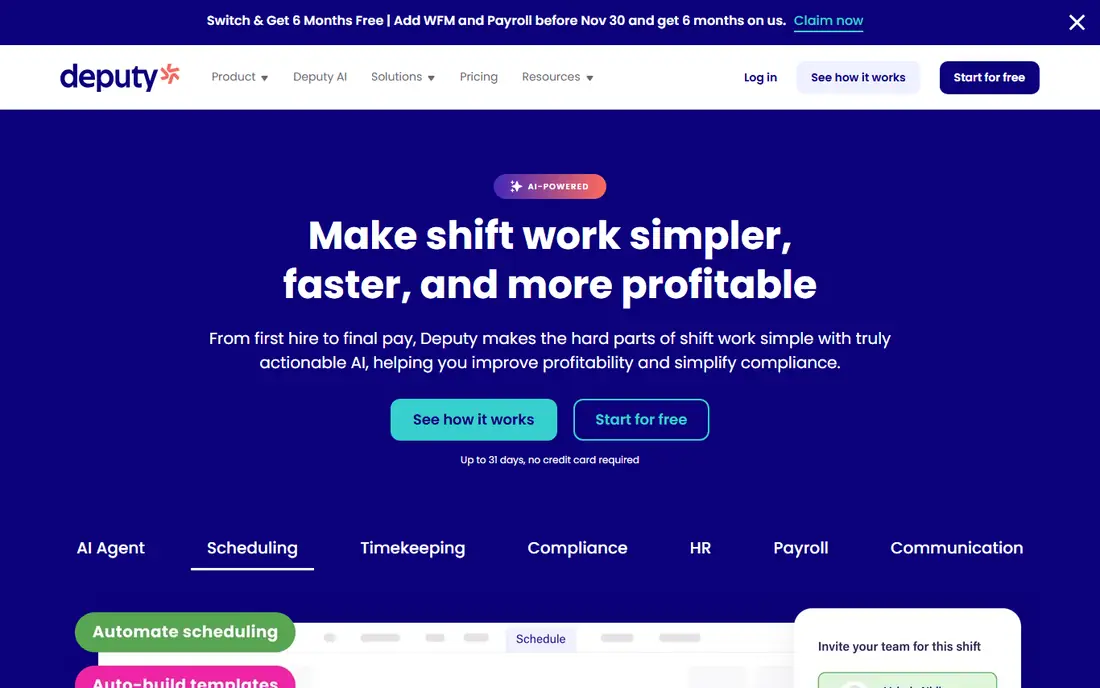
Deputy suits a team that wants the schedule to follow demand rather than a fixed template. Its auto-scheduler weighs sales patterns, labor budgets and working-hour rules, so a retail or hospitality manager can build a week that tracks expected trade instead of copying last week and hoping. That depth is the main reason to pay more than a basic scheduler charges, and it matters most when labor cost is a large share of weekly spending.
The catch is the bill. At five dollars per user per month, with a monthly minimum, a roster of forty part-time staff costs far more than a per-location plan would. Deputy also keeps payroll as an add-on, so a team that wants one bill for scheduling and pay will still need a separate setup. We would pick Deputy when forecasting and compliance rules drive the decision, and look elsewhere when the priority is simply the lowest monthly cost.
- Strong auto-scheduling based on demand
- Clear compliance and award controls
- Clean mobile apps for managers and staff
- Per-user pricing climbs fast for large teams
- No permanent free plan
- Payroll is an add-on rather than built in
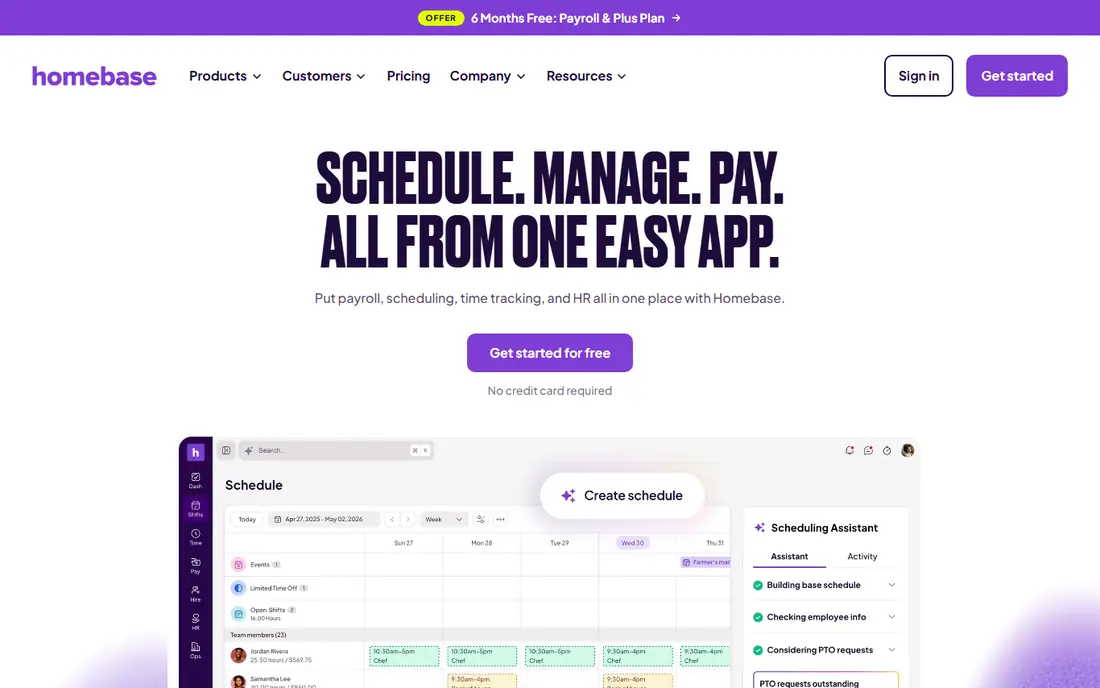
Homebase is the closest thing here to a single home for hourly work. Scheduling, time tracking, team messaging and hiring sit in one app, and payroll can be added rather than run through a separate provider. For a cafe, salon or shop with one site, that breadth removes a lot of app switching, and the free plan gives a genuine starting point instead of a short trial that ends before the team has settled in.
The trade-off appears as the business grows. Because paid plans charge per location, a chain of five sites pays five times, even if some sites have small teams. Payroll also adds to the monthly cost, so the headline plan price is not the full cost for a team that wants pay handled in the same place. We would pick Homebase for a single-location business that values hiring and payroll in one system, and compare per-user tools if the team is spread across many sites.
- Free plan for one location
- Hiring and onboarding included
- Payroll available as an add-on
- Paid plans are priced per location, so multi-site costs add up
- Advanced features sit on higher tiers
- Payroll costs extra
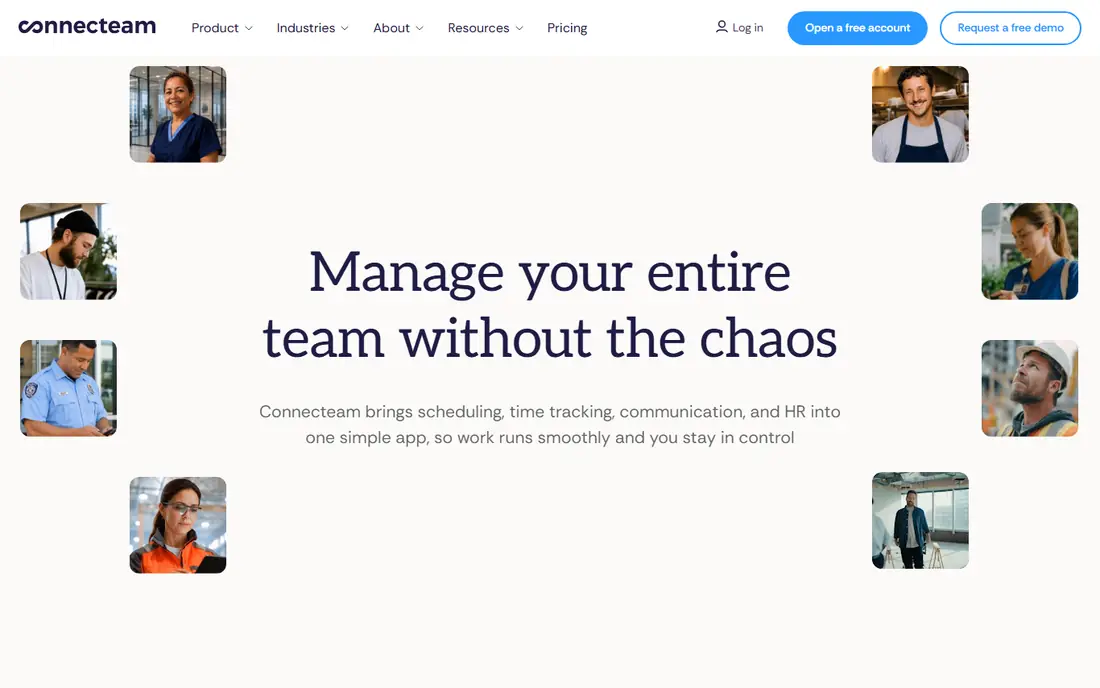
Connecteam is built for people who do not sit at a desk, such as field crews, cleaners, carers and retail floor staff. The scheduling hub covers shifts, swaps and a time clock, while other hubs add checklists, forms, training and chat. That combination suits a manager who wants daily tasks and messages in the same place staff check their shifts, rather than in a separate chat app that not everyone opens.
Pricing is flat for up to 30 users per hub, which makes the monthly cost easy to predict for a team in that band. The catch is the hub structure. A team that wants scheduling plus training plus forms pays for each hub it uses, so the total can rise above the headline figure. We would pick Connecteam for a frontline team of up to thirty people that needs operations tools alongside the rota, and check the hub total before signing up.
- Scheduling, time clock, forms and training in one app
- Flat pricing for up to 30 users per hub
- Strong mobile experience for staff without desks
- Features are split across hubs, so the full set costs more
- Larger teams move beyond the flat band
- Payroll needs an integration
7shifts is the specialist in this list, and that focus shows in the details. It handles restaurant scheduling around sales forecasts and labor targets, and it covers tip pooling and task lists that a general scheduler treats as an afterthought. A restaurant manager can see labor cost against expected sales while building the week, which is the number that decides if a busy Friday is profitable or just busy.
The limits follow from that focus. A retail shop or clinic will find tools it does not need and miss some it does, and a restaurant group pays per location, so a ten-site group faces a much larger bill than a single cafe. Payroll is also an add-on rather than part of the core plan. We would pick 7shifts for any restaurant or bar team, and choose a general tool for a business outside hospitality.
- Restaurant-focused scheduling and labor tools
- Tip management on higher plans
- Free plan for one location and a small team
- Less useful outside hospitality
- Per-location pricing adds up for groups
- Some tools, such as payroll, are add-ons
Sling is the cheapest way to get a proper schedule and team messaging in one place. Its free plan covers shift scheduling, time-off requests, open shifts and messaging for up to thirty users, which is enough for many small teams to run the whole rota without paying. The schedule builder is quick to learn, and warnings about labor cost and clashing shifts catch common mistakes before the week is published.
The free plan has a clear edge. Time tracking, labor cost reporting in full, kiosk clock-ins and no-show tracking sit on paid tiers, so a team that needs a time clock will pay from about two dollars per user per month. There is no payroll product, and compliance support is thinner than Deputy or 7shifts offer. We would pick Sling when the budget is the deciding factor and the main need is a clear, shared schedule.
- Free scheduling and messaging for up to 30 users
- Fast drag-and-drop schedule builder
- Labor cost and conflict warnings
- Time tracking requires a paid plan
- No built-in payroll
- Compliance tools are limited
Planday suits a business with several sites and a larger hourly workforce, such as a hospitality group or a care provider. It handles scheduling across locations, tracks labor cost, and connects to payroll and HR systems so hours flow into pay without retyping. Managers can compare sites, move staff between them, and keep one set of rules for time off and availability.
That depth comes with a heavier setup. Pricing is quoted rather than listed as a single starting price, and a five-person team will find more structure than it needs. Planday makes sense when the schedule spans sites and the manager needs control over cost and compliance at scale. For a single small site, Sling or Homebase will be faster to start and cheaper to run.
- Strong multi-location scheduling
- Payroll and HR integrations
- Clear labor cost controls
- Pricing is not published as a simple starting figure
- Setup takes longer than simpler tools
- Smaller teams may not need its depth
ZoomShift appeals to teams whose headcount rises and falls with the season, such as summer venues, holiday retailers and event staff. Its per-user pricing stays low, and the option to pause a plan helps a business that closes or shrinks for part of the year avoid paying for months when it has no rota to build. Schedule templates and shift swaps cover the daily work without a long learning curve.
The trade-off is breadth. ZoomShift does not try to be a hiring platform or a payroll system, and its integrations are fewer than those of Deputy, Homebase or Connecteam. A team that wants everything in one place will outgrow it, but a team that only needs a solid schedule will find the simplicity a benefit. We would pick ZoomShift for a seasonal or part-time team that wants low cost and an easy pause when work dries up.
- Low per-user pricing
- Plan pause option for seasonal businesses
- Simple schedule templates and shift swaps
- Fewer built-in HR and payroll tools
- Smaller integration set than larger rivals
- Time clock features are basic
QuickBooks Time, formerly TSheets, is the sensible pick for a business that already runs its accounts in QuickBooks. Staff clock in from a mobile app, hours are tracked against jobs or customers, and that time feeds payroll and invoicing without manual entry. For a trades, cleaning or field-service business that bills by the hour, that link saves more time than a fancier schedule builder would.
Scheduling itself is more basic than Deputy or 7shifts, and the price is a monthly base fee plus a per-user fee, with no free tier. A team that does not use QuickBooks gains little from choosing it over a cheaper scheduler. We would pick QuickBooks Time only when QuickBooks is already the accounting system, and treat it as a time-tracking tool with scheduling attached rather than the other way round.
- Hours flow straight into QuickBooks payroll and invoicing
- GPS and geofencing time tracking
- Strong reporting for job costing
- No free plan
- Pricing adds up for large teams
- Scheduling is simpler than specialist tools
How we picked these
We compared official feature pages, pricing pages and app store listings for scheduling tools that serve hourly teams, and we kept only tools that are available now and cover shift scheduling as a core feature. We checked starting prices and free plans against vendor pages and recent comparisons, and we used See website where a vendor quotes pricing rather than publishing a single starting figure. We did not claim hands-on testing, and we weighed each tool by who it fits, what it does beyond the rota, and what it honestly lacks.
How to choose the right scheduler for your team
Start by counting active staff and sites, because pricing models punish different shapes of team. Per-user tools look cheap for ten staff and costly for fifty part-timers, while per-location tools do the opposite. Write down the real weekly headcount, including casual staff who only work some weeks, before comparing any headline price.
Next, list the jobs the schedule must do beyond publishing shifts. A time clock, tip handling, hiring, payroll and task checklists each point to a different winner, and paying for a bundle that includes tools the team never opens is wasted money. Trial the top two choices with one real week of shifts, and watch how staff react to the mobile app, since a schedule that staff do not check will fail no matter how good the manager view looks.
Frequently asked questions
Is there a free alternative to When I Work?
Yes. Sling offers free scheduling for up to thirty users, Homebase offers a free plan for one location, and 7shifts offers a free plan for one location and a small team. Each free plan limits some features, such as time tracking or payroll, so check which features stay free before relying on one.
Which When I Work alternative is best for restaurants?
7shifts is our pick for restaurants, because it is built around restaurant labor, sales forecasts and tip management. Homebase and Deputy also work for restaurants, but they are general tools, so a restaurant team may need add-ons to match what 7shifts includes for hospitality.
Which alternative is cheapest for a small team?
Sling is usually cheapest, because its free plan covers scheduling and messaging for up to thirty users. Homebase is also free for one location, and Connecteam is free for up to ten users. For a team that needs a time clock, compare the paid tiers, since free scheduling alone may not be enough.
Can I move my schedule and staff list from When I Work?
Most of these tools let managers add staff, set availability and rebuild a schedule template, but there is no single one-click import that works the same way in every tool. Plan for a short setup week, export staff details from When I Work first, and run the old and new tools side by side for one rota cycle.
Do these apps include a time clock?
Deputy, Homebase, Connecteam and QuickBooks Time include time tracking, and Sling adds it on paid plans. 7shifts handles time tracking through its companion clock app on paid tiers. Check the plan level, because a free plan often covers scheduling only.
Which alternative works best for deskless teams?
Connecteam is our pick for deskless teams, because its mobile app combines scheduling, a time clock, forms, training and chat in one place. Homebase also works well for hourly staff who mainly use a phone, while tools built for office teams tend to assume staff check a computer each day.
Sources
See where you really rank - block by block
ProMapRanker scans Google Maps across a grid of your service area. Simple monthly plans from $19, white-label on every plan.
Start freeKeep reading
 which software is best for pdf page removal
Which Software Is Best for PDF Page Removal in 2026
Find which software is best for pdf page removal, from free online tools to desktop editors, with page controls, privacy, safety, and pricing compared.
Read → the best tool for keyword analysis
The Best Tool for Keyword Analysis in 2026
Find the best tool for keyword analysis with our 2026 comparison of 10 keyword analysis software tools on data depth, difficulty scores and price today.
Read → best streaming services for kids
Best Streaming Services for Kids in 2026
Find the best streaming service for kids in 2026. We compare 9 services for age ranges, parental controls, ads, downloads, and family value for US families.
Read →