 ProMapRanker
Best Streaming Services for Kids in 2026


Families with younger children · Pricing starts at: $12.49 per month
Key takeaways
- Disney+ has the deepest kids library for younger children, with kid profiles that children cannot easily switch out of.
- PBS Kids is the best free start for preschool children, with educational shows and no subscription at all.
- Netflix offers the strongest parental controls for mixed age households, including PIN locked profiles and maturity settings.
- Ads change the value of a kids service more than the headline price, so check whether the cheapest plan shows ads on kids content.
- No parental control is foolproof, so set profiles and PINs before you hand over the remote, and review viewing regularly.
Quick comparison
| Pick | Great for | Pricing starts at | Free tier | |
|---|---|---|---|---|
| Disney+ | Families with younger children | $12.49 per month | No | Visit |
 Netflix | Mixed age households and teens | $8.99 per month | No | Visit |
 PBS Kids | Preschool children and free educational viewing | Free | Yes | Visit |
 YouTube Kids | Children who already love YouTube creators | Free | Yes | Visit |
 Paramount+ | Nickelodeon fans and family viewing | $8.99 per month | No | Visit |
 Peacock | Families wanting a low cost kids add on | $8.99 per month | No | Visit |
 Max | Older kids who love cartoons | $10.99 per month | No | Visit |
 Hulu | Families who also want adult TV in one account | $12.49 per month | No | Visit |
 Apple TV+ | Families wanting ad free originals | $14.99 per month | No | Visit |
The best streaming services for kids
Choosing a kids streaming service is less about the biggest library and more about age fit, ads, and controls. A preschooler and a twelve year old need very different catalogues, and a cheap plan with ads can be a worse deal for families than a slightly dearer ad free plan. We compared nine services that US families use for children in 2026. Our pick for most families is Disney+, with PBS Kids as the free start and Netflix as the best choice for mixed age households. Note: age ratings and parental controls vary by service, so set up kid profiles and PINs before children watch alone.
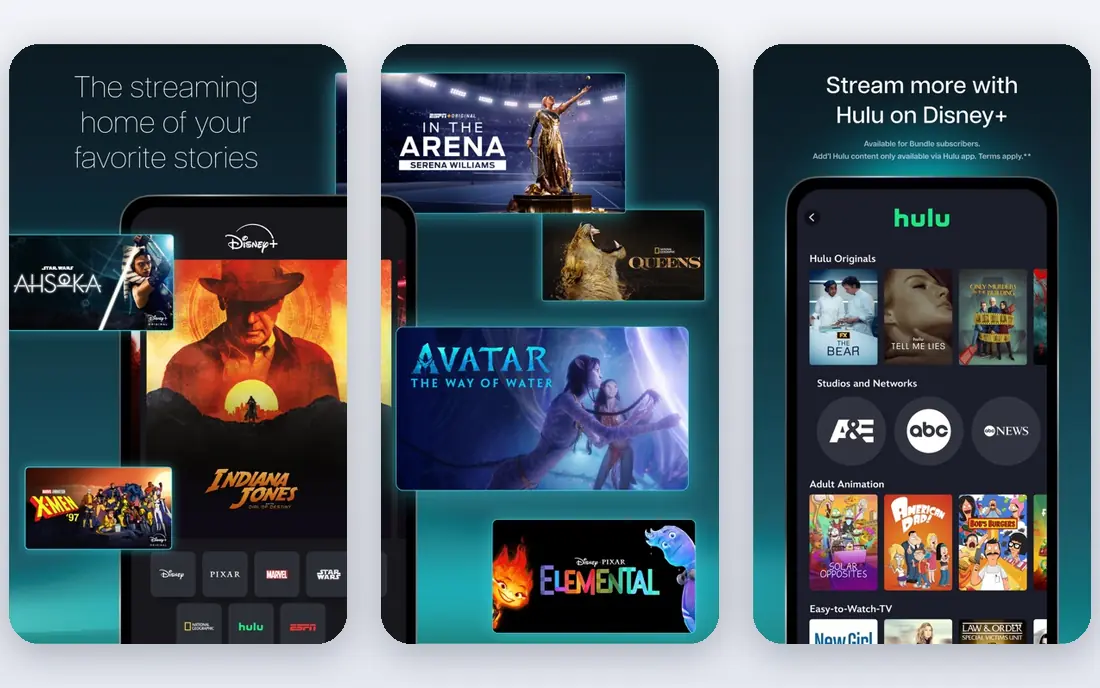
Disney+ remains the default kids service for most families because its library of Disney, Pixar, Marvel, and Star Wars titles is unmatched for younger viewers. Kid profiles restrict content by rating, and children cannot easily switch out of a kid profile without the account controls. Downloads on every plan help on trips and flights.
The cheapest plan now includes ads, which many parents prefer to avoid for children, and the price has risen over recent years. Parents should also set a PIN on adult profiles, since the same account holds grown up titles. For pure kids viewing depth, though, no other service on this list comes as close.
- Deepest kids library
- Kid profiles with content limits
- Downloads on all plans
- Cheapest plan includes ads
- Price has risen several times
- Adult content sits beside kids profiles
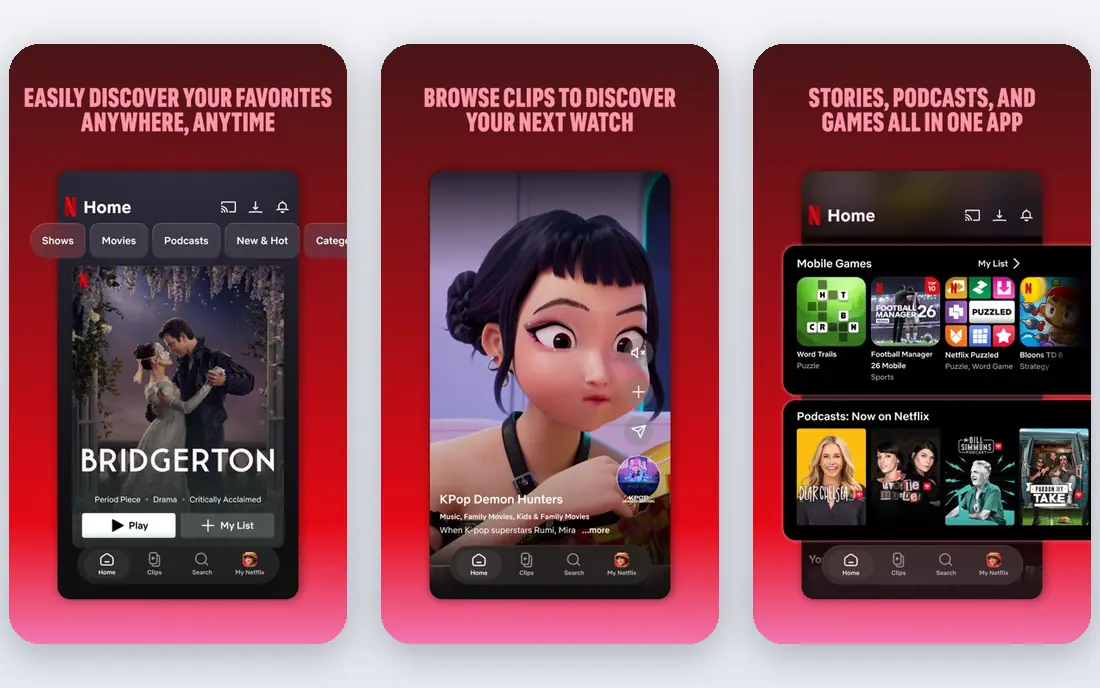
Netflix is the best choice when one account must serve children of different ages plus adults. Its kids profiles, maturity settings, and profile PIN locks give parents finer control than most rivals, and its animated originals keep older children watching. The catalogue spans preschool shows through teen series, so one subscription can grow with a family.
The cheapest plan includes ads and limits streams and quality, while higher plans cost much more. Its preschool depth also trails Disney+ and PBS Kids for the youngest viewers. For a household where teens and adults share the account, Netflix offers the best balance of control and variety.
- Strong kids profiles and PIN locks
- Large animated originals
- Maturity ratings per profile
- Price rises with streams and quality
- Ads on cheapest plan
- Kids catalogue is broad rather than deep for preschool
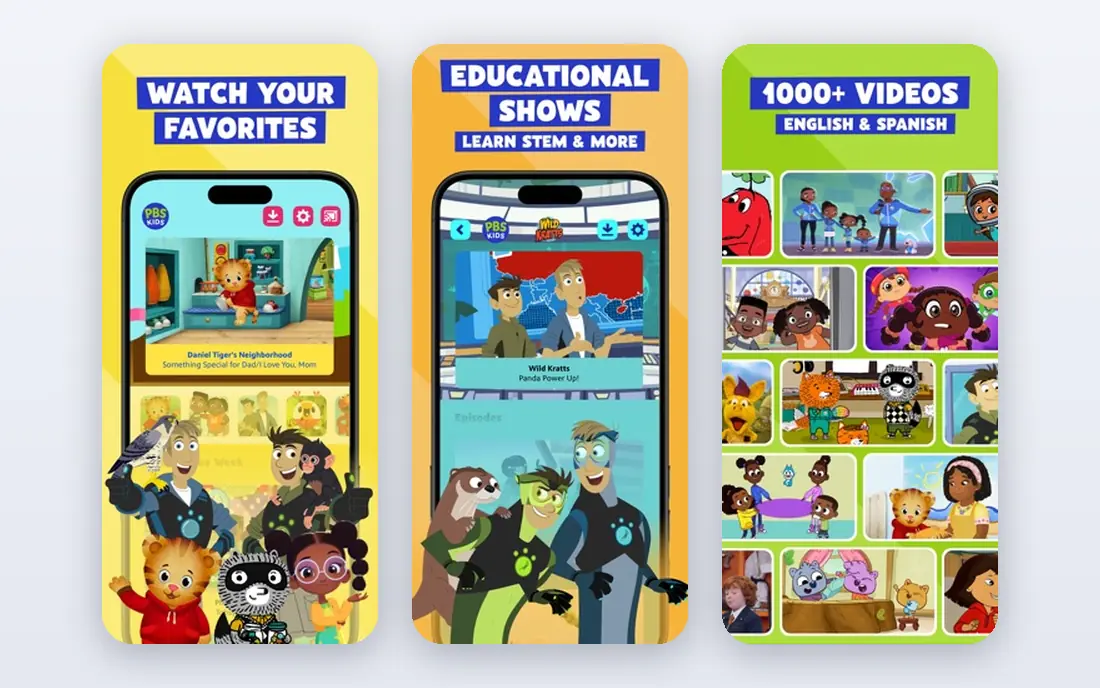
PBS Kids is the best free option for young children, full stop. It carries Sesame Street, Daniel Tiger's Neighborhood, Curious George, and other educational shows, with games and activities tied to the programmes. There is no subscription, no trial to cancel, and no upsell waiting behind a paywall.
The limit is age. Content skews to ages two to six, so older children will outgrow it quickly, and parental controls are minimal because the app is already filtered to kids content by design. Start here for preschool viewing, and add a paid service only when your child needs more.
- Completely free
- No ads on the main app
- Educational shows
- Games and activities
- No tween or teen content
- Minimal PIN controls
- Catalogue ends at early elementary age
YouTube Kids gives children a filtered version of YouTube, with parent controls for approved content, search on or off, and viewing timers. It suits children who already ask for specific creators or topics that do not appear on traditional streaming services, and it costs nothing to try.
The trade off is quality control. Even with filters, user generated content varies far more than curated shows on Disney+ or PBS Kids, and ads appear in the free app. Parents should use approved content mode for younger children and review watch history regularly. For older children with clear interests, it is a useful free addition, not a replacement for a curated service.
- Free
- Parent approved content settings
- Search controls
- Timer features
- Ad supported
- Content quality varies
- Supervision still needed for younger children
Paramount+ earns its place through Nickelodeon. Shows such as SpongeBob SquarePants, PAW Patrol, and Teenage Mutant Ninja Turtles give it a strong kids catalogue, especially for children aged four to ten. Kids profiles and parental controls keep viewing age appropriate, while adults get news, sports, and drama in the same subscription.
The entry plan includes ads, and its parental controls are less detailed than Netflix. Families who only want kids content may also find they pay for a large adult library they rarely use. For Nickelodeon households, though, Paramount+ is a strong single subscription.
- Large Nickelodeon library
- Kids profiles
- Live sports for adults in the same account
- Cheapest plan includes ads
- Kids controls are less detailed than Netflix
- Catalogue is broad
Peacock offers a kids hub with family films and shows, including DreamWorks titles, at a lower entry price than several rivals. It works well as a second service for families who already subscribe elsewhere and want extra kids content without a large new bill. Its interface makes it easy to find family titles in one place.
The entry plans include ads, and its kids catalogue is thinner than Disney+ or Netflix for daily viewing. Parental controls rely on profiles rather than the detailed maturity settings some parents prefer. As a low cost addition, Peacock is good value. As a family's only kids service, it may feel thin.
- Kids hub with family titles
- Low entry price
- Universal and DreamWorks titles
- Ads on entry plans
- Kids controls are profile based
- Smaller kids depth than Disney+
Max, formerly HBO Max, is the cartoon lover's pick for older children. Cartoon Network shows, Looney Tunes, and a strong animation back catalogue give it depth for children aged six and up, with kids profiles and PIN locks to keep adult titles separate. Families who already watch Max for adult shows get kids value without a second subscription.
Preschool content is limited, and the wider service is dominated by adult programming, so profile setup matters more here than on Disney+. The cheapest plan includes ads. For families with older children who love animation, Max is a strong choice. For preschoolers, start with PBS Kids or Disney+ instead.
- Cartoon Network and Looney Tunes
- Kids profiles with PIN
- Strong animation library
- Cheapest plan includes ads
- Limited preschool content
- Adult content dominates the wider service
Hulu includes a kids hub with family shows and films, plus kids profiles, inside a service adults use for current TV and films. That combination suits a household that wants one subscription for everyone, rather than separate kids and adult services. Its library is broad, and bundles with Disney+ can lower the combined cost.
The need for careful setup is real: adult content is prominent on Hulu, so PIN locks and profile settings must be set before children browse. The cheapest plan includes ads. Hulu is best as a family wide service with a kids corner, not as a dedicated kids only app.
- Kids hub inside a full TV service
- Kids profiles
- Large general library
- Cheapest plan includes ads
- Kids controls need careful setup
- Adult content is prominent
Apple TV+ is the ad free option on this list, with no ad supported tier to worry about. Its original family shows are well made, and parental controls through Apple profiles and Screen Time give parents detailed limits on viewing and purchases. Families deep in the Apple ecosystem will find setup especially smooth.
The kids library is much smaller than Disney+ or Netflix, so it works best as a complement rather than a family's only service. The price is also higher than several rivals. If ad free viewing and a small set of high quality originals matter most, Apple TV+ is a calm, controlled choice.
- No ad tier
- Original family shows
- Strong parental controls through Apple profiles
- Smaller kids library than Disney+ or Netflix
- Higher price
- Best inside the Apple ecosystem
How we picked these
We compared official pricing pages, help pages on parental controls, and public reviews for services available in the US in October 2026. We favoured services with dedicated kids profiles or hubs, clear age settings, and a real catalogue for children, and we excluded services that had closed. Prices are starting monthly rates and change often, so check the vendor page before subscribing.
Setting up kids streaming so controls actually work
Create a separate kid profile for each child, set its age rating, and lock adult profiles with a PIN before the first viewing session. Turn search off or to approved content for younger children, and choose an ad free plan if ads worry you, since ad supported kids content can show promotions you did not choose. Set a viewing timer or a daily limit where the service offers one, and review watch history each week with your child rather than in secret. Finally, keep one device rule consistent: if a child can switch to an adult profile on a tablet, the TV controls alone will not protect them.
Frequently asked questions
What is the best streaming service for kids?
Disney+ is the best overall pick for younger children, thanks to its deep kids library and kid profiles. PBS Kids is the best free option for preschoolers, and Netflix is best for mixed age households that need stronger controls.
Which streaming service is best for kids under six?
PBS Kids is best for children under six because it is free, ad free in its main app, and focused on educational preschool shows. Disney+ is the best paid step up when a child wants more stories and characters.
What are the best kids streaming services without ads?
PBS Kids is free and ad free in its main app, while Apple TV+ has no ad tier at all. For other services, choose an ad free plan rather than the cheapest plan, since entry plans on most services now include ads.
What is the best kids streaming service for older children?
Netflix suits older children best, with teen series, maturity settings, and PIN locked profiles. Max also suits older children who love cartoons, thanks to its Cartoon Network library.
How do parental controls work on kids streaming services?
Most services offer kids profiles with age based content limits and a PIN to lock adult profiles. Netflix adds maturity ratings per profile, while YouTube Kids adds approved content mode and search controls. No control replaces supervision, so review viewing regularly.
Sources
See where you really rank - block by block
ProMapRanker scans Google Maps across a grid of your service area. Simple monthly plans from $19, white-label on every plan.
Start freeKeep reading
 which software is best for pdf page removal
Which Software Is Best for PDF Page Removal in 2026
Find which software is best for pdf page removal, from free online tools to desktop editors, with page controls, privacy, safety, and pricing compared.
Read → when i work alternatives
Best When I Work Alternatives in 2026
Looking for when i work alternatives? We compare 8 scheduling apps for hourly teams, covering pricing, free plans, time clocks and the best fit for business.
Read → the best tool for keyword analysis
The Best Tool for Keyword Analysis in 2026
Find the best tool for keyword analysis with our 2026 comparison of 10 keyword analysis software tools on data depth, difficulty scores and price today.
Read →