 ProMapRanker
Best We Transfer Alternatives in 2026

Key takeaways
- Smash and SwissTransfer are best for one-off large sends with no account needed for basic use.
- Google Drive, Dropbox and OneDrive suit ongoing work, since files stay stored and shared after the transfer.
- Filemail and TransferNow give the clearest paid upgrades for large files with password protection.
- MASV is the pick for video and media teams that send very large files on a regular basis.
Quick comparison
| Pick | Great for | Pricing starts at | Free tier | |
|---|---|---|---|---|
 Smash | Large one-off sends | Free | Yes | Visit |
 Google Drive | Everyday storage and sharing | $1.99 per month | Yes | Visit |
 Dropbox Transfer | Sharing alongside cloud sync | $9.99 per month | Yes | Visit |
 OneDrive | Microsoft 365 users | $1.99 per month | Yes | Visit |
 Filemail | Low-cost large transfers | $6 per month | Yes | Visit |
 TransferNow | Password-protected sends | $10 per month | Yes | Visit |
 SwissTransfer | Free sends up to 50 GB | Free | Yes | Visit |
 Send Anywhere | Quick device-to-device sends | Free | Yes | Visit |
 MASV | Professional media delivery | See website | Free trial | Visit |
The best we transfer alternatives
These nine services cover free one-off transfers, cloud storage with sharing, and professional media delivery, so the right pick depends on file size and how often you send.
Smash is the closest free replacement for a simple send-and-forget transfer. You upload a file, share a link and the recipient downloads it, without the need to manage folders or storage. Paid plans in recent listings start at about 10 euros per month and raise the per-transfer limit and add custom branding, which suits freelancers who send client work often.
The main catch is the queue for large free transfers, which can slow a rush delivery. Smash is also not a storage service, so files expire rather than staying in a library you can revisit later. For a one-off large file, that simplicity is a strength, not a weakness.
- No size cap on transfers in recent listings
- Simple link sharing
- Paid plans add branding and longer availability
- Free transfers over 2 GB may wait in a queue
- No long-term storage focus
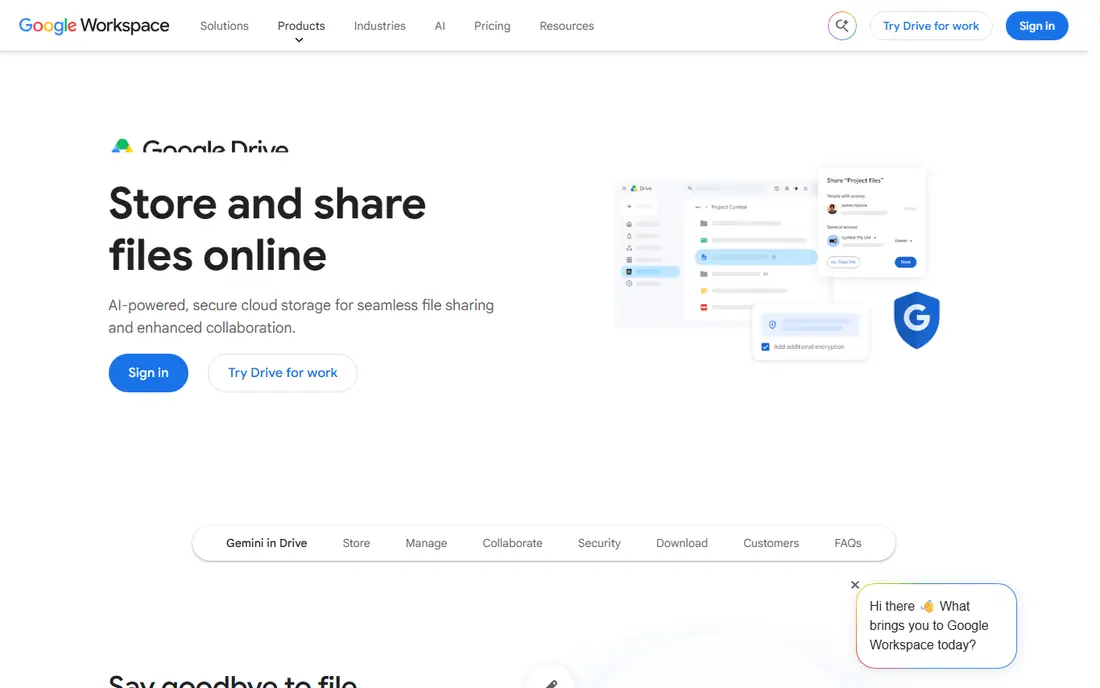
Google Drive works best when transfers are part of ongoing work rather than a single send. You upload once, share a link with view or edit access, and the file stays available until you remove it, which helps teams that revise files over days or weeks. Paid storage starts at 1.99 dollars per month for 100 GB in recent listings, and larger plans follow the same simple structure.
The limit is the 15 GB free pool, which is shared with Gmail and Photos, so video files can use it up quickly. Sharing settings also need care, since a link set to anyone with the link can spread further than intended. For most personal and small business use, though, Drive is the most practical all-round option.
- 15 GB free storage shared across Google services
- Easy sharing with links or named people
- Strong search and preview
- Free storage fills fast with video
- Large file sharing still needs a Google account for full control
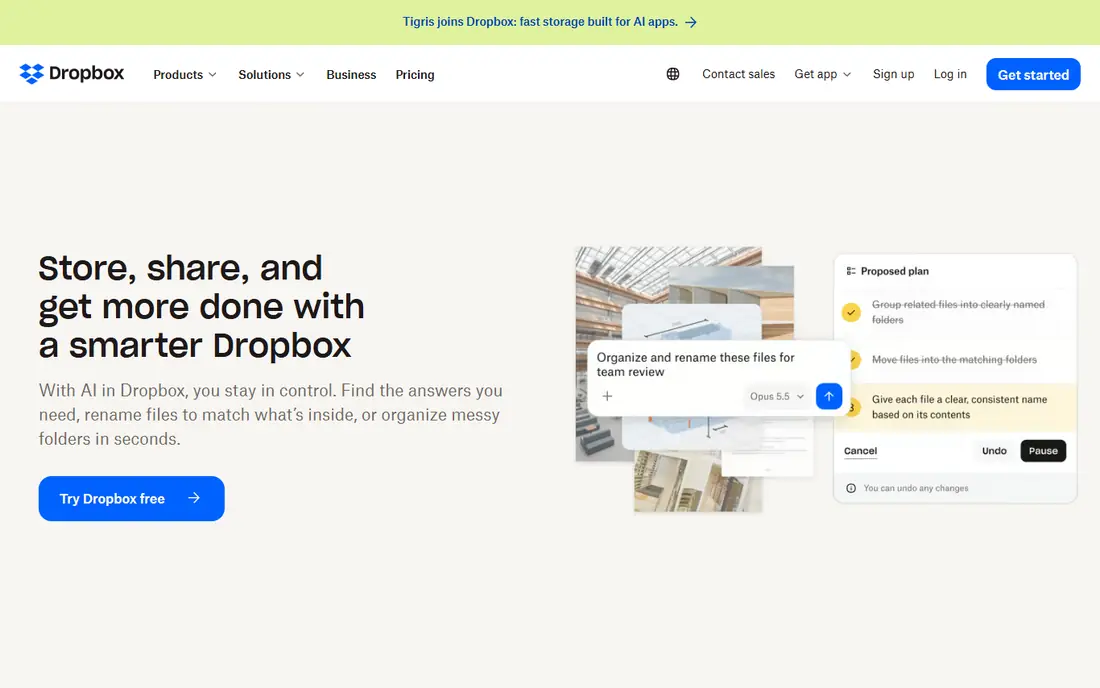
Dropbox Transfer is a good fit if you already use Dropbox for storage, since it adds a clean way to send finished files without giving recipients access to your folders. Recipients download from a link, and you can set passwords and expiry dates on paid plans. The paid storage plan listed at 9.99 dollars per month for 2 TB also raises transfer limits, which helps regular senders.
Free users get a much smaller transfer size, so a large video will need a paid plan or a different service. Transfer links also expire, which is good for control but means you need to resend if a client misses the window. For teams that live in Dropbox, the transfer tool removes the need for a second service.
- Simple drag-and-drop transfers
- Files do not count against recipient storage
- Paid plans raise limits sharply
- Free transfers are limited to 2 GB in recent listings
- Full value needs a Dropbox plan
OneDrive is the natural pick for households and offices that already use Microsoft 365. Files sync across devices, Office documents open for joint editing, and sharing links can be set with expiry dates on paid plans. Standalone storage starts at 1.99 dollars per month for 100 GB in recent listings, while Microsoft 365 plans bundle much more storage with the Office apps.
The free 5 GB tier is modest, so it will not hold a large media library on its own. OneDrive also feels less simple than Smash for a pure one-off send, since the strongest experience comes from staying inside the Microsoft system. If your work already runs on Word and Outlook, that trade-off is easy to accept.
- 5 GB free storage
- Deep Word, Excel and PowerPoint integration
- Link expiry on paid plans
- Free storage is small
- Best features sit inside a Microsoft 365 subscription
Filemail is one of the cheapest paid upgrades for people who send large files often. The free tier covers sends up to 5 GB, and the personal plan starts at about 6 dollars per month in recent listings, with larger storage and longer availability. Business plans add team controls and permanent storage options, which suit agencies that send client files every week.
The catch is that retention depends on the plan, so a file sent on a basic plan will not stay available forever. Filemail also lacks the full document editing and storage depth of Drive or OneDrive, since it is built for transfer first. For pure sending at low cost, it is hard to beat.
- Free sends up to 5 GB in recent listings
- No size cap on some paid plans
- Desktop and mobile apps
- Storage periods vary by plan
- Free tier lacks some business controls
TransferNow stands out for free password protection, which many rivals reserve for paid plans. You can send up to 5 GB free, protect the link with a password, and track downloads, which helps when files contain client work or personal material. The paid plan starts at about 10 dollars per month in recent listings and raises the per-transfer limit to 250 GB with a year of storage.
Free links expire after 7 days, so recipients need to download promptly, and the design is functional rather than polished. Those limits are reasonable for a free service, and the paid upgrade is clear for regular users. If security on a free send matters most, TransferNow deserves a close look.
- Free sends up to 5 GB in recent listings
- Password protection on free sends in recent listings
- Paid plans raise limits and storage time
- Free links expire after 7 days in recent listings
- Interface is plainer than some rivals
SwissTransfer is the strongest free option for a single very large file. It allows sends up to 50 GB free, keeps files for 30 days, and does not require an account for a basic send, which removes friction for recipients. That combination beats most free tiers, which cap sends at 2 GB or 5 GB, and it is ideal for video, design files and large archives.
The limit is that SwissTransfer is a transfer tool, not a permanent library. After 30 days the file is gone, and there is no ongoing folder system for team work. For a one-off delivery, that is fine, and the large free cap makes it our first suggestion when a file is too big for email or a free cloud tier.
- Free sends up to 50 GB in recent listings
- 30-day availability
- No account needed for basic sends
- No paid storage tier in the same way as cloud drives
- Files expire after 30 days
Send Anywhere suits quick moves between your own devices or to a nearby colleague. You can share with a short key instead of a long link, and apps cover phones, tablets and computers, which makes it handy for photos and documents on the move. The free tier covers everyday sends, and paid plans add larger limits and longer link life where listed.
Direct transfers need both sides available at the same time in that mode, so it is less suited to sending a file to a client who will download it next week. Link-based sends solve that, but you should check the expiry for the mode you use. For fast personal transfers, Send Anywhere is simple and quick.
- Six-digit key sharing without links in some modes
- Apps for phones and computers
- Direct transfer option
- Large sends can depend on both devices staying online in direct mode
- Link expiry needs checking per mode
MASV is aimed at video, post-production and media teams rather than casual senders. It handles very large files, offers accelerated transfer speeds and gives teams portals, tracking and delivery controls that a simple link service lacks. That focus makes it a strong choice for agencies that deliver finished video, raw footage or large project archives to clients on deadline.
The drawback is cost and complexity for small jobs. Pay-as-you-go pricing means a busy month can cost more than a flat subscription, and the professional features are unnecessary for a single photo set. If media delivery is core to your business, MASV is worth the trial, but casual users should start with Smash or SwissTransfer.
- Built for very large media files
- Fast transfer infrastructure
- Team portals and tracking for professional workflows
- Pay-as-you-go pricing can add up for constant use
- Overkill for small personal files
How we picked these
We compared official feature and pricing pages plus public reviews for services that send files by link or direct transfer, and we kept only services live in October 2026. We favoured a mix of free one-off tools, cloud storage services and professional media delivery, and we checked file size limits, expiry rules and password options where vendors publish them. Prices that could not be verified on a vendor page are shown as See website.
How to choose for your file size
Match the tool to the file, not the other way round. For files under 2 GB, almost any free tier will work, so pick the service with the simplest sharing and the expiry you need. For files between 5 GB and 50 GB, SwissTransfer and Smash are the free starting points, while Filemail and TransferNow give low-cost paid cover with longer storage.
Security and expiry checklist
Set a password when the file contains client work, personal data or unreleased material, and set an expiry date so old links do not stay live forever. Check whether recipients need an account, since a link that needs a signup can delay a delivery. Download the file yourself from the link once, to confirm it opens correctly before you tell the client it is ready.
Frequently asked questions
What are the best alternatives to we transfer for free?
Smash and SwissTransfer are the strongest free options, with SwissTransfer allowing up to 50 GB free in recent listings and Smash offering no size cap with a queue for large free transfers. Google Drive and Send Anywhere also offer useful free tiers for smaller files.
Which service is best for very large video files?
MASV is built for professional media delivery and very large files, while SwissTransfer covers single sends up to 50 GB free. Filemail and TransferNow are lower-cost paid options when you send large files regularly.
Do recipients need an account to download?
Not always. Smash, SwissTransfer and TransferNow allow basic sends without a recipient account, while cloud drives may ask recipients to sign in for some sharing modes. Check the sharing mode before you send to a new client.
How long do transfer links last?
It varies by service and plan, from 7 days on free TransferNow links to 30 days on SwissTransfer and longer on paid plans. Paid cloud storage links last until you remove them, unless you set an expiry date.
Is it safe to send sensitive files with these services?
Use password protection and expiry dates where offered, and avoid sending highly sensitive material through a plain public link. For regulated or confidential work, a service with encryption and access controls, such as a business cloud drive, is a safer choice.
Sources
- https://fromsmash.com/pricing
- https://drive.google.com
- https://www.dropbox.com/plans
- https://www.microsoft.com/en-us/microsoft-365/onedrive/online-cloud-storage
- https://www.filemail.com/pricing
- https://www.transfernow.net/pricing
- https://www.swisstransfer.com
- https://send-anywhere.com/pricing
- https://massive.io/pricing
See where you really rank - block by block
ProMapRanker scans Google Maps across a grid of your service area. Simple monthly plans from $19, white-label on every plan.
Start freeKeep reading
 zscaler alternatives
Best Zscaler Alternatives in 2026
Looking for zscaler alternatives? We compare 9 SASE and zero trust platforms on architecture, data protection, pricing, and fit for your network and team.
Read → zapier alternatives free
Best Zapier Alternatives Free in 2026
Nine automation tools for zapier alternatives free in 2026, all with genuinely free tiers, plus free plan limits, starting prices and upgrade paths explained.
Read → which platform is best for online reputation
Which Platform Is Best for Online Reputation in 2026
Wondering which platform is best for online reputation? We compare 8 review, listing, and response tools for small and multi-location businesses and agencies.
Read →