 ProMapRanker
Best Local SEO Software for Dietitians in 2026
Direct answer
Synup is my top pick for dietitians because it keeps your practice details consistent across maps, directories and health-related listings from one dashboard, which matters when clients search by neighborhood. It has no free plan stated, so check its pricing page. If reviews are your priority, Broadly handles review requests; if you want to see where you appear on the map, Local Dominator tracks local rankings.
I compared these tools from vendor documentation and public sources rather than hands-on tests. My focus was how each one fits a dietitian practice: a single office or a small group, appointment-based clients, insurance and referral questions by phone, and a service area that is often a few neighborhoods rather than a whole city.
Key takeaways
- A dietitian's local visibility depends on accurate name, address and phone data across maps and directories, so listing management should come first.
- Review requests sent after appointments work better than asking clients to leave reviews on the spot.
- Map rank tracking shows whether you appear for searches like "dietitian near me" in specific neighborhoods, not just citywide.
- Call tracking helps you see which listings and pages bring phone inquiries from new clients.
- Google's guidelines forbid review gating and keyword-stuffed business names, so choose tools that support compliant requests.
Quick comparison
| Pick | Great for | Pricing starts at | Free tier | |
|---|---|---|---|---|
 Synup | Listing management for local practices | See website | Not stated | Visit |
 Broadly | Review requests after appointments | See website | Not stated | Visit |
 Local Dominator | Local map rank tracking | See website | Not stated | Visit |
 Moz Local | Directory listing accuracy | See website | Not stated | Visit |
 CallRail | Tracking phone inquiries | See website | Free trial | Visit |
 Whitespark | Citation building and local audits | See website | Not stated | Visit |
 BrightLocal | Local SEO reporting for one practice | See website | Free trial | Visit |
The best local SEO software for dietitians compared
Synup is a listing and local presence platform. It fits dietitians who run one office or a small group of clinics and want their name, address, phone, hours and service description to match everywhere clients look, from Google Maps to health directories.
For a dietitian, the practical workflow is to enter your practice details once, then let the tool push and monitor them across directories. When you add a new service such as diabetes counseling or sports nutrition, you update it in one place instead of editing each listing. Review monitoring also lets you see new feedback without checking every platform by hand.
The limit is scale. A solo practitioner with one location may find the feature set larger than needed, and the setup asks for complete, accurate business information before it is useful. Skip it if you only want rank tracking.
- Central listing dashboard
- location data consistency checks
- review monitoring in one place
- More than a solo practice may need
- setup requires complete business data
Broadly is a customer communication and review management platform. It suits dietitians who see clients regularly and want a simple way to ask for feedback after a consultation or a package of sessions without sending requests by hand.
The workflow is built around messages. After an appointment, you can send a request that points clients to your Google Business Profile review form, and replies land in a shared inbox. For a practice where trust matters and most new clients come from referrals and searches, a steady flow of honest reviews helps. Keep requests neutral and never filter out unhappy clients, since review gating breaks Google's rules.
It does not manage your directory listings or track map rankings, so it works best alongside a listing tool. Practices that rarely communicate with clients between visits may not get much from it.
- Automated review request messages
- inbox for client conversations
- review monitoring
- Geared to ongoing customer messaging
- not a listing tool
Local Dominator focuses on local rank tracking. It shows where your practice appears in map results across a grid of points around your office, which is useful for a dietitian whose clients come from specific neighborhoods rather than the whole metro area.
For example, if your office sits near a hospital or a gym district, you can see whether you rank for "dietitian near me" in the blocks closest to you and where a competitor clinic appears instead. That helps you decide whether to improve your Google Business Profile categories, add service pages, or ask satisfied clients for reviews.
The tool reports data; it does not fix listings or send review requests. It also requires you to read the grid carefully, because a single rank number hides a lot of local variation. Skip it if you only need citation cleanup.
- Grid-based local rank views
- competitor tracking
- location-level reporting
- Data needs interpretation
- not a listing manager
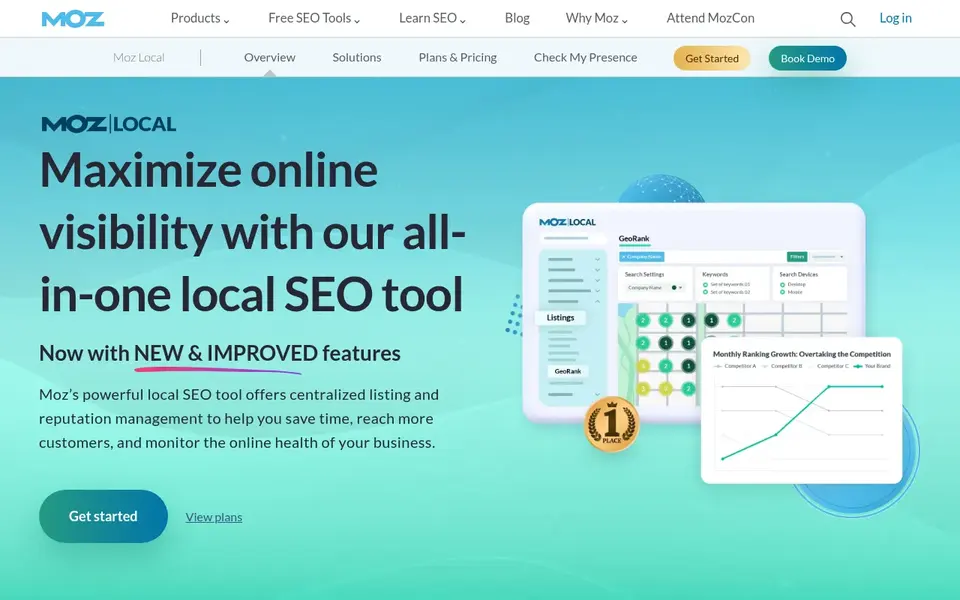
Moz Local is a listing management product from Moz. It fits dietitians who want their practice information corrected and distributed to the main data aggregators and directories without learning a complex platform.
The main job is accuracy. You claim your listing, check for duplicates, and confirm that hours, phone numbers and your address match across sources. For a dietitian, that matters when a client searches on a phone and finds an old suite number or a disconnected phone line. Correct data also supports the map results that Google shows for nearby searches.
It is not a review request system and its directory coverage differs by country, so check that your region is supported. Practices that want automated review campaigns should pair it with a review tool.
- Listing distribution to major directories
- duplicate detection
- simple dashboard
- Limited review request tools
- data partners vary by country
CallRail is a call tracking platform. It fits dietitians who get most new-client inquiries by phone and want to know whether those calls come from Google Maps, their website or a directory listing.
The setup uses tracking numbers that forward to your office line. You can see which source produced each call, how long it lasted and whether it was a new or returning client. For a practice, that answers a practical question: is the map listing or the website bringing in insurance and appointment questions? You can then put effort where it pays.
It does not manage listings or reviews, and you need to plan how numbers appear on your site and profiles so clients are not confused. Solo practices with very low call volume may not need it.
- Call tracking numbers
- source attribution
- call recording options
- Requires number setup
- not a listing or review tool
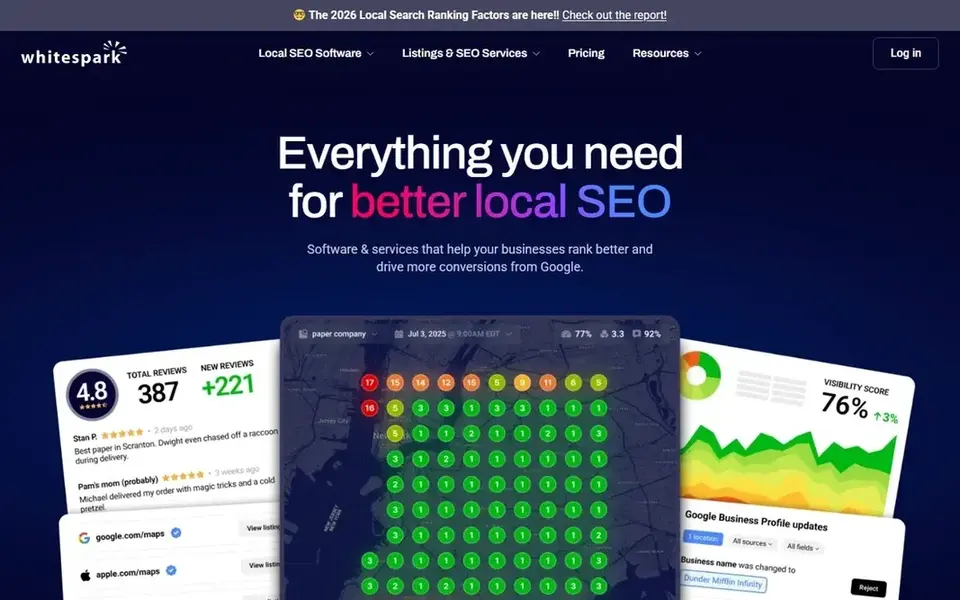
Whitespark is a local SEO toolkit known for citation building and local search audits. It suits dietitians or their assistants who are willing to do some manual work to find and fix listings on niche directories, including health and wellness sites that general tools may miss.
The citation finder looks for places where your practice could be listed, and the submission service handles the outreach. A local audit checks your Google Business Profile and on-page basics. For a dietitian, this is useful when you want to appear in directories that clients in your area actually use, not just the biggest aggregators.
The trade-off is effort. Citation work is slower than a push-button listing sync, and results depend on how many relevant directories exist in your area. Skip it if you want a fully automated listing tool.
- Citation finding and submission
- local rank grid
- audit tools
- More manual than all-in-one suites
- citation work takes time
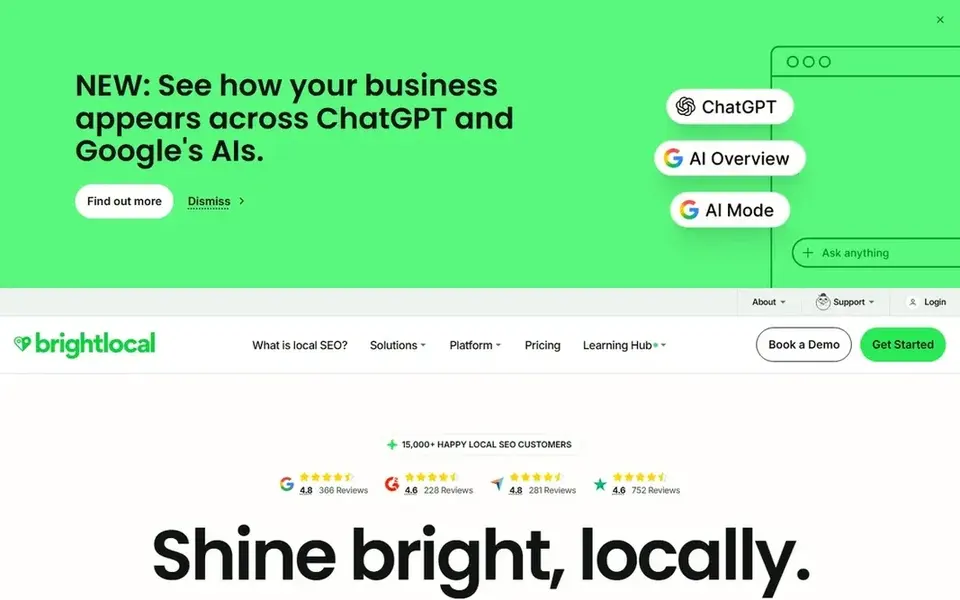
BrightLocal is a local SEO platform with rank tracking, audits, review monitoring and citation tools. It fits a dietitian who wants one dashboard to check visibility and reviews, or a small practice that works with a marketing consultant.
For a single office, the useful parts are the local rank reports and the review monitoring, which show whether your Google Business Profile is gaining ground for searches like "nutritionist near me" and whether new reviews are appearing. Audit reports can flag missing profile details.
The platform is designed for agencies managing many clients, so a solo practitioner may pay for capacity they never use. Check the plan limits before committing, and skip it if you only need citation cleanup.
- Rank tracking and audit reports
- review monitoring
- citation tools
- Built with agencies in mind
- some features go unused by solo practices
How I chose
I started from vendor documentation and public sources, then matched each tool to how a dietitian practice actually gets clients. That means appointment-based visits, phone inquiries about insurance and referrals, a service area of a few neighborhoods, and a Google Business Profile that carries most of the local visibility. I did not run hands-on tests, so the notes here describe documented features and typical workflows rather than measured results.
I also applied limits. Tools that only track rankings were not treated as listing managers, and review platforms were not credited with citation work. I left out any practice that breaks Google's guidelines, such as review gating or keyword-stuffed business names. Pricing changes often, so I did not quote figures; check each vendor's page for current plans. Where I was unsure about a free plan, I said so rather than guess.
What to check before you buy
- Confirm the tool covers your country and the directories your local clients actually use, including health and wellness listings.
- Check whether it can handle multiple practitioners at one address, since a group practice needs separate profiles.
- Make sure review requests are neutral and do not filter out unhappy clients, which would break Google's guidelines.
- Ask whether rank tracking reports at neighborhood level, because a citywide average hides where you actually appear.
- Check how call tracking numbers are displayed so clients are not confused when they call.
- Confirm the plan limits on locations, citations and review requests before you commit.
Frequently asked questions
Do dietitians need local SEO software at all?
Not strictly. A complete Google Business Profile, a few accurate directory listings and a habit of asking clients for reviews cover the basics. Software helps when you want to keep listings consistent across many directories, track where you rank in nearby neighborhoods, or see which source brings phone inquiries.
Which tool should a solo dietitian start with?
Start with a listing tool such as Moz Local or Synup to fix your name, address and phone data, then add review requests once clients are coming through. Rank tracking and call tracking make more sense after the basics are in place and you want to measure what is working.
Can I ask clients for reviews?
Yes, if you ask everyone the same way and do not offer incentives or filter out people likely to leave negative feedback. Send a neutral request after an appointment and let clients decide. Review gating and buying reviews break Google's rules and can hurt your profile.
Is call tracking worth it for a small practice?
It can be, if most new clients phone you and you cannot tell whether they found you on Maps, your website or a directory. If your call volume is very low, a simple question at booking ("how did you hear about us?") may be enough.
How often should I update my listings?
Update them whenever your address, phone, hours or services change, and check the main directories a few times a year. Seasonal changes, such as holiday hours, are worth updating too, since wrong hours frustrate clients who are deciding where to book.
Sources
See where you really rank - block by block
ProMapRanker scans Google Maps across a grid of your service area. Simple monthly plans from $19, white-label on every plan.
Start freeBrowse all guides
← Best Local SEO Software for Auto Glass Shops in 2026Best Local SEO Software for Engineering Firms in 2026 →
 best local seo software for art studios
Best Local SEO Software for Art Studios in 2026
A practical guide to the best local SEO software for art studios in 2026, covering listings, reviews, rank tracking and profile tools for studios.
Read → best local seo software for acupuncturists
Best Local SEO Software for Acupuncturists in 2026
A practical guide to the best local SEO software for acupuncturists in 2026, compared from vendor documentation and public sources.
Read → best local rank tracking tools for tailors
Best Local Rank Tracking Tools for Tailors (2026)
A tailor's guide to local rank tracking tools for 2026. Compare grid trackers, review platforms and listing managers on fit, features and limits.
Read → local citations for car dealerships
Local Citations For Car Dealerships: A Complete Guide
Everything you need to know about local citations for car dealerships: what it is, why it matters for local SEO, and exactly how to act on it.
Read → where does gemini get local business info
Where Does Gemini Get Local Business Information?
Where Gemini sources local business info and how to influence what it says about your business.
Read → google business profile optimization
Google Business Profile Optimization: The Complete 2026 Guide
A practical 2026 Google Business Profile optimization checklist with concrete steps to win the Map Pack, plus how to track results with a geo-grid.
Read →More in Local SEO & Google Maps · All guides A to Z by date · Latest guides