 ProMapRanker
Best Local SEO Software for Art Studios in 2026
Direct answer
Synup is my first pick for art studios because it manages Google Business Profile details, listings and reviews from one dashboard, which suits a studio that shows up in Maps searches for classes, open evenings and commissions. Its pricing is quote-based, so check its pricing page. For tracking how a studio ranks across a city, Local Dominator fits well, and Moz Local suits studios that mainly need clean, consistent listings.
I compared these tools using vendor documentation and public sources rather than hands-on tests. I looked at what each product actually does, how it fits the way a studio gets found locally, and where the limits sit for a small team. The list below is ordered by fit for art studios, not by size or popularity.
Key takeaways
- Art studios live or die on Google Maps visibility for searches like "pottery class near me", so profile accuracy matters more than a big content plan.
- Listing management tools keep your studio name, address, hours and category consistent across Google, Apple Maps and directory sites.
- Review tools help you collect feedback from class attendees and buyers without breaking Google's review policies.
- Rank tracking shows whether your studio appears in the local pack for the neighbourhoods where your students actually live.
- Most of these tools are built for multi-location businesses, so check whether a single-studio plan exists before you commit.
Quick comparison
| Pick | Great for | Pricing starts at | Free tier | |
|---|---|---|---|---|
 Synup | All-in-one local profile management | See website | Not stated | Visit |
 Local Dominator | Tracking local pack rankings | See website | Not stated | Visit |
 Moz Local | Consistent business listings | See website | Not stated | Visit |
 Whitespark | Citation research and building | See website | Not stated | Visit |
 BrightLocal | Citation audits and local reporting | See website | Not stated | Visit |
 Trustpilot | Collecting customer reviews | See website | Free plan | Visit |
 CallRail | Tracking calls from local search | See website | Free trial | Visit |
The best local SEO software for art studios compared
Synup is a local marketing platform that centralises business listings, review management and location data. For an art studio, that means one place to keep your address, opening hours, class schedule notes and category correct across Google and the directories that feed Maps. It fits a studio that runs classes, workshops and a shop counter, where the profile has to explain several things at once.
The workflow that matters most is profile consistency. You update your hours once, and the change flows to connected listings so a student does not turn up to a locked door. Review monitoring lets you reply to feedback about a class or a commission in the same screen, and location pages give you somewhere to describe your mediums and teachers without stuffing keywords into your business name.
The limit is scale. Synup is designed for businesses with several locations, and a single studio may find parts of the dashboard unnecessary. If you only need to fix your Google profile once and leave it, a simpler tool will do. Ask for a quote before assuming it fits a one-room studio budget.
- Manages business listings from one dashboard
- handles review monitoring and responses
- supports location pages and local content
- Pricing is quote-based
- built with multi-location brands in mind
Local Dominator is a rank tracking tool built around the local pack. It shows how your studio ranks across a grid of points in your city, which is more useful than a single "average position" number. A studio in a converted warehouse district may rank well two streets away and not at all across the river where half its students live.
For art studios, the practical use is keyword choice. Set terms like "pottery classes", "life drawing" or "art supplies" and watch how the grid shifts after you update your profile or add photos. It tells you which neighbourhoods need attention, and whether a new class listing changed anything in Maps.
Skip it if you are not going to act on the data. Rank tracking on its own does not improve a profile, and a studio that updates Google twice a year will not get much from a grid report. It also does not edit your listings, so pair it with a management tool.
- Tracks rankings at grid level across a city
- shows where your studio appears in the map pack
- useful for spotting neighbourhood gaps
- Focused on rank tracking rather than profile editing
- needs a clear set of keywords to be useful
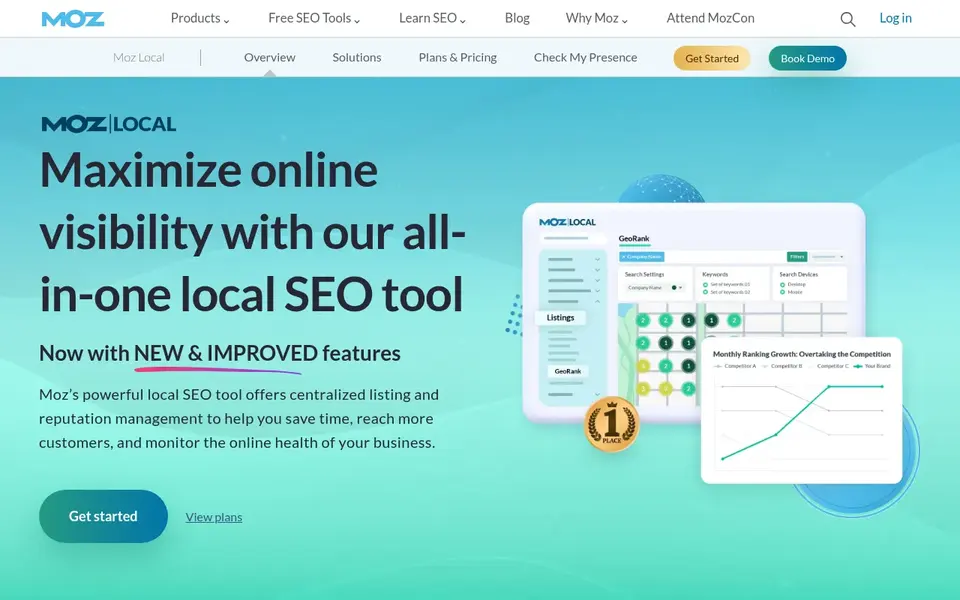
Moz Local focuses on the data that feeds Google Maps: your name, address, phone, hours and categories. For a studio, the value is in catching mismatches, such as an old address from a previous premises or a phone number that changed when you moved to a booking system. Those errors quietly cost you map visibility.
The tool audits your listings and pushes corrections to the directories it supports. A studio that has moved, renamed a gallery space or changed opening hours after starting evening classes will find this useful. It is also a reasonable first step if you have never claimed your profile properly.
The review side is thinner than a dedicated reputation tool, so if collecting feedback from students is your main goal, look elsewhere. Coverage also depends on your country, and a small studio outside major markets should check which directories are included before paying.
- Checks and fixes listing accuracy across major directories
- simple dashboard for a single location
- connects to the wider Moz toolset
- Review features are basic
- citation coverage varies by country
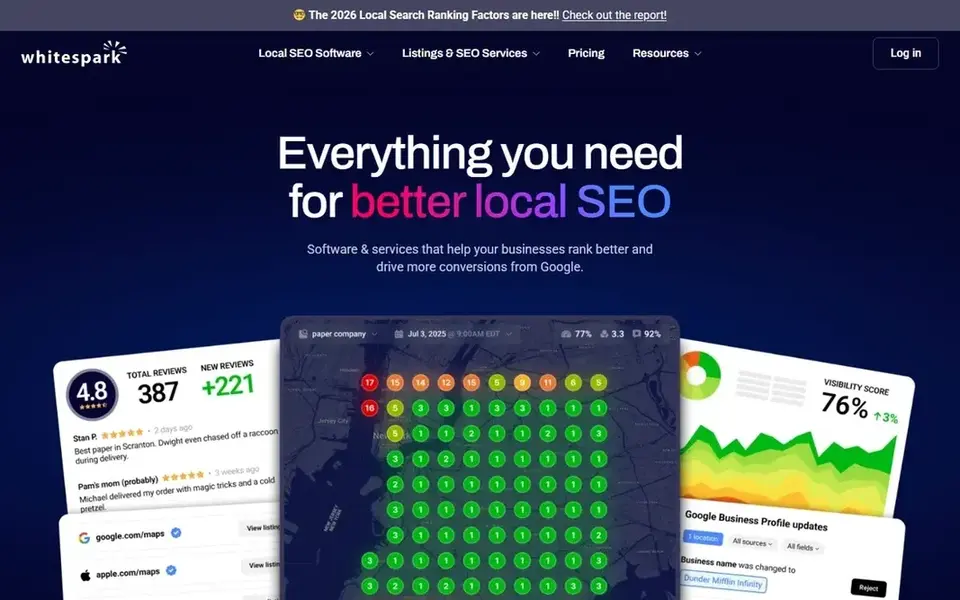
Whitespark is known for citation research. It finds the directories, local blogs and community sites where a business like yours should be listed, which is handy for an art studio that belongs on arts council pages, local class directories and neighbourhood guides as well as the standard maps sites.
The workflow is deliberate: you get a list, you work through it, and you track what has been built. For a studio, that means listings on the sites students actually browse when they search for a weekend workshop. The local rank tracker helps you see whether those listings move the needle.
It is not a set-and-forget product. Citation building takes hours, and if you would rather not do it, the vendor offers a service. A studio owner who is already stretched between teaching and admin should be honest about whether the manual work will get done.
- Strong citation finder for local directories
- local rank tracker included
- citation building service available
- More manual than a full suite
- citation work takes time to complete
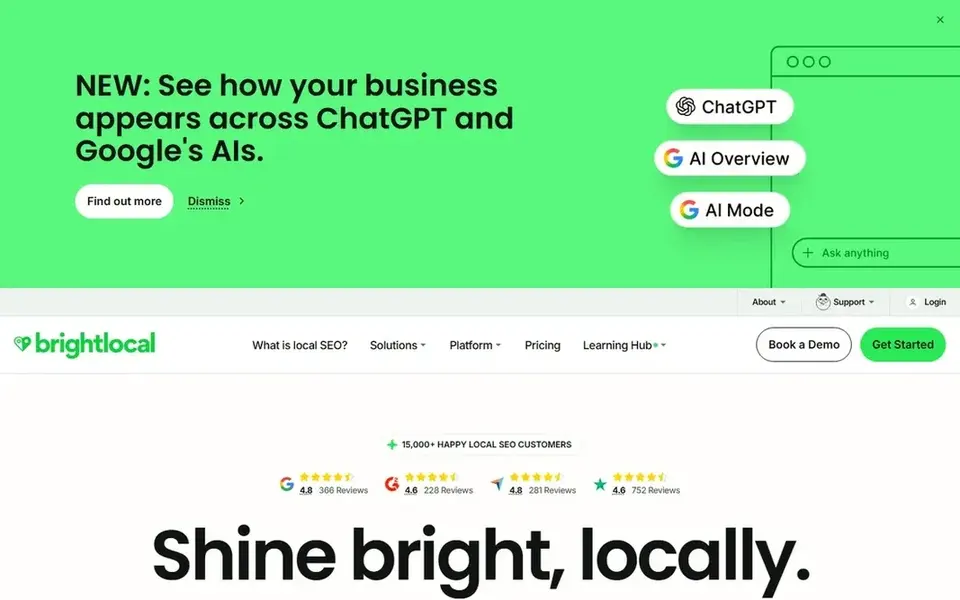
BrightLocal bundles citation auditing, rank tracking, review monitoring and reporting. For an art studio, the citation audit is the strongest part: it scans the directories that matter and flags where your details differ, which is common when a studio has a shop front, a teaching space and a mailing address that are not the same.
The reporting is useful if you share a building, run a collective or need to show a partner how the studio is performing locally. Review tools let you send requests to past students, and rank tracking covers the local pack.
The trade-off is complexity. There is a lot on screen, and a single-studio owner may spend more time learning the dashboard than using it. It suits a studio with someone who enjoys the data side, or an agency managing the account.
- Citation audit and tracker in one place
- review and rank tools included
- reporting you can share with a partner or landlord
- Dense interface for a solo owner
- some features overlap with other tools
Trustpilot is a review platform rather than a local SEO suite. For an art studio, it works as a place to gather feedback from people who bought a piece, attended a course or commissioned work, and to show that feedback on your own site with a widget.
The workflow is straightforward: you invite customers after a class or sale, they leave a review, and you reply. That builds a public record of how you treat people, which matters for a studio selling handmade work where trust is personal. It does not replace Google reviews, which still carry weight in Maps.
Do not treat it as a substitute for your Google Business Profile. It also needs a steady flow of invitations to stay useful, and a studio with low transaction volume may find the free plan enough for a long time. Check the paid features before upgrading.
- Widely recognised review platform
- free plan to start collecting feedback
- review invites and response tools on paid plans
- Not a Maps tool
- reviews live on Trustpilot rather than Google
CallRail is call tracking software. It gives you a forwarding number that records where a call came from, so you can see whether a enquiry started from your Google profile, a directory listing or a paid ad. For a studio that takes bookings and commission enquiries by phone, that answers a question most owners guess at.
The setup is simple: place the number on your profile and site, and calls are attributed. Recording and routing help if you have a front desk or a shared studio line, and the reports show which channels actually produce conversations rather than clicks.
It is only worth it if the phone is a real channel for you. A studio that books everything through a website form or Instagram messages will get little from it. It also does not manage listings or reviews, so it sits alongside the other tools rather than replacing them.
- Tracks which channels generate phone calls
- call recording and routing options
- useful for measuring Maps and ad traffic
- Only relevant if phone enquiries matter
- adds another number to manage
How I chose
I built this list from vendor documentation and public sources, not from hands-on testing. I read what each product says it does, checked which features are actually included at entry level, and matched them to the way an art studio gets found: a Google Business Profile that has to explain classes, opening hours and a shop, listings that need to stay accurate, and reviews from students and buyers. I did not run trials or measure results for any tool.
The second filter was fit for a small business. Several of these products are built for multi-location brands, so I noted where a single studio would pay for capacity it does not need. I also separated tools by job: profile and listing management, rank tracking, citation building, reviews and call tracking. No single product does all of it well, and a studio usually needs one core tool plus one or two narrow ones. Where I was unsure about a free plan or pricing model, I said so rather than guessing.
What to check before you buy
- Confirm the tool supports a single-location business, not just multi-location brands, and ask what the entry plan includes.
- Check that it can push corrections to Google Business Profile and the directories that matter in your country.
- Make sure review requests follow Google's policies: no incentives for positive reviews, no review gating, no asking only happy customers.
- Check whether class schedules, workshop bookings and shop hours can be represented, since a studio's hours are rarely a simple nine-to-five.
- Ask how the tool handles a studio with a teaching space and a retail counter at the same address, and whether separate categories are supported.
- Confirm the contract length and cancellation terms before you commit, especially for quote-based plans.
Frequently asked questions
Do art studios need local SEO software?
Not strictly, but a studio with a physical location benefits from accurate listings and a complete Google Business Profile. Software makes it easier to keep hours, categories and photos current, and to see whether you appear in Maps for terms like "art classes near me". A single studio can start with the free Google tools and add software when listing errors or review management become a time drain.
Which tool is best for a studio that only needs listings fixed?
Moz Local is a sensible starting point because it focuses on listing accuracy across the main directories. If you also want citation research and are willing to do the manual work, Whitespark is a good alternative. Either way, claim your Google Business Profile first and make sure the name, address and phone match your website exactly.
Can I use these tools to get more Google reviews?
Review features in Synup, BrightLocal and Trustpilot help you invite customers and respond to feedback. Keep to Google's rules: ask every customer, do not offer discounts for reviews, and never filter out unhappy customers before they can post. A simple email or card after a class, pointing to your Google review link, is usually enough for a studio.
Is rank tracking worth it for a small studio?
It can be, if you pick a few realistic terms and act on the results. Local Dominator shows how you rank across a grid of points in your city, which is more useful than one average number. If you will not change your profile or listings based on the data, skip it and spend the time on photos and class descriptions instead.
What should I do before paying for any of these tools?
Claim and complete your Google Business Profile, add real photos of the studio and classes, set accurate hours including workshop times, and choose the closest categories. Fix obvious listing errors by hand. Then decide which job is taking the most time, whether that is listings, reviews or tracking, and buy one tool for that job rather than a suite you will not use.
Sources
See where you really rank - block by block
ProMapRanker scans Google Maps across a grid of your service area. Simple monthly plans from $19, white-label on every plan.
Start freeBrowse all guides
← Best Local SEO Software for Acupuncturists in 2026Best Local SEO Software for Auto Glass Shops in 2026 →
 best local rank tracking tools for tailors
Best Local Rank Tracking Tools for Tailors (2026)
A tailor's guide to local rank tracking tools for 2026. Compare grid trackers, review platforms and listing managers on fit, features and limits.
Read → best local rank tracking tools for summer camps
Best Local Rank Tracking Tools for Summer Camps in 2026
Compare local rank tracking tools for summer camps. See how each one handles grid scans, service-area keywords and multi-location reporting in 2026.
Read → best local rank tracking tools for personal trainers
Best Local Rank Tracking Tools for Personal Trainers in 2026
A practical guide to the best local rank tracking tools for personal trainers, compared from vendor documentation and public sources.
Read → local seo for event planners
Local SEO for Event Planners
A local SEO guide for event planners: Google Business Profile setup, reviews, and portfolio-driven local SEO for event planners.
Read → local seo for auto glass repair shops
Local SEO for Auto Glass Repair Shops
A local SEO guide for auto glass repair shops: Google Business Profile setup, reviews, and mobile-service and insurance-claim local SEO.
Read → best free local seo tools
Best Free Local SEO Tools That Are Actually Useful
The best free local SEO tools worth using, including a truly free geo-grid scan.
Read →More in Local SEO & Google Maps · All guides A to Z by date · Latest guides