 ProMapRanker
2026 Guide to the Best AI Art Tools

Posters, logos, and any image with readable text · Pricing starts at: $20 a month
Direct answer
Start with Ideogram if you need Posters, logos, and any image with readable text. Listed starting prices: Ideogram from $20 a month, Leonardo AI from $12 per month and Recraft from $12 per month. Alternatives: Leonardo AI for game assets, characters, and production volume, and Recraft for Editable vectors, icons, and brand-consistent assets. Details, prices and limits for the rest of the 8 tools are below.
Short on time? The summary and table above give the quick view of 8 AI art tools, and the profiles that follow give the detail behind each entry.
Key takeaways
- Ideogram takes the first slot, best suited to Posters, logos, and any image with readable text.
- For fast everyday images and photo edits in Google apps, Google Gemini is worth a look.
- For the cheapest start, look at Adobe Firefly: $9.99 per month.
- What to know about Leonardo AI first: token math takes learning.
- 7 out of 8 tools include a free plan, among them Ideogram, Leonardo AI, Recraft and ChatGPT Images.
Quick comparison
| Pick | Great for | Pricing starts at | Free tier | |
|---|---|---|---|---|
| Ideogram | Posters, logos, and any image with readable text | $20 a month | Yes | Visit |
 Leonardo AI | Game assets, characters, and production volume | $12 per month | Yes | Visit |
 Recraft | Editable vectors, icons, and brand-consistent assets | $12 per month | Yes | Visit |
 ChatGPT Images | Everyday creation and conversational editing | Free | Yes | Visit |
 Midjourney | Artistic, cinematic, and stylized images | $10 per month | No | Visit |
 Adobe Firefly | Commercial-safe images for Adobe and marketing teams | $9.99 per month | Yes | Visit |
 Canva AI | Non-designers who require finished designs, not just images | Free | Yes | Visit |
 Google Gemini | Fast everyday images and photo edits in Google apps | Free | Yes | Visit |
The 8 tools in detail
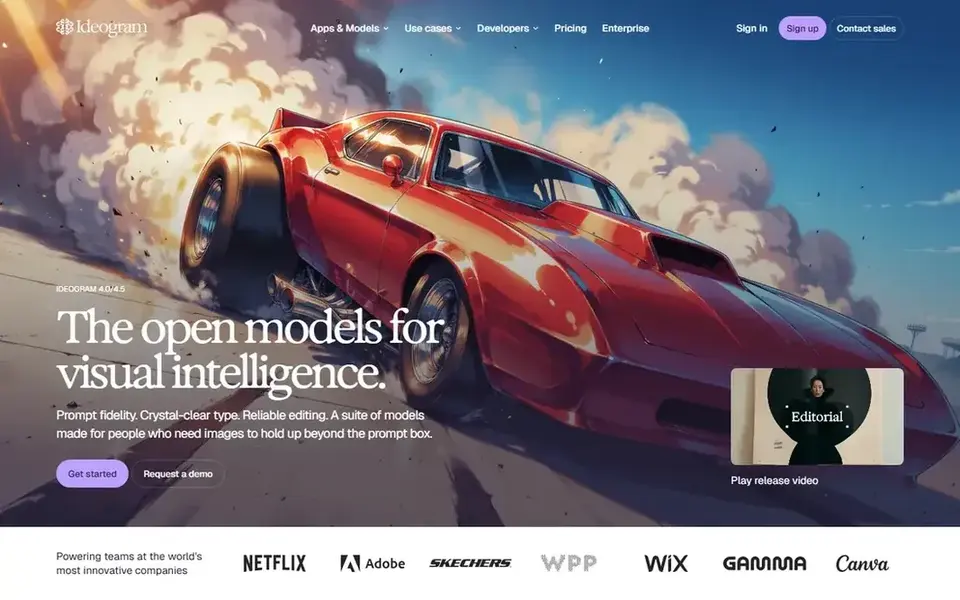
Ideogram was built for Posters, logos, and any image with readable text. Ideogram solves the problem that ruins plenty of AI posters: garbled text. Its models handle words inside images with unusual accuracy, including longer phrases, varied fonts, and layout-aware placement, which makes it the right tool for posters, ads, memes, book includes, and logo concepts where the text must be legible at a glance.
The free level provides weekly slow credits, and premium plans are listed around $20 a month billed monthly, or about $15 a month billed annually for Plus, in recent pricing. That is more than some rivals charge to start. But it is fair value if text is the job, since a beautiful image with misspelled text is unusable. In daily use, recent versions add layout controls that help designers place text deliberately. Entry price for Ideogram: $20 per month. Free access exists with Ideogram.
What to check first: Editing tools are narrower.
- Commercial use on free and premium levels in recent terms
- Strong typography and layout controls
- Less artistic flair than Midjourney
Leonardo AI was built for game assets, characters, and production volume. The free plan provides daily tokens, and premium plans start at $12 a month for the Essential level in recent pricing, with higher levels adding more tokens, private creations, and relaxed generation.
The main drawbacks: Public creations on the free plan.
On top of that, token pricing is the part to learn before you commit. On cost, Leonardo AI starts like this: $12 per month. Leonardo AI has a free plan.
- Daily free tokens
- Custom model training and character consistency
- Quality varies by model choice
Recraft targets Editable vectors, icons, and brand-consistent assets. Logos, icons, illustrations, and brand assets come out in a form designers can actually edit, resize, and reuse, which matters when an image must work on a business card, a website, and a billboard.
For everyday use, Photorealism is not its strength, so do not pick Recraft for cinematic scenes or photo-style portraits. On top of that, premium plans are listed around $12 a month billed monthly, or about $10 a month billed annually, in recent pricing, with a free level for trying it. Recraft starts at: $12 per month. Free access exists with Recraft.
Limits to weigh: Narrower for pure art.
- Brand style consistency
- Capable for icons and design assets
- Smaller community than Midjourney
ChatGPT Images is aimed squarely at everyday creation and conversational editing. You describe an image, ask for a change, point to a part to fix, and iterate in words rather than learning a new editor.
Limits to weigh: Free image limits vary with demand.
The starting price for ChatGPT Images: Free. ChatGPT Images has a free plan.
- Capable prompt following and text accuracy
- Included in a plan numerous people already pay
- Style depth is less distinctive than Midjourney
Midjourney targets Artistic, cinematic, and stylized images. Midjourney remains the tool I point to when the look matters most. Also, concept art, illustration, moodboards, and stylized brand imagery come out with a coherence and polish that other tools still chase, and version updates in 2026 have added higher resolution and more solid personalization.
The limits are practical. There is no free level, plans run from $10 to $120 a month. The entry-level plan bundles a restricted amount of quick generation time, with slower relaxed generation on higher tiers. Use Midjourney for art first, and use a text specialist when words must be perfect. Price to start with Midjourney: $10 per month. Midjourney does not include a free plan.
What to check first: No public API in standard plans.
- Active community and style sharing
- Distinctive aesthetic quality
- No free level
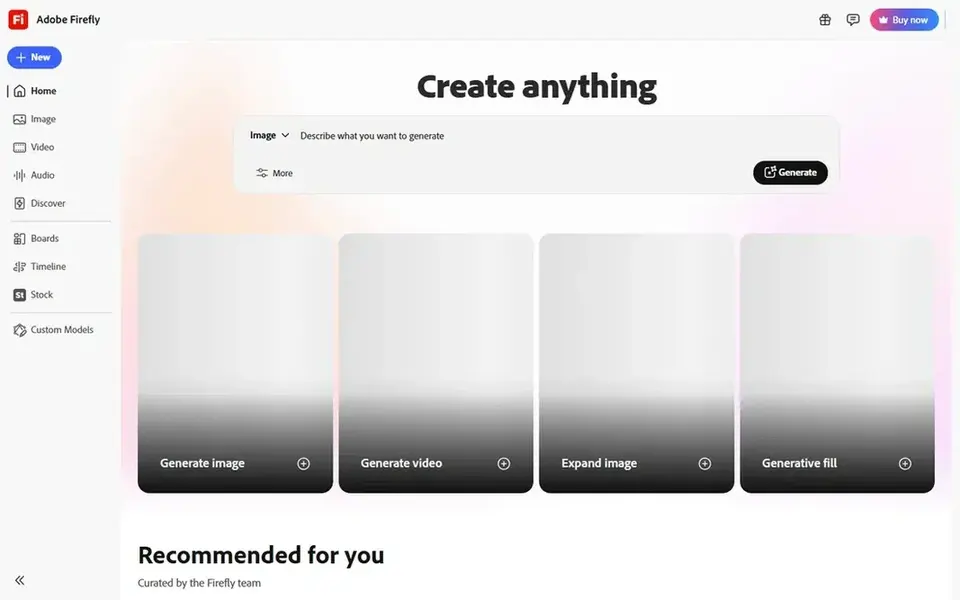
Adobe Firefly is designed for commercial-safe images for Adobe and marketing teams. Adobe Firefly is the tool I recommend when licensing safety matters as much as the image itself.
Watch-outs: Best value needs Adobe apps.
In daily use, Generative Fill and Generative Expand inside Photoshop are genuinely handy for editing real photos, not just generating new art from scratch. Starting cost for Adobe Firefly: $9.99 per month. A free plan is available with Adobe Firefly.
- Photoshop and Express integration
- Models trained on licensed Adobe Stock and public domain content
- Credit limits need watching
Pick Canva AI if this describes you: non-designers who require finished designs, not just images. As for the details, you produce an image, drop it into a template, add text with proper typography tools, apply a brand kit, and export for social, print, or web, all in one place.
Honest limits: Less artistic depth than specialists.
Where Canva AI stands out: text tools.
That end-to-end flow is why small firms and social teams love Canva, even though its raw image quality does not beat Midjourney. In practice, for most small teams, though, Canva is the practical pick: the image is only one step in a design, and Canva takes care of the rest without a second tool. Entry price for Canva AI: Free. Canva AI has a free plan.
- Templates
- Brand kits
- Heavy AI needs can need higher plans
Google Gemini is designed for fast everyday images and photo edits in Google apps. Premium Google AI plans, including Pro at $19.99 a month in recent pricing, raise limits and add features across Google apps.
Text rendering and photorealism have improved markedly in recent versions, and the free level makes it simple to test without a new subscription. On cost, Google Gemini starts like this: Free. You can start on Google Gemini without paying.
Where it falls short: Advanced limits and features sit on premium Google AI plans.
- Conversational multi-turn editing
- Solid text and photorealism in recent models
- Less of a production workspace than Leonardo
Picking the right AI art tools
A poster needs readable text, a client campaign needs licensing safety, a game needs consistent characters, and a social post needs speed. As for the details, read the commercial use terms for your plan, not just the marketing page. Keep a note of which tool made each delivered image, so you can answer a client question months later.
In practice, track how numerous images, credits, or tokens a real week consumes, then multiply by four before you choose a plan.
What to confirm before you sign up
- Prices are a starting point; Adobe Firefly shows $9.99 per month to start, so verify what your seat count would cost.
- Read the fine print on the free plans from Ideogram, Leonardo AI, Recraft and others; seat, project and feature caps differ.
- Read the limits listed for Ideogram first: less artistic flair than Midjourney.
- Read the plan comparison for Recraft carefully; key features often start on a higher tier.
- Compare total cost, not headline price: for Midjourney, add extra seats, add-ons and any usage-based charges.
Frequently asked questions
What is the best AI art tool overall?
This list starts with Ideogram, which fits Posters, logos, and any image with readable text. For other needs, Leonardo AI is aimed at game assets, characters, and production volume, and Recraft at Editable vectors, icons, and brand-consistent assets. Check each tool's price and main limit first.
Which AI art tool is a good match for logos and posters?
Ideogram comes first here and is built for Posters, logos, and any image with readable text. Buyers with other needs may prefer Leonardo AI (for game assets, characters, and production volume) or Recraft (for Editable vectors, icons, and brand-consistent assets). Compare costs and limits first.
How are the tools for AI art tools ordered?
The order follows typical fit for AI art tools, with Ideogram first and Google Gemini last, then price clarity and free access. It is editorial judgement, not a score, so another team could rank the tools differently.
What is the cheapest option for AI art tools in this list?
On published monthly entry prices, Adobe Firefly is the lowest here at $9.99 per month. Entry price is only part of the cost, because seats, add-ons and billing terms can change the total.
Can AI art tools make photorealistic images?
Yes, with limits. Google Gemini, ChatGPT Images, and Flux-style models produce capable photorealistic results, but faces, hands, and fine details can still look off on close inspection. Check outputs at full size before publishing, particularly for people and products.
Is Ideogram the right pick for everyone comparing AI art tools?
No single tool suits every team. Ideogram comes first because it fits Posters, logos, and any image with readable text, while Leonardo AI suits game assets, characters, and production volume and Recraft suits Editable vectors, icons, and brand-consistent assets. Match the tool to your own size, budget and workflow before deciding.
Sources
See where you really rank - block by block
ProMapRanker scans Google Maps across a grid of your service area. Simple monthly plans from $19, white-label on every plan.
Start freeBrowse all guides
← Top 6 AI App Design Generator, Compared on Price (2026)Best AI Design Generation Software for Developers in 2026 →
 best ai 3d model generators
Best AI 3D Model Generators in 2026
Best AI 3D model generators, compared. 5 tools with published prices, free plans and limits. Each pick comes with its main catch. Read before you buy.
Read → best mobile apps for ai talking photos
Mobile Apps for AI Talking Photos in 2026: Top 6 Compared
Searching for the best mobile apps for AI talking photos? Here are 6 options with prices and free plans. Each profile ends with a plain caveat. Costs up front.
Read → best ai cartoon photo app
Best AI Cartoon Photo app: 2026 Prices and Picks
Shortlisting the best AI cartoon photo app? 6 products compared on cost, free access and ideal buyer. Each profile ends with a plain caveat. See the full list.
Read → best alarm app for heavy sleepers
Best Alarm App for Heavy Sleepers in 2026
Find the best alarm app for heavy sleepers, with missions, puzzles, barcode scans and smart wake windows that stop you sleeping through your alarm in 2026.
Read → best pixel art software
Best Pixel Art Software in 2026
Compare the best pixel art software for games and animation, from Aseprite and Pyxel Edit to free options like Pixelorama, Piskel and Krita in 2026 now.
Read → free alternatives to adobe photoshop
Best Free Alternatives to Adobe Photoshop in 2026
We compared free alternatives to adobe photoshop for editing, design and painting, checking real free tiers, strengths, limits and best uses for each pick.
Read →More in Design & Creative · All guides A to Z by date · Latest guides