 ProMapRanker
Best Mobile Apps for AI Talking Photos in 2026

Key takeaways
- Use only your own photos or photos you have a license to use, with consent from any person shown, before you create a talking photo.
- HeyGen leads for realistic presenter videos, Hedra leads for expressive character work, and D-ID leads for low-cost single-photo videos.
- Free plans differ widely: some give a few watermarked videos, others give daily credits, and paid plans mainly add minutes and remove watermarks.
- Compare finished minutes per month, not just the monthly price, because credit and minute caps decide the real cost.
- Label AI-generated talking videos clearly when you publish them, especially if they show a real person.
Quick comparison
| Pick | Great for | Pricing starts at | Free tier | |
|---|---|---|---|---|
 HeyGen | Realistic presenter videos | See website | Yes | Visit |
 Synthesia | Business training videos | See website | Yes | Visit |
 Hedra | Expressive character videos | See website | Yes | Visit |
 D-ID | Low-cost talking photos | See website | Free trial | Visit |
 Vidnoz | Template-based talking videos | See website | Yes | Visit |
 Colossyan | Interactive training videos | See website | Yes | Visit |
 Elai | Slide decks to video | See website | Yes | Visit |
 Magic Hour | Fast creator videos | See website | Yes | Visit |
 VEED | Talking avatars inside an editor | See website | Yes | Visit |
The best mobile apps for ai talking photos
AI talking photo tools turn a still photo into a video where the person in the photo appears to speak, using a script you type or audio you upload. This guide covers legitimate creative tools only. Use your own photos or photos you have a license to use, and get consent from any person shown. Do not use these tools to animate photos of other people without their permission, to impersonate anyone, or to create misleading videos. Label AI videos clearly when you publish them.
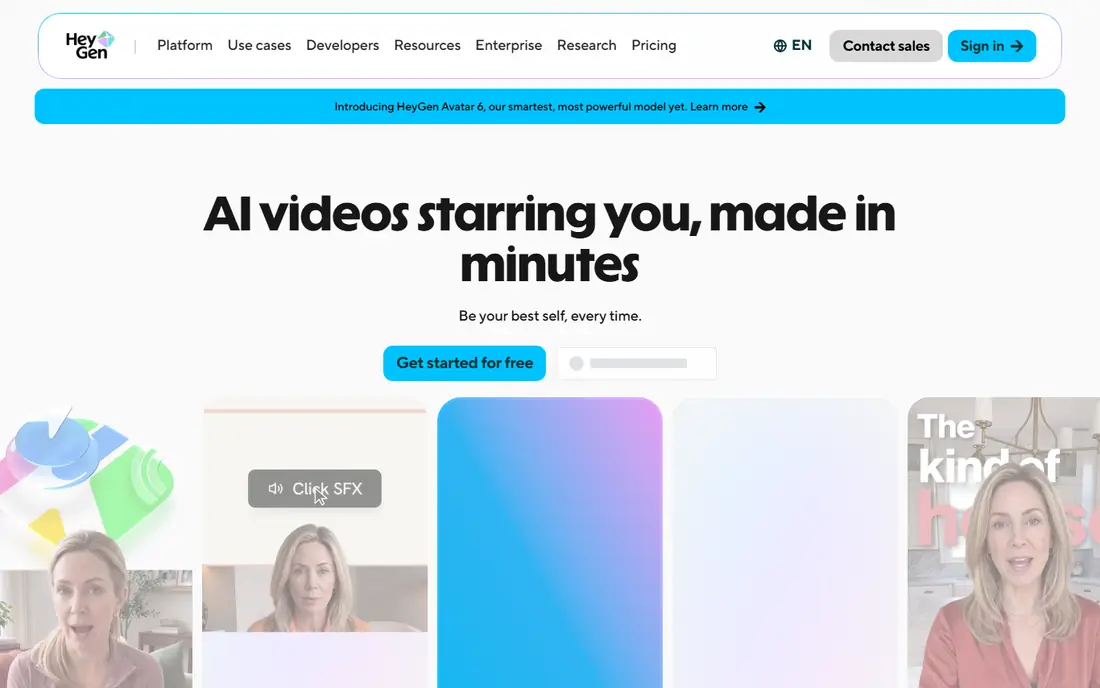
HeyGen is the strongest all-round talking photo tool for creators who want a presenter video that looks professional. You can build an avatar from a single photo or a short recording, type a script, and generate a video with gestures and lip sync. Language dubbing and caption tools help you reuse one video for different audiences.
Credits are the main thing to watch. Paid plans give a monthly credit allowance, and higher-quality avatars use more credits per finished minute, so a headline price alone does not tell you how many videos you can make. The free plan gives a few short watermarked videos for testing. HeyGen suits creators who publish regularly and can plan their monthly minutes.
- Realistic avatars from a photo or short recording
- Many languages for dubbing
- Video editing and captions in one workflow
- Credit system needs careful budgeting
- Free videos are watermarked and limited
- Best realism sits on paid plans
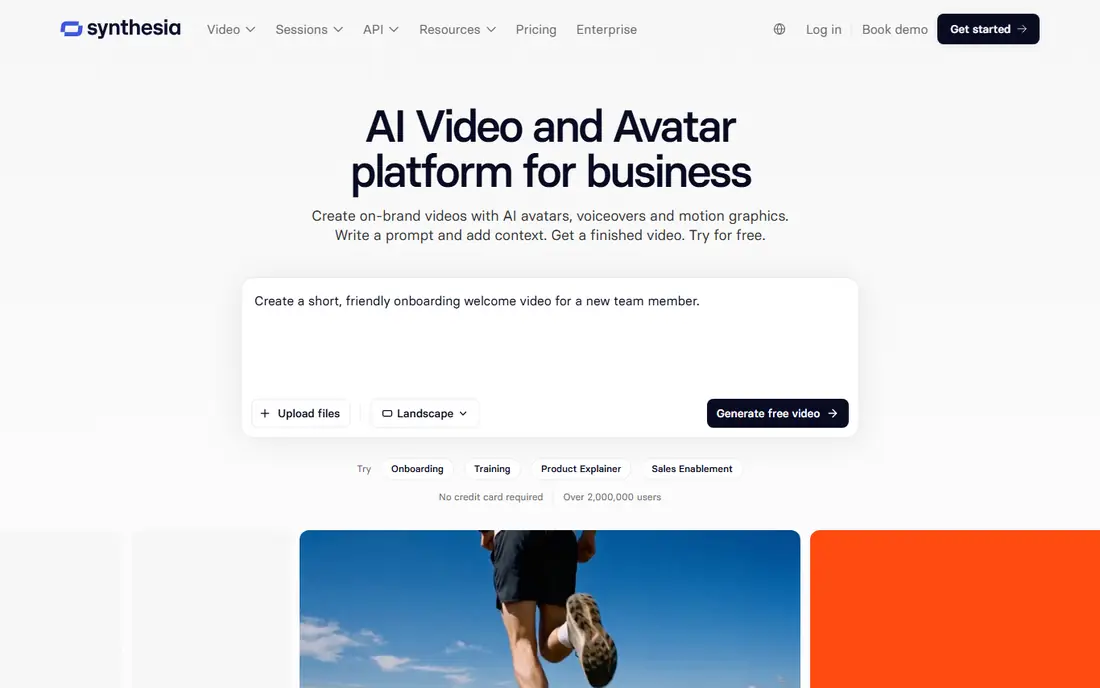
Synthesia fits teams that need training, onboarding, and update videos at scale. Avatars present scripts in many languages, and templates help teams keep branding and structure consistent across videos. Sharing controls and enterprise options suit larger organizations that need approval and access rules.
Casual creators may find Synthesia more formal and more expensive than HeyGen or Hedra for short social videos. Photo avatars also need a paid plan, so the free basic option is mainly for testing the presenter format. Choose Synthesia when training quality, consistency, and governance matter more than playful character work.
- Full-body avatars for training
- Strong governance and sharing controls
- Templates for courses and updates
- No permanent free plan for full use in some comparisons
- Photo avatars need a paid plan
- Less suited to casual social clips
Hedra stands out for character-driven talking photos, where expression and movement matter as much as lip sync. You upload a photo, add audio or a script, and generate a character video that works well for stories, social posts, and creative projects. The workflow is simpler than a full video production suite, which helps solo creators.
Credit limits decide the real cost. Free output is short and watermarked, and paid plans give a monthly credit allowance that can run out on longer videos. Hedra suits creators who want expressive characters and who can keep videos short, rather than teams that need long training videos every week.
- Expressive character animation from a photo and audio
- Good for storytelling and social content
- Commercial use on paid plans
- Credit caps limit longer videos
- Free output is limited and watermarked
- Character style suits creative work more than corporate training
D-ID is the cheapest entry point for turning a single photo into a talking video. The workflow is simple: upload a photo, type a script or upload audio, and generate a short clip. Developers can also use the API to build talking avatars into apps and websites, which makes D-ID useful beyond one-off creator videos.
The trial is limited, and commercial use needs a paid plan, so check the plan terms before you publish client work. Minutes are the main limit, and longer scripts use them quickly. D-ID suits occasional creators, test projects, and developers who want a low-cost start before they commit to a larger platform.
- Lowest entry price in this list in many comparisons
- Simple photo-to-video workflow
- API for developers
- Trial is time-limited
- Commercial use needs a higher plan
- Minutes run out faster on longer scripts
Vidnoz helps beginners who want a talking video without learning a full editor. Templates cover marketing, training, and social formats, and a large avatar library means you can start from a ready-made presenter instead of building one from a photo. Daily free credits let you test the format before you pay.
Free videos carry a watermark, and credit use varies by avatar and video length, so budgeting needs care. Template quality also varies, so preview a template before you build a full series around it. Vidnoz suits beginners and small teams who want a fast, template-led start.
- Large template and avatar library
- Daily free credits in some plans
- Easy start for beginners
- Free videos are watermarked
- Credit math varies by avatar type
- Quality varies by template
Colossyan is built for learning teams that need more than a talking head. You can add quizzes, branching paths, and SCORM export for learning management systems, which makes it a strong choice for compliance training and structured courses. Avatars present scripts clearly, and templates help teams keep course formats consistent.
The entry price is higher than creator-focused tools, and the workflow suits longer training videos rather than quick social clips. Setup also takes time if you use branching and quizzes. Choose Colossyan when interactivity and learning system compatibility matter, not when you only need a short talking photo for social media.
- Interactive training with quizzes and branching
- SCORM export for learning systems
- Good for structured courses
- Higher entry price than creator tools
- Less suited to short social clips
- Learning features need setup time
Elai suits course creators who already have slide decks and want to turn them into narrated videos without filming. You import slides, add a script, choose an avatar, and generate a video that follows the deck. That workflow saves filming time and makes updates easier, because you can edit the script and regenerate a section.
The free allowance is small, and extra minutes add cost, so longer courses need a paid plan with careful minute budgeting. Avatar range is also narrower than larger platforms. Elai works best for slide-based training and presentations, where the deck already carries the structure.
- Converts slides into narrated video
- PowerPoint import
- Simple editor for course creators
- Free allowance is small
- Extra minutes cost more
- Avatar range is narrower than HeyGen
Magic Hour appeals to creators who want fast results across several AI video tools in one account. Talking photos, lip sync, and face animation sit alongside other creator tools, so you can test ideas quickly without switching platforms. Free clips in some plans have no watermark, which is unusual and useful for testing.
Free clips are short, so paid plans are needed for longer videos and regular publishing. Quality also depends heavily on the input photo and audio, so a clear, front-facing photo and clean audio give better results. Magic Hour suits creators who publish short, frequent videos and want speed over corporate governance.
- Fast talking photo and lip sync tools
- Free clips without a watermark in some plans
- Multi-tool workflow for creators
- Free clips are short
- Longer videos need a paid plan
- Quality varies by photo and audio
VEED suits creators who already edit video and want a talking avatar inside the same editor. You can generate an avatar clip, then cut it, add captions, add b-roll, and export the finished video without moving files between apps. That all-in-one workflow saves time for social and marketing videos.
Avatar depth is thinner than specialist tools such as HeyGen or Hedra, because VEED is mainly an editor. Free plans have limits and watermarks, and avatar minutes depend on the editor plan you choose. Use VEED when editing and publishing matter as much as the avatar itself, and use a specialist tool when avatar realism is the top priority.
- Avatars inside a full video editor
- Captions, cuts, and effects in one place
- Easy sharing and export
- Avatar features are part of a larger editor, not a specialist avatar studio
- Free plan has limits and watermarks
- Pricing depends on the editor plan
How we picked these
We compared official feature pages, pricing pages, app store listings, and public help pages for talking photo and avatar tools available in October 2026. We kept only legitimate tools with consent controls for real-person likenesses, clear commercial terms on paid plans, and a working photo-to-video workflow. We excluded tools that could not confirm pricing or consent controls on an official page, and we favored a mix of realistic presenters, expressive characters, training tools, and editor-integrated avatars. Prices and credit allowances change often, so we list See website where checkout is the safest source.
What to check before you create a talking photo
Start with rights and consent. Use only your own photo or a photo you have a license to use, and get written consent from any real person shown, including yourself if you plan to use the video commercially. Keep a record of that consent, and do not animate photos of strangers, public figures, or deceased people without proper rights and permission.
Check output limits before you pay. Compare free allowances, watermark rules, finished minutes per month, and commercial rights by plan. Test with a short script and a clear photo first, because lip sync quality depends on photo angle, lighting, and audio clarity. When you publish, label the video as AI-generated where the platform or local rules require it, and do not present an AI talking photo as a real recording of a person.
Frequently asked questions
Can I make a talking photo from any photo?
You should only use photos you own or have a license to use, with consent from the person shown. A clear, front-facing photo gives better lip sync than a side view or a low-resolution image. Avoid using photos of other people without their permission.
Do I need to label AI talking videos?
Yes, in many cases. Platforms and local rules increasingly require AI-generated content showing real people to be labeled, and clear labeling also protects viewers from confusion. Label the video in the caption or on screen, even when the platform does not force you to do so.
Which tool is best for a realistic presenter video?
HeyGen is the best all-round pick for realistic presenter videos, while Synthesia suits business training and governance. Hedra suits expressive character work, and D-ID suits low-cost single-photo videos. Choose based on realism, minutes, and commercial terms, not on price alone.
Are free talking photo plans usable?
Yes, for testing and short clips, but free plans usually limit minutes, add watermarks, or restrict commercial use. Check the free plan terms before you publish, and move to a paid plan when you need longer videos, no watermark, or commercial rights.
How many minutes can I make per month?
It depends on credits or minutes on your plan, and on the avatar quality you choose. Higher-quality avatars use more credits per finished minute on some platforms, so compare finished minutes, not just the monthly fee, before you subscribe.
Can I use a talking photo for commercial work?
Yes, on plans that include commercial rights, and only with proper consent for any real person shown. Check the plan terms, because some low-cost plans allow personal use only. Keep consent records and labeling in place for client work.
Sources
See where you really rank - block by block
ProMapRanker scans Google Maps across a grid of your service area. Simple monthly plans from $19, white-label on every plan.
Start freeKeep reading
 zoro.to alternatives
Best Zoro.to Alternatives in 2026
We compare the best zoro.to alternatives in 2026, listing only legal licensed anime streaming services, from Crunchyroll to free options for fans today.
Read → zip alternatives
Best Zip Alternatives in 2026
We compare the best zip alternatives for buy now, pay later in 2026, covering pay-in-4 plans, fees, spending limits, and credit reporting options today.
Read → yesware alternatives
Best Yesware Alternatives in 2026
Compare the best yesware alternatives for sales email tracking, templates, and sequences, with current pricing and honest tradeoffs for small sales teams.
Read →