 ProMapRanker
Best AI App Design Generator in 2026


Free prompt-to-interface ideas · Pricing starts at: Free
Key takeaways
- Google Stitch is the best free starting point for prompt-to-interface ideas, since it is free through Google Labs with usage limits.
- Uizard suits non-designers who want a clickable prototype fast, while v0 suits developers who want working React code.
- Figma Make and UX Pilot suit teams that already work in Figma and need editable designs, not just pictures.
- Galileo AI no longer appears as a separate product, since Google folded it into Stitch, so older guides that list it alone are out of date.
Quick comparison
| Pick | Great for | Pricing starts at | Free tier | |
|---|---|---|---|---|
| Google Stitch | Free prompt-to-interface ideas | Free | Yes | Visit |
 Uizard | Fast prototypes for non-designers | Free | Yes | Visit |
 v0 by Vercel | Working React interface code | Free | Yes | Visit |
 Framer AI | Prompt-to-live-website design | Free | Yes | Visit |
 Visily | AI wireframes and interface design | Free | Yes | Visit |
 UX Pilot | Full UX workflow in Figma | Free | Yes | Visit |
 Figma Make | AI prototypes inside Figma | See website | Yes | Visit |
 Relume | Sitemaps and wireframes at scale | Free | Yes | Visit |
 Lovable | Full apps from a prompt | Free | Yes | Visit |
The best AI app design generator
We compared official product and pricing pages, and we kept only tools that are live in October 2026 and that generate app or interface designs from a prompt, sketch or screenshot. Tools that only generate images or logos were left out.
Google Stitch, built by Google from the team behind Galileo AI, turns a text prompt, sketch or screenshot into editable interface designs. You can generate multi-screen flows, adjust themes, and export to Figma or to front-end code. For a founder or product manager testing an idea, that combination is unusually generous for a free tool, with daily credit limits rather than a paywall on the first screens.
The catch is status. Stitch is a Google Labs experiment, so features, limits and pricing can change, and there is no paid plan to buy more capacity at the time of writing. Team collaboration is also limited compared with Figma. If you want to explore ideas at no cost, start here, but do not build your whole production workflow on a Labs tool alone.
- Free through Google Labs
- Text, sketch and screenshot input
- Figma and code export
- Labs product, so limits and future pricing may change
- Limited team features
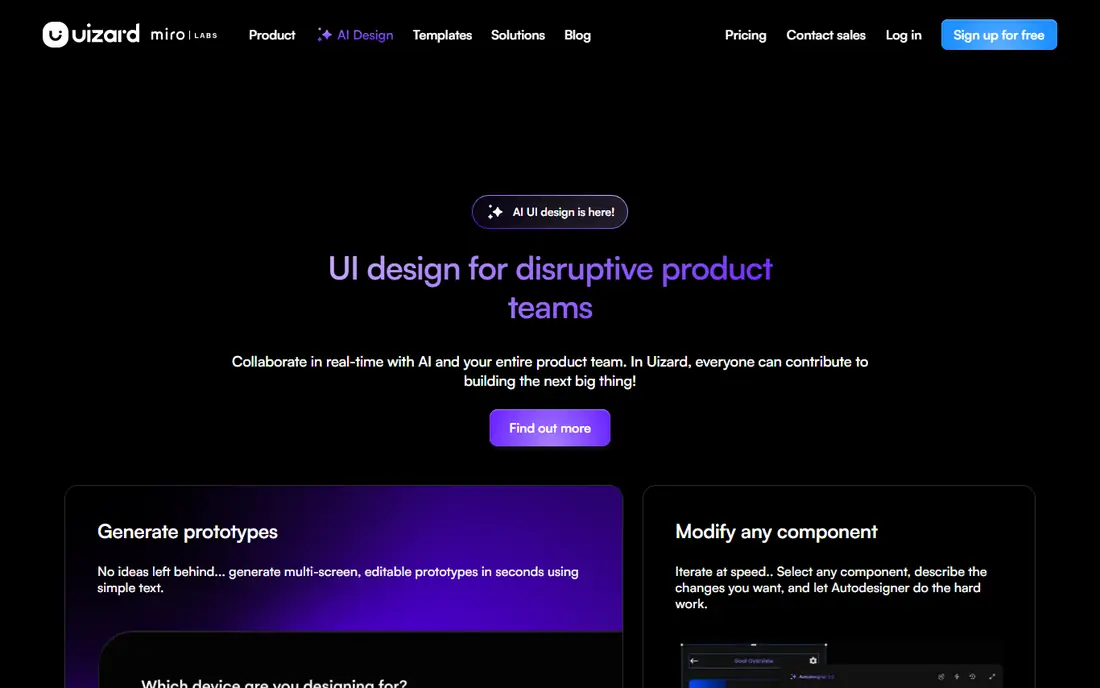
Uizard is built for people who are not designers. Its Autodesigner generates projects, screens and themes from a text prompt, while the screenshot scanner turns an existing screen into an editable mockup and the wireframe scanner digitizes a hand-drawn sketch. Screens link into a clickable prototype, which is enough to test a flow with users or to brief a developer.
The free plan covers two projects, and paid plans start at $12 per month billed yearly, based on vendor listings. The editor feels more like slides than a professional design tool, and the component library is smaller than Figma. If your goal is a fast, understandable prototype rather than a production design system, Uizard is the quickest route in this list.
- Text, sketch and screenshot input
- Simple editor
- Multi-screen prototypes
- Free plan limits projects
- Smaller component library than Figma
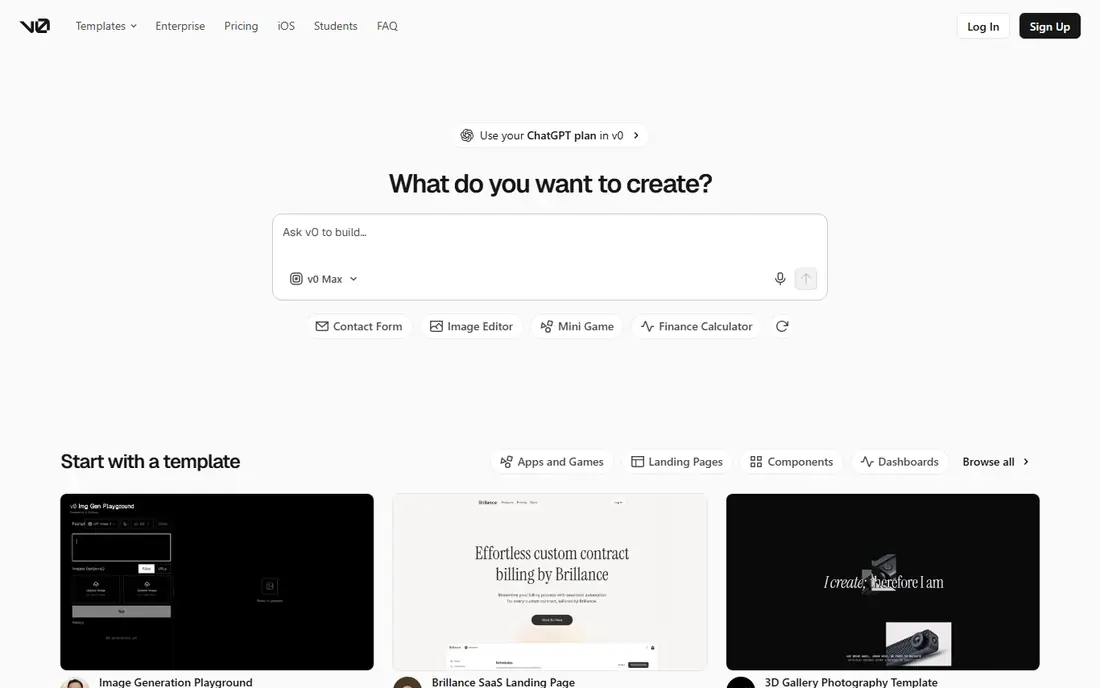
v0 by Vercel turns prompts into working React and Next.js interface code, which you can edit, preview and deploy. That output is different from a picture of an app: it is code you can run, test and hand to a developer. For React teams, that shortens the gap between idea and working screen more than any mockup tool can.
The trade-off is quality control. Generated code needs review for accessibility, performance and edge cases, and paid plans use credits, so heavy use costs more. v0 also assumes a React workflow, so Figma-first teams may prefer UX Pilot or Figma Make. If you want code, not just designs, v0 is our pick for React projects.
- Prompt-to-React code
- Editable and deployable output
- Strong for developers
- Code output needs review
- Credit-based pricing on paid plans
Framer AI generates a full web page from a prompt, with responsive layouts, copy help and one-click publishing. That makes it useful for landing pages, marketing sites and web app front ends, where a live page matters more than a mockup. The free plan lets you test generation and publishing, with paid plans adding custom domains and more features.
The limit is scope. Framer builds websites, not native iOS or Android apps, so mobile app designers should pair it with a mockup tool or use it only for the web version. If your app has a marketing site or web dashboard, Framer AI can produce a publishable page in a day, which few tools here match.
- Generates full pages from a prompt
- One-click publishing
- Responsive layouts
- Website-focused, not native app design
- Advanced features need paid plans
Visily focuses on the middle of the design process: wireframes, low-fidelity flows and polished screens, with screenshot conversion and design system features. It suits product teams that want to move from a rough idea to a structured set of screens without starting in a blank Figma file. The free plan lets you test generation, and paid plans start at about $11 per user per month.
Visily does not produce production code the way v0 does, so developers still need to implement the designs. Its strength is structure and speed for teams that already have a design process. If you need wireframes that respect your components, Visily is a solid mid-priced choice.
- Screenshot to design
- AI wireframe generation
- Design system support
- Paid entry around $11 per user per month
- Less code output than v0
UX Pilot generates wireframes and interfaces from prompts, sketches, PDFs, screenshots or a product requirements document, and it syncs with Figma with editable layers. That range of inputs suits teams that already have research or specs and want designs that follow them, rather than a generic app concept. Paid plans start at about $12 per month, with higher tiers for more screens and features.
The free plan is small, at about 45 credits or roughly seven screens, so it is a trial in practice rather than a long-term free tool. Credit use also rises with complex flows. If you work in Figma and want AI help inside your existing workflow, UX Pilot is the most workflow-complete option here.
- Prompt, sketch, PDF and PRD input
- Figma sync
- Low- and high-fidelity output
- Free plan covers only a handful of screens
- Credit-based pricing
Figma Make turns a prompt or an existing Figma design into a working prototype or app, inside the tool most product teams already use. Because it reuses your files, components and styles, output fits your design system better than a standalone generator. That matters for teams where consistency across screens is a requirement, not a nice extra.
The catch is cost and credits. Figma Make sits inside Figma paid plans and uses AI credits, with a free allowance that covers limited use. Standalone users who do not already pay for Figma may find Stitch or Uizard cheaper for early ideas. If your team already lives in Figma, Make is the natural AI addition.
- Works inside Figma files
- Reuses existing designs
- Interactive prototypes and code
- Needs a Figma plan for full use
- AI credits limit heavy use
Relume takes a different starting point: structure first. It generates a sitemap and wireframes from a prompt, then lets you build out screens from a large component library, with export to Figma or Webflow. That suits agencies and teams that plan many pages or screens and need a consistent information architecture before visual design starts.
Relume is less useful if you want a single polished app screen from one prompt, since its strength is the full structure. Paid plans start at $18 per month based on vendor listings. If you plan app flows and site maps often, Relume saves the most time at the planning stage.
- AI sitemap and wireframe generation
- Large component library
- Figma and Webflow export
- Structure-first, not visual polish
- Paid plans from $18 per month
Lovable builds full web apps from a chat prompt, including front end, back end and database setup. That goes further than most design generators, since the result is a working app you can click through, not just screens. For founders testing a web app idea, that speed can replace weeks of setup.
The free plan offers limited credits, with paid plans from about $25 per month, so heavy iteration costs money. Generated apps also need review for security, data handling and edge cases before real users rely on them. Use Lovable to validate an idea and a flow, then treat production hardening as a separate step.
- Builds front end, back end and database from chat
- Working web app output
- Free credits are limited
- Output needs review before production use
How we picked these
We compared official product pages, pricing pages and export options, and we required a tool that generates app or interface designs from a prompt, sketch or screenshot and is live in October 2026. We left out image-only generators and tools that have closed or been folded into another product, which is why Galileo AI appears here only as part of Stitch. Prices shown are vendor listings at the time of research, and credit limits change often, so check the pricing page before committing.
How to choose an AI design generator
First, decide what output you need. If you need pictures and prototypes to discuss, Stitch, Uizard or UX Pilot fits. If you need code, v0 or Lovable fits. If you need a live website, Framer fits. If you need structure for many screens, Relume fits. Picking by output avoids the common mistake of buying a mockup tool when you needed code, or vice versa.
Next, check the export path. A design that cannot leave the tool is only useful for a meeting. Look for Figma export, code export or both, and test one export before you build a full flow. Also check credit limits: free plans often cover only a handful of screens, so a tool that looks free can become paid quickly if you iterate a lot.
Finally, review generated work before shipping. AI designs can look polished while missing accessibility needs, confusing navigation or inconsistent spacing. Use the generator for speed and exploration, then refine in Figma or code, test with real users, and fix the details that matter for your audience.
Frequently asked questions
What is the best ai app design generator?
Google Stitch is the best free starting point, Uizard is best for fast prototypes without design skills, and v0 is best for working React code. Figma Make suits teams already in Figma. The right pick depends on whether you need a prototype, a design file or code.
What are the best ai design generator tools for mobile apps?
Uizard, Stitch and UX Pilot cover mobile screens well, with multi-screen flows and Figma export. v0 and Lovable cover the code side for web apps, while Framer covers marketing sites. For native mobile design, start with a mockup tool, then hand editable files to a developer.
Is Google Stitch really free?
Yes, at the time of writing, Stitch is free through Google Labs with daily credit limits and no paid plan listed. Because it is a Labs experiment, limits and pricing may change. Treat free access as a chance to test ideas, and keep your designs exported to Figma or code so you are not locked in.
Can AI design tools replace a designer?
No, not for production work. AI tools speed up early ideas, wireframes and first drafts, but they still need human review for user flows, accessibility, brand fit and edge cases. They work best as a starting point for a designer or developer, not as a replacement for one.
Do these tools export to Figma?
Most do. Stitch, UX Pilot, Visily and Relume offer Figma export, and Figma Make works inside Figma by design. Check the export type before subscribing, since some tools export flat images while others export editable layers, and the difference matters for further work.
How much do AI app design generators cost?
Free plans cover limited screens or credits, while paid plans in this list start at about $11 to $25 per month for most tools. Credit-based tools cost more with heavy use, so estimate how many screens and revisions you need before choosing a plan.
Sources
See where you really rank - block by block
ProMapRanker scans Google Maps across a grid of your service area. Simple monthly plans from $19, white-label on every plan.
Start freeKeep reading
 who has best internet service
Who Has the Best Internet Service in 2026
Who has best internet service for US homes? We compare fiber, cable, fixed wireless and satellite providers on speed, price, availability and terms today.
Read → which survey tool has the best analytics
Which Survey Tool Has the Best Analytics in 2026
Find which survey tool has the best analytics in 2026, comparing Qualtrics, SurveyMonkey, Typeform, Alchemer, and more on reports, text, and stats today.
Read → which streaming service has the best movies
Which Streaming Service Has the Best Movies in 2026
Answering which streaming service has the best movies, with Netflix, Max, Criterion and more compared on libraries, prices and free options in this guide.
Read →