 ProMapRanker
Best Pixel Art Software in 2026

Key takeaways
- Aseprite is the industry standard for sprite animation, while Pyxel Edit leads for tilemaps and tilesets.
- Pixelorama, Piskel, Pixilart and Krita give strong free options, though each has different limits.
- Check platform support first, because some tools are Windows only, iPad only, or browser only.
- Animation tools like onion skinning, timeline tags and sprite sheet export matter more than a long brush list.
- Try a free tool before buying, and test export to your game engine with a real sprite.
Quick comparison
| Pick | Great for | Pricing starts at | Free tier | |
|---|---|---|---|---|
 Aseprite | Sprite animation standard | $19.99 one-time | Free trial | Visit |
 Pyxel Edit | Tilemaps and tilesets | $9 one-time | No | Visit |
 Pixelorama | Free desktop pixel art | Free | Yes | Visit |
 Piskel | Free browser animation | Free | Yes | Visit |
 Pixilart | Free online art and community | Free | Yes | Visit |
 Pro Motion NG | Detailed pixel animation | See website | Free trial | Visit |
 GraphicsGale | Classic sprite editing | See website | Yes | Visit |
 Krita | Pixel art inside a full paint app | Free | Yes | Visit |
 Lospec Pixel Editor | Free browser pixel art | Free | Yes | Visit |
 Pixaki | iPad pixel art | See website | No | Visit |
The best pixel art software
We compared official feature pages, pricing pages and public artist reviews for these tools. The list mixes paid standards, free desktop tools, browser tools and iPad tools, so match the tool to your platform and project type.
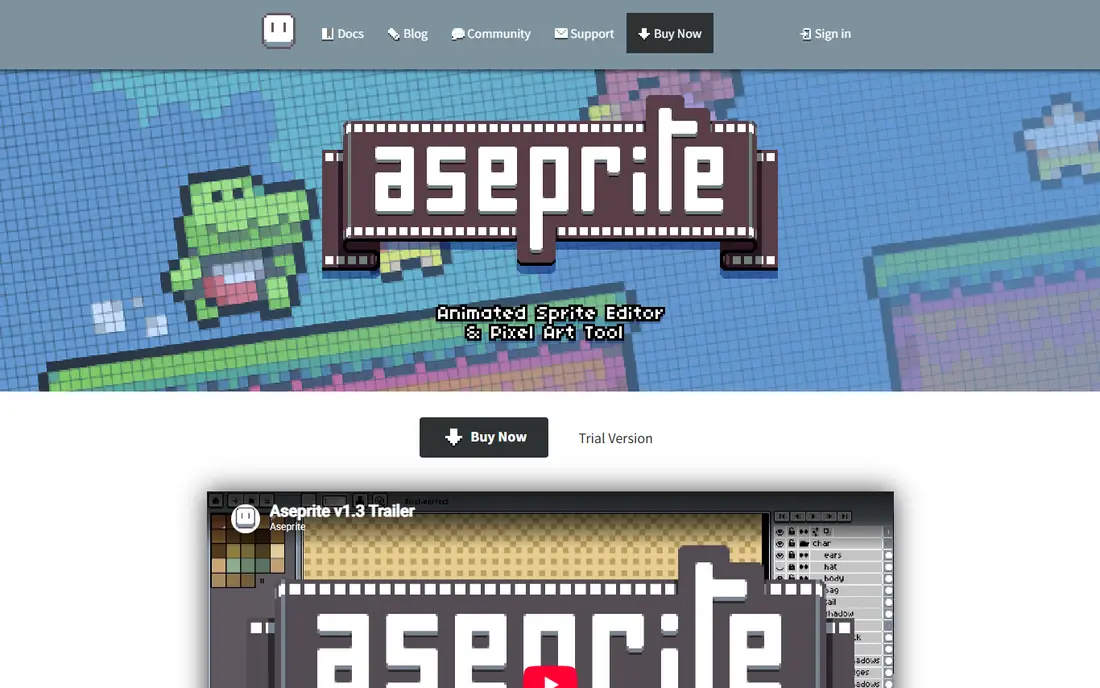
Aseprite is the most widely used sprite editor for indie games, and its animation tools explain why. The timeline supports onion skinning, frame tags, playback modes and live previews, so animators can test a walk cycle or attack animation without exporting first. Sprite sheet export, including JSON data for game engines, makes the jump from art to game smoother.
Aseprite is paid on Steam and its own site, though source code is available to compile for those who prefer that route. The interface is dense at first, especially for beginners used to simple paint apps. For serious sprite work, Aseprite remains the safest buy on this list.
- Strong animation timeline
- Onion skinning and tags
- Sprite sheet and JSON export
- Paid license for convenience
- Interface takes time to learn
- Some features need practice
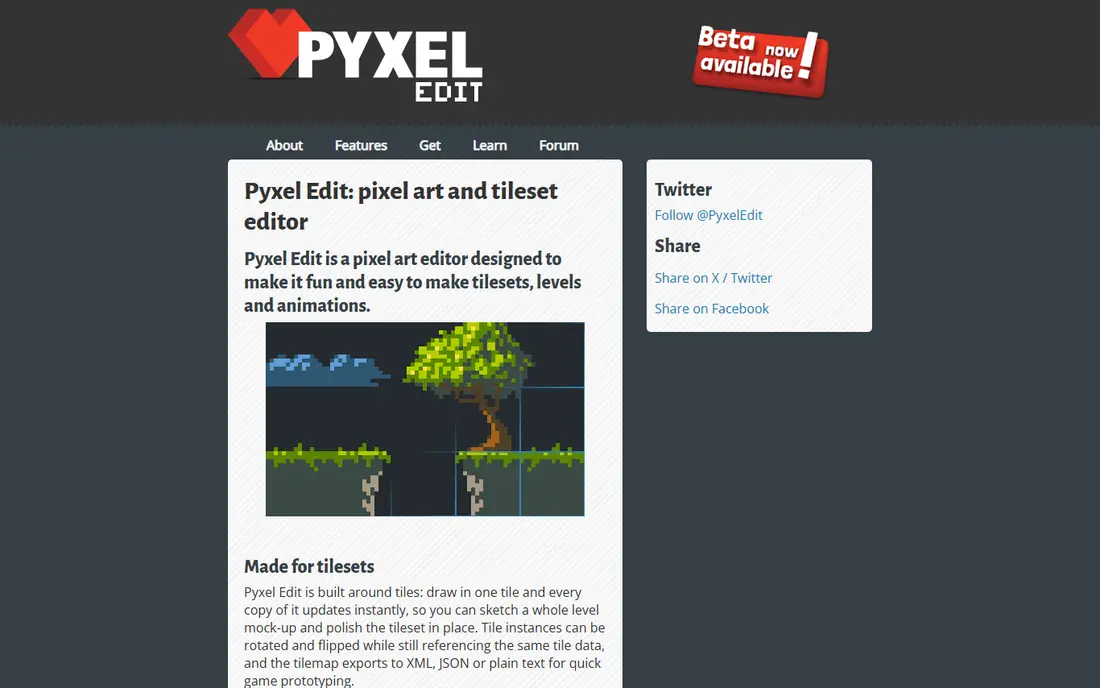
Pyxel Edit is the best pick for tile-based games, because its tilemap editor, tileset tools and tile animation support are built for that workflow. Artists can extract tilesets from an image, build maps from tiles, and export tile data for games. That focus saves time compared with building tilemaps in a general paint app.
Pyxel Edit runs on Windows and Mac, with no Linux version in current listings, and its interface looks older than Aseprite or Pixelorama. Animation tools are solid for tiles, but less deep than Aseprite for character animation. For tile-heavy games at a low price, Pyxel Edit is excellent.
- Strong tilemap tools
- Tileset extraction
- Low one-time price
- Windows and Mac only
- Interface is older
- Less animation depth than Aseprite
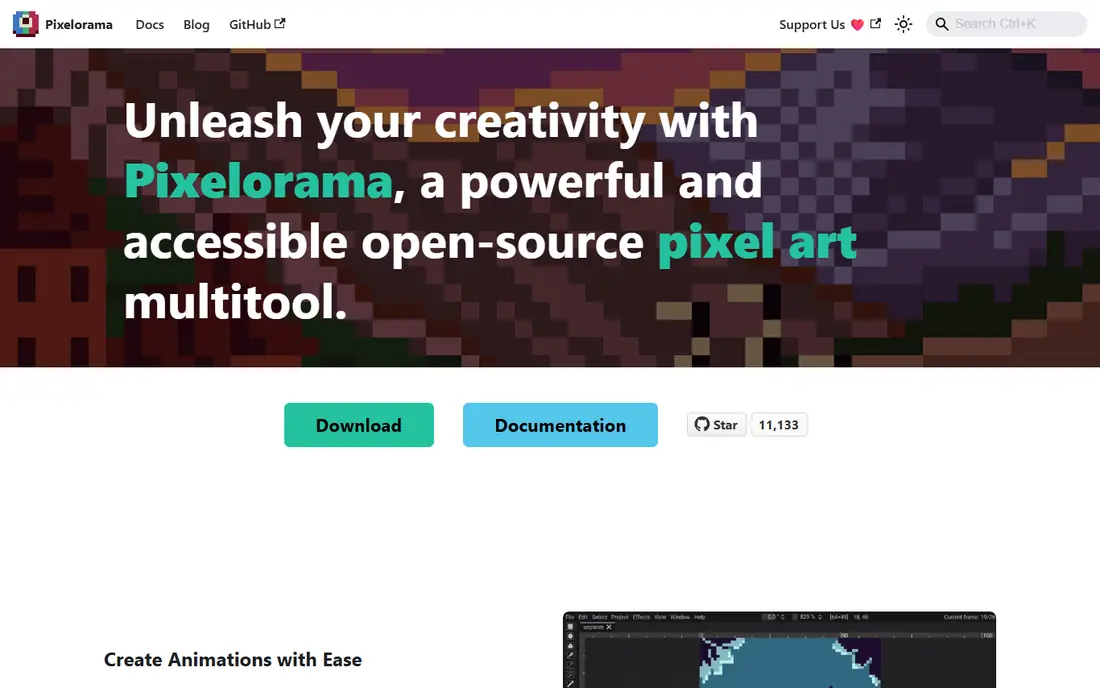
Pixelorama is the best free desktop pixel art editor for most artists, because it combines animation, layers, palettes and onion skinning without a price tag. It runs on Windows, Mac and Linux, and it is open source, so artists can use it for commercial games without a license fee. Sprite sheet export and frame management cover most indie needs.
Tilemap tools are still maturing compared with Pyxel Edit, so tile-heavy projects may need extra steps. The community is smaller than Aseprite, so tutorials are fewer. For free, cross-platform sprite work, Pixelorama is hard to beat.
- Free and open source
- Animation and onion skinning
- Works on Windows, Mac and Linux
- Tilemap tools are still maturing
- Smaller community than Aseprite
- Some features need polish
Piskel runs in a browser, so artists can start animating sprites without installing software. Its interface is simple, with onion skinning, palette management and frame previews that help beginners learn animation. Export options cover sprite sheets and animated formats for games and social posts.
Piskel has no tilemap editor, and large browser projects can feel slower than desktop tools. Advanced artists will miss some of Aseprite's deeper tools. For quick, free sprite animation in a browser, Piskel is a strong choice.
- Free browser tool
- Easy animation and onion skinning
- Simple export options
- No tilemap editor
- Browser limits for large projects
- Fewer advanced tools
Pixilart is a free online pixel art tool with a large community, drawing tools, frame animation and tutorials. Beginners benefit from seeing other artists' work, joining contests and learning from shared art. That social layer helps new artists stay motivated.
Pixilart is online only, so it needs an internet connection, and its community features can distract from focused game work. Large game projects may prefer a desktop tool with stronger export options. For free, social pixel art, Pixilart is a fun starting point.
- Free online editor
- Large community and contests
- Drawing and animation tools
- Online only
- Community features distract some artists
- Less suited to large game projects
Pro Motion NG is a detailed pixel art and animation tool with a long history in game development. It offers precise pixel tools, animation features, tile support and palette control that experienced game artists value. That depth suits artists who work on retro-style games and need exact control.
Pro Motion NG runs on Windows only, and its interface and learning curve can put off beginners. Pricing also needs checking on the vendor site. For experienced Windows artists who want deep control, Pro Motion NG is a respected option.
- Deep pixel animation tools
- Tile and sprite support
- Long history in game art
- Windows only
- Steep learning curve
- Interface feels dated to new users
GraphicsGale is a classic sprite editor for Windows, with animation previews, palette tools and a straightforward workflow that many older game artists still prefer. Its free version covers basic sprite work, while paid options add more features. That simplicity helps artists who want a focused tool without extra clutter.
GraphicsGale runs on Windows only, and development has been slower than Aseprite or Pixelorama. New artists may prefer a more current interface. For classic Windows sprite work, GraphicsGale remains usable and free to try.
- Classic sprite workflow
- Animation preview
- Free version available
- Windows only
- Development is slower
- Interface looks dated
Krita is a free, open-source painting app that many pixel artists use for pixel art alongside illustration. With pixel-perfect brushes, grid settings and animation tools, artists can draw sprites, backgrounds and concept art in one app. That breadth helps artists who also paint larger illustrations.
Krita is not a pixel-only tool, so setup takes more care to get crisp pixels and correct export settings. Its animation tools are broader than Aseprite's sprite-specific timeline. For artists who want one free app for pixel art and painting, Krita is a strong choice.
- Free and open source
- Full painting toolset
- Good for pixel art plus illustration
- Not pixel-only, so setup takes care
- Animation tools are broader, not sprite-specific
- Larger app size
Lospec Pixel Editor is a free, open-source browser tool from Lospec, a site known for pixel art palettes and tutorials. Artists can draw, animate and manage palettes without installing software, and Lospec palettes help with color-limited retro styles. That palette link is a real advantage for artists learning limited-color art.
Browser limits apply to large projects, and animation tools are simpler than Aseprite or Pixelorama. Internet access is needed. For free, quick browser pixel art with strong palette support, Lospec Pixel Editor is a good pick.
- Free browser editor
- No install needed
- Palette tools linked to Lospec
- Browser limits for large work
- Fewer animation tools than Aseprite
- Needs internet access
Pixaki is an iPad pixel art app designed for touch and Apple Pencil work, with animation, layers and export tools for sprites. Artists who sketch on iPad can draw and animate anywhere, then export for games or social posts. That portability suits artists who prefer tablet drawing to a desktop setup.
Pixaki is iPad only, so desktop game artists will need another tool for full pipelines. It is also a paid app, with pricing on its site and app store listing. For iPad pixel artists, Pixaki is the clearest dedicated pick.
- IPad-first design
- Apple Pencil support
- Animation and export tools
- IPad only
- Paid app
- Less suited to desktop game pipelines
How we picked these
We compared official feature pages, pricing pages and public artist reviews, and we kept only tools that are live and clearly support pixel art in October 2026. We favored a mix of paid standards, free desktop tools, browser tools and iPad tools, and we checked animation, tilemap support, platform coverage and export options for each. Where pricing was unclear, we wrote See website.
Choosing the right pixel art software
Start with your project type. Character animation suits Aseprite, Pixelorama and Piskel. Tilemaps suit Pyxel Edit first, with Pixelorama as a free alternative. Illustration plus pixel art suits Krita. iPad work suits Pixaki. Browser work suits Piskel, Pixilart and Lospec Pixel Editor.
Test export early
Export a test sprite to your game engine before you draw a full character set. Check sprite sheet layout, JSON data, transparency and scale settings. A tool that draws well but exports badly will slow a game project fast.
Learn palettes and animation basics
Limited palettes and onion skinning improve pixel art more than a large brush set. Practice small animations first, such as a walk cycle or idle bounce, before tackling large characters. Free tools are ideal for that practice, and you can move to Aseprite when animation volume grows.
Frequently asked questions
What is the best software for pixel art?
Aseprite is the best overall pick for serious sprite animation, while Pixelorama is the best free desktop pick. Pyxel Edit is best for tilemaps. The right choice depends on platform, budget and whether you need tiles, animation or both.
What is the best free pixel art software?
Pixelorama, Piskel, Pixilart, Krita and Lospec Pixel Editor are all free and useful. Pixelorama suits desktop sprite work, Piskel suits browser animation, Krita suits painting plus pixel art, and Lospec suits palette-focused browser work.
What is the best pixel animation software?
Aseprite leads for sprite animation, with onion skinning, frame tags and sprite sheet export. Pixelorama and Piskel also offer solid free animation tools. Pro Motion NG suits experienced Windows animators who want deep control.
Is Aseprite worth paying for?
For artists who animate sprites often, yes, because its timeline, tags and export tools save time. Artists who animate rarely can start with Pixelorama or Piskel for free. Try the free tools first, then buy Aseprite when animation becomes regular work.
Can I make pixel art on iPad?
Yes, Pixaki is a dedicated iPad pixel art app with Apple Pencil support. Browser tools like Piskel and Lospec Pixel Editor also work on iPad browsers, though with fewer tablet-specific features. For serious iPad work, Pixaki is the best dedicated option.
Sources
See where you really rank - block by block
ProMapRanker scans Google Maps across a grid of your service area. Simple monthly plans from $19, white-label on every plan.
Start freeKeep reading
 zoho inventory alternatives
6 Alternatives to Zoho Inventory, Compared on Price and Fit
Zoho Inventory alternatives: 6 tools compared on price, free plans and fit. Katana leads the list for manufacturers. Fit and flaws are laid out for each entry.
Read → zoho crm alternatives
Best Zoho CRM Alternatives (2026)
Need Zoho CRM alternatives? We compare 7 tools on cost, free access and who each suits. Every pick gets a straight assessment. Built for quick decisions.
Read → zelle alternatives
Best Zelle Alternatives in 2026
Compare the best Zelle alternatives for sending money to friends, paying sellers and moving funds abroad, with honest notes on fees, speed and safety in 2026.
Read →