 ProMapRanker
Best AI Design Generation Software for Developers in 2026

Figma to HTML, React, and Vue code · Pricing starts at: $20 per seat/month
Direct answer
If you need Figma to HTML, React, and Vue code, Anima is the first tool to look at here. Listed starting prices: Anima from $20 per seat/month, Uizard from $12 per creator/month and Figma from $16 per user/month. Uizard fits quick editable mockups from a prompt or sketch; Figma fits design, AI generation, and developer handoff in one place. Prices, free plans and limits for all 6 tools follow.
Choosing AI design generation software for developers usually comes down to price, fit and limits. This ProMapRanker guide sets 6 tools side by side on those three points, with the facts kept short and checkable.
Key takeaways
- Anima sits first on this list: Figma to HTML, React, and Vue code.
- Only 5 of the 6 tools have a free plan (Anima, Uizard, Figma, Framer, v0 by Vercel), so check the caps.
- v0 by Vercel is the one to check for prompt to React and Next.js UI.
- Framer is the lowest-priced starter here at $5 per site/month.
Quick comparison
| Pick | Great for | Pricing starts at | Free tier | |
|---|---|---|---|---|
| Anima | Figma to HTML, React, and Vue code | $20 per seat/month | Yes | Visit |
 Uizard | Quick editable mockups from a prompt or sketch | $12 per creator/month (billed yearly) | Yes | Visit |
 Figma | Design, AI generation, and developer handoff in one place | $16 per user/month (billed annually) | Yes | Visit |
 Locofy | Structured Figma frames to clean frontend code | $40 a month | Free trial (7 days) | Visit |
 Framer | AI generated marketing sites with hosting | $5 per site/month (billed yearly) | Yes | Visit |
 v0 by Vercel | Prompt to React and Next.js UI | $30 per user/month | Yes | Visit |
AI Design Generation Software for Developers, one by one
Anima is built with Figma to HTML, React, and Vue code in mind. Starter costs $20 per seat a month and bundles 100 chat messages, 50 code generations, and Figma to code in both directions.
Drawbacks to consider: 5 imports or clones, 5 code generations.
On cost, Anima starts like this: $20 per seat/month. Anima offers a free plan.
- Live websites
- Free bundles 5 code generations
- Free is restricted to 5 chat messages
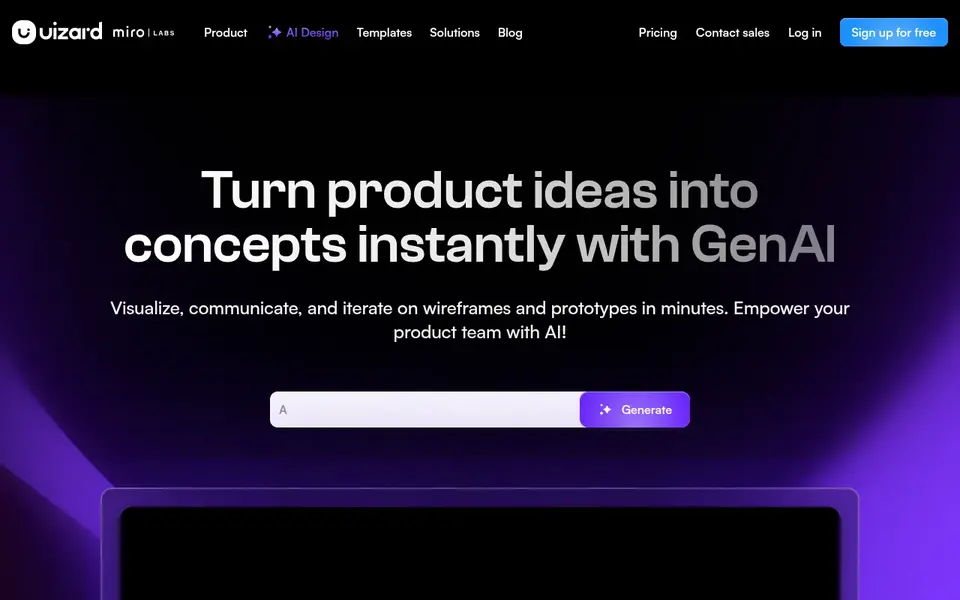
Uizard is a good fit for quick editable mockups from a prompt or sketch. Uizard is aimed at speed at the start of a project. Worth adding: the Free plan costs $0 and comes with 3 AI generations a month.
Drawbacks to consider: full project export to HTML is not offered.
Uizard joined Miro in 2024 and is still sold as a separate product at uizard.io. On top of that, do not choose it as a code generator for a full app, since handoff handles one component at a time and there is no full project export to HTML. Uizard cost at the entry level: $12 per creator/month. Uizard offers a free plan.
- Pro bundles 500 AI generations a month
- Autodesigner turns prompts, screenshots
- Code export is restricted to React and CSS for one component at a time
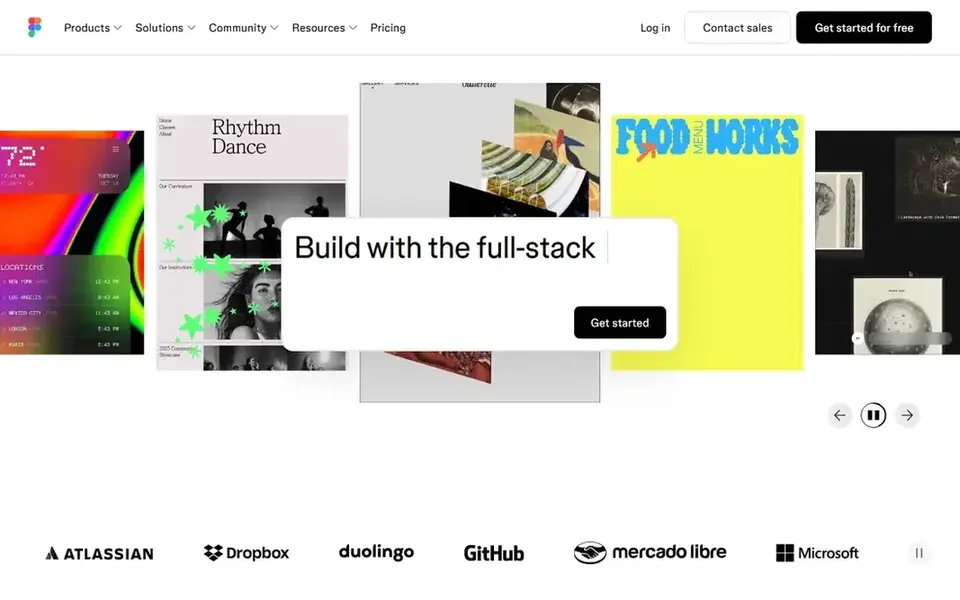
For design, AI generation, and developer handoff in one place, Figma is a natural candidate. Figma is the design tool most product teams already use.
Limits to weigh: a Dev seat is a separate $12 per user a month on annual billing.
Its AI features now sit inside the same seat as design, Dev Mode, FigJam, and Figma Slides. The credit system is the catch to watch. Entry price for Figma: $16 per user/month. A free plan is available with Figma.
- Figma Make produces UI from prompts inside the design file
- Dev Mode and Code Connect support developer handoff
- AI work draws on a monthly credit allowance
Locofy is aimed squarely at structured Figma frames to clean frontend code. Pro costs $80 a month for 4,000 LDMtokens and 25 frames per project. More specifically, Locofy converts designs into frontend code using LDMtokens, its name for Large Design Model tokens, which are consumed when you convert frames.
What works well: Converts Figma, Penpot.
In practice, Hobby costs $40 a month for 2,000 LDMtokens, individual use, one frame conversion at a time, and 10 frames per project. The Free plan is a 7 day trial of Hobby features with 2,000 LDMtokens, and the account then converts to Hobby. Locofy starts at: $40 per month. Free options: Free trial (7 days).
Watch-outs: Hobby costs $40 a month for only 2,000 LDMtokens and 10 frames per project.
- React Native, Flutter
- Pro comes with 4,000 LDMtokens
- Custom component mapping needs Enterprise
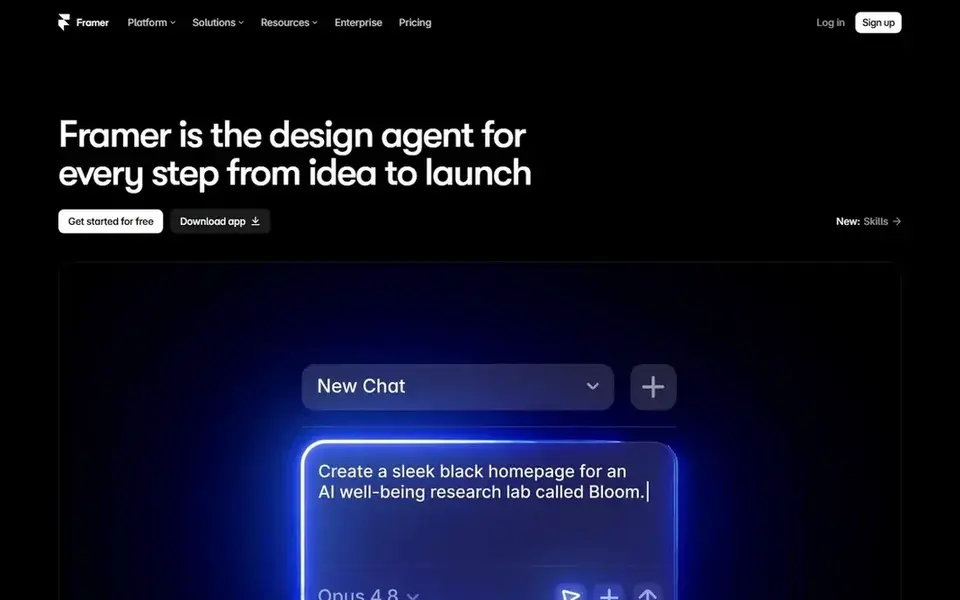
Framer makes the most sense for AI generated marketing sites with hosting. The Free plan costs $0 and publishes on a framer.website subdomain, with 500 AI credits to try Agents when the workspace has no active subscription.
Framer starts at: $5 per site/month. Framer includes a free tier.
Points against: CMS starts on Basic at $15 per site a month.
- Mini layers on a custom domain at $5 per site a month
- AI produces a full site from one prompt, with CMS and hosting included
- Pricing is per site, so each additional site brings a full plan charge
Think of v0 by Vercel for prompt to React and Next.js UI. Do not choose it when you need a backend, a database, or auth, since v0 is scoped to the frontend layer.
Limits to weigh: frontend only, with no backend, database, or auth generation.
Choose v0 when you work in React or Next.js and want a working UI quick, then plan to edit the code by hand. In daily use, plus costs $30 per user a month and comes with $30 of monthly credits per user plus $2 of free daily credits on login, with access to all models, shared chats, and central billing through Vercel. v0 by Vercel turns a text prompt into React components and full frontend screens, with Tailwind CSS and shadcn/ui as the usual output. On cost, v0 by Vercel starts like this: $30 per user/month. A free plan is available with v0 by Vercel.
- Creates React, Tailwind
- Deploys direct to Vercel and syncs with GitHub
- Usage is metered by tokens, so long prompts cost more
How we chose
ProMapRanker looked at what each vendor publishes: pricing, plan limits, feature coverage for AI design generation software for developers and stated drawbacks. No hands-on testing is claimed. Plan names, prices and limits change often. Treat the figures here as a starting point and verify them with the vendor. The ranking is editorial: typical fit first, then clear pricing, then free access. If your needs are unusual, read the profiles rather than relying on position.
Things to verify first
- Confirm the entry price on the vendor page: Framer starts at $5 per site/month, but seat counts and billing terms change the total.
- Look at free plan limits closely: Anima, Uizard, Figma and others have one, and the caps decide whether it is usable for real work.
- Run a trial of Locofy with real work before paying for a year; your own workflow is the best test.
- Before choosing Anima, weigh its main limit: free is restricted to 5 chat messages, 5 imports or clones, and 5 code generations.
- Test how quickly Anima answers a pre-sales question; it hints at how support will feel later.
- Run a one or two week pilot of Framer with the people who will use it every day.
Frequently asked questions
Do these tools publish their prices?
Yes. Every tool from Anima to v0 by Vercel shows a starting price, though seats, add-ons and billing terms still change the final cost.
How are the tools for AI design generation software for developers ordered?
Anima sits first and v0 by Vercel last because the order follows typical fit for AI design generation software for developers, then price clarity and free access. It is a judgement call, so read each profile for fit and limits.
What happened to Galileo AI?
Galileo AI was acquired by Google in mid 2025 and relaunched as Google Stitch, an AI app builder powered by Gemini. Older Galileo prices of $19 a month for Standard and $39 a month for Pro no longer describe a live standalone product.
What is the cheapest option for AI design generation software for developers in this list?
On published monthly entry prices, Framer is the lowest here at $5 per site/month. Entry price is only part of the cost, because seats, add-ons and billing terms can change the total. Each of the 6 options in this AI design generation software for developers guide has its own card above with the price, free plan and limits.
Is Anima the right pick for everyone comparing AI design generation software for developers?
No single tool suits every team. Anima comes first because it fits Figma to HTML, React, and Vue code, while Uizard suits fast editable mockups from a prompt or sketch and Figma suits design, AI generation, and developer handoff in one place. Match the tool to your own size, budget and workflow before deciding.
Sources
See where you really rank - block by block
ProMapRanker scans Google Maps across a grid of your service area. Simple monthly plans from $19, white-label on every plan.
Start freeBrowse all guides
← 2026 Guide to the Best AI Art ToolsAI Platforms for Blog Illustrations in 2026: Top 7 Compared →
 best ai app design generator
Top 6 AI App Design Generator, Compared on Price (2026)
Best AI app design generator: 6 contenders ranked by fit, with entry costs and free tiers. The weak spots sit next to the strengths. Budget notes included.
Read → best ai 3d model generators
Best AI 3D Model Generators in 2026
Best AI 3D model generators, compared. 5 tools with published prices, free plans and limits. Each pick comes with its main catch. Read before you buy.
Read → best mobile apps for ai talking photos
Mobile Apps for AI Talking Photos in 2026: Top 6 Compared
Searching for the best mobile apps for AI talking photos? Here are 6 options with prices and free plans. Each profile ends with a plain caveat. Costs up front.
Read → best ai image generation tools
Best AI Image Generation Tools in 2026
Looking for the best AI image generation tools in 2026? We compared 9 apps and sites on free limits, starting prices and who each one suits.
Read → the best online tools
The Best Online Tools in 2026
The best online tools guide: a broad roundup of useful online tools for design, writing, planning, scheduling and files, with free and paid plans compared.
Read → best apps for kids to learn drawing
Best Apps for Kids to Learn Drawing in 2026
We compare the best apps for kids to learn drawing, with step by step lessons, tracing, free drawing, and parent friendly controls for each age in 2026.
Read →More in Design & Creative · All guides A to Z by date · Latest guides