 ProMapRanker
Best Online Background Remover Tools (2026)
Direct answer
Photoroom comes first here, mainly for E-commerce product visuals. Listed starting prices: Slazzer from $12.65 a month and Pixlr from $2.49 a month. Slazzer is better for automatic background removal in seconds, and Pixlr is better for AI editing and generation plus cutouts. Details, prices and limits for the rest of the 6 tools are below.
Short on time? The summary and table above give the quick view of 6 online background remover tools, and the profiles that follow give the detail behind each entry.
Key takeaways
- Photoroom takes the first slot, best suited to E-commerce product visuals.
- For quick one-click background removal, remove.bg is worth a look.
- Check the limits for Canva before you commit: not a single-purpose remover.
- Pixlr is the lowest-priced starter here at $2.49 per month.
- Only Fotor offers a free plan among these 6 tools.
Quick comparison
| Pick | Great for | Pricing starts at | Free tier | |
|---|---|---|---|---|
 Photoroom | E-commerce product visuals | See website | Free trial | Visit |
 Slazzer | Automatic background removal in seconds | $12.65 a month | Not stated | Visit |
 Pixlr | AI editing and generation plus cutouts | $2.49 a month | Not stated | Visit |
 Canva | All-in-one design with cutouts | See website | Not stated | Visit |
 Fotor | Photo editing with background removal | See website | Yes | Visit |
 remove.bg | Quick one-click background removal | See website | Not stated | Visit |
Every option for online background remover tools explained
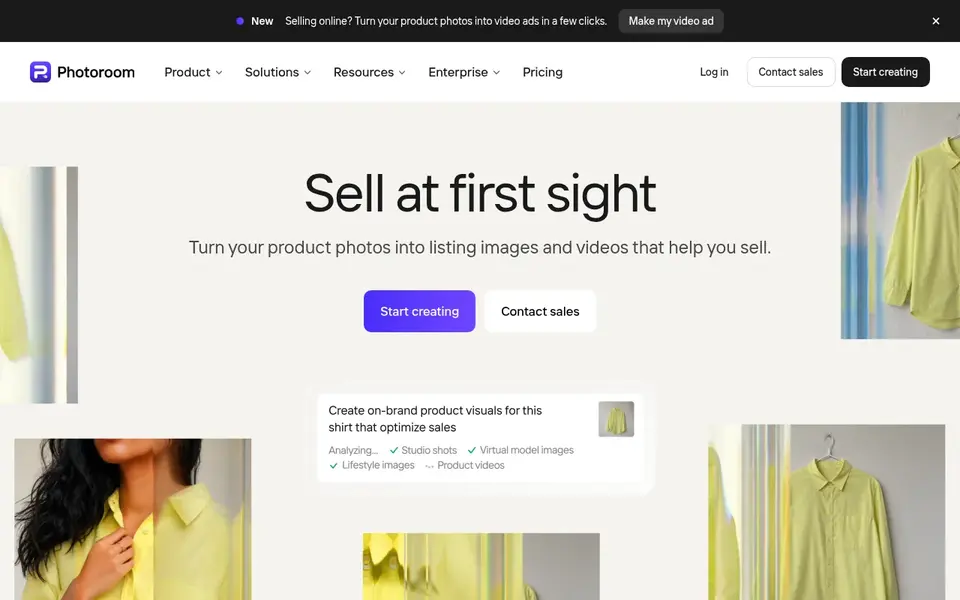
Photoroom is a good fit for E-commerce product visuals. Pick Photoroom when product listings and promotional visuals are the central job.
Photoroom is described as a full AI visual editor for e-commerce. Its homepage says it turns product photos into listing images and videos that help you sell, from product page videos to video ads. Photoroom does not show a starting price in this comparison, so check the vendor site for current pricing. Trial and free access: Free trial.
Honest limits: May be more than needed for straightforward cutouts.
- AI visual editor for product photos
- Supports video ads and product page videos
- Concentrated on commerce use cases
Pick Slazzer if this describes you: automatic background removal in seconds. As a focused remover, Slazzer does not aim to replace a full photo editor or design system.
Drawbacks to consider: Restricted broader editing features.
Beyond that, if you need retouching, text overlays or templates, a broader tool may serve better. Starting cost for Slazzer: $12.65 per month. Free access: Not stated.
- No manual pixel picking
- Focused workflow
- Complicated edges may need cleanup
Pixlr works best for AI editing and generation plus cutouts. The broad feature set means the interface can feel dense if you only need a transparent background.
From a buyer's view, choose Pixlr when you want cutouts alongside AI image generation, face swaps or collage building in one place. Pixlr is a free online AI photo editor and image generator. Entry price for Pixlr: $2.49 per month. Trial and free access: Not stated.
The main drawbacks: Feature set can feel dense for beginners.
- Background removal among numerous tools
- Online AI photo editor and generator
- Not focused only on cutouts
Pick Canva if this describes you: all-in-one design with cutouts. Canva is not built solely for background removal, so users who only need a quick cutout may find the full editor unnecessary.
Edge quality on tricky images can vary, and in-depth retouching may call for a dedicated photo editor. Pricing for Canva is not stated here, so ask the vendor for current figures. On free options: Not stated.
Points against: Not a single-purpose remover.
- Background removal within a design workflow
- Presentations and more
- Complicated cutouts may need additional editing
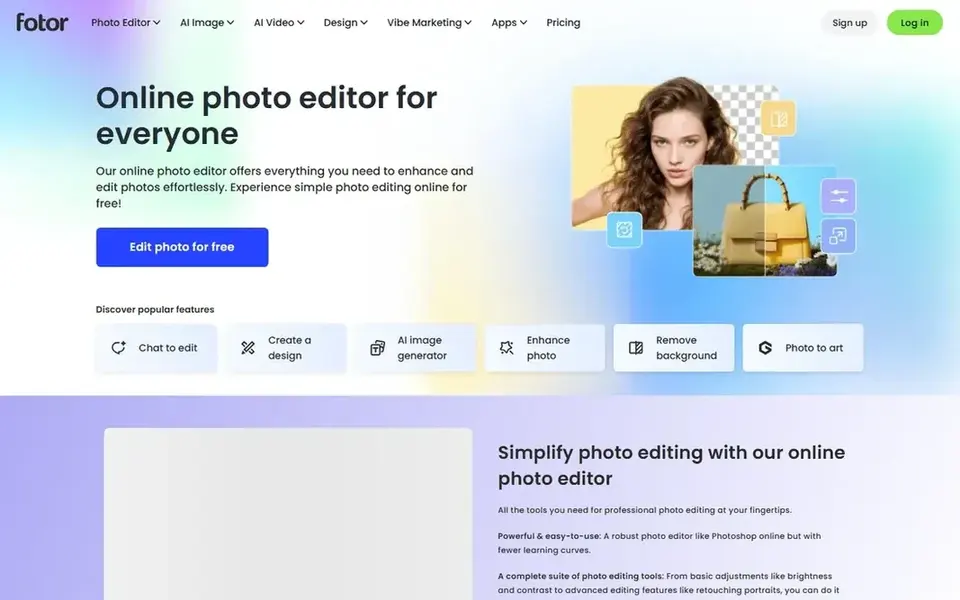
Fotor is a good fit for photo editing with background removal. Fotor is an online photo editor. Its homepage flags enhancing and editing photos, cropping, adding text and effects, retouching images and more.
Points against: Not a dedicated cutout specialist.
Since Fotor spans numerous editing features, the background removal step is part of a bigger toolkit instead of the entire product. More specifically, users who want the absolute simplest cutout may prefer a single-purpose tool. Pricing for Fotor is not stated here, so ask the vendor for current figures. Fotor has a free plan.
- Retouching and effects tools
- Background removal alongside edits
- Interface spans plenty of tools at once
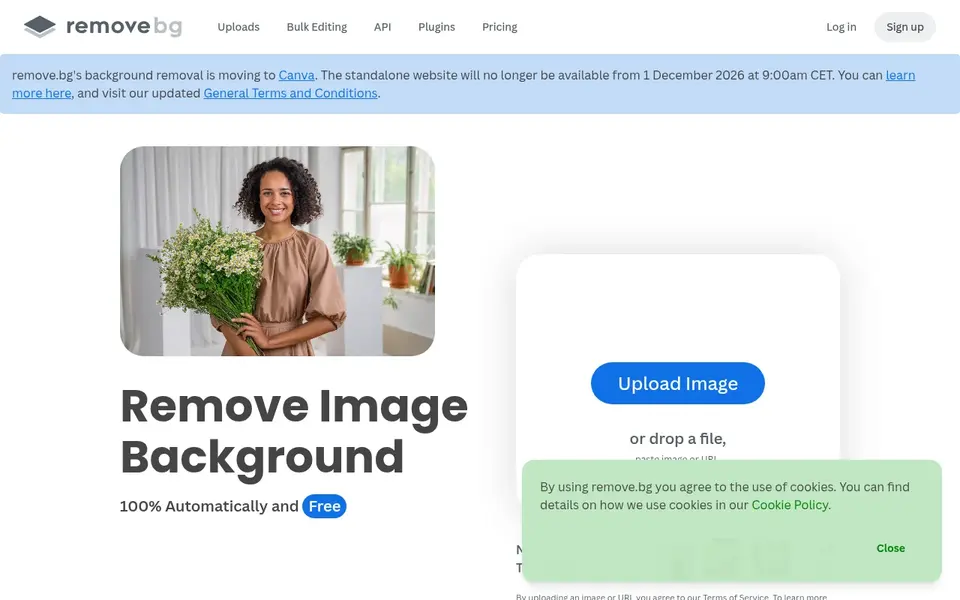
remove.bg is built with quick one-click background removal in mind. remove.bg is a dedicated online tool for removing image backgrounds automatically.
Trade-offs to know: Results may need touch-ups on complicated edges.
More specifically, since it centers on background removal, it is not a full graphic design or video suite. remove.bg does not show a starting price in this comparison, so check the vendor site for current pricing. Free options: Not stated.
- Concentrated on background cutouts
- Straightforward upload-and-go workflow
- Restricted broader design features
Selection criteria
Selection started from tools commonly considered for online background remover tools, then narrowed to 6 that have clear pricing information or a clear quote process. Prices and plan limits come from vendor pages and can change, so confirm them on the vendor site before you buy. Position on the page reflects fit for a typical buyer first, with price clarity and free access breaking ties. Treat it as a guide, not a ruling.
What to confirm before you sign up
- Confirm the entry price on the vendor page. For Photoroom, Canva, Fotor and remove.bg that means a quote rather than a fixed price.
- Test the free plan from Fotor against your real workload before relying on it.
- Use real work to test the free trial from Photoroom, rather than a demo project.
- Before choosing Photoroom, weigh its main limit: concentrated on commerce use cases.
- Find out what support Photoroom includes on your plan, and whether onboarding help costs extra.
- Make sure remove.bg lets you export your data in a format another tool can read.
Frequently asked questions
Do these tools publish their prices?
Not all of them. Photoroom, Canva, Fotor and remove.bg publish no starting price, so expect a quote request for those. The rest, Slazzer included, show a starting price, though seats and billing terms still change the final cost.
How are the tools for online background remover tools ordered?
Photoroom sits first and remove.bg last because the order follows typical fit for online background remover tools, then price clarity and free access. It is a judgement call, so read each profile for fit and limits.
Which options for online background remover tools have a free plan?
Fotor is the only tool in this list with a free plan. Free plans usually cap users, projects or features, so check the limits on the vendor page. One other tool offers a trial instead. All 6 picks in this online background Remover tools comparison list a starting price, free plan details and the main limits on their cards above.
Which online background remover is a good match for a fast one-click cutout?
Photoroom comes first here and is built for E-commerce product visuals. Buyers with other needs may prefer Slazzer (for automatic background removal in seconds) or Pixlr (for AI editing and generation plus cutouts). Compare costs and limits first.
Can I try these options before paying?
Often, yes. Fotor has a free plan and Photoroom offers a free trial. Use your own data and a real task during the test, and check what the free tier or trial limits before you rely on it.
Sources
See where you really rank - block by block
ProMapRanker scans Google Maps across a grid of your service area. Simple monthly plans from $19, white-label on every plan.
Start freeBrowse all guides
← Best Image Recognition Software for Startups (2026)5 VanceAI Photo Restorer Alternatives Compared (2026) →
 best ai shopify photographers software
AI Shopify Photographers Software in 2026: Top 5 Compared
Weighing the best AI shopify photographers software? We lined up 5 products by cost, free access and fit. Pros and cons for every tool. See the full list.
Read → best ai 3d design software
Best AI 3D Design Software in 2026
Weighing the best AI 3D design software? We lined up 5 products by cost, free access and fit. Includes honest limits for each tool. Narrow your shortlist.
Read → best ai tools for graphic designers
AI Tools for Graphic Designers: 5 Options Compared in 2026
5 products for the best AI tools for graphic designers, ranked by fit, with starting costs and free tiers. Each pick comes with its main catch. Details below.
Read → best apps for cinematic photo editing
Best Apps for Cinematic Photo Editing in 2026
Our guide to the best apps for cinematic photo editing compares 9 film preset and RAW grading apps for 2026, with free tiers, prices, and honest limits.
Read → best free alternatives to photoshop
Best Free Alternatives to Photoshop in 2026
Looking for the best free alternatives to photoshop? We compare 10 free editors for photo retouching, design, painting, and RAW files, with prices and limits.
Read → best ai app for t shirt design
Best AI App for T Shirt Design in 2026
We compared the best ai app for t shirt design options for creating, mocking up, and selling tees, checking AI tools, prices, and print partners before you buy.
Read →More in Design & Creative · All guides A to Z by date · Latest guides