 ProMapRanker
Best Image Recognition Software for Startups (2026)
Direct answer
Encord comes first here, mainly for Multimodal data management. Listed starting prices: Hugging Face from $9 a month, Roboflow from $39 per month and Nanonets from $100 per month. For a different need, Hugging Face covers open-source model experimentation and Roboflow covers end-to-end vision model building. The remaining 3 options are covered below with prices and limits.
Short on time? The summary and table above give the quick view of 6 image recognition software for startups, and the profiles that follow give the detail behind each entry.
Key takeaways
- Encord is the opening pick, best for Multimodal data management.
- Scale AI fits data, evaluations, and outcomes.
- Hugging Face has the lowest monthly starting price in this list: $9 per month.
- Only 2 of the 6 tools have a free plan (Hugging Face, Roboflow), so check the caps.
Quick comparison
| Pick | Great for | Pricing starts at | Free tier | |
|---|---|---|---|---|
 Encord | Multimodal data management | See website | Not stated | Visit |
 Hugging Face | Open-source model experimentation | $9 a month | Yes | Visit |
 Roboflow | End-to-end vision model building | $39 per month | Yes | Visit |
 V7 | Document-heavy workflow automation | See website | Not stated | Visit |
 Nanonets | Document processing automation | $100 per month | Free trial | Visit |
 Scale AI | Data, evaluations, and outcomes | See website | Not stated | Visit |
Tool-by-tool breakdown
Encord is designed for Multimodal data management. Encord is a multimodal data layer for physical AI, helping teams run, curate, annotate, and align large volumes of data from sensor streams, video, and text. Beyond that, startups building physical AI products, for example robotics or autonomous systems, can use it to organize complicated datasets and prepare them for model training.
It also assumes some technical capacity to manage multimodal data pipelines. Consider it when data curation and annotation at scale are the primary bottleneck instead of deployment. This comparison lists no price for Encord; ask the vendor. Free options: Not stated.
Honest limits: Focus on data layer, not full deployment.
- Deals with sensor streams, video, text
- Designed for physical AI teams
- May need technical resources
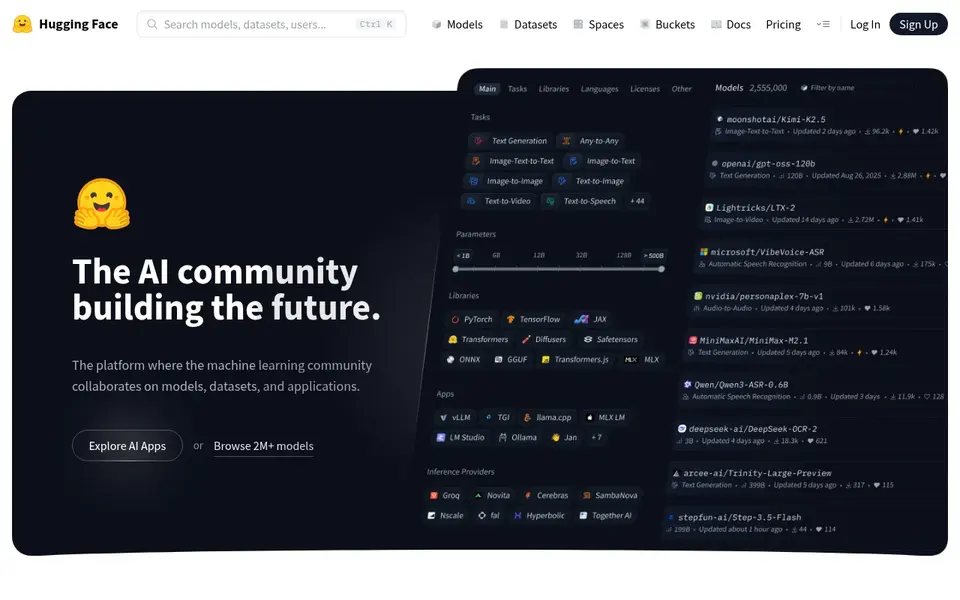
For open-source model experimentation, Hugging Face is a natural candidate. Startups without in-house ML expertise may struggle to move from prototype to production.
In practice, if you need guided labeling, training, and deployment in one interface, a dedicated vision platform is a better fit. Hugging Face starts at: $9 per month. Free access exists with Hugging Face.
Trade-offs to know: Needs ML engineering skills.
- Community-driven and open source focused
- Large collection of open models and datasets
- Less guidance for production deployment
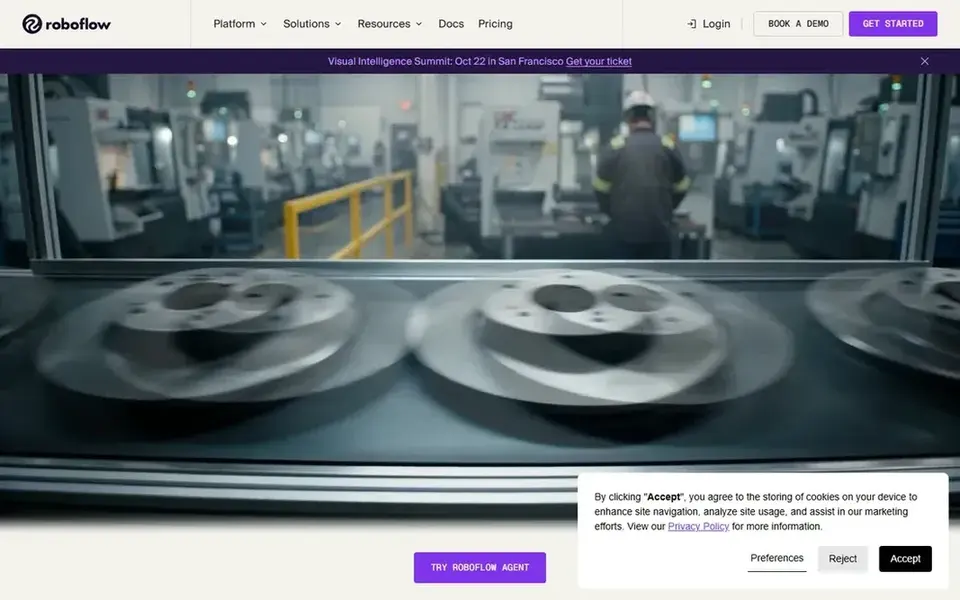
Where Roboflow fits: end-to-end vision model building. It is built for businesses operating in the physical world, for example manufacturing, agriculture, or robotics startups.
For everyday use, the system supports the full workflow from data preparation to model deployment, making it a solid fit for startups that want one place to build and run image recognition models without stitching together separate tools. Startups with very straightforward needs, for example entry-level image classification, might find a lighter tool quicker to adopt. The starting price for Roboflow: $39 per month. You can start on Roboflow without paying.
Where Roboflow stands out: Manages images, videos, streams. Where it is weaker: Advanced features need technical setup.
- Aimed at physical-world vision use cases
- Handles data prep, labeling, deployment
- Wide platform may overwhelm beginners
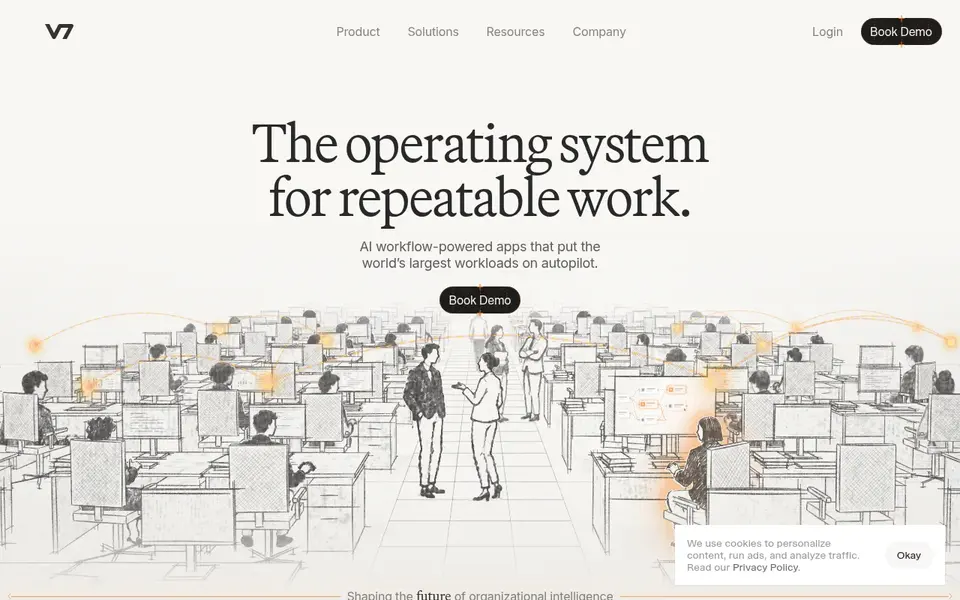
Think of V7 for document-heavy workflow automation. If your core need is labeling and training vision models on images, look to a dedicated vision product instead. V7's emphasis on document and workflow automation means it is not a general image recognition system for photos or sensor data.
In daily use, startups building visual inspection or object detection products may find it less aligned. In practice, for startups in insurance, legal, or financial operations, this means automating document-heavy processes that involve extracting and acting on information at scale. This comparison lists no price for V7; ask the vendor. Free options: Not stated.
Points against: May be overkill for straightforward image tasks.
- Suited to due diligence and claims
- Turns instructions into AI workflows
- Focus is document workflows, not general vision
Choose Nanonets for document processing automation. Nanonets supplies AI agents for enterprise data processing, automating manual processes for example accounts payable, claims processing, and order management, and delivering clean data to systems like SAP and Salesforce.
On top of that, choose Nanonets when your primary challenge is extracting structured information from documents and feeding it into business systems. Nanonets is built around document and data processing, so it is not a general-purpose image recognition system for visual inspection or object detection. Price to start with Nanonets: $100 per month. On free options: Free trial.
Watch-outs: Primarily document-focused.
- Automates accounts payable and claims
- Links to systems of record
- Less suited to general image recognition

Pick Scale AI if this describes you: data, evaluations, and outcomes. Scale AI provides data, evaluations, and outcomes for AI labs, governments, and large enterprises.
Honest limits: Geared toward large organizations.
On top of that, for startups, its relevance lies in access to high-quality training data and evaluation services that support critical decisions. Check the vendor site for Scale AI pricing; none is listed in this comparison. Free access: Not stated.
- Serves labs, governments, enterprises
- Data and evaluation services
- Less self-serve for small teams
How we built this list
Pricing pages, product documentation and feature lists were the main sources, and every entry carries at least one honest drawback. Treat prices as a snapshot: vendors change plans often, so check the vendor site for the figure that applies today. The order reflects how well each tool fits the most common buying scenario for image recognition software for startups, then price clarity, then free plan access. It is a starting point, not a verdict.
What to confirm before you sign up
- Ask Encord, V7 and Scale AI for a written quote, since no starting price is shown.
- Look at free plan limits closely: Hugging Face and Roboflow have one, and the caps decide whether it is usable for real work.
- Run a trial of Nanonets with real work before paying for a year; your own workflow is the best test.
- Before choosing Encord, weigh its main limit: focus on data layer, not full deployment.
- Run a one or two week pilot of Roboflow with the people who will use it every day.
- Ask Scale AI which support channels and response times come with the plan you would buy.
Frequently asked questions
Do these tools publish their prices?
Not all of them. Encord, V7 and Scale AI publish no starting price, so expect a quote request for those. The rest, Hugging Face included, show a starting price, though seats and billing terms still change the final cost.
Can I use document processing tools for image recognition?
They are not made for general image recognition tasks like object detection in photos or video. Choose based on whether your primary data is documents or visual scenes.
What is the cheapest option for image recognition software for startups in this list?
On published monthly entry prices, Hugging Face is the lowest here at $9 per month. Entry price is only part of the cost, because seats, add-ons and billing terms can change the total. For the full picture, the cards above cover all 6 entries of this image recognition software for startups list, including price, free plan and limits.
How are the tools for image recognition software for startups ordered?
The order follows typical fit for image recognition software for startups, with Encord first and Scale AI last, then price clarity and free access. It is editorial judgement, not a score, so another team could rank the tools differently.
What should a startup look for in image recognition software?
Startups should prioritize ease of setup, coverage of the full workflow from data labeling to deployment, and fit with their specific data types.
Is open-source image recognition software a decent choice for startups?
Open-source choices like Hugging Face can be cost-effective and adaptable for teams with machine learning expertise. Even so, they frequently need more engineering effort to move from prototype to production.
Sources
See where you really rank - block by block
ProMapRanker scans Google Maps across a grid of your service area. Simple monthly plans from $19, white-label on every plan.
Start freeBrowse all guides
← AI Shopify Photographers Software in 2026: Top 5 ComparedBest Online Background Remover Tools (2026) →
 best ai 3d design software
Best AI 3D Design Software in 2026
Weighing the best AI 3D design software? We lined up 5 products by cost, free access and fit. Includes honest limits for each tool. Narrow your shortlist.
Read → best ai tools for graphic designers
AI Tools for Graphic Designers: 5 Options Compared in 2026
5 products for the best AI tools for graphic designers, ranked by fit, with starting costs and free tiers. Each pick comes with its main catch. Details below.
Read → best ai image recognition software
AI Image Recognition Software: 5 Options Compared in 2026
Best AI image recognition software, compared. 5 tools with published prices, free plans and limits. Cost notes and weak points included. Clear verdicts.
Read → best business process mapping software
Best Business Process Mapping Software in 2026
Compare the best business process mapping software for BPMN, flowcharts and swimlanes, from Lucidchart and Visio to Bizagi Modeler and diagrams.net today.
Read → bluebeam alternatives
Best Bluebeam Alternatives in 2026
We compared the best bluebeam alternatives for PDF markup, construction drawings, and project collaboration today, covering desktop, web, and field tools.
Read → best photobook app
Best Photobook App in 2026
Best photobook app compared for 2026: Mixbook, Chatbooks, Shutterfly and more, with book prices, editors, print quality and delivery options included.
Read →More in Design & Creative · All guides A to Z by date · Latest guides