 ProMapRanker
Best Bluebeam Alternatives in 2026


Full PDF editing and markup · Pricing starts at: $19.99 per month
Key takeaways
- Adobe Acrobat Pro, Foxit PDF Editor, and PDF-XChange Editor are the closest desktop PDF replacements, with markup, editing, and form tools.
- Drawboard PDF and Xodo PDF Studio suit teams that want markup on Windows, tablets, or the web without a full construction suite.
- Autodesk Build, Procore, and Fieldwire suit construction teams that need drawings, punch lists, and field collaboration beyond PDF markup alone.
- PDF Expert is a strong Mac and iPad pick for markup on Apple devices, with a simpler workflow than a full desktop editor.
- Pick by workflow, not by feature count: a markup tool is enough for review, while a construction platform is needed for project-wide drawing control.
Quick comparison
| Pick | Great for | Pricing starts at | Free tier | |
|---|---|---|---|---|
| Adobe Acrobat Pro | Full PDF editing and markup | $19.99 per month | Free trial | Visit |
 Foxit PDF Editor | PDF editing for teams | $10.99 per month | Free trial | Visit |
 PDF-XChange Editor | Windows PDF markup | $62 one-time | Free trial | Visit |
 Drawboard PDF | Windows and tablet markup | See website | Free trial | Visit |
 Xodo PDF Studio | Cross-platform PDF editing | $9.99 per month | Free trial | Visit |
 Autodesk Build | Construction project management | See website | No | Visit |
 Procore | Construction management platform | See website | No | Visit |
 Fieldwire | Field task and plan management | See website | Free trial | Visit |
 PDF Expert | Mac and iPad PDF markup | See website | Free trial | Visit |
The best bluebeam alternatives
These tools replace Bluebeam Revu for PDF markup, drawing review, or construction collaboration. We compared them on markup tools, measurement, drawing management, field use, collaboration, and price. Bluebeam is known for construction markup, so we included both pure PDF tools and construction platforms where the workflow fits.
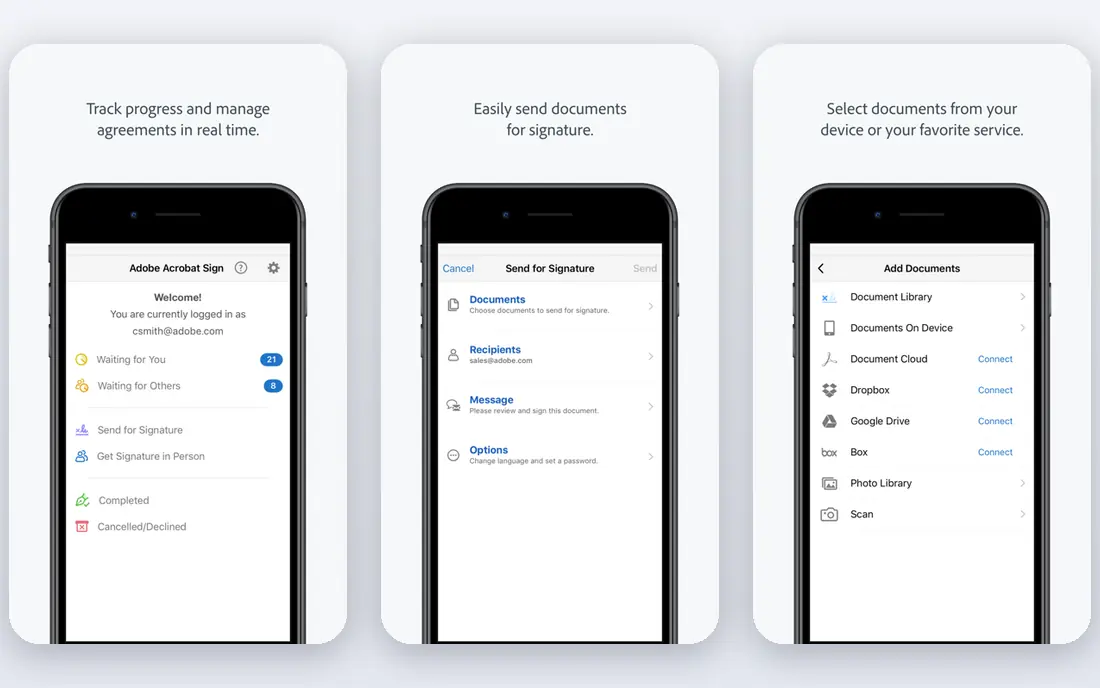
Adobe Acrobat Pro is the most widely compatible PDF replacement. It edits text and images, supports comments and markup, handles forms and signatures, and works across desktop, web, and mobile. For a team that shares PDFs with clients, consultants, and contractors, that compatibility removes most file-exchange friction.
The limit is construction depth. Acrobat covers general markup well, but it does not match Bluebeam's specialized measurement, takeoff, and drawing comparison workflows for construction. If your work is general PDF review, Acrobat Pro is a safe, well-supported pick. If your work is daily takeoff, pair it with a construction tool or pick a more specialized option.
- Full PDF editing, markup, and forms
- E-signature workflows
- Broad compatibility and cloud access
- Pro costs $19.99 per user per month on an individual annual plan billed monthly
- Construction measurement is less specialized than Bluebeam
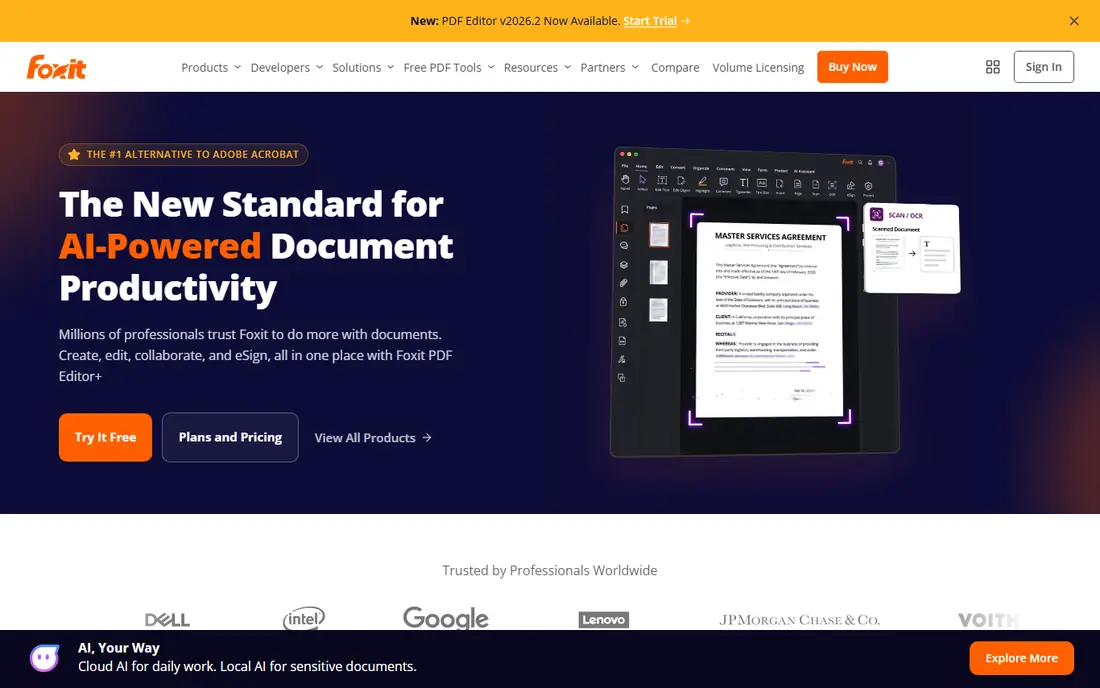
Foxit PDF Editor gives teams a full PDF workflow at a lower entry price than Acrobat Pro. It supports editing, annotation, forms, signatures, and redaction, with team admin controls on higher tiers. The cloud plan starts at $10.99 per user per month in public listings, with annual desktop plans also listed.
The trade-off is construction specialization. Foxit is a general PDF editor, not a takeoff tool, so construction teams should test measurement and drawing workflows before switching. For general markup, review, and editing across a team, Foxit is a strong, cost-effective alternative.
- PDF editing, markup, and collaboration
- Forms and signatures
- Desktop, web, and mobile access
- Cloud plan from $10.99 per user per month
- AI and advanced tiers add cost
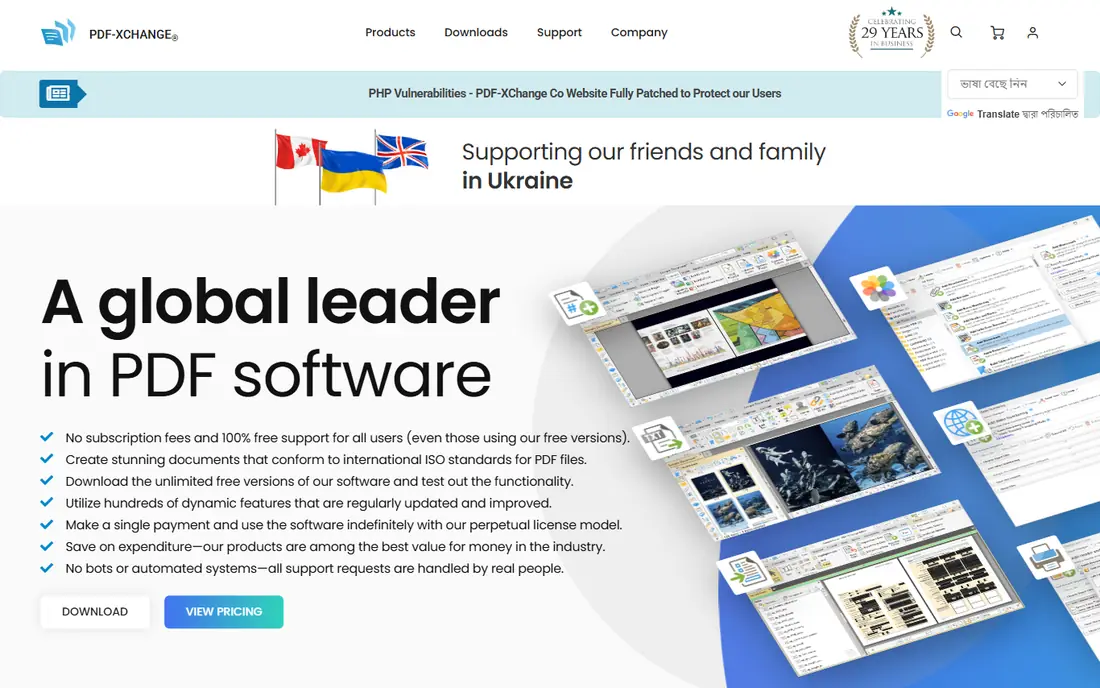
PDF-XChange Editor is the value pick for Windows users who want to pay once. Its single-user license starts at $62 as a one-time purchase in public listings, and it handles viewing, annotation, stamps, forms, and conversion with a light footprint. That speed matters when opening large drawing sets.
The limit is platform and specialization. It is strongest on Windows, and it does not offer the full construction takeoff workflow that Bluebeam users rely on. For Windows-based review and markup, it is excellent value. For takeoff and drawing management, look at Autodesk Build, Procore, or Fieldwire as well.
- One-time license from $62
- Fast Windows performance
- Strong annotation, stamp, and form tools
- Windows-focused
- Construction-specific measurement tools are more limited than Bluebeam
Drawboard PDF is built for markup with touch and pen, which suits field and site review work on Windows tablets. It supports annotation, measurement, and team workspaces, with cloud storage for shared drawings. That tablet-first design makes it a natural fit for reviewers who mark up plans on site rather than at a desk.
The downside is platform range and price clarity. Drawboard is strongest on Windows, and pricing varies by plan, so check the current price page for your team size. For a Windows tablet workflow, it is one of the closest Bluebeam-style experiences in this list.
- Touch and pen markup for tablets
- Team workspaces
- Measurement and annotation tools
- Pricing varies by plan
- Windows and tablet focus means Mac depth is lower
Xodo PDF Studio offers a flexible licensing mix. Its yearly plan costs $9.99 per user per month billed yearly, and a perpetual license costs $240 per user in public listings. It covers editing, OCR, redaction, forms, signatures, and batch processing, with desktop, web, and mobile access on higher tiers.
The trade-off is construction depth. Xodo is a strong general PDF editor, but it is not a takeoff or drawing management platform. For a team that needs cross-platform PDF work with a choice between subscription and perpetual licensing, Xodo is a practical, well-priced pick.
- Yearly plan at $9.99 per month billed yearly
- Perpetual license at $240 per user
- OCR, redaction, and forms
- Monthly pricing is higher at $19.99 per month in some listings
- Construction takeoff is not the focus
Autodesk Build is a construction management platform, not just a PDF editor. It manages drawings, RFIs, submittals, punch lists, and field work in one project hub, with version control for drawing sets. That project-wide view suits general contractors and design teams that need to control the latest drawing across office and field.
The cost is enterprise-grade and quoted, and setup benefits from a team already using Autodesk products. For a small firm that only needs PDF markup, Autodesk Build is more than needed. For a construction team that needs drawing control plus project management, it is a strong Bluebeam-plus-platform replacement.
- Drawing, RFI, submittal, and punch management
- Field and office collaboration
- Autodesk ecosystem links
- Pricing is quote-based
- Implementation suits teams already using Autodesk tools
Procore is one of the most widely used construction management platforms. It covers drawings, RFIs, submittals, punch lists, daily logs, and financial tools, with mobile access for field teams. That breadth suits general contractors, owners, and specialty contractors who need one system for project delivery.
The trade-off is cost and implementation. Procore is quote-based and needs onboarding and training, especially for large projects. For a team that only marks up PDFs, Procore is too much. For a team that runs full projects and needs drawing control tied to RFIs, budgets, and field tasks, it is a leading option.
- Drawings, RFIs, submittals, and punch lists
- Financial and field tools
- Broad contractor adoption
- Pricing is quote-based
- Implementation and training take time
Fieldwire focuses on the field side of construction. It lets teams view plans, mark up drawings, assign tasks, track punch items, and complete checklists from a phone or tablet. That mobile-first workflow suits foremen, superintendents, and trade contractors who spend most of their day on site.
The limit is scope. Fieldwire is strong for field tasks and plans, but it does not replace a full financial or ERP platform. For a field team that needs simple, reliable plan markup and task tracking, it is a practical, lower-friction pick than a full construction suite.
- Plan viewing and markup in the field
- Task, punch, and checklist tools
- Mobile-first field workflow
- Pricing varies by plan
- Full project financials need a separate platform
PDF Expert, from Readdle, is the Apple-focused pick in this list. It offers fast PDF viewing, annotation, signing, form filling, and editing on Mac and iPad, with a clean interface that suits reviewers who work on Apple devices. That native feel is a real benefit for iPad markup with a pencil.
The limit is platform. PDF Expert is built for Apple devices, so Windows and Android teams should pick a cross-platform tool instead. Pricing varies by subscription and lifetime options in public listings, so check the current price page. For a Mac and iPad team, it is one of the best markup experiences available.
- Native Mac and iPad experience
- Fast markup, signing, and form tools
- Clean interface
- Mac and iPad only for the main app
- Lifetime pricing varies by listing
How we picked these
We compared official product pages, pricing pages, and public documentation for PDF editors and construction platforms that support drawing markup, review, or project collaboration. We kept tools that are live in October 2026 and that offer a clear Bluebeam use case, whether that is PDF markup or construction drawing control. We left out pure viewers with no markup, retired tools, and tools with no current homepage.
What to check before you switch
Start with your markup workflow. List the tools you use daily: highlights, clouds, callouts, stamps, measurement, and takeoff. A general PDF editor covers the first set well, but takeoff and measurement depth varies widely, so test those tools with a real drawing set.
Next, check drawing version control. Confirm how the tool handles new drawing versions, superseded sheets, and field access to the latest set. A markup tool that lets field teams use an old sheet can cause rework, even if its markup tools look good.
Then test on the device you actually use. Markup on a desktop mouse feels different from markup on a tablet with a pen, and large drawing files can slow down weaker devices. Test a full drawing set on your field device before you commit.
Finally, compare total cost per user. Add markup, editing, cloud storage, and construction modules together, because a low base price can rise quickly with add-ons. For construction platforms, also budget for onboarding and training, which can matter more than the license price in the first year.
Frequently asked questions
What are the best bluebeam alternatives?
Adobe Acrobat Pro, Foxit PDF Editor, and PDF-XChange Editor are the closest desktop PDF replacements. Drawboard PDF and Xodo PDF Studio suit tablet and cross-platform markup, while Autodesk Build, Procore, and Fieldwire suit construction project work. PDF Expert is best for Mac and iPad.
Is there a free bluebeam alternative?
No full Bluebeam replacement is free, but several tools offer free trials, and PDF-XChange Editor offers a one-time license from $62. Xodo and Foxit also offer trials, and Fieldwire offers a trial for field teams. Test markup and measurement on a trial before buying.
Which bluebeam alternative is best for construction?
Autodesk Build and Procore are best for full construction project management, with drawings, RFIs, and punch lists. Fieldwire is best for field tasks and plan markup. For markup alone, Drawboard PDF is a strong Windows tablet pick.
Which bluebeam alternative is best for Mac?
PDF Expert is the best Mac and iPad pick, with native markup and signing tools. Adobe Acrobat Pro and Foxit PDF Editor are strong cross-platform picks if your team also uses Windows.
How much do bluebeam alternatives cost?
Adobe Acrobat Pro costs $19.99 per user per month on an individual annual plan, Foxit starts at $10.99 per user per month, Xodo starts at $9.99 per user per month billed yearly, and PDF-XChange Editor starts at $62 one-time. Autodesk Build and Procore are quote-based.
Can I open Bluebeam files in these tools?
Most tools here open standard PDF files, including PDFs marked up in Bluebeam, though some specialized Bluebeam features, such as custom tool sets and Studio sessions, may not transfer exactly. Export a test drawing, open it in the new tool, and check markups, layers, and measurements before migrating a full project.
Sources
See where you really rank - block by block
ProMapRanker scans Google Maps across a grid of your service area. Simple monthly plans from $19, white-label on every plan.
Start freeKeep reading
 zoro.to alternatives
Best Zoro.to Alternatives in 2026
We compare the best zoro.to alternatives in 2026, listing only legal licensed anime streaming services, from Crunchyroll to free options for fans today.
Read → zip alternatives
Best Zip Alternatives in 2026
We compare the best zip alternatives for buy now, pay later in 2026, covering pay-in-4 plans, fees, spending limits, and credit reporting options today.
Read → yesware alternatives
Best Yesware Alternatives in 2026
Compare the best yesware alternatives for sales email tracking, templates, and sequences, with current pricing and honest tradeoffs for small sales teams.
Read →