 ProMapRanker
Best Business Process Mapping Software in 2026

Key takeaways
- Lucidchart is the strongest all-round choice for collaborative process maps, while Microsoft Visio suits companies already deep in Microsoft 365.
- diagrams.net is the best free option, and Bizagi Modeler and Camunda Modeler suit teams that need strict BPMN modeling.
- Miro and Creately suit workshop-style discovery, while SmartDraw and Whimsical suit fast, template-driven maps.
- A map alone does not run a process: pair a diagram tool with clear owners, handoffs and review dates, or the map will go stale.
- Check export, BPMN support and collaboration limits before choosing, since those details decide whether a map can be shared, printed and maintained.
Quick comparison
| Pick | Great for | Pricing starts at | Free tier | |
|---|---|---|---|---|
 Lucidchart | Collaborative process diagrams | See website | Yes | Visit |
 Microsoft Visio | Microsoft-centered diagramming | $5 per user per month | No | Visit |
 diagrams.net | Free open-source mapping | Free | Yes | Visit |
 Miro | Workshop-style process discovery | $8 per user per month | Yes | Visit |
 Creately | Maps linked to documentation | See website | Yes | Visit |
 Bizagi Modeler | Free BPMN modeling | Free | Yes | Visit |
 SmartDraw | Fast template-driven maps | See website | No | Visit |
 Camunda Modeler | Executable BPMN for technical teams | Free | Yes | Visit |
 Whimsical | Fast lightweight flowcharts | See website | Yes | Visit |
The best business process mapping software
These tools visualize how work flows, but they differ in BPMN depth, collaboration style and price, so pick by how your team will actually use the map.
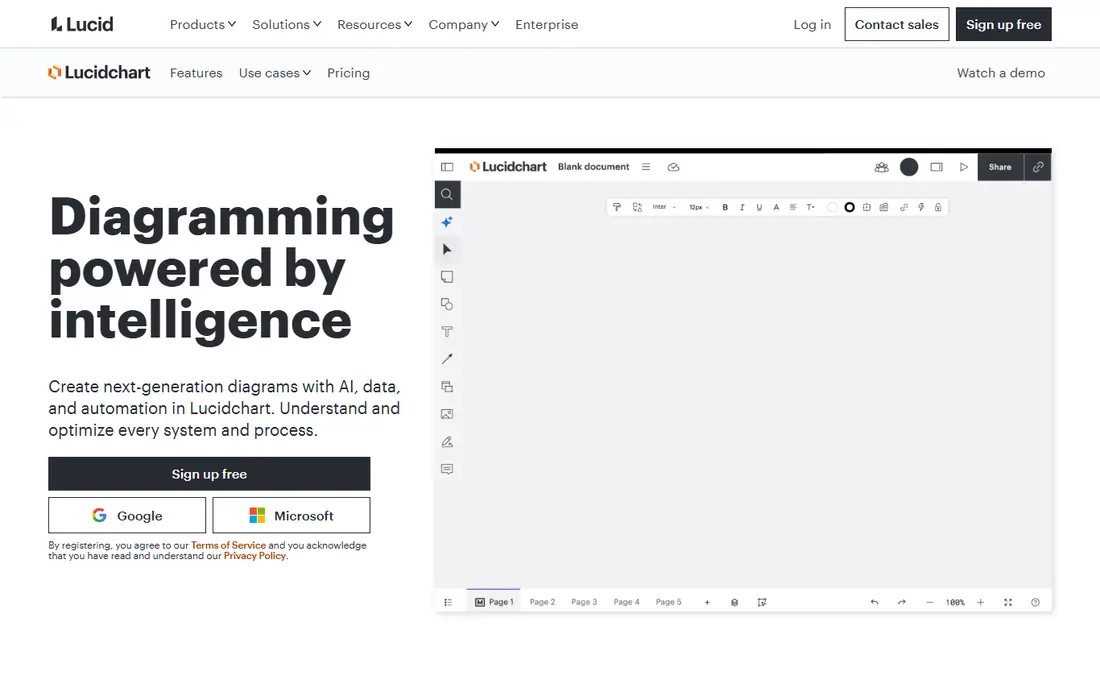
Lucidchart is the safest all-round pick for business process mapping. Teams can build flowcharts, swimlane diagrams and BPMN maps from templates, collaborate in real time, and share maps with stakeholders who do not need a licence to view them. Its integrations help keep diagrams close to the tools teams already use for docs, work tracking and presentations.
The free plan is useful for a trial but limited in document count, so a team mapping many processes will need a paid plan. We would pick Lucidchart when collaboration, templates and sharing matter most, and confirm the paid tier that covers your document and data needs.
- Broad templates for flowcharts, swimlanes and BPMN
- Real-time collaboration
- Integrations with Google, Microsoft and Atlassian tools
- Free plan limits document count
- Advanced data and automation features sit in higher tiers
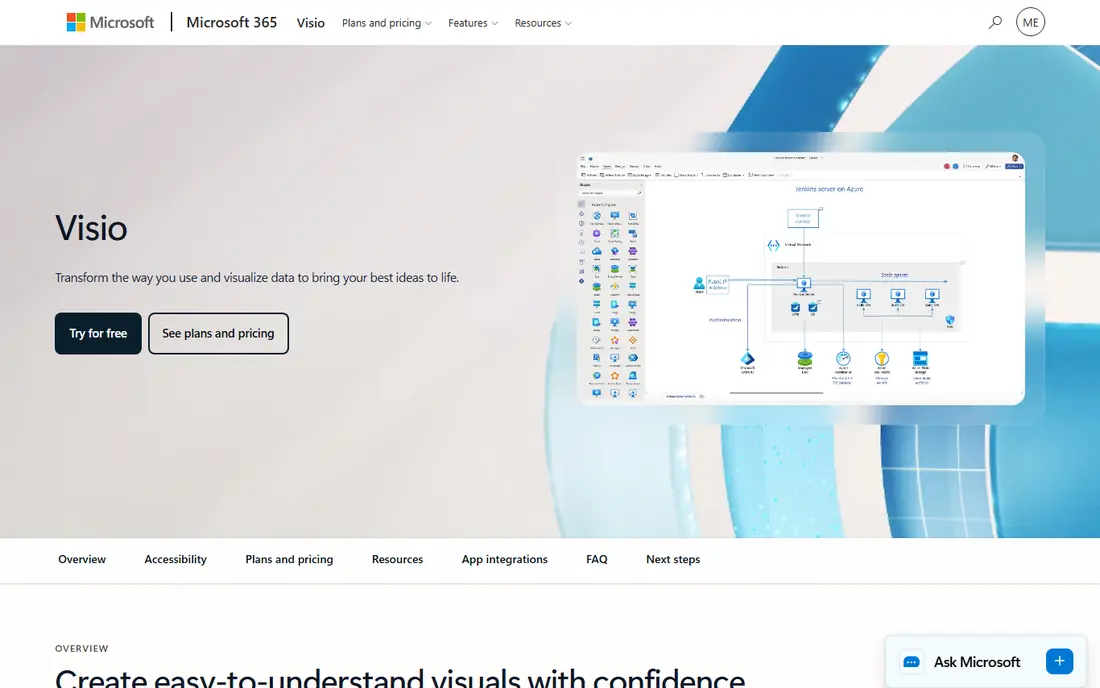
Visio remains the default for many Microsoft-centered companies, especially those that need detailed, print-ready process diagrams. Plan 1 starts at $5 per user per month and covers web diagramming, while higher plans add desktop use and deeper BPMN features. Teams that already use Microsoft 365 often find adoption easier than learning a new platform.
The honest limit is collaboration. Real-time co-editing and sharing are less fluid than Lucidchart or Miro, and licensing can confuse buyers. We would pick Visio when Microsoft tools, templates and desktop diagramming are central, and confirm which plan includes the BPMN features you need.
- Familiar Microsoft interface
- Strong BPMN and detailed diagramming
- Desktop and web options
- Collaboration is weaker than cloud-first rivals
- BPMN depth depends on the plan chosen
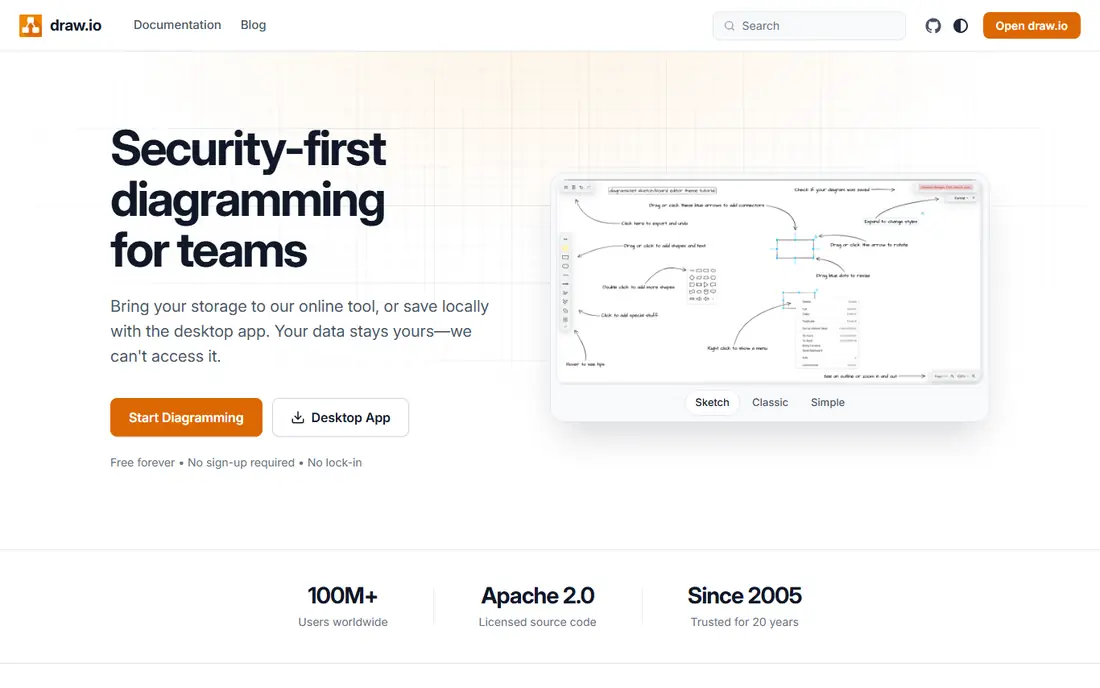
diagrams.net, also known as draw.io, is the best free process mapping tool for teams that want a capable diagrammer without a subscription. It runs in a browser or desktop app, stores files locally or in Google Drive and other storage, and covers flowcharts, swimlanes and BPMN shapes. For a small team documenting a handful of processes, it is hard to beat on value.
It lacks the polished collaboration, commenting and governance features of paid rivals. We would pick diagrams.net for budget-conscious teams, privacy-sensitive work that should stay local, and anyone who needs a solid map without a monthly fee.
- Completely free core tool
- Works offline and with local or Drive storage
- BPMN, flowchart and swimlane shapes included
- No built-in real-time collaboration like Lucidchart
- Support and templates are more basic
Miro shines when a process is still being discovered, not just documented. Teams can run workshops on an infinite canvas, stick notes, draw flows, vote on steps and turn the result into a cleaner process map. Its free plan covers a limited number of boards, and paid plans start at $8 per user per month, which makes a workshop trial easy.
The risk is mess. Without a facilitator and a clear structure, a Miro board can grow into a sprawling canvas that no one maintains. We would pick Miro for discovery workshops and cross-team mapping sessions, then move the final process into a governed diagram tool if long-term maintenance matters.
- Infinite canvas for workshops
- Real-time collaboration
- Many templates for mapping and brainstorming
- Free plan limits boards
- A canvas can become messy without facilitation and structure
Creately suits teams that want process maps connected to documentation, not isolated diagrams. Its templates cover BPMN, swimlanes and flowcharts, and its collaboration features let teams comment and edit together. Linking a map to supporting documents helps new staff understand not just the steps, but the policies and forms behind them.
The free plan is limited, so larger teams will need a paid plan, and its app ecosystem is smaller than the biggest rivals. We would pick Creately for teams that value diagram-first creation with linked context, and test its templates on a real process before committing.
- BPMN, swimlanes and flowchart templates
- Visual collaboration
- Maps can link to related docs and data
- Free plan limits items
- Smaller ecosystem than Lucidchart or Miro
Bizagi Modeler is the strongest free choice for strict BPMN work. It supports pools, lanes, events and gateways for end-to-end process modeling, plus simulation to test process logic and performance before rollout. Teams in regulated industries use it to document processes precisely and publish them for review.
The Modeler itself is a local desktop tool, so real-time collaboration is limited compared with cloud diagrammers, and running the process needs Bizagi automation products. We would pick Bizagi Modeler when BPMN correctness and simulation matter more than cloud collaboration.
- Free BPMN-compliant modeling
- Simulation and publishing features
- Strong for regulated and documented processes
- Modeler is desktop-focused and local
- Collaboration and automation need separate Bizagi products
SmartDraw helps teams produce clean process maps quickly from templates, with automatic formatting that keeps shapes aligned and connected. It covers flowcharts, swimlanes, org charts and many other diagram types, which suits operations teams that need many kinds of visuals from one tool. Export options make it easy to share maps in documents and presentations.
The lack of a free plan means a trial or paid plan is needed to test it properly. We would pick SmartDraw for template-driven teams that want fast, tidy diagrams without learning a complex BPMN tool, and confirm current pricing on its site.
- Large template library
- Automatic formatting for diagrams
- Broad export options
- No free plan
- Interface feels more traditional than cloud-first rivals
Camunda Modeler is built for technical teams that want a process diagram to become an executable workflow. It models BPMN 2.0 and decision tables, validates the model, and connects to the Camunda platform for orchestration. That link between diagram and execution is its key advantage over a pure drawing tool.
Business-only teams may find it too technical for simple flowcharts. We would pick Camunda Modeler when developers will automate the process after mapping it, and pair it with a simpler diagram tool for stakeholder-friendly views if needed.
- Free desktop BPMN and DMN modeling
- Designed to connect to Camunda orchestration
- Validation for executable processes
- Technical focus
- Non-technical teams may find it less friendly than Lucidchart
Whimsical is the lightweight pick for teams that want a process map in minutes, not a modeling project. Its editor is fast, its diagrams look clean, and multiplayer editing lets a small team sketch a flow together. A free plan covers basic use, which makes it easy to test on a real process.
The trade-off is depth. Strict BPMN modeling, simulation and enterprise governance are not its strengths. We would pick Whimsical for quick flowcharts, product flows and small-team documentation, and choose Bizagi or Lucidchart when formal BPMN or long-term governance is required.
- Very fast and simple flowchart creation
- Multiplayer collaboration
- Clean, readable diagrams
- Less BPMN depth than Bizagi or Camunda
- Larger enterprise governance features are thinner
How we picked these
We compared official product pages, pricing pages and recent independent process mapping comparisons for tools that are live in October 2026 and that support flowcharts, swimlanes or BPMN. We favored tools with a clear mapping use, a real user base and a defined collaboration style, from free desktop modelers to cloud workshops. Where a vendor does not publish a clear starting price, we wrote See website rather than quoting an outdated tier.
How to choose process mapping software
Start with the map's purpose. If the goal is a workshop to discover a messy process, Miro or Whimsical will move faster than a strict BPMN tool. If the goal is a governed, auditable process for a regulated team, Bizagi Modeler or Camunda Modeler will serve you better. If the goal is everyday diagrams shared across departments, Lucidchart or Visio are the safer defaults.
Next, check the details that cause frustration later: BPMN support, export formats, print quality, version history and who can view versus edit. Finally, assign an owner and a review date to every published map. A process map without an owner goes stale, and a stale map is worse than no map, because staff follow steps that no longer match reality.
Frequently asked questions
What is the best business process mapping software?
The best business process mapping software depends on your use. Lucidchart leads for collaborative diagrams, Visio leads for Microsoft-centered teams, diagrams.net leads for free mapping, and Bizagi Modeler leads for strict BPMN. Shortlist by collaboration needs, BPMN depth and budget.
What are the best business process mapping tools for BPMN?
Bizagi Modeler and Camunda Modeler are the strongest BPMN-focused tools here, with Lucidchart, Visio, diagrams.net and Creately also supporting BPMN shapes. Choose Bizagi for documented BPMN with simulation, and Camunda when the diagram should become an executable workflow.
What is the best software for process mapping on a budget?
diagrams.net is the best free option, with Bizagi Modeler and Camunda Modeler also free for BPMN modeling. Lucidchart, Miro, Creately and Whimsical offer free plans with limits, which suit a trial or a small team. Compare document, board and item limits before relying on a free plan for many processes.
What is the best business mapping software for workshops?
Miro is the strongest workshop tool here, thanks to its infinite canvas, templates and real-time collaboration. Whimsical suits smaller, faster workshop sketches. For a workshop, pick the tool that lets everyone contribute at once, then clean up the result into a governed map afterward.
What are the best process mapping tools for enterprises?
Lucidchart, Visio, Bizagi and Camunda suit enterprise mapping, with different strengths in collaboration, Microsoft integration, BPMN governance and execution. Enterprises should check single sign-on, admin controls, version history and export options, and pilot with one department before a wider rollout.
What is the best tool for process mapping that also runs the process?
A diagram tool alone does not run a process, but Camunda Modeler links maps to executable workflows through the Camunda platform, and Bizagi Modeler links to Bizagi automation products. If execution matters, shortlist those pairs, and confirm what automation licences and implementation work are needed.
Sources
See where you really rank - block by block
ProMapRanker scans Google Maps across a grid of your service area. Simple monthly plans from $19, white-label on every plan.
Start freeKeep reading
 zoho inventory alternatives
6 Alternatives to Zoho Inventory, Compared on Price and Fit
Zoho Inventory alternatives: 6 tools compared on price, free plans and fit. Katana leads the list for manufacturers. Fit and flaws are laid out for each entry.
Read → zoho crm alternatives
Best Zoho CRM Alternatives (2026)
Need Zoho CRM alternatives? We compare 7 tools on cost, free access and who each suits. Every pick gets a straight assessment. Built for quick decisions.
Read → zelle alternatives
Best Zelle Alternatives in 2026
Compare the best Zelle alternatives for sending money to friends, paying sellers and moving funds abroad, with honest notes on fees, speed and safety in 2026.
Read →