 ProMapRanker
Best AI 3D Design Software in 2026

Precise modeling on iPad and desktop · Pricing starts at: $299 per editor seat a year
Direct answer
This list puts Shapr3D first for precise modeling on iPad and desktop. Listed starting prices: Shapr3D from $299 per editor seat a year, Luma AI from $30 per month and Spline from $12 per seat per month. For a different need, Luma AI covers AI video and image generation and Spline covers browser-based interactive 3D design. Prices, free plans and limits for all 5 tools follow.
Short on time? The summary and table above give the quick view of 5 tools for AI 3D design software, and the profiles that follow give the detail behind each entry.
Key takeaways
- Shapr3D sits first on this list: precise modeling on iPad and desktop.
- For the cheapest start, look at Womp: $9.99 per month.
- Womp suits browser modeling with 3D printing.
- Only 3 of the 5 tools have a free plan (Shapr3D, Spline, Womp), so check the caps.
Quick comparison
| Pick | Great for | Pricing starts at | Free tier | |
|---|---|---|---|---|
| Shapr3D | Precise modeling on iPad and desktop | $299 per editor seat a year | Yes | Visit |
 Luma AI | AI video and image generation | $30 per month | No | Visit |
 Spline | Browser-based interactive 3D design | $12 per seat per month | Yes | Visit |
 Autodesk Fusion | Integrated CAD, CAM, and PCB design | See website | Not stated | Visit |
 Womp | Browser modeling with 3D printing | $9.99 per month | Yes | Visit |
Every option for AI 3D design software explained
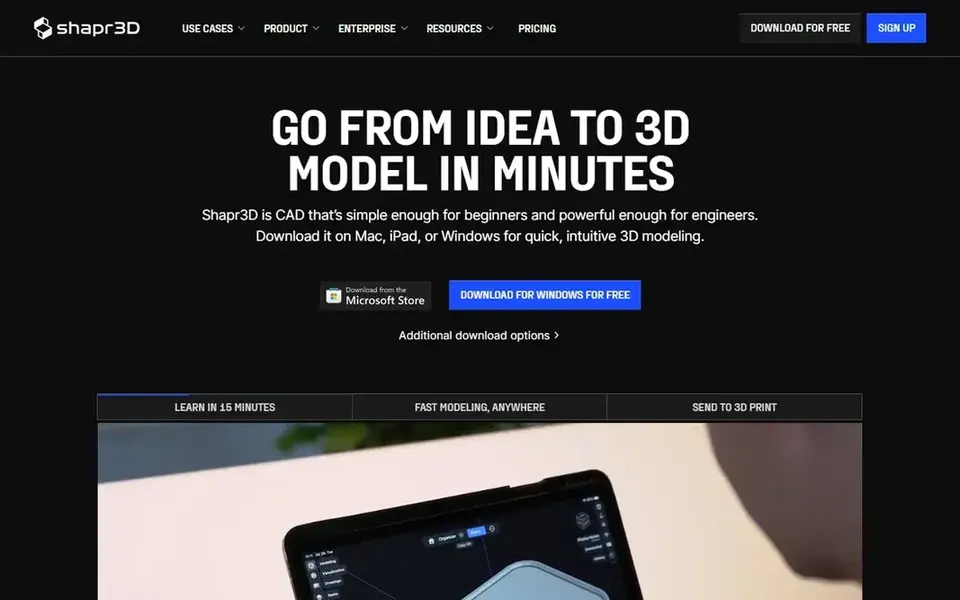
Shapr3D is designed for precise modeling on iPad and desktop. Shapr3D is 3D modeling software meant to be straightforward enough for beginners and precise enough for engineers. It runs on Mac, Windows, iPad, and iPhone, with an interface optimized for touch and stylus.
Users needing integrated manufacturing or electronics should evaluate a broader suite. On top of that, for direct modeling and design on the go, Shapr3D is a focused choice. Entry price for Shapr3D: $299 per editor seat per year. You can start on Shapr3D without paying.
Where it is weaker: Fewer manufacturing and simulation features than full CAD suites.
- Straightforward enough for beginners yet precise for engineers
- Available on Mac, Windows, iPad, iPhone
- Advanced capabilities need a subscription

Luma AI targets AI video and image generation. Teams needing editable geometry and engineering accuracy should choose a modeling-focused tool. Luma AI does not offer precision modeling, CAD, or manufacturing tools.
It is best used alongside a dedicated 3D design application instead of as a replacement. As for the details, Luma AI is a creative AI product concentrated on video generation and image creation. It uses models for example Ray and Uni, along with creative agents that manage end-to-end workflows. The starting price for Luma AI: $30 per month. No free plan comes with Luma AI.
Drawbacks to consider: Output quality relies on prompt and input quality.
- Advanced AI models for video and image creation
- Creative agents for end-to-end workflows
- Not a traditional 3D modeling or CAD tool
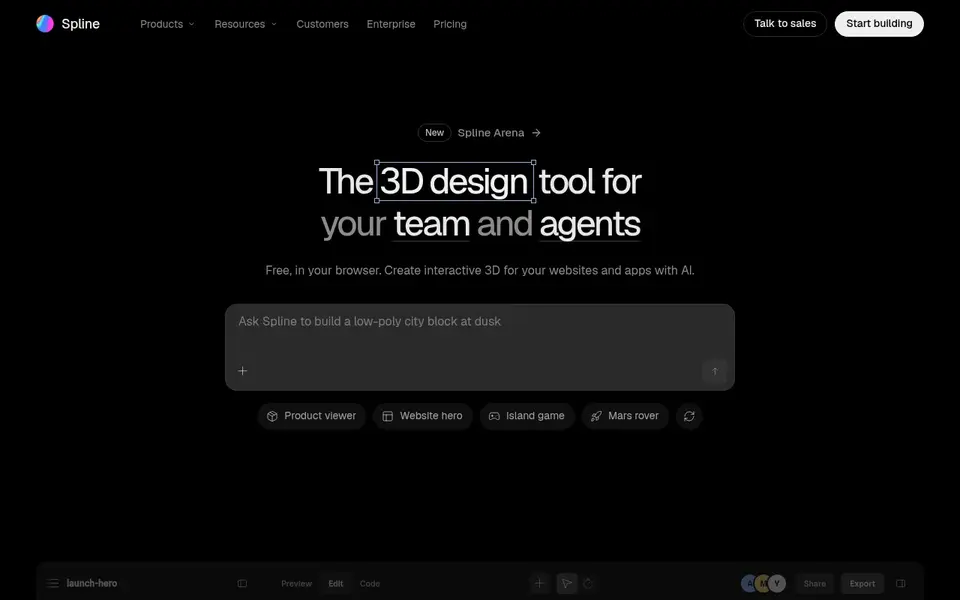
Spline is a good fit for browser-based interactive 3D design. For web-focused 3D and fast collaboration, Spline is a capable choice. On top of that, Spline is a free 3D design and modeling tool that runs in your browser.
Downsides: Less suited for precision engineering or manufacturing.
It comes with animation, textures, and live collaboration, with AI agents for interactive web experiences. Spline prioritizes accessibility and interactivity over engineering-grade precision. Spline pricing: $12 per seat per month. Spline includes a free tier.
- Simple to share interactive web experiences
- Supports animation, textures
- Complex scenes may push browser performance
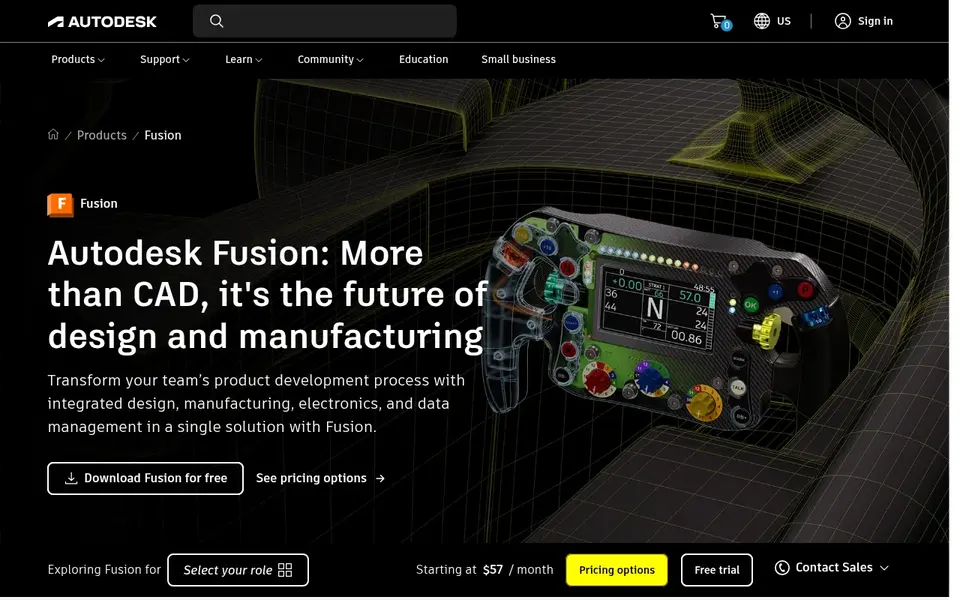
In short, Autodesk Fusion is for integrated CAD, CAM, and PCB design. Autodesk Fusion, formerly Fusion 360, is a cloud-based product for 3D CAD, CAM, CAE, and PCB design. It supports modeling, manufacturing, industrial design, electronics, and mechanical engineering in a single environment.
Limits to weigh: Feature depth can overwhelm beginners.
In daily use, the tool suits engineers, product designers, and manufacturing teams that require an integrated workflow from concept to production. Its cloud architecture enables collaboration and access across devices. Teams focused purely on artistic 3D or motion graphics may find it heavier than needed. This comparison lists no price for Autodesk Fusion; ask the vendor. Trial and free access: Not stated.
- Merges modeling, manufacturing
- Cloud-based collaboration and data management
- Needs a subscription for full capabilities
Womp is aimed squarely at browser modeling with 3D printing. Designers requiring precise dimensions, advanced simulation, or production-ready manufacturing should consider Autodesk Fusion or Shapr3D.
What you pay to start with Womp: $9.99 per month. Womp has a free plan.
Limits to weigh: Printing service availability may vary by region.
- On-demand 3D printing and shipping service
- Free browser-based modeling with AI generation
- Restricted advanced modeling and engineering tools
How the list was put together
The comparison looks at four things: starting price, free access, how well the feature set matches AI 3D design software, and the main limit of each tool. Where a vendor does not publish a price, the entry says quote. Where a price depends on seats or billing term, the entry says so. The ranking is editorial: typical fit first, then clear pricing, then free access. If your needs are unusual, read the profiles rather than relying on position.
Questions to settle before buying
- Confirm the entry price on the vendor page. For Autodesk Fusion that means a quote rather than a fixed price.
- Look at free plan limits closely: Shapr3D, Spline and Womp have one, and the caps decide whether it is usable for real work.
- Read the limits listed for Shapr3D first: fewer manufacturing and simulation features than full CAD suites.
- Confirm you can export your data from Luma AI, so leaving later does not mean losing records.
- Involve the people who will use Autodesk Fusion daily; a short pilot beats a long feature checklist.
Frequently asked questions
Do these tools publish their prices?
Not all of them. Autodesk Fusion publishes no starting price, so expect a quote request for it. The rest, Shapr3D included, show a starting price, though seats and billing terms still change the final cost.
What is AI 3D design software?
AI 3D design software incorporates artificial intelligence to assist with tasks like generating models, creating textures, or automating workflows. The tools listed here vary in how deeply AI is integrated.
Is Shapr3D the right pick for everyone comparing AI 3D design software?
No single tool suits every team. Shapr3D comes first because it fits precise modeling on iPad and desktop, while Luma AI suits AI video and image generation and Spline suits browser-based interactive 3D design. Match the tool to your own size, budget and workflow before deciding.
How are the tools for AI 3D design software ordered?
The order follows typical fit for AI 3D design software, with Shapr3D first and Womp last, then price clarity and free access. It is editorial judgement, not a score, so another team could rank the tools differently.
Which options for AI 3D design software have a free plan?
On this list, Shapr3D, Spline and Womp include a free plan. Caps on seats, usage or features are common, so test the free plan against your real workload.
Sources
See where you really rank - block by block
ProMapRanker scans Google Maps across a grid of your service area. Simple monthly plans from $19, white-label on every plan.
Start freeBrowse all guides
← AI Tools for Graphic Designers: 5 Options Compared in 2026AI Shopify Photographers Software in 2026: Top 5 Compared →
 best ai image recognition software
AI Image Recognition Software: 5 Options Compared in 2026
Best AI image recognition software, compared. 5 tools with published prices, free plans and limits. Cost notes and weak points included. Clear verdicts.
Read → chatgpt images alternatives
ChatGPT Images Alternatives in 2026: Prices and Free Plans
Compare 5 ChatGPT Images alternatives, with prices, free plans and who each fits. Price notes and drawbacks come with each one. Current for November 2026.
Read → best ai-powered ux design tools
5 Best AI-Powered UX Design Tools for 2026
Compare 5 best AI-Powered UX design tools, with prices, free plans and who each fits. Every pick includes one clear drawback. Current for November 2026.
Read → weebly alternatives
Best Weebly Alternatives in 2026
Looking for weebly alternatives? We compare 9 website builders on price, free plans, design control and selling tools, so you can pick the right builder.
Read → best apps for creating family portraits
Best Apps for Creating Family Portraits in 2026
Compare the best apps for creating family portraits in 2026, from photo editors and templates to photo books and prints for cards, gifts and walls today.
Read → blackboard alternatives
Best Blackboard Alternatives in 2026
Compare Blackboard alternatives for schools, colleges, and training teams, including Canvas, Moodle, Brightspace, Schoology, and Google Classroom in 2026.
Read →More in Design & Creative · All guides A to Z by date · Latest guides