 ProMapRanker
Best AI App for T Shirt Design in 2026

Key takeaways
- Kittl is the strongest design-first choice for print-ready tees, with AI image generation, text effects, and mockups in one editor.
- Printful and Printify let you sell shirts with no inventory, and both offer free plans that cover design and mockups.
- Canva and Adobe Express suit sellers who need social posts and store graphics alongside shirt designs.
- Always order a sample shirt before a launch, since screen colors and print placement can differ from the preview.
Quick comparison
| Pick | Great for | Pricing starts at | Free tier | |
|---|---|---|---|---|
 Kittl | Print-ready AI shirt designs | $15 per month | Yes | Visit |
 Canva | All-round design and mockups | $15 per month | Yes | Visit |
 Printful | Print-on-demand selling | Free | Yes | Visit |
 Printify | Low-cost print-on-demand | Free | Yes | Visit |
 Designhill | AI logo and shirt concepts | See website | Yes | Visit |
 Placeit | Fast mockups and templates | See website | Yes | Visit |
 Vexels | Merch graphics and templates | See website | Yes | Visit |
 Gelato | Local printing near buyers | See website | Yes | Visit |
 Adobe Express | Quick AI art for shirts | Free | Yes | Visit |
The best ai apps for t shirt design
A good AI shirt tool does more than generate a pretty image. It needs clean exports, a realistic mockup, and a path to print or sell. We compared design editors, print-on-demand platforms, and mockup tools that still work in October 2026.
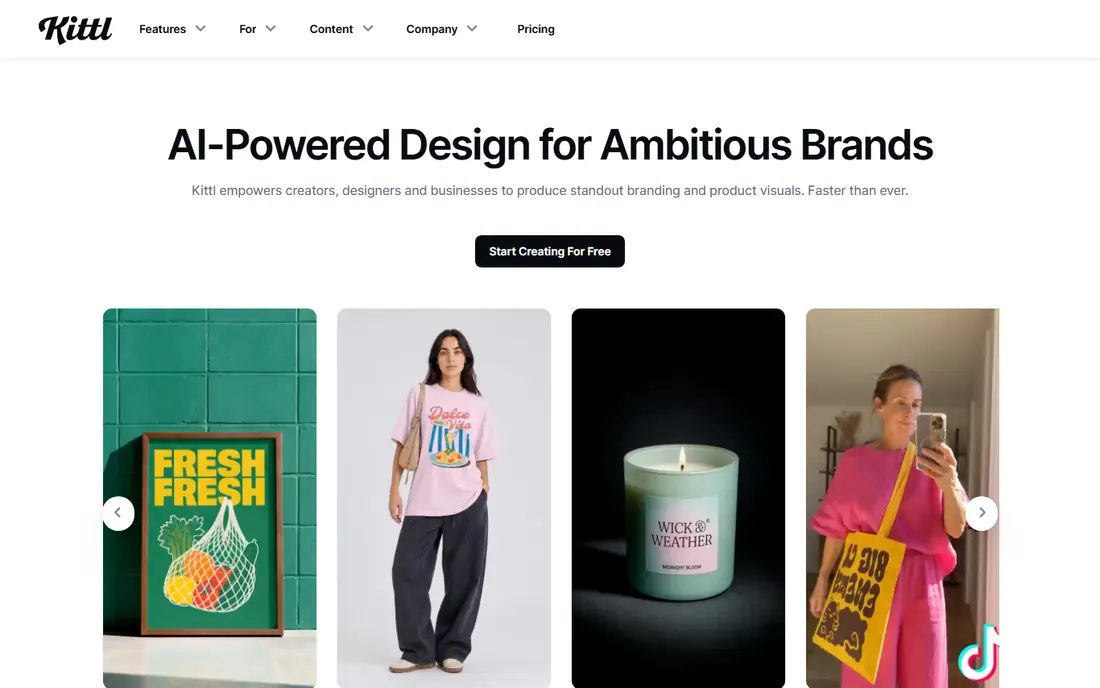
Kittl is built for people who sell merch, and it shows. You can generate an image with AI, add text effects, place it on a shirt mockup, and export a print-ready file without leaving the browser. The template library leans toward apparel, so you start from shirt shapes rather than generic posters.
The free plan lets you try the editor, but exports stay low resolution and AI credits are limited. Paid plans start around $15 per month when billed monthly, with lower monthly rates on yearly billing, and they add vector exports and a full commercial license. If you plan to sell shirts regularly, check the credit limits against how many designs you make each month.
- AI image generation inside a design editor
- Text effects and mockups built in
- Full commercial license on paid plans
- AI credits are limited even on paid plans
- Free exports are low resolution
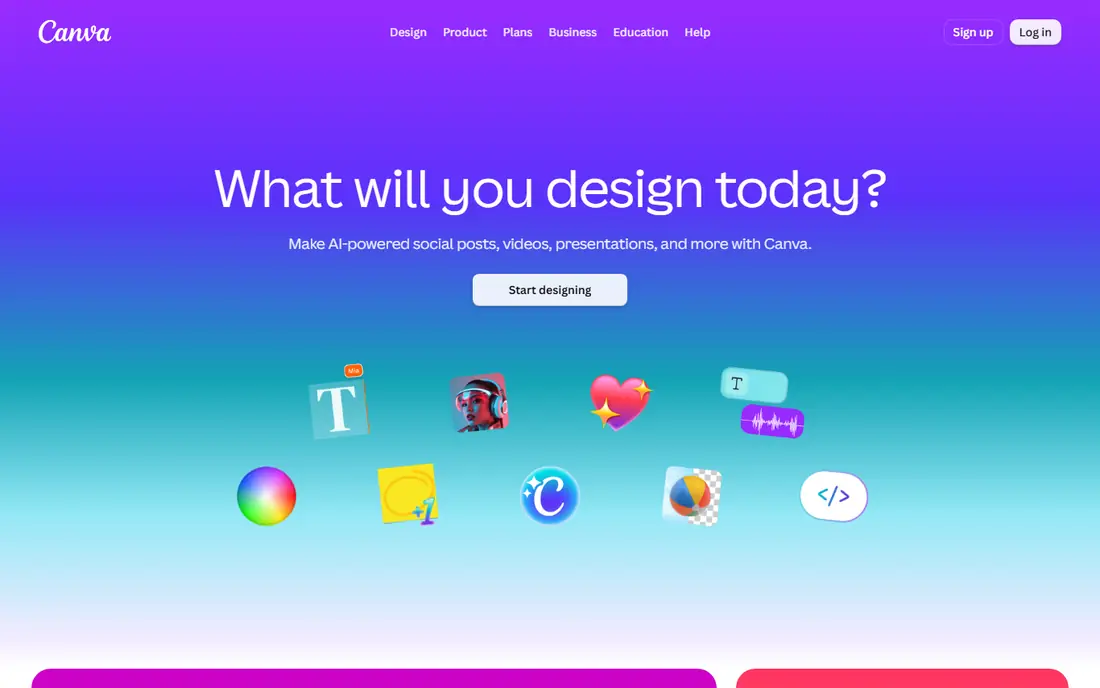
Canva is the easiest tool here for a seller who needs more than shirts. Its AI image generator can produce a design, and the same account covers Instagram posts, store banners, and listing images. Templates for t-shirt mockups are plentiful, and sharing a design with a collaborator takes seconds.
Canva is not a print prepress tool, so check resolution, background transparency, and color before sending a file to a printer. The free plan covers basic design and limited AI use, while Pro costs around $15 per month and adds the full AI suite, brand tools, and high-resolution exports. For a one-person shop, that breadth often beats a narrower specialist.
- Huge template library
- AI image tools included in Pro
- Easy social and store graphics in the same account
- Not built for print prepress
- AI images may need cleanup before printing
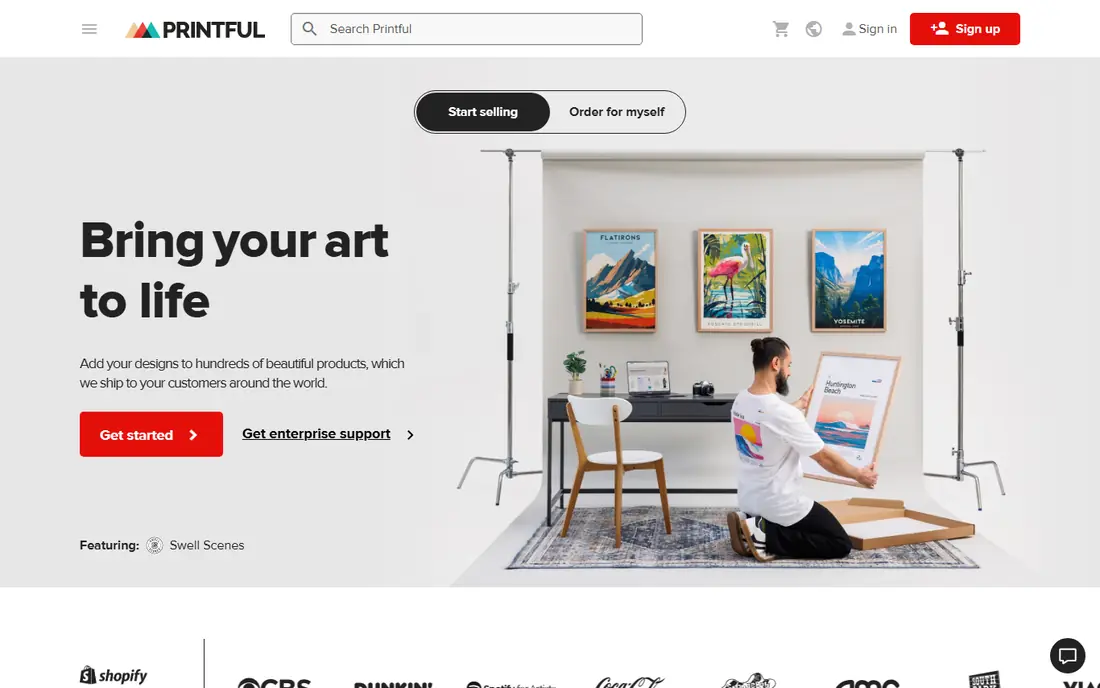
Printful lets you design a shirt, list it in your store, and have it printed only when a customer orders. The free plan charges no monthly fee, so you pay the base product cost and shipping when an order comes in. AI mockups inside the publishing flow help listings look polished without a photo shoot.
Printful base costs tend to run higher than Printify for the same blank, though quality control and support are often cited as strengths. The Growth plan costs $24.99 per month and discounts products, and it becomes free once yearly sales reach a set threshold. Order a sample first, since fabric and print feel matter more than any mockup.
- Free plan with no monthly fee
- Wide store integrations
- AI mockups inside the publishing flow
- Base product costs run higher than some rivals
- Paid Growth plan adds a monthly fee
Printify follows the same no-inventory model, but it routes orders through a network of print providers, which lets you compare base costs and shipping times. The free plan covers up to five stores and unlimited product designs, with no monthly fee. You pay the base cost and shipping only when a customer orders.
Provider choice is both the strength and the catch. One provider may print a design cleanly while another handles the same file less well, so samples matter even more here. Premium costs $39 per month, or $24.99 per month on yearly billing, and discounts base costs by up to 20 percent on most products.
- Free forever plan with unlimited designs
- Many print providers to compare
- Lower base costs on many tees
- Quality varies by provider
- Premium plan costs $39 per month when billed monthly
Designhill started as a design marketplace, and its AI tools now generate logos and shirt concepts quickly. That makes it useful at the idea stage, when you want several directions before committing to one design. If an AI concept shows promise, you can hire a designer on the same platform to refine it.
Designhill is not a print-on-demand platform, so you will need a separate printer or seller such as Printful or Printify to produce shirts. Treat it as a concept tool rather than a full pipeline, and check the price of any design package before you start, since costs vary by service.
- AI tools for logos and shirt graphics
- Marketplace of designers for custom work
- Easy concept generation
- AI output may need manual refinement
- Print fulfillment is not the main focus
Placeit shines at the last step: showing a design on a realistic shirt. Its library includes mockups with models in varied settings, which helps a listing look like a real product rather than a flat graphic. You can upload a design, pick a mockup, and download a listing image in minutes.
Placeit is not a full design editor, so create the artwork elsewhere and use Placeit for presentation. Free previews are available, but downloads and full access need a subscription, with an annual plan reported around $89.69 per year. If mockups drive your sales, the library may pay for itself quickly.
- Huge mockup library with real models
- Templates for many shirt styles
- Fast previews for listings
- Limited design editing compared with Kittl or Canva
- Full access requires a subscription
Vexels offers a large library of graphics and templates made for merch, including t-shirts, hoodies, and posters. Its AI tools can help generate new concepts, and the template sizes suit apparel printing better than generic stock art. For sellers who need a steady stream of designs, that library saves time.
The catch is originality. Popular graphics can appear in many stores, so combine library elements with your own text and layout rather than selling a template unchanged. Check the license for commercial use, since full rights usually sit behind a paid plan.
- Large library of merch-ready graphics
- AI tools for design ideas
- Templates sized for apparel
- Subscription needed for full commercial use
- Some graphics appear across many stores
Gelato is a print-on-demand network with production partners in many countries, which can shorten delivery times and shipping costs for international buyers. You connect a store, upload a design, and Gelato routes each order to a nearby printer. That local model is a real advantage for sellers with customers outside the United States.
Gelato is stronger on fulfillment than on AI design, so pair it with Kittl or Canva for artwork. Pricing varies by product, print location, and shipping, so compare the landed cost for your main markets before committing. A sample order to your own address is still the best quality check.
- Prints in many countries close to buyers
- Store integrations
- No inventory needed
- AI design tools are limited compared with Kittl
- Pricing varies by product and location
Adobe Express gives you AI image generation, text tools, and layout options in a free plan, with a paid plan adding more credits and premium assets. It suits sellers who want clean typography and simple graphics, and who already use other Adobe tools. Exports work for both print files and social posts.
Free AI credits run out with heavy use, and you should still check resolution and transparency before printing. For quick designs, seasonal drops, and social graphics that support a shirt launch, Adobe Express is a capable no-cost starting point.
- Free plan with AI image generation
- Strong text and layout tools
- Easy exports for print and social
- Free plan has limits on AI credits and premium assets
- Print setup needs care with resolution
How we picked these
We compared official feature pages, pricing pages, and print-on-demand documentation for tools that generate, edit, mock up, or print t-shirt designs. We kept only tools that still work in October 2026 and that fit a shirt workflow, rather than generic image generators with no apparel path. Prices we could not confirm are marked See website.
How to pick the right shirt tool
Start with your goal. If you sell shirts, pick a pipeline: a design editor such as Kittl or Canva, plus a printer such as Printful, Printify, or Gelato. If you only need a design for a local printer, a design editor alone is enough, and you can skip the print-on-demand platforms entirely.
Next, check the license. Free plans often limit commercial use or export resolution, which matters the moment you sell a shirt. Paid plans from Kittl and Canva add full commercial licenses, but read the terms for reproduction limits before scaling a bestseller.
Finally, test print quality. Order one sample in your main size and color, wash it once, and check how the print holds up. AI images can hide flaws at screen size, such as muddy details or odd hands, so inspect the file at full print size before you list it.
Frequently asked questions
What is the best ai tool for t shirt design for beginners?
Canva is the easiest start because its templates, AI tools, and mockups sit in one familiar editor. Kittl is better once you sell regularly, since its apparel templates and print-ready exports fit a merch workflow more closely.
Can I sell AI-generated shirt designs?
Yes, in most cases, but the license matters. Designs made on a free plan may carry limits on commercial use or resolution, so use a paid plan with a full commercial license when you sell. Also avoid generating trademarked characters, logos, or artwork copied from another creator.
Do I need a printer to use these tools?
No. Design editors such as Kittl, Canva, and Adobe Express produce the artwork, and you can send the file to any local printer. Print-on-demand platforms such as Printful and Printify add printing, packing, and shipping, so you do not hold stock.
What file should I send to a printer?
Printers usually want a high-resolution PNG with a transparent background, or a vector file for clean lines and text. Check the printer's size, resolution, and color guidance before export, since a low-resolution file will print soft even if it looks sharp on screen.
How much does it cost to start selling shirts?
You can start at no monthly cost with the free plans from Printful or Printify, paying only base product costs and shipping when orders arrive. Paid design tools and discounted product plans add monthly fees, so add those only when order volume makes the discount worthwhile.
Sources
See where you really rank - block by block
ProMapRanker scans Google Maps across a grid of your service area. Simple monthly plans from $19, white-label on every plan.
Start freeKeep reading
 zscaler alternatives
Best Zscaler Alternatives in 2026
Looking for zscaler alternatives? We compare 9 SASE and zero trust platforms on architecture, data protection, pricing, and fit for your network and team.
Read → zapier alternatives free
Best Zapier Alternatives Free in 2026
Nine automation tools for zapier alternatives free in 2026, all with genuinely free tiers, plus free plan limits, starting prices and upgrade paths explained.
Read → which platform is best for online reputation
Which Platform Is Best for Online Reputation in 2026
Wondering which platform is best for online reputation? We compare 8 review, listing, and response tools for small and multi-location businesses and agencies.
Read →