 ProMapRanker
Best Local Landing Page Builders in 2026

Conversion-focused local landing pages · Pricing starts at: See website
Direct answer
Unbounce is my top pick for local landing page builders because it gives you fast templates, a drag-and-drop editor and built-in conversion tools that suit service-area and multi-location businesses. It has a free trial, so check its pricing page for current terms. If you want a WordPress-native option, Elementor is a strong second, and Leadpages fits businesses that want simple, quick-to-launch pages.
I put this list together by reading vendor documentation and public sources, not by running hands-on tests. I looked at what each builder says it does, how it handles local page workflows, and where its limits sit. That way you can match a tool to your business type rather than pick on hype.
Key takeaways
- A local landing page builder should let you publish one page per city or service area without rebuilding the layout each time.
- Fast page speed and clean mobile layouts matter more for local pages than flashy animation.
- You want a tool that supports forms, call buttons, map embeds and review snippets in the same editor.
- Reusing templates keeps your NAP details, service descriptions and calls to action consistent across locations.
- Check how each builder handles hosting, custom domains and schema markup before you commit.
Quick comparison
| Pick | Great for | Pricing starts at | Free tier | |
|---|---|---|---|---|
| Unbounce | Conversion-focused local landing pages | See website | Free trial | Visit |
 Elementor | WordPress-based local sites | See website | Free plan | Visit |
 Leadpages | Quick simple landing pages | See website | Free trial | Visit |
 Instapage | Teams running many ad landing pages | See website | Free trial | Visit |
 Carrd | One-page local business sites | See website | Free plan | Visit |
 Webflow | Design-heavy local pages | See website | Free plan | Visit |
 Swipe Pages | Fast mobile landing pages | See website | Free trial | Visit |
The best local landing page builders compared
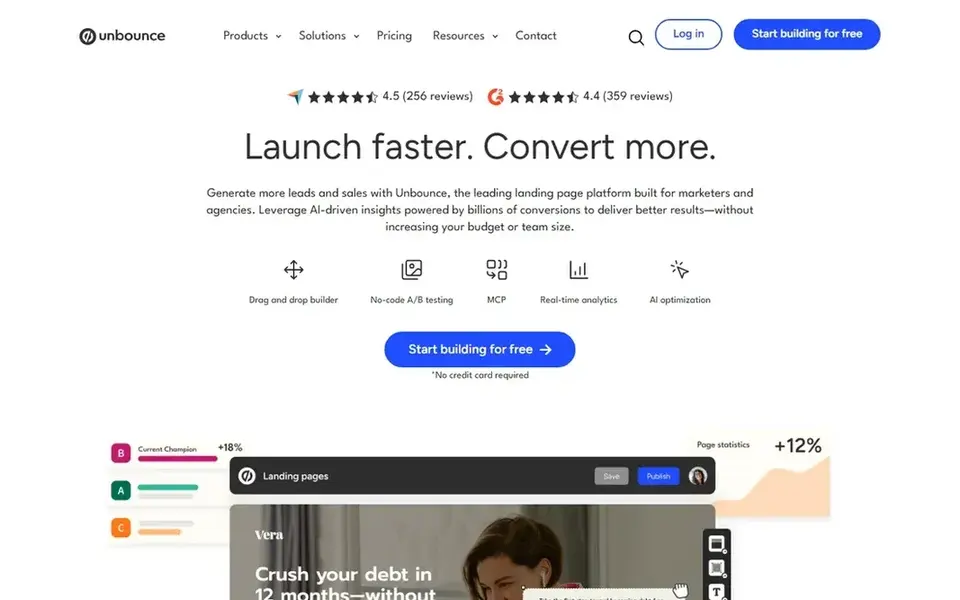
Unbounce is a landing page builder aimed at marketers who want to test and improve conversion. For a local business, that means you can build a page for a specific service and city, then test two versions of the headline or call button to see which gets more form fills. It fits plumbers, dentists, cleaners and similar service businesses that run paid ads to local pages.
For local landing pages, Unbounce lets you duplicate a page and swap the city name, phone number and map embed. You can add a call button that works on mobile, embed a Google Map, and connect forms to your CRM or email tool. The popup and sticky bar features help capture leads from visitors who are about to leave.
The main limit is that Unbounce is built for marketers, so a solo owner may find the interface busy. If you only need one simple page and never plan to test it, a lighter tool may suit you better.
- Strong template library
- Built-in A/B testing
- Popups and sticky bars
- Can feel complex at first
- Higher cost for small budgets
Elementor is a page builder plugin for WordPress. If your local business site already runs on WordPress, Elementor lets you design landing pages inside the same site, so your city pages sit alongside your blog and service pages. That suits local businesses that want one domain and one place to manage content.
For local landing pages, you can build a template with your header, footer, contact block and map, then reuse it for each service area. Elementor works with many form and SEO plugins, so you can add schema markup and local business details through your existing setup. The template library includes layouts for service businesses.
The trade-off is that Elementor depends on WordPress hosting, updates and plugin compatibility. If you do not want to manage a WordPress site, skip it and choose a hosted builder instead.
- Deep WordPress integration
- Large template and widget library
- Good control over page layout
- Requires WordPress hosting
- Plugin conflicts can happen
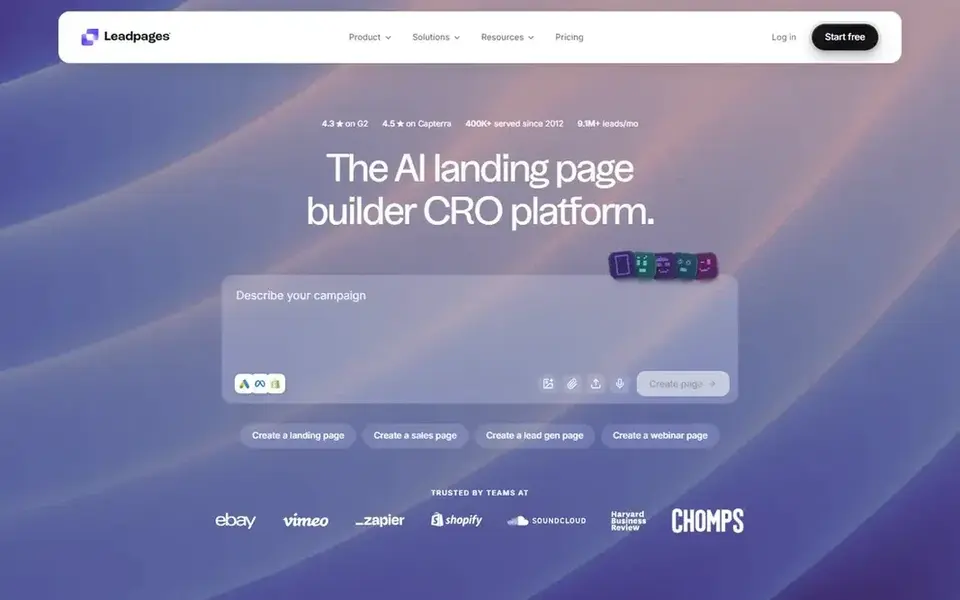
Leadpages is a hosted landing page builder focused on getting a page live quickly. It suits small local businesses that need a page for a promotion, a new service or a single campaign without touching their main website. The editor is simple enough for someone who has never built a page before.
For local SEO work, Leadpages lets you create a page with a headline, a short service description, a form and a phone button. You can connect a custom domain or subdomain, which helps keep the page on your brand. It also includes templates for lead capture and thank-you pages.
The limit is flexibility. Leadpages is not the tool for a large set of city pages with detailed layouts. If you need many pages with custom sections, a more flexible builder is a better fit.
- Fast to launch
- Simple editor
- Built-in lead capture
- Fewer layout options
- Less control for complex pages
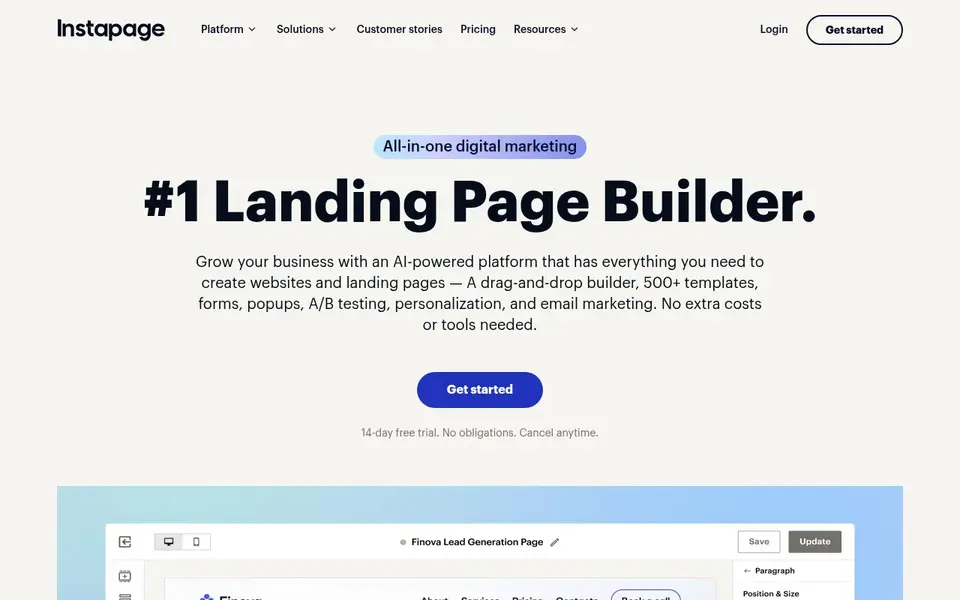
Instapage is a landing page platform built for teams that run paid campaigns and need many page variants. A local marketing agency or a multi-location business can use it to manage pages for several cities or services in one place, with shared brand settings.
For local landing pages, Instapage supports personalization and page variants, so you can show different content by location or campaign source. It also has collaboration tools, which helps when an agency and a business owner both need to review a page before it goes live.
The main drawback is cost and complexity. A single-location business with one page does not need Instapage. It makes more sense for agencies or franchises with ongoing campaigns.
- Strong collaboration features
- Good for many page variants
- Personalization options
- Higher cost
- Overkill for a single page
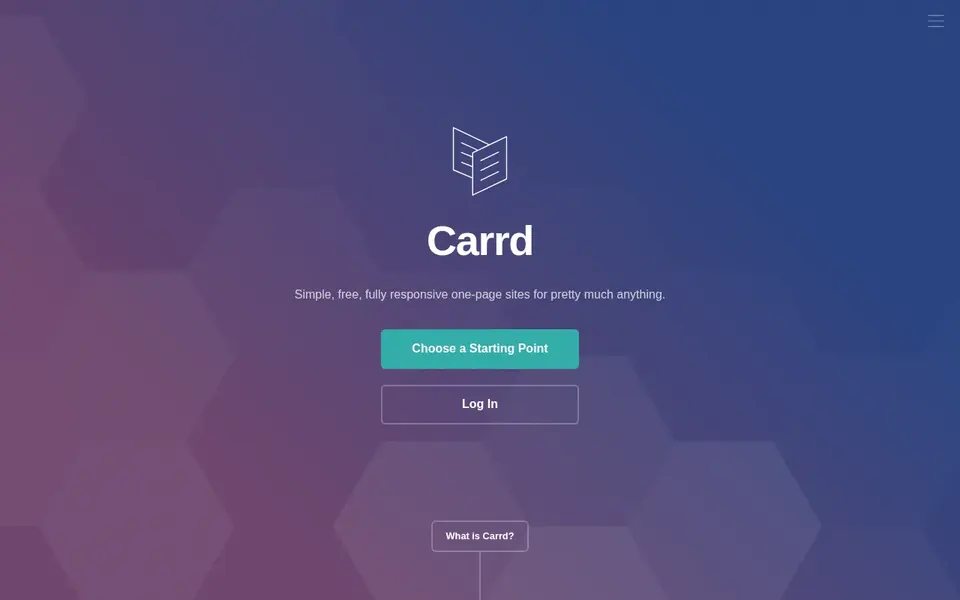
Carrd is a builder for simple one-page sites. It fits a local business that needs a clean page with a service summary, contact details, a map link and a call button, without a full website. Mobile-first layouts are the default.
For local landing pages, Carrd works well for a single service area or a single offer. You can add sections for services, hours, a contact form and links to your Google Business Profile. It is quick to set up and easy to update when details change.
The limit is scale. Carrd is not built for dozens of city pages or complex layouts. If you plan to grow into a multi-location site, choose a more capable builder.
- Very simple to use
- Low cost entry
- Good for single-page sites
- Limited multi-page structure
- Basic design controls
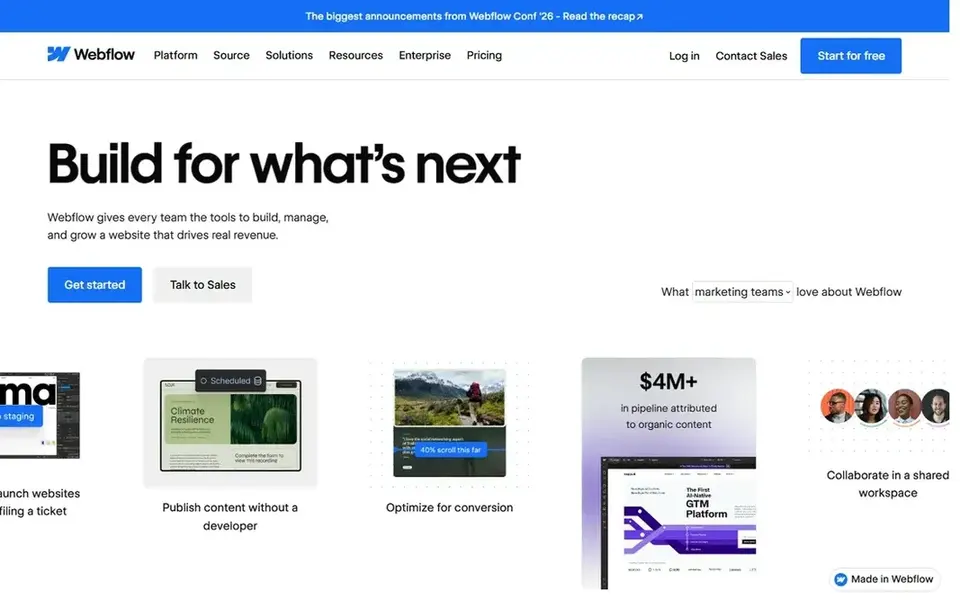
Webflow is a visual web design tool that publishes clean, hosted sites. It suits local businesses or agencies that want precise control over layout and a CMS to manage location or service pages. The CMS is useful when you have many city pages that share a structure.
For local landing pages, Webflow's CMS lets you create a template and fill it with location data, so each city page keeps a consistent layout. You can add schema markup, custom meta tags and fast-loading sections. The published output tends to be clean, which helps page speed.
The main limit is the learning curve. Webflow assumes some design and layout knowledge. If you want a simple drag-and-drop experience, a lighter builder is easier.
- Strong design control
- Good CMS for location pages
- Clean published code
- Steeper learning curve
- Requires design knowledge
Swipe Pages is a landing page builder focused on mobile speed and simple layouts. It fits local businesses where most visitors arrive on a phone, such as emergency services, restaurants and home repair. The pages are built to load quickly on mobile networks.
For local landing pages, Swipe Pages offers templates with a call button, a short form and a map section. You can build a page per service or city and keep the layout consistent. Fast loading matters because mobile visitors often leave if a page is slow.
The limit is the smaller template library and brand recognition. If you need many advanced integrations or a large design system, a bigger platform may be a better fit.
- Mobile-first templates
- Fast-loading pages
- Simple AMP-style pages
- Smaller template library
- Less known than larger builders
How I chose
I compared these builders by reading vendor documentation and public sources. I did not run hands-on tests, so I am not claiming performance results. I looked at what each tool says it offers, how it handles local page workflows, and where its limits are. I also checked whether each tool supports the basics a local business needs: forms, call buttons, map embeds, custom domains and mobile layouts.
My aim was to cover different business types rather than rank them on one scale. A solo plumber needs something different from a franchise with twenty locations. I noted where a tool is overkill and where it may be too limited. The final choice depends on your site setup, your budget and how many pages you plan to manage.
What to check before you buy
- Confirm the builder supports a custom domain or subdomain so your local page stays on your brand.
- Check that forms can send leads to your email or CRM without extra paid add-ons.
- Make sure the editor produces mobile-friendly pages with a visible call button.
- Ask whether you can duplicate a page and swap city or service details without rebuilding it.
- Check how the tool handles page speed and image compression, since local visitors are often on mobile.
- Confirm you can add schema markup or connect an SEO plugin for local business details.
Frequently asked questions
What is a local landing page builder?
A local landing page builder is a tool that helps you create pages aimed at a specific city, service area or local offer. It usually includes templates, a drag-and-drop editor, forms and call buttons. You use it to publish pages that match how people search for local services, such as "plumber in [city]".
Do I need a separate landing page for each city?
Not always. If you serve several cities, separate pages can help you address each area clearly. But only create pages that have real, distinct content. Thin pages that just swap the city name can hurt trust and may not perform well. Start with the areas where you actually get customers.
Can I use a landing page builder with my existing website?
Yes, in most cases. Hosted builders let you publish on a subdomain or a custom domain, so the page can sit alongside your main site. WordPress plugins like Elementor work inside your existing site. Check how each option handles domains before you commit.
How do I keep local landing pages consistent?
Use a template with fixed sections for your business name, phone number, hours, service description and call to action. Then change only the location-specific details. This keeps your NAP details consistent and makes updates faster when something changes.
Do these builders handle reviews and Google Business Profile links?
Most builders let you add a link to your Google Business Profile and embed review widgets from third-party tools. They do not manage your reviews for you. Keep review requests honest and follow Google's guidelines. Do not offer incentives for reviews or gate them.
Sources
See where you really rank - block by block
ProMapRanker scans Google Maps across a grid of your service area. Simple monthly plans from $19, white-label on every plan.
Start freeBrowse all guides
← Best Local Keyword Research Tools for 2026Best Local Rank Tracking Tools for Accountants in 2026 →
 best local citation audit tools
Best Local Citation Audit Tools in 2026
A practical comparison of the best local citation audit tools in 2026, covering NAP checks, duplicate detection, listing sync and reporting.
Read → best listing management software for physical therapists
Best Listing Management Software for Physical Therapists in 2026
A practical guide to the best listing management software for physical therapists in 2026, covering Google Business Profile, citations, reviews and multi-location tools.
Read → best listing management software for locksmiths
Best Listing Management Software for Locksmiths in 2026
A practical guide to the best listing management software for locksmiths in 2026, covering Google Business Profile, citations, reviews and multi-location tools.
Read → local citations service
Local Citations Service: When to DIY and When to Outsource
Should you use a local citations service or build them yourself? A clear decision framework.
Read → local seo for dentists
Local SEO for Dentists: A Patient-Generating Playbook
A local SEO playbook for dentists to win the map pack and book more new patients.
Read → geo grid visibility metric
Geo-Grid Visibility Metric: The Single Number That Captures Local Reach
How a geo-grid visibility metric distills your entire heatmap into one trackable number for reporting.
Read →More in Local SEO & Google Maps · All guides A to Z by date · Latest guides