 ProMapRanker
Best Listing Management Software for Locksmiths in 2026

Citations and reviews in one place · Pricing starts at: See website
Direct answer
My top pick for locksmiths is BrightLocal because it handles citation building, Google Business Profile checks and review monitoring in one dashboard, which suits a trade where the phone has to ring. It has no free plan stated, so check its pricing page before you commit. If you manage several vans or service areas, look at Yext for wide distribution and Semrush Listing Management for combining listings with broader local SEO work.
I compared these tools from vendor documentation and public sources rather than running hands-on tests. My focus was on what a locksmith actually needs: correct address and phone data, service-area handling, review monitoring and a workflow that does not take hours away from jobs.
Key takeaways
- Locksmiths live on local searches and map results, so accurate name, address and phone data across directories matters more than most marketing tasks.
- A listing tool should let you fix a wrong address or phone number in many places at once, because emergency lockout customers often find you on a directory they have never used before.
- Review monitoring belongs in the same tool as listings, since locksmith reviews often mention response time and whether the price quoted matched the final bill.
- Multi-location plans are worth checking if you run more than one shop or dispatch point, because service-area businesses can create duplicate listings by accident.
- None of these tools replace a properly verified Google Business Profile, so keep that profile accurate and follow Google's guidelines on names, categories and service areas.
Quick comparison
| Pick | Great for | Pricing starts at | Free tier | |
|---|---|---|---|---|
| BrightLocal | Citations and reviews in one place | See website | Not stated | Visit |
 Yext | Wide directory distribution | See website | Not stated | Visit |
 Semrush Listing Management | Listings plus local SEO research | See website | Not stated | Visit |
 Whitespark | Citation research and submission | See website | Not stated | Visit |
 Moz Local | Simple listing sync | See website | Not stated | Visit |
 Synup | Multi-location and service areas | See website | Not stated | Visit |
 Uberall | Larger multi-location brands | See website | Not stated | Visit |
The best listing management software for locksmiths compared
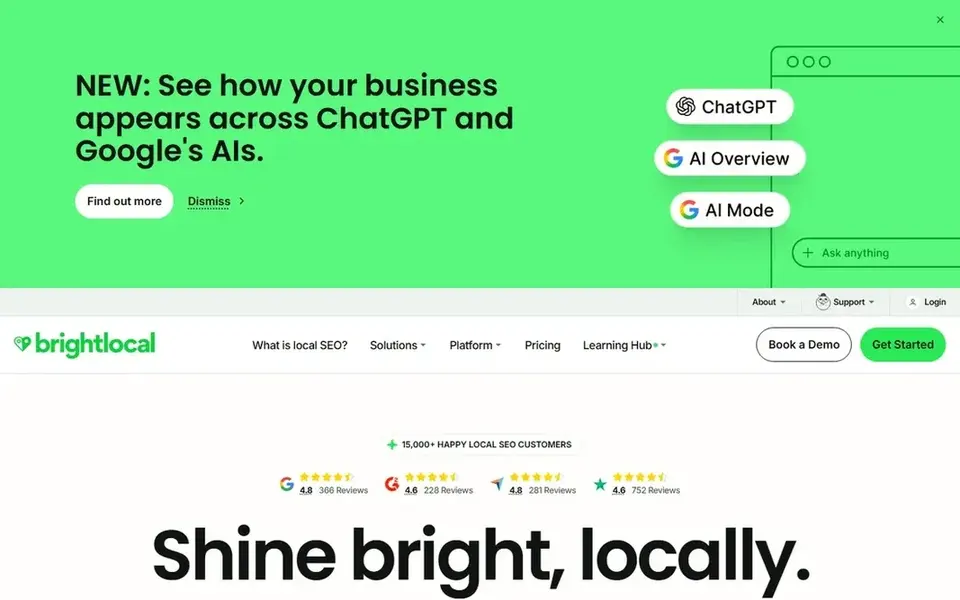
BrightLocal is a local marketing platform built around citations, reviews and local search reporting. For a locksmith, the useful part is that you can submit your business details to a large set of directories from one place and then audit whether the name, address and phone number match everywhere. That matters when a customer searches "locksmith near me" and lands on a directory that still shows your old number.
The workflow fits a small locksmith shop well. You add your business once, choose the directories, and the tool tracks which listings are live and which have mismatched data. Review monitoring lets you see new Google reviews next to the listing data, so a complaint about a late arrival or a price surprise does not sit unnoticed for a week.
The limits are mostly about scale. If you run a single shop, the citation tools are more than enough, but the reporting can feel like more than you need. If you manage several locations, check the plan limits before you buy.
- Citation building and audit tools
- review monitoring and response workflow
- local rank tracking
- Citation network depends on plan
- no free plan stated
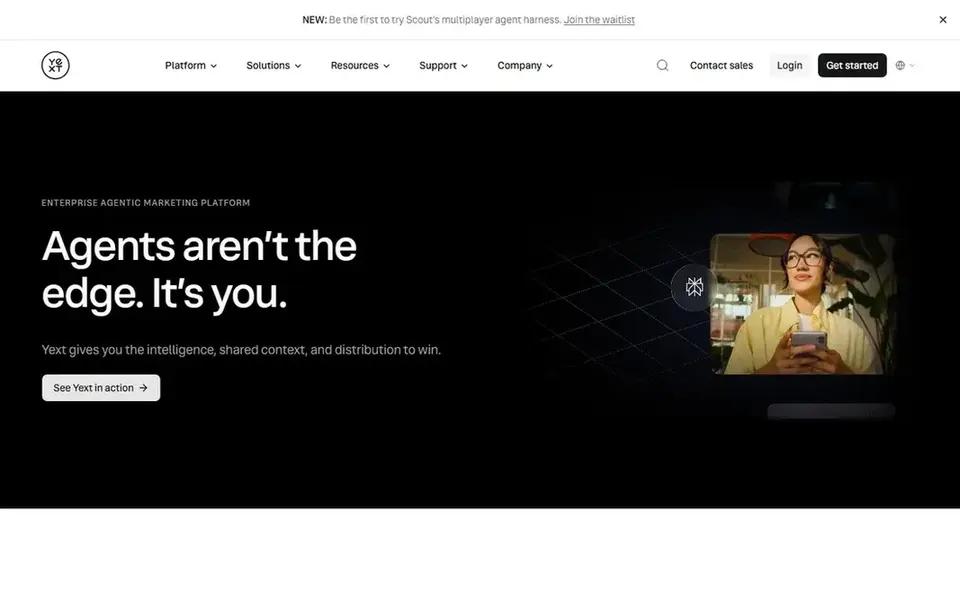
Yext is a listings and reputation platform that pushes your business data to a large network of publishers, maps and directories. For locksmiths with more than one location or a dispatch office plus a shop, that central control is the main draw: you update the address once and the change flows out.
The practical benefit is consistency. Locksmiths often appear in directories they never signed up for, and those listings can carry an old phone number. Yext gives you one place to manage the core data and a dashboard to see what changed. It also handles review monitoring and some local pages.
The main limit is cost and fit. Pricing is quote-based, and the platform is built for businesses with a real listings budget. A one-van locksmith should compare it against simpler tools before committing.
- Large publisher network
- central data control
- good for multi-location brands
- Quote-based pricing
- can be expensive for one shop
Semrush is an SEO platform, and its Listing Management add-on handles business data distribution to directories and maps. For a locksmith who already uses Semrush for keyword research, the appeal is having listings, local rankings and competitor data in one login.
The workflow is straightforward: you enter your business details, the tool distributes them, and you monitor accuracy and local rankings. That helps when you are trying to rank for terms like "emergency locksmith" in a specific town and want to see whether listing consistency is part of the problem.
The limit is that it is not a dedicated listings product. If listings are your only need, a specialist tool is usually simpler. If you want one platform for research and listings, it makes sense.
- Listings sit inside a wider SEO suite
- local rank tracking
- keyword and competitor data
- Needs the wider suite to justify cost
- not a dedicated listings tool
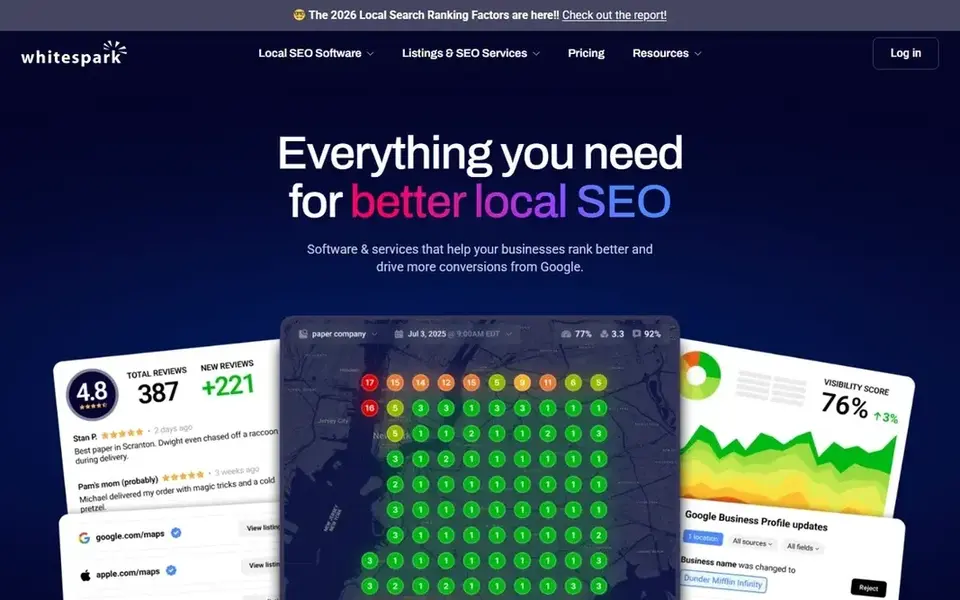
Whitespark is a local search tool known for citation research and submission services. For a locksmith, the useful part is finding the directories that actually matter in your area and getting listed there with correct data, rather than blasting every directory on the internet.
The workflow is more hands-on than a pure sync tool. You research opportunities, submit, and track what is live. That suits an owner who wants to understand where the listings come from, or an agency managing a locksmith client.
The limit is scope. It is not a full reputation or listings dashboard, so if you want review monitoring and rank tracking in the same place, you will need another tool alongside it.
- Strong citation research
- manual submission support
- local search focus
- Less of an all-in-one dashboard
- review features are limited
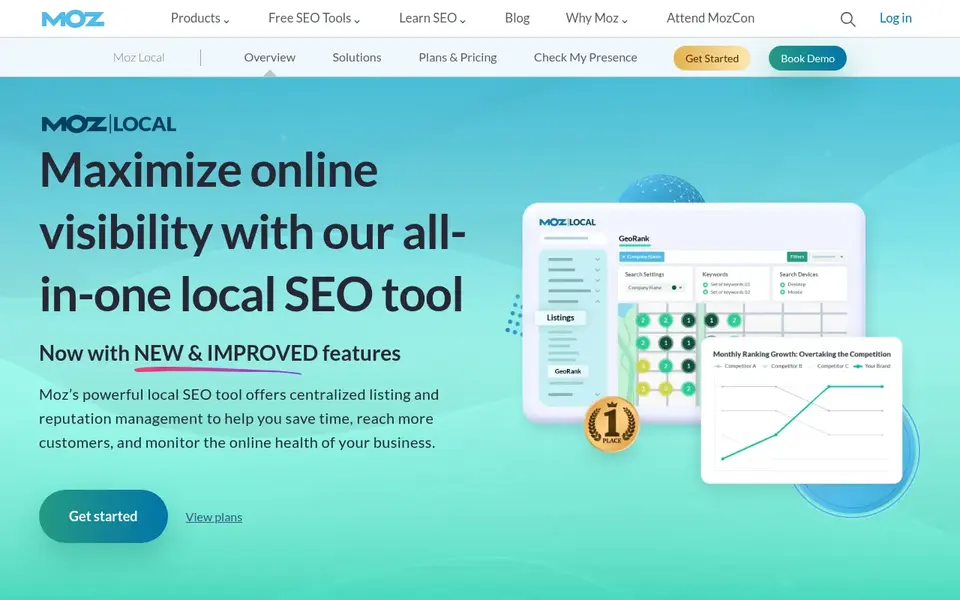
Moz Local is a listings management tool from Moz that syncs your business data to major directories and shows where listings are accurate or inconsistent. For a single-location locksmith, the setup is quick and the dashboard is easy to read.
The practical value is catching duplicates and wrong phone numbers. Locksmiths get a lot of calls from people who found them on a map or directory, so a wrong number is a direct loss. Moz Local shows those problems in one view.
The limits show up at scale. Review monitoring and reporting are lighter than some rivals, and multi-location management is not its strongest area. A one-shop locksmith will likely find it sufficient.
- Easy setup
- clear listing accuracy view
- good for one location
- Fewer review features
- limited multi-location depth
Synup is a listings and reputation management platform built for businesses with several locations. For a locksmith with a shop plus a dispatch point, or a small chain across towns, it lets you manage each location's data and reviews separately.
The workflow covers listings, reviews and some local pages. That helps when each location needs its own hours and phone number, which is common for locksmiths who run separate service areas.
The limit is complexity. A one-person locksmith business will find the interface heavier than needed, and the setup takes more time than a simple sync tool.
- Handles multiple locations
- review and listings in one place
- service-area support
- Interface can feel heavy
- more than a small shop needs
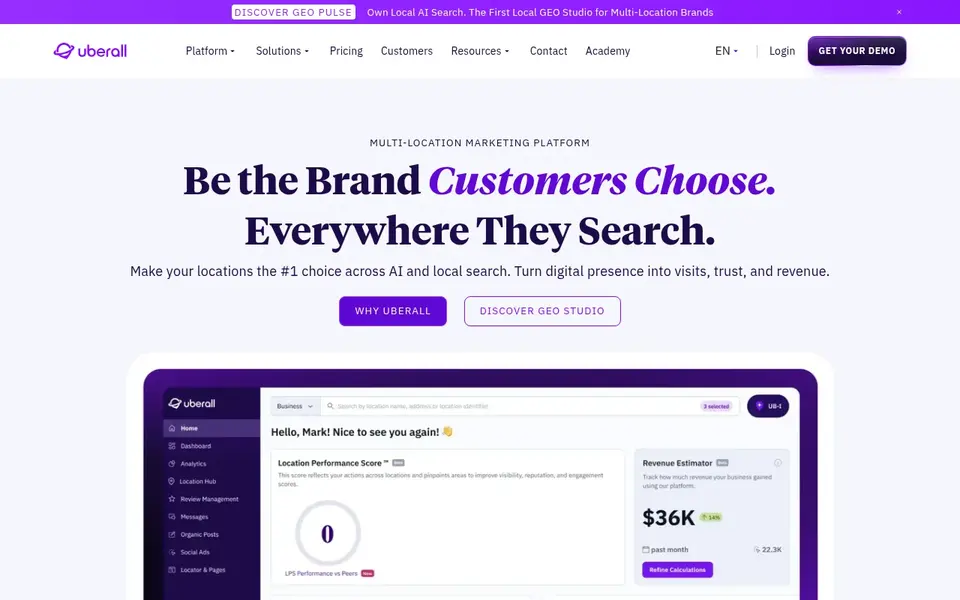
Uberall is a listings and local marketing platform aimed at multi-location brands. It manages business data across a wide network of directories, maps and apps, and adds review management and local pages.
For a locksmith, the fit is limited unless you run several locations or a franchise. The controls are strong, but the platform is designed around brand-level management rather than a single shop.
The limit is cost and scale. A small locksmith should treat it as an option only if the business grows into multiple locations and needs central control.
- Broad publisher network
- strong multi-location controls
- review management
- Built for larger brands
- pricing is quote-based
How I chose
I chose these tools by reading vendor documentation and public sources, then matching features to how locksmiths actually get found. The key questions were whether a tool can fix name, address and phone data across many directories, whether it handles service areas and multiple locations, and whether review monitoring sits in the same place. I did not run hands-on tests, so treat the notes as a starting point for your own trial.
I also weighed limits. Some tools are built for one shop, others for multi-location brands, and the pricing models differ. A locksmith who only needs citation cleanup should not pay for a brand-level platform, and a locksmith with three locations should not pick a tool that cannot separate them. Check plan limits and directory coverage before you buy, and confirm that any listing practice follows Google's guidelines.
What to check before you buy
- Confirm the tool can handle service-area businesses, since many locksmiths serve a radius rather than a single storefront address.
- Check whether it supports multiple locations with separate phone numbers and hours, which matters if you run a shop plus a dispatch point.
- Look for duplicate detection, because old listings with a previous phone number are common in this trade.
- Make sure review monitoring is included or available, since locksmith reviews often mention response time and pricing.
- Ask how many directories are covered and whether the important local ones in your area are included.
- Confirm the tool follows Google's guidelines on business names, categories and review requests, and avoid anything that gates or buys reviews.
Frequently asked questions
What is the best listing management software for a one-van locksmith?
BrightLocal is a sensible starting point for a single locksmith because it combines citation building, listing audits and review monitoring in one dashboard. Moz Local is a simpler alternative if you only want listing sync. Compare the plan limits and directory coverage before you choose.
Do locksmiths need listing management if they already have a Google Business Profile?
Yes, because customers often find locksmiths through directories and maps beyond Google. A verified Google Business Profile is essential, but wrong phone numbers and duplicate listings on other sites still cost calls. Listing management keeps that data consistent.
How do I fix a wrong phone number on directory listings?
Use a listing tool to audit where your business data appears, then update the source listings. Tools like BrightLocal, Yext and Moz Local show mismatches and let you correct them from one place. Check the main directories manually as well, since no tool covers every site.
Can listing software help with locksmith reviews?
Some tools include review monitoring and response workflows, which helps you see new reviews and reply. They do not create reviews for you, and you should never buy or gate reviews. Ask customers directly and follow Google's review policies.
Is multi-location listing software worth it for a small locksmith business?
Only if you actually run more than one location or dispatch point. Tools like Synup and Uberall are built for multi-location management and cost more. A single-shop locksmith usually gets better value from a simpler tool.
Sources
See where you really rank - block by block
ProMapRanker scans Google Maps across a grid of your service area. Simple monthly plans from $19, white-label on every plan.
Start freeBrowse all guides
← Best Listing Management Software for Hotels in 2026Best Listing Management Software for Physical Therapists in 2026 →
 best listing management software for cleaning companies
Best Listing Management Software for Cleaning Companies in 2026
A practical guide to the best listing management software for cleaning companies in 2026, covering Google Business Profile, citations, reviews and local rankings.
Read → best listing management software for accountants
Best Listing Management Software for Accountants in 2026
A practical guide to the best listing management software for accountants in 2026, comparing tools for Google Business Profile, directories and reviews.
Read → best landscaping estimating software
Best Landscaping Estimating Software in 2026
A practical guide to the best landscaping estimating software in 2026, compared from vendor documentation and public sources for local landscaping businesses.
Read → geo grid scan frequency
How Often Should You Run a Geo-Grid Rank Scan?
How often to run geo-grid rank scans based on competition, budget, and campaign stage.
Read → local ranking phone call
Local Ranking Phone Call: A Complete Guide
Everything you need to know about local ranking phone call: what it is, why it matters for local SEO, and exactly how to act on it.
Read → free geo grid scan
How to Get a Free Geo-Grid Scan of Your Business
How to get a free geo-grid scan of your business and see exactly where you rank.
Read →More in Local SEO & Google Maps · All guides A to Z by date · Latest guides