 ProMapRanker
Best Listing Management Software for Accountants in 2026

All-in-one listings, citations and reviews · Pricing starts at: See website
Direct answer
My top pick is BrightLocal because it combines listing distribution, citation auditing and review tools in one dashboard that suits a small accounting firm or an agency serving several firms. It has a free trial, so you can check the listing tools before committing. For a firm that wants a single source of truth across many directories, Yext is the alternative, and for straightforward local citation building Whitespark is the third name to consider.
I compared these tools from vendor documentation and public sources, not from hands-on tests. I looked at how each one handles the listing tasks an accounting firm actually does: keeping the Google Business Profile accurate, syncing name, address and phone to directories, managing reviews and handling more than one office. Pricing changes often, so treat every price as something to confirm on the vendor site.
Key takeaways
- Accountants need accurate name, address, phone and hours across Google Business Profile and the main business directories, because clients often check a firm before calling.
- A listing tool should let you fix a wrong suite number or phone number once and push the change to many places, not just one.
- Review features matter for accounting firms, but only request reviews from real clients and never filter or gate them.
- Multi-location firms and firms with several partners need location groups and user roles, so check those before you buy.
- No tool replaces a verified Google Business Profile; listing software supports it but does not own it.
Quick comparison
| Pick | Great for | Pricing starts at | Free tier | |
|---|---|---|---|---|
| BrightLocal | All-in-one listings, citations and reviews | See website | Free trial | Visit |
 Yext | Large multi-location firms | See website | No free plan | Visit |
 Whitespark | Citation building and local audits | See website | Not stated | Visit |
 Moz Local | Simple US and UK directory sync | See website | Not stated | Visit |
 Semrush Listing Management | Firms already using Semrush | See website | No free plan | Visit |
 Synup | Agencies managing many firm locations | See website | Not stated | Visit |
 Uberall | Firms with several offices | See website | Not stated | Visit |
The best listing management software for accountants compared
BrightLocal is built for local marketers and small agencies, which fits an accountant who runs their own firm or an agency that handles several accounting clients. The core is a citation audit that shows where a firm's name, address and phone number disagree across directories, then a listing sync tool to correct them. For an accounting practice, that matters because a wrong suite number or an old phone number sends potential clients to the wrong place.
The workflow starts with a business profile for each firm location. You enter the exact legal or trading name, the address as it appears on the firm's website, the main phone line and the opening hours, then run the audit. BrightLocal shows mismatches and lets you push corrections to supported directories. Review tools sit alongside, so you can send a review request to a client after a completed engagement, as long as you send it to every client and do not screen out unhappy ones.
The limits are mostly about scale and learning time. A single accountant with one office may find the dashboard larger than needed, and directory coverage outside the main English-speaking markets is thinner. Firms that only want to fix Google Business Profile and nothing else can skip it.
- Citation audit and listing sync in one place
- review monitoring and requests
- reports you can share with a firm owner
- Many features to learn
- some directory coverage varies by country

Yext is an enterprise listing platform that pushes business data to a large network of publishers, maps and directories from one record. It suits an accounting group with several offices, or a firm with branches across regions, where keeping every location consistent is a real job. The idea is that you update the master record and the changes flow outward.
For accountants, the useful part is control over structured fields: services offered, hours that change at tax season, and multiple phone numbers for different departments. Yext handles location pages and schema as well, which helps when a firm wants each office to have its own accurate page. Review monitoring is included in the platform.
The limits are commercial. Pricing is quote-based and usually sold on an annual contract, so a small practice should compare the cost against the number of listings it actually needs. A solo accountant with one office will find it heavier than necessary.
- Wide publisher network
- strong structured data control
- good for many offices
- Quote-based pricing
- annual contract model
- overkill for one office
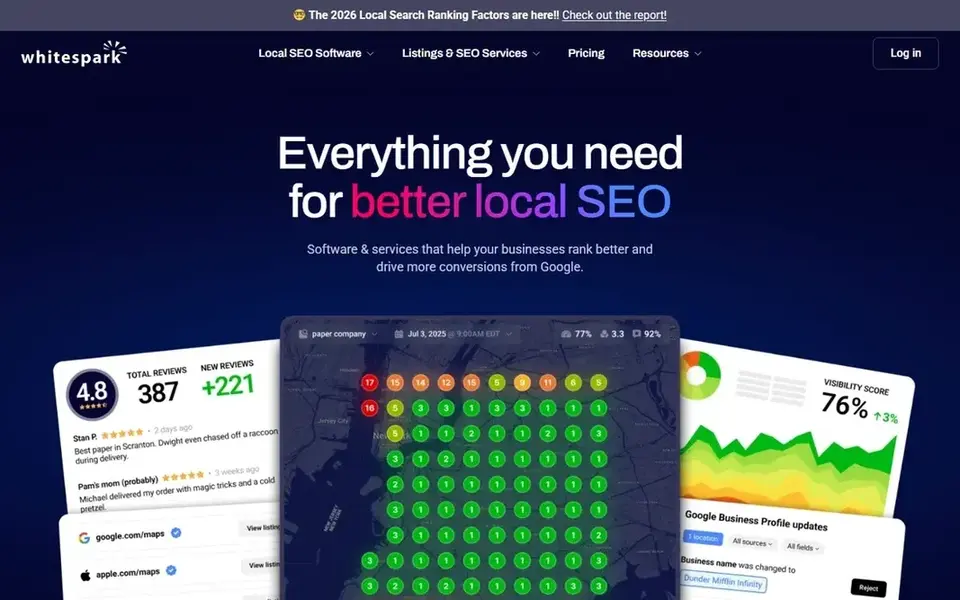
Whitespark is known for citation research and local search tools. The citation finder helps you work out which directories matter for a given city and category, and the local search grid shows where a firm appears across a map grid rather than at one point. For an accountant, that is useful when a firm serves a wide metro area and wants to know which suburbs see it in local results.
The citation building service is where many firms start: you supply the business details and the team submits them to relevant directories. That saves time for an accountant who does not want to create dozens of directory accounts. The toolset also includes a review link generator, which is simple but does the job.
The limit is breadth. Whitespark is not a full listing sync platform in the same way as BrightLocal or Yext, so a firm that wants automatic updates across many directories should pair it with something else or accept manual work.
- Strong citation research
- local search grid for rank checks
- citation building service
- Fewer review features
- more of a specialist tool than a full suite
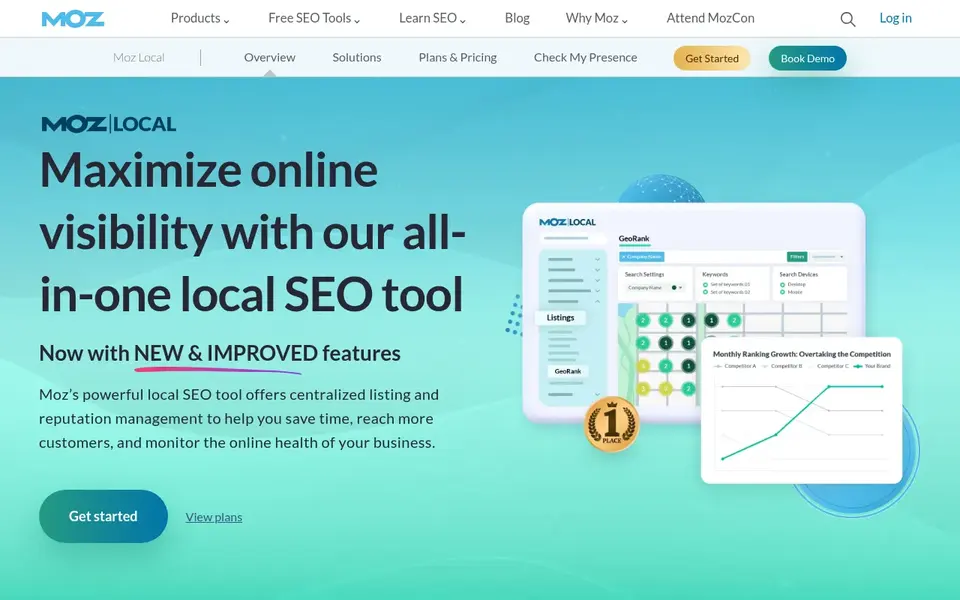
Moz Local is a listing management tool from the Moz SEO brand. You enter the firm's details, it checks the major data aggregators and directories, and it syncs updates to supported listings. The interface is simpler than most suites, which suits an accountant who wants the job done without a long setup.
For an accounting practice, the main use is fixing inconsistent listings and keeping hours current. Firms often change hours around tax deadlines, and a listing tool that updates those hours across directories saves phone calls from clients checking whether the office is open. Moz Local also shows duplicate listings, which are common for firms that have moved offices.
The limits are geographic. Coverage is strongest in the US and UK, so a firm in another country should check the supported directory list before buying. It is also less deep on reviews than the bigger suites.
- Straightforward setup
- ties into Moz Pro data
- good for single offices
- Directory coverage focused on US and UK
- limited outside those markets

Semrush is a broad SEO platform, and its listing management add-on handles business data distribution to directories and maps. The reason to consider it for an accounting firm is convenience: if the firm or its agency already uses Semrush for keyword research, rank tracking and site audits, adding listing management keeps everything in one place.
For accountants, the practical benefit is seeing local rankings next to listing accuracy. If a firm's Google Business Profile ranks well for "accountant in [city]" but the directory listings are wrong, the data in one dashboard makes the gap obvious. The local tools also help compare the firm against other practices in the same area.
The limits are cost and focus. Listing management is an add-on, and a firm that only wants citation cleanup will pay for a large platform it does not fully use. Small practices should start with a dedicated listing tool.
- Listing sync inside a wider SEO toolkit
- good keyword and competitor data
- one login for several jobs
- Listing features are one part of a larger subscription
- not the cheapest way to only manage listings
Synup is a location marketing platform aimed at agencies and multi-location brands. It covers listings, reviews, local pages and insights. For an agency that manages the local presence of several accounting firms, the appeal is a single dashboard where each client's locations sit in their own group.
For an accounting firm directly, Synup works best when there are several offices or a marketing team. The listing sync keeps name, address, phone and hours aligned, and the review tools let the firm respond from one inbox. Local pages help each office have a page that matches its listing data, which reduces confusion for clients searching by suburb.
The limit is setup. Synup is only as good as the data you feed it, so a firm with messy legacy listings should plan a cleanup phase first. A single-office accountant will find it more than needed.
- Location management at scale
- review and listing tools together
- white-label options for agencies
- Setup needs clean source data
- interface can feel busy
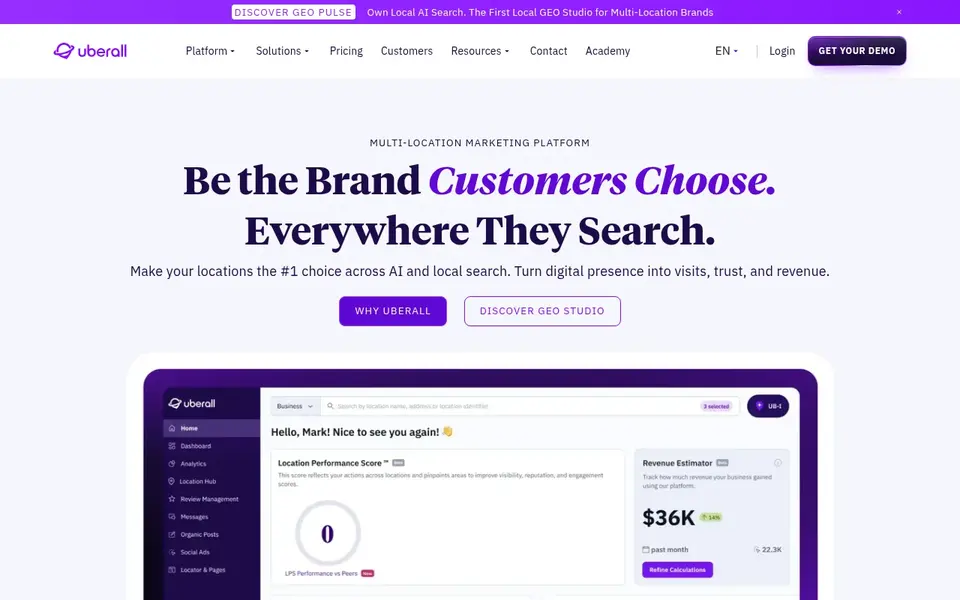
Uberall is a location experience platform used by multi-location businesses. It manages listings, reviews, local pages and messaging from one place. An accounting group with offices in several cities can use it to keep every branch consistent and to respond to reviews centrally.
For accountants, the useful features are location groups, so each office has its own hours and phone number, and review management that lets a marketing lead see every office at once. Local pages can carry the services offered at each branch, which matters when one office handles audit and another handles tax.
The limits are fit and process. Uberall is sold through a sales conversation and is built for organisations with a marketing function. A small partnership with one office should look at simpler tools first.
- Strong multi-location listing control
- review and messaging tools
- local pages
- Sales-led setup
- enterprise focus
- less suited to a solo practice
How I chose
I picked these tools by reading vendor documentation and public sources, then matching features to the way accounting firms work. The main criteria were listing sync across directories, Google Business Profile support, review management that follows Google's guidelines, multi-location handling and the ability to keep hours and service details accurate. I did not run hands-on tests, so my notes reflect what the vendors publish and what is publicly known about each platform.
I also weighed limits. A solo accountant does not need an enterprise platform, and a five-office firm needs location groups and user roles that a basic tool may lack. Where pricing is quote-based I say so rather than guess a figure. Where I could not confirm a free plan, I mark it as not stated. The goal is to help you shortlist two or three tools and check them against your own office count and directory needs.
What to check before you buy
- Confirm the tool supports the directories that matter in your country, not just US aggregators.
- Check whether it can store separate hours for each office, including extended hours during tax season.
- Make sure review requests can go to every client, with no filtering or gating, to stay within Google's review policies.
- Ask how the tool handles duplicate listings, since firms that move office often leave old addresses behind.
- Check user roles if partners or staff will log in, and whether an agency can manage several firms under one account.
- Confirm how you export your data if you leave, so your listing records are not locked in.
Frequently asked questions
Do accountants need listing management software?
Not always, but it helps. A single-office firm can keep its Google Business Profile accurate by hand. Once a firm has several offices, or listings across many directories with wrong phone numbers and hours, a listing tool saves time and reduces errors that send clients to the wrong place.
Can listing software get my firm more clients?
It supports discovery, but it is not a lead generator on its own. Accurate listings help clients find the right office and trust the details they see. Pair listings with a complete Google Business Profile, real reviews from clients and a website that explains your services.
Is it allowed to ask clients for reviews through these tools?
Yes, if you ask every client and do not screen out unhappy ones. Do not offer incentives, do not gate reviews and do not write reviews for clients. Tools that automate requests are fine as long as the request goes to your full client list and the review is written by the client.
What is the difference between listing management and citation building?
Listing management keeps business data synced across directories over time. Citation building is the one-off job of creating or correcting listings on relevant directories. Many platforms do both, and some, like Whitespark, specialise in the building side.
How many directories should an accounting firm be on?
Quality matters more than volume. Start with Google Business Profile, Apple Maps, Bing Places and the main data aggregators for your country, then add industry and local directories that real clients use. A long list of low-quality directories adds little and creates more places to go wrong.
Sources
See where you really rank - block by block
ProMapRanker scans Google Maps across a grid of your service area. Simple monthly plans from $19, white-label on every plan.
Start freeBrowse all guides
← Best Landscaping Estimating Software in 2026Best Listing Management Software for Cleaning Companies in 2026 →
 best google review widget tools
Best Google Review Widget Tools in 2026
Compare the best Google review widget tools for local businesses in 2026. See which widgets display Google reviews, which have free plans, and what to check first.
Read → best google maps scraper tools
Best Google Maps Scraper Tools for Local SEO in 2026
A practical comparison of the best Google Maps scraper tools in 2026 for local SEO and lead research, based on vendor documentation and public sources.
Read → best google business profile tools for senior living
Best Google Business Profile Tools for Senior Living in 2026
A practical guide to the best Google Business Profile tools for senior living communities, comparing listing, review and local rank tracking features.
Read → google maps seo optimization
Google Maps SEO Optimization: Advanced Tactics for 2026
Go beyond the basics with advanced Google Maps SEO optimization tactics for competitive local markets in 2026.
Read → local search rank tracker
Local Search Rank Tracker: Single-Point vs Geo-Grid Accuracy
Compare single-point and geo-grid local search rank trackers and learn which gives accurate local data.
Read → ai local visibility for plumbers
AI Local Visibility Index for Plumbers: Who ChatGPT and Gemini Recommend
A first-of-its-kind AI visibility index for plumbers: which firms ChatGPT, Gemini, and Perplexity recommend and why.
Read →More in Local SEO & Google Maps · All guides A to Z by date · Latest guides