 ProMapRanker
Best Google Maps Scraper Tools for Local SEO in 2026

All-in-one Maps scraping and reviews · Pricing starts at: See website
Direct answer
My top pick is Outscraper, because it covers Google Maps data extraction, review collection and enrichment in one place and documents its export formats clearly. It offers a free trial, so you can check the output before committing. For teams that want a desktop tool with one-time licensing, PhantomBuster and Apify are worth a look for different needs: PhantomBuster for no-code automation and Apify for developers who want to build custom scraping actors.
I compared these tools from vendor documentation and public sources, and I did not run hands-on tests of each one. The notes below focus on what each tool documents about Google Maps data extraction, exports, and how it fits a local business or agency workflow.
Key takeaways
- Most Google Maps scrapers pull the same core fields: business name, address, phone, website, category, rating count and review text.
- Scraping public business data is one thing; using it for cold outreach or fake reviews is another, and the second can get you in trouble with Google.
- The best tool for you depends on whether you need a one-off list, a recurring lead feed, or review monitoring.
- Always check a vendor's terms of service and how it handles Google's terms before you run large jobs.
- Keep your scraped data clean and deduplicated, or your outreach list will be full of duplicates and closed businesses.
Quick comparison
| Pick | Great for | Pricing starts at | Free tier | |
|---|---|---|---|---|
| Outscraper | All-in-one Maps scraping and reviews | See website | Free trial | Visit |
 Apify | Developers building custom scrapers | See website | Free plan | Visit |
 PhantomBuster | No-code automation workflows | See website | Free trial | Visit |
 BrightLocal | Citation and local SEO audits | See website | Free trial | Visit |
 Whitespark | Local citation building | See website | No free plan | Visit |
 Scrap.io | Fast Maps lead lists | See website | Free trial | Visit |
 DataForSEO | API access for developers | See website | Free trial | Visit |
The best Google Maps scraper tools compared
Outscraper is a cloud service that extracts business data from Google Maps and Google Search, including names, addresses, phones, websites, categories and reviews. It fits agencies and local businesses that need a repeatable way to build lead lists or monitor competitors without writing code. The dashboard lets you run a search by keyword and location, then export the results.
For local SEO work, the review extraction is the useful part. You can pull review text and timestamps to see what customers complain about, then feed that into your content or service pages. The API is documented for teams that want to schedule recurring jobs, such as a weekly pull of new businesses in a target category.
The main limit is cost control. Credit consumption varies by job size, so a large city-wide pull can burn through credits quickly. If you only need a one-off list of a few hundred businesses, a lighter tool may be simpler.
- Broad Google Maps and review extraction
- CSV and API exports
- Review monitoring features
- Credit-based pricing takes time to understand
- Large jobs can get expensive
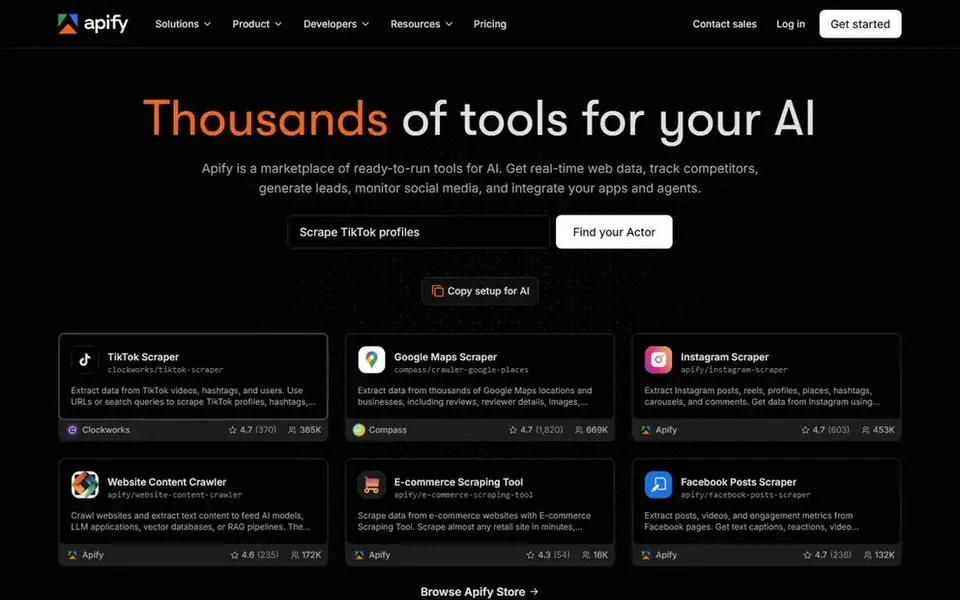
Apify is a platform for running web scraping "actors," and its store includes Google Maps scrapers maintained by the community and by Apify itself. It suits developers and technical agencies that want to customize the output fields, add proxies, or chain scraping with other steps like email enrichment.
For local SEO, you can schedule a Maps actor to run on a list of keywords and cities, then push results to a database or Google Sheet. The platform documents input schemas and output formats, so you can plan a pipeline before you build it.
The trade-off is complexity. Non-technical users will find the interface heavy, and costs depend on how much compute and proxy usage your jobs require. If you want a simple export button, this is more than you need.
- Large library of prebuilt actors
- API and scheduling
- Good documentation
- Requires technical comfort
- Costs scale with usage
PhantomBuster is an automation platform with prebuilt "phantoms" for lead generation and data extraction. It is aimed at marketers who want to connect steps, such as pulling a list and then enriching or exporting it, without writing code. Some phantoms work with Google Maps and local business data.
For a local business, the value is in the workflow. You can set a phantom to run on a schedule and drop results into a spreadsheet that your sales team already uses. That reduces manual copy-paste compared with downloading CSVs by hand.
The limitation is depth. PhantomBuster is not a dedicated Maps scraper, so field coverage and review extraction are narrower than a specialist tool. If your main need is deep Maps data, start elsewhere.
- No-code workflow builder
- Integrations with Sheets and CRMs
- Scheduled runs
- Maps coverage is narrower
- Less control over raw fields
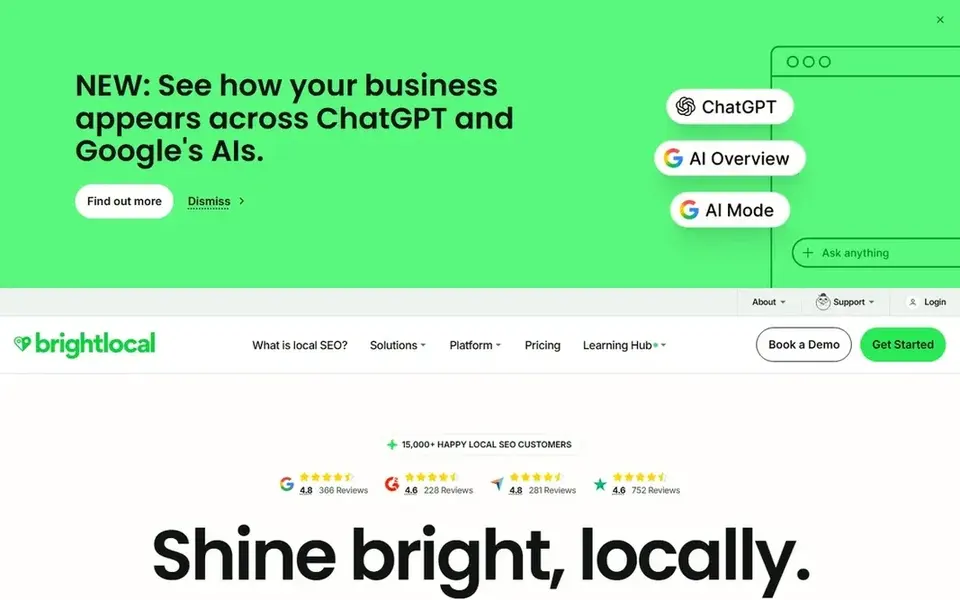
BrightLocal is a local SEO platform built around citations, reviews and local rankings. It is not a Google Maps scraper in the raw sense, but it does collect business listing data and review data that agencies use for audits and reporting.
For local businesses, the practical use is checking whether your name, address and phone number match across directories, and monitoring new reviews in one place. That is often more valuable than a raw list of competitors.
The limit is that you cannot export arbitrary Maps search results the way a scraper lets you. If you need lead lists, pair BrightLocal with a dedicated scraper rather than expecting it to do both jobs.
- Citation tracking
- Review monitoring
- Local audit reports
- Not a raw scraper
- Best value for agencies with multiple clients
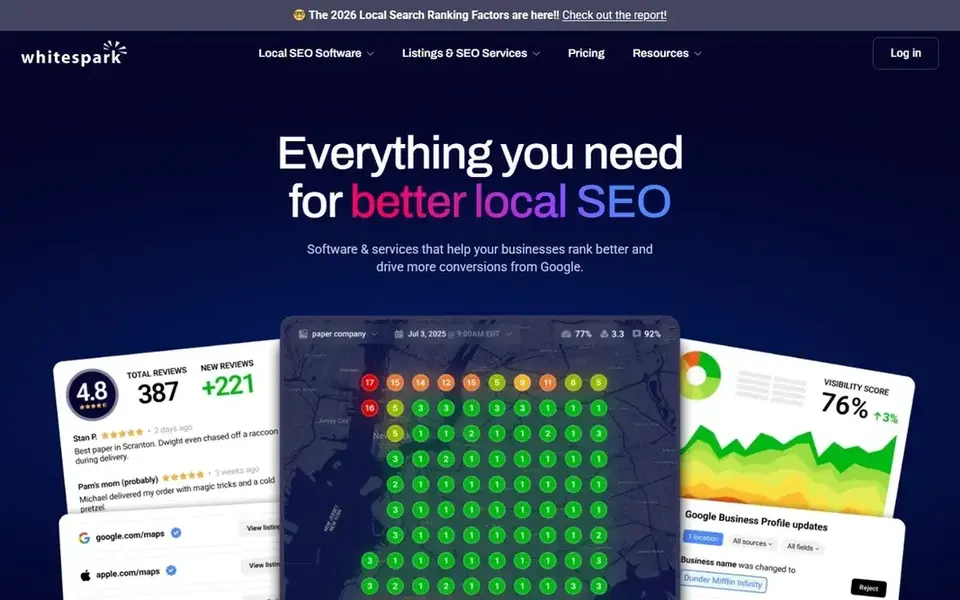
Whitespark is known for citation building and local search tools. Its citation service submits business details to directories, and its tools help track local rankings. It is a fit for businesses that want their listings cleaned up rather than a list of competitor phone numbers.
For local SEO, citations still matter for consistency. If your Google Business Profile says one address and a directory says another, that creates confusion for customers and for Google's understanding of your business.
The limit is scope. Whitespark does not scrape Google Maps for lead lists, so it belongs in a different part of your stack. Use it for listings and rankings, not for prospecting.
- Citation building service
- Local ranking tools
- Established in the local SEO space
- Not a scraper
- Service-based pricing
Scrap.io is a Google Maps scraper aimed at building lead lists quickly. You pick a search term and location, apply filters, and export the results. It suits small agencies and sales teams that want a straightforward list without a steep learning curve.
For a local business, this is useful for market research. You can see how many competitors exist in a category, what their ratings look like, and whether they have websites. That informs your own positioning.
The limit is depth. Review text extraction and enrichment are lighter than on bigger platforms, so if you need review analysis, look at Outscraper or Apify.
- Maps-focused interface
- Filter by category and location
- Export to CSV
- Smaller feature set
- Less useful for review analysis
DataForSEO provides APIs for SEO data, including Google Maps and local pack results. It is built for developers and technical teams that want to pull data into their own systems rather than use a dashboard.
For an agency with a developer, this can power a custom reporting tool. You request data for a keyword and location, then store and analyze it however you like.
The limit is clear: there is no point-and-click interface. If you are not comfortable with API calls, this is not the starting point.
- Documented APIs
- Maps and local pack data
- Pay-per-request model
- Developer-only
- No dashboard for non-technical users
How I chose
I chose these tools by reading vendor documentation and public sources, not by running hands-on tests. I looked at what each vendor says about Google Maps data coverage, export formats, review extraction, API access and scheduling. I also checked how each tool positions itself, because a citation service and a raw scraper solve different problems even though both touch local SEO.
I weighed fit over feature count. A small local business usually needs a simple export, while an agency may need recurring jobs and clean data pipelines. I also noted limits, such as credit-based pricing or developer-only interfaces, because those decide whether a tool is practical for your team. Where a tool is not a scraper, I said so rather than stretching the definition.
What to check before you buy
- Confirm the tool extracts the fields you need: name, address, phone, website, category, rating count and review text.
- Check export formats, because CSV and API access matter if you plan to feed a CRM or spreadsheet.
- Read the vendor's terms of service and how it handles Google's terms, especially for large or recurring jobs.
- Ask how credits or requests are counted, so a city-wide pull does not surprise you.
- Test deduplication and data freshness, since closed businesses and duplicates will waste outreach time.
- Decide whether you need review monitoring, because not every scraper includes it.
Frequently asked questions
Are Google Maps scrapers allowed?
Scraping public business data sits in a gray area. Google's terms restrict automated access, so check each vendor's documentation and your own risk tolerance. Use scraped data for research and legitimate outreach, and never to post fake reviews or misrepresent a business.
Can I use scraped data for cold outreach?
You can use public business contact details for legitimate B2B outreach, but follow anti-spam laws in your country and keep messages relevant. Do not buy reviews or send bulk messages that ignore opt-outs. Clean, deduplicated data improves results more than volume.
Do I need a scraper if I only have one location?
Probably not. A single-location business can usually manage with free Google tools and a citation service. Scrapers make more sense when you compare many competitors, build lead lists, or manage multiple clients.
What is the difference between a scraper and a citation service?
A scraper extracts data from Google Maps, such as business names and reviews. A citation service submits and checks your business details across directories. They solve different problems, and some agencies use both.
Which tool is best for review analysis?
Outscraper and Apify document review extraction most clearly, while BrightLocal focuses on review monitoring for your own listings. Match the tool to whether you need competitor review text or a dashboard for your own reviews.
Sources
See where you really rank - block by block
ProMapRanker scans Google Maps across a grid of your service area. Simple monthly plans from $19, white-label on every plan.
Start freeBrowse all guides
← Best Google Business Profile Tools for Senior Living in 2026Best Google Review Widget Tools in 2026 →
 best google business profile tools for multi location brands
Best Google Business Profile Tools for Multi-Location Brands (2026)
A guide to the best Google Business Profile tools for multi-location brands in 2026, compared from vendor documentation and public sources.
Read → best google business profile tools for movers
Best Google Business Profile Tools for Movers in 2026
A practical guide to the best Google Business Profile tools for moving companies, compared from vendor docs and public sources, with fit and limits.
Read → best google business profile post scheduling tools
Best Google Business Profile Post Scheduling Tools in 2026
A practical guide to the best Google Business Profile post scheduling tools for local businesses, compared from vendor documentation and public sources.
Read → top local citation sites
Top Local Citation Sites Every Business Should Be On
The top local citation sites and data aggregators that feed the local ecosystem, with priorities.
Read → google maps rank tracker
Google Maps Rank Tracker: Track Your Map Pack Position Over Time
Track your Google Maps rankings over time with geo-grid scans and trend history. Here is how to do it right.
Read → best ai rank tracker software
Best AI Rank Tracker Software in 2026
Compare the best AI rank tracker software for tracking brand positions in AI answers daily, with pricing, engines, and reporting compared for teams today.
Read →More in Local SEO & Google Maps · All guides A to Z by date · Latest guides