 ProMapRanker
Best Google Business Profile Post Scheduling Tools in 2026

Agencies managing listings, reviews and posts · Pricing starts at: See website
Direct answer
My top pick is BrightLocal because it combines Google Business Profile post scheduling with listing checks and review tools in one place, which suits agencies and multi-location businesses. It has no free plan stated, so check its pricing page. If you mainly need to publish posts across many profiles, look at SocialPilot; if you want a big local marketing suite, look at Semrush.
I compared these tools from vendor documentation and public sources rather than hands-on tests. I looked at how each one schedules Google Business Profile posts, what else it includes, and where it fits different kinds of local businesses. Below is what I found, with the limits I would flag before you sign up.
Key takeaways
- Google Business Profile posts expire, so a scheduler that reminds you to refresh offers and events saves manual work every week.
- The right tool depends on how many locations you manage and whether you also need review replies, listings or reporting in the same dashboard.
- Most schedulers publish through the Google Business Profile API, so you still need manager access to each profile you connect.
- Post scheduling does not replace a complete profile: hours, categories, photos and review replies still affect how your listing performs in local results.
- Check how each tool handles post types, image sizes and failed publishing before you commit to an annual plan.
Quick comparison
| Pick | Great for | Pricing starts at | Free tier | |
|---|---|---|---|---|
| BrightLocal | Agencies managing listings, reviews and posts | See website | Not stated | Visit |
 SocialPilot | Publishing posts across many profiles | See website | Free trial | Visit |
 Semrush | Teams already using Semrush for SEO | See website | Not stated | Visit |
 Localo | Small local businesses watching rankings and posts | See website | Free trial | Visit |
 BirdEye | Multi-location brands focused on reviews | See website | Not stated | Visit |
 Podium | Local businesses handling messages and reviews | See website | Not stated | Visit |
 Sprout Social | Teams running social and GBP together | See website | Free trial | Visit |
The best Google Business Profile post scheduling tools compared
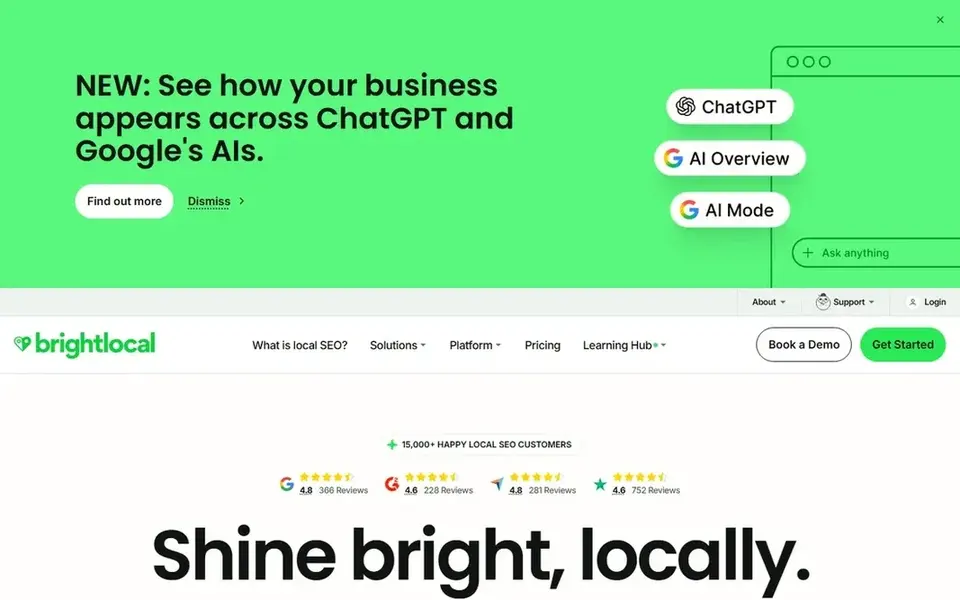
BrightLocal is a local marketing platform used mostly by agencies and businesses with several locations. It brings Google Business Profile management together with citation building, review monitoring and local rank tracking. If you already handle listings for clients, keeping posts in the same dashboard means one login and one report instead of three separate tools.
For post scheduling, the value is in the workflow around it. You can draft a post, attach an image, and line it up for a future date while your listing data and review replies sit in the same account. That helps when a client asks what was published last month, because the post history and the profile changes are in one place. It also fits agencies that bill for ongoing local work rather than one-off setup.
The limit is scope. A single shop with one profile may find the platform larger than needed, and the setup asks for more information than a simple scheduler. If you only want to queue a weekly offer, a lighter tool will do. Check the pricing page to see which plan includes post scheduling.
- Combines GBP posts with listings and review tools
- built for multi-location work
- reporting suited to client updates
- More than a single-location shop may need
- setup takes time
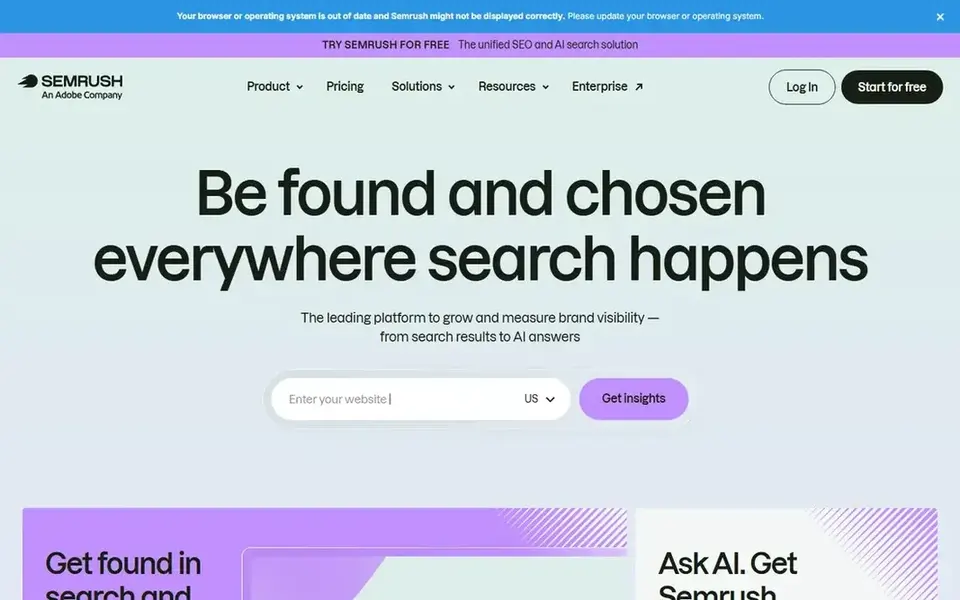
Semrush is a broad SEO platform with a local marketing section that includes Google Business Profile management. Businesses that already use it for keyword research or competitor analysis can keep local posts in the same account. That reduces the number of subscriptions a small agency pays for.
The local tools let you review profile information, respond to reviews and schedule posts for connected locations. For a business with a few branches, this means one dashboard shows how each listing is set up and what has been published. The reporting can be shared with a client or an owner who wants a monthly summary. It fits teams that already understand the platform.
The downside is size. Semrush is not a lightweight scheduler, and the local features sit inside a larger product with its own pricing tiers. A small business that only wants to queue posts may pay for tools it never opens. Check which plan includes the local features before you commit.
- Local features sit beside keyword and competitor data
- listing management for multiple locations
- useful reporting
- Large platform with a learning curve
- post scheduling is one feature among many
Localo is a local SEO tool aimed at small businesses and the agencies that serve them. It covers Google Business Profile management, local rank tracking and review handling in one place. The interface is simpler than the large SEO platforms, which helps an owner who handles marketing between other jobs.
For post scheduling, you can plan updates and publish them to connected profiles from the tool. A plumber can queue a seasonal maintenance reminder, a café can schedule its daily special, and a clinic-style business can line up opening-hours notices. Rank tracking beside the posts shows whether the listing is moving for the terms that matter, which gives context to the publishing work.
The limit is scale. Localo is not built for large multi-location brands with complex approval chains, and its integrations are narrower than the big platforms. If you manage dozens of profiles with different teams, you may outgrow it. The free trial is the sensible way to check the workflow.
- Focused on local SEO tasks
- includes GBP post scheduling
- simple interface for small teams
- Smaller feature set than large suites
- less useful for big agencies
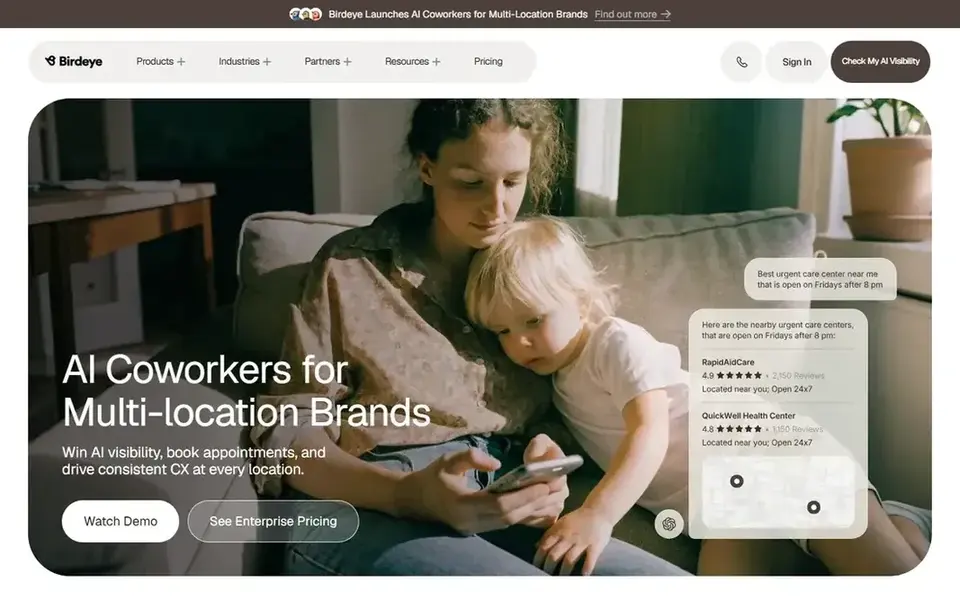
BirdEye is a customer experience platform with review management at its core, plus Google Business Profile posting and messaging. It suits multi-location brands that get a high volume of reviews and need a single place to reply and monitor sentiment. The posting tools sit alongside that review work.
For local businesses, the useful part is the link between reviews and posts. A location that gets a run of good reviews can publish a post that highlights the service, and the team can see both in one dashboard. Posting across many locations is supported, which helps a franchise or a chain keep its listings active without each branch logging in separately.
The limit is fit. BirdEye is built for businesses with a real review volume and a team to manage it, and the pricing reflects that. A single shop with a handful of reviews per month may find it heavy. Check the plans to see whether post scheduling is included at your level.
- Strong review management
- supports posts across many locations
- customer communication in one place
- Review-led product
- pricing aimed at larger businesses
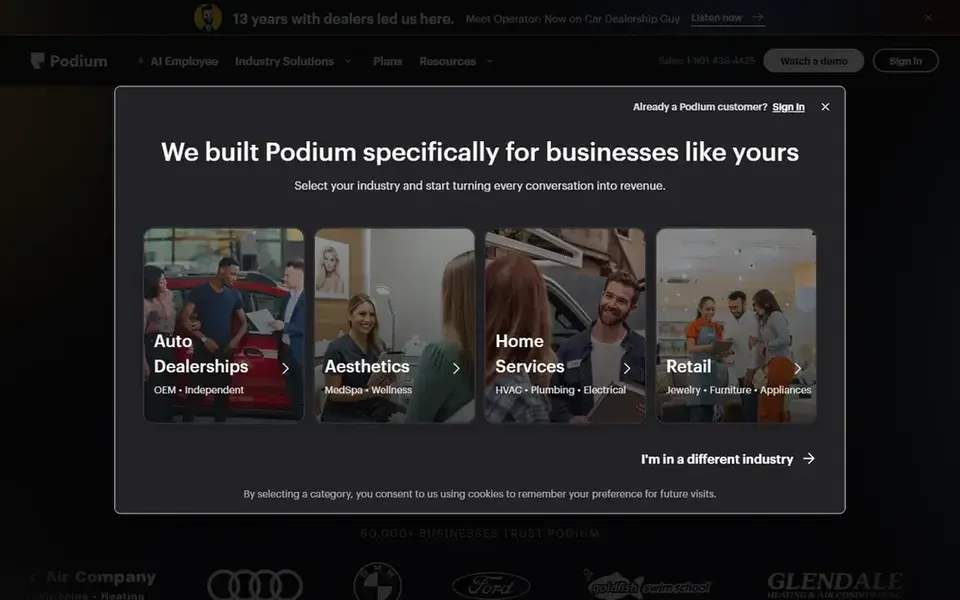
Podium is a communication and reputation platform used by local service businesses. It handles text messaging, review requests and Google Business Profile tools, including posting. It fits businesses that get most of their enquiries through messages and want reviews and updates in the same place.
For post scheduling, the benefit is that updates can be tied to the same customer list used for review requests. A garage can post a service reminder and follow up with recent customers, and a home services company can publish an offer while its messaging inbox stays in the same dashboard. That reduces the number of tools a front desk has to learn.
The limit is scope. Podium is not a local SEO platform in the ranking-tracking sense, and its posting features are one part of a communication product. If your main need is to schedule posts and watch rankings, a local SEO tool is a better match. Check the plans for what posting includes.
- Combines messaging, reviews and profile tools
- useful for service businesses with high enquiry volume
- supports multi-location teams
- Communication-first product
- not a full local SEO suite
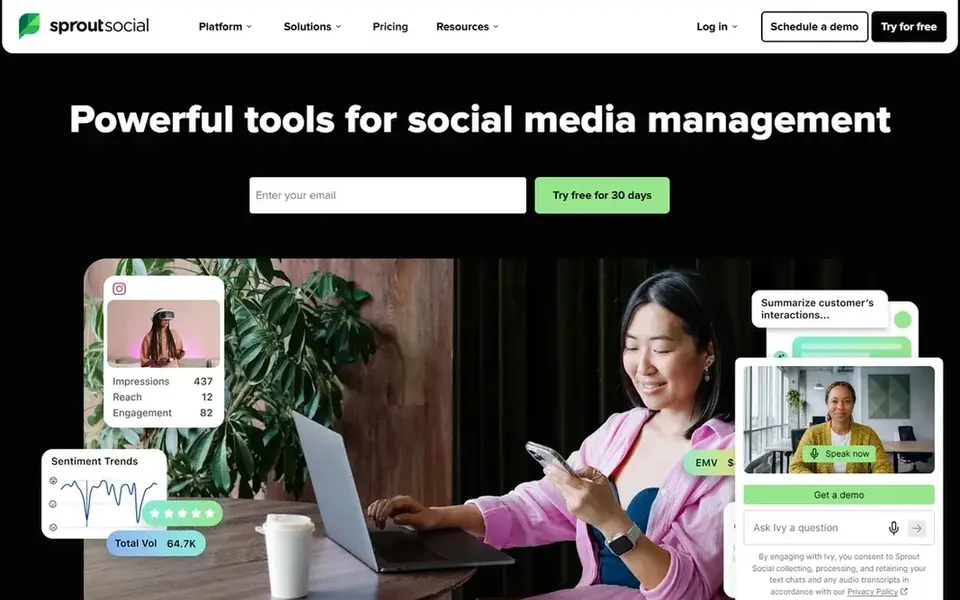
Sprout Social is a social media management platform that supports Google Business Profile as a connected network. It suits businesses and agencies that already run social channels and want the Google listing in the same publishing calendar. The approval and reporting tools are the main draw.
For local businesses, the value is a single calendar for Facebook, Instagram and Google posts. A retailer can plan a sale across all three, and a restaurant can line up its weekly menu post beside its social updates. Approval workflows help when an owner or a regional manager needs to sign off before publishing, which matters for brands with several branches.
The limit is price and focus. Sprout Social is built for social teams, and the cost reflects that. It does not offer local rank tracking or citation management, so it works best as part of a wider stack. The free trial lets you test the GBP connection first.
- Strong publishing calendar
- approval workflows
- reporting across channels
- Priced for larger social teams
- local SEO features are limited
How I chose
I built this list from vendor documentation and public sources, not from hands-on testing. I read each vendor's help centre and product pages to confirm that Google Business Profile post scheduling is a supported feature, then checked what else each tool includes. I also looked at the type of business each one is built for, because a single shop and a franchise have different needs.
The main filters were fit and limits. A tool made the list if it clearly supports scheduling posts to Google Business Profile and if its other features make sense for local businesses. I left out tools where posting is unclear or where the product is aimed at a different job. I did not rank by price, review scores or user counts, because those change and are easy to misread. Where a vendor does not state a free plan, I said so rather than guess.
What to check before you buy
- Confirm that Google Business Profile post scheduling is included in the plan you are considering, not just profile management.
- Check which post types the tool supports, such as offers, events and standard updates, and whether it handles images at the sizes Google expects.
- Ask how the tool handles failed publishing, because a post that silently fails leaves your listing stale.
- Confirm how many profiles you can connect and whether there is a limit per location.
- Check whether the tool stores a post history you can export, which helps when a client asks what was published.
- Review the cancellation and data export terms before you commit to an annual contract.
Frequently asked questions
Do Google Business Profile posts expire?
Yes. Most Google Business Profile posts stay visible for a limited period, so a scheduler helps you refresh offers and updates before they drop off. Plan a recurring slot each week or month to keep the listing active.
Can I schedule posts for multiple locations?
Most tools on this list support multiple profiles, but the number depends on your plan. Check the connection limit before you buy, and confirm that each location needs its own manager access to the profile.
Do I still need to log in to Google Business Profile?
You need manager access to connect each profile to a scheduling tool. After that, most publishing happens inside the tool, but you should still check the profile now and then for Google updates and review replies.
Is a scheduler enough for local SEO?
No. Posts are one part of a profile. Categories, hours, photos, review replies and accurate listings all matter. A scheduler helps you stay consistent, but it does not replace the rest of the profile work.
What if a scheduled post fails to publish?
Check the tool's error log or notification settings. Common causes are expired access tokens, image size problems or a profile permission change. Reconnect the profile and republish, then confirm the post appears on Google.
Sources
See where you really rank - block by block
ProMapRanker scans Google Maps across a grid of your service area. Simple monthly plans from $19, white-label on every plan.
Start freeBrowse all guides
← Best Google Business Profile Software for Restaurants in 2026Best Google Business Profile Tools for Movers in 2026 →
 best google business profile management software for plumbers
Best Google Business Profile Software for Plumbers in 2026
A plumber's guide to Google Business Profile management software in 2026. Compare tools for review replies, service areas, photos, posts and local rankings.
Read → best google business profile management software for gyms
Best Google Business Profile Software for Gyms in 2026
A practical guide to the best Google Business Profile management software for gyms in 2026, compared from vendor documentation and public sources.
Read → best citation building services for roofers
Best Citation Building Services for Roofers in 2026
A roofer-focused look at the best citation building services for 2026, compared from vendor documentation and public sources, with limits and buyer checks.
Read → white label local seo reporting
White-Label Local SEO Reporting for Agencies
How white-label local SEO reporting lets agencies deliver branded geo-grid reports that win client trust.
Read → best visibility analysis software
Best Visibility Analysis Software in 2026
Compare the best visibility analysis software for search and AI answers. We review 8 tools that track brand mentions, citations, and rankings Updated for 2026.
Read → local seo for junk removal companies
Local SEO for Junk Removal Companies
A local SEO guide for junk removal companies: Google Business Profile setup, reviews, and same-day service local search visibility.
Read →More in Local SEO & Google Maps · All guides A to Z by date · Latest guides
SocialPilot
Great for: Publishing posts across many profiles
SocialPilot is a social media scheduling tool that also connects to Google Business Profile. It suits businesses that already post to Facebook or Instagram and want the same calendar to cover their Google listing. The interface is built around a content queue, so you can plan a week of updates in one sitting.
For local businesses, the practical benefit is consistency. A restaurant can schedule its weekend special, a salon can queue a booking reminder, and a service business can line up seasonal offers, all from the same calendar. Posts can be assigned to team members for review before publishing, which helps when an owner wants to approve wording. The calendar view makes gaps obvious.
The limit is depth. SocialPilot is not a local SEO platform, so it will not track rankings, manage citations or give you a detailed profile audit. If Google Business Profile posts are your only need, a dedicated local tool may be a better fit. The free trial lets you check the GBP connection before paying.