 ProMapRanker
Best Google Business Profile Software for Plumbers in 2026

All-round local SEO for plumbing firms · Pricing starts at: See website
Direct answer
My top pick for plumbers is BrightLocal, because it combines Google Business Profile auditing, review replies, citation checks and local rank tracking in one dashboard that suits a single-van or multi-crew plumbing company. It has no free plan stated, so check its pricing page before you commit. If you mainly need review handling, Birdeye fits that job; if you want a free starting point, Google Business Profile itself is the baseline every plumber should claim first.
I compared these tools from vendor documentation and public sources, not from hands-on testing. I looked at what each one says it does for local businesses, how it handles reviews, listings and reporting, and where the limits sit for a plumbing company that works from a van rather than a desk. The order reflects fit for plumbers, not overall market size.
Key takeaways
- A plumbing business lives on emergency searches, so profile accuracy for service areas and opening hours matters more than fancy dashboards.
- Review reply tools save time when calls come in at night and you need to answer customers the next morning.
- Multi-location plumbing companies need software that handles separate profiles per service area without mixing up addresses.
- Photo and post scheduling keeps your profile active between jobs, which is hard to do manually when you are on a call-out.
- No tool replaces claiming and verifying your Google Business Profile directly with Google first.
Quick comparison
| Pick | Great for | Pricing starts at | Free tier | |
|---|---|---|---|---|
| BrightLocal | All-round local SEO for plumbing firms | See website | Not stated | Visit |
 Birdeye | Review requests and customer messaging | See website | Not stated | Visit |
 Semrush | Keyword and competitor research around plumbing | See website | Not stated | Visit |
 Moz Local | Keeping business listings consistent | See website | Not stated | Visit |
 Whitespark | Citation building and local rank tracking | See website | Not stated | Visit |
 Yext | Large multi-location plumbing companies | See website | Not stated | Visit |
 Google Business Profile | Claiming and editing the core profile | See website | Free plan | Visit |
The best Google Business Profile software for plumbers compared
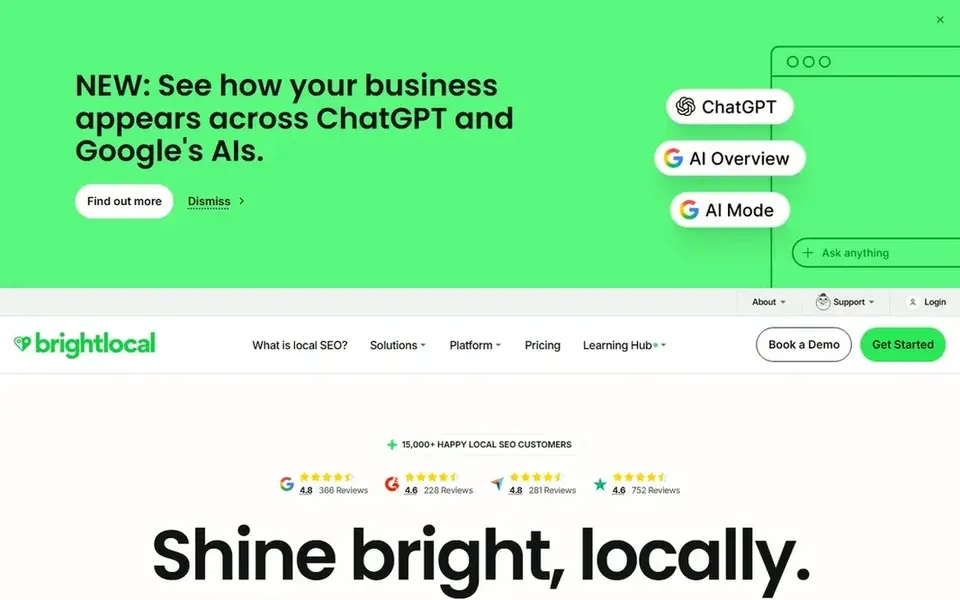
BrightLocal is a local SEO platform built around Google Business Profile audits, citation tracking, review management and local rank grids. For a plumber, the audit is the useful part: it flags missing categories, wrong hours, duplicate listings and gaps in your service area setup. If you run two or three crews across different towns, the rank grid shows where you actually appear in the map pack rather than just your website position.
The review tools let you send requests after a job and reply from one inbox. That matters for plumbing because a burst pipe review often mentions speed and arrival time, and replying to those points helps the next customer decide. You can also schedule posts for seasonal work like boiler checks or winter drain clearing, which keeps the profile active when you are too busy to log in.
The limits are practical. A solo plumber who just wants to fix opening hours will find the dashboard oversized, and the reporting is aimed at agencies and multi-location businesses. Skip it if you only need review replies and nothing else.
- Profile audit and citation checks in one place
- review monitoring with reply tools
- local rank tracking by area
- More features than a one-person plumber needs
- setup takes time
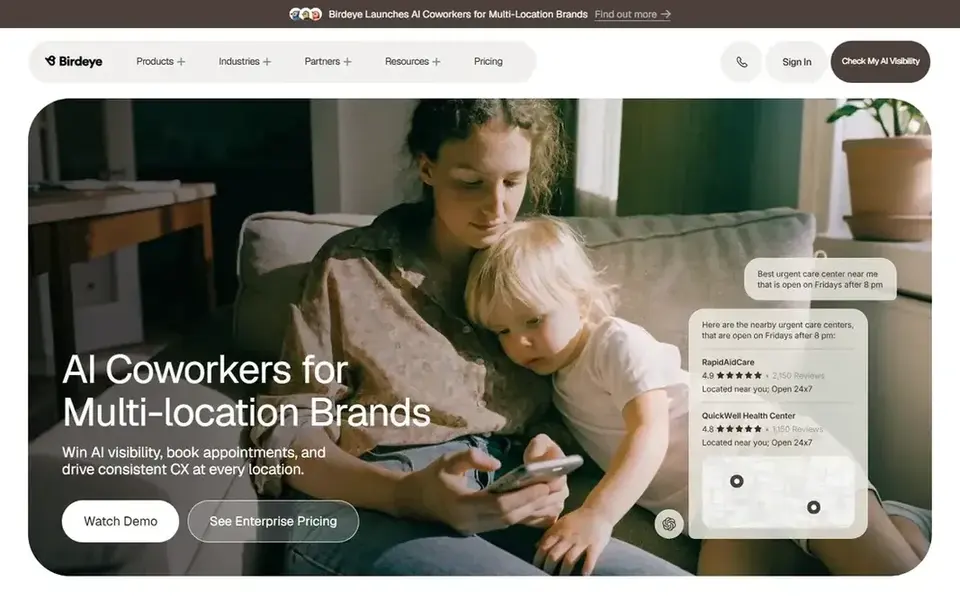
Birdeye is a customer experience and reputation platform. Plumbers use it to ask for a review by text after a completed job, then reply to that review from a shared inbox. Because plumbing work is often urgent, the review request timing matters, and Birdeye lets you set when the message goes out rather than sending it the moment the invoice is raised.
It also handles web chat and messaging, which suits a firm that wants one place for customer contact and review follow-up. The profile management side is thinner than a dedicated local SEO tool, so treat Birdeye as a review and messaging system that supports your Google Business Profile rather than a full manager for it.
Skip it if you are a one-person operation with a low job volume; the setup and cost are hard to justify when a manual request after each job would do the same work.
- Automated review request flows
- one inbox for reviews and messages
- works across multiple locations
- Priced for teams rather than sole traders
- more than profile management alone
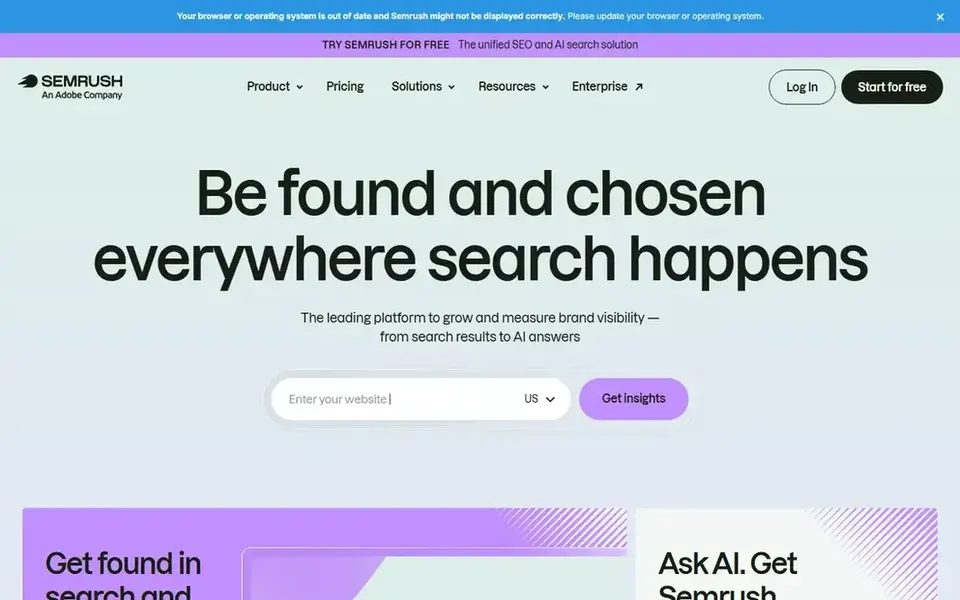
Semrush is a broad SEO platform. For plumbers, its value is research: which terms people search for emergency call-outs, boiler repairs or drain unblocking in your town, and which competitors show up for them. The listing management feature lets you update business details across directories, and it links to local ranking data.
It is not the first tool I would hand to a plumber who only wants to manage a Google Business Profile. The local features sit alongside a large suite aimed at marketers, and the interface assumes some SEO knowledge. Use it when you are also working on the website and want one place for keyword, competitor and local data.
Skip it if your only goal is profile posts, photos and review replies. A smaller local tool will do that with less clutter.
- Strong keyword data for service and location terms
- competitor tracking
- listing management add-on
- Local profile tools are not the core product
- price is high for a small firm
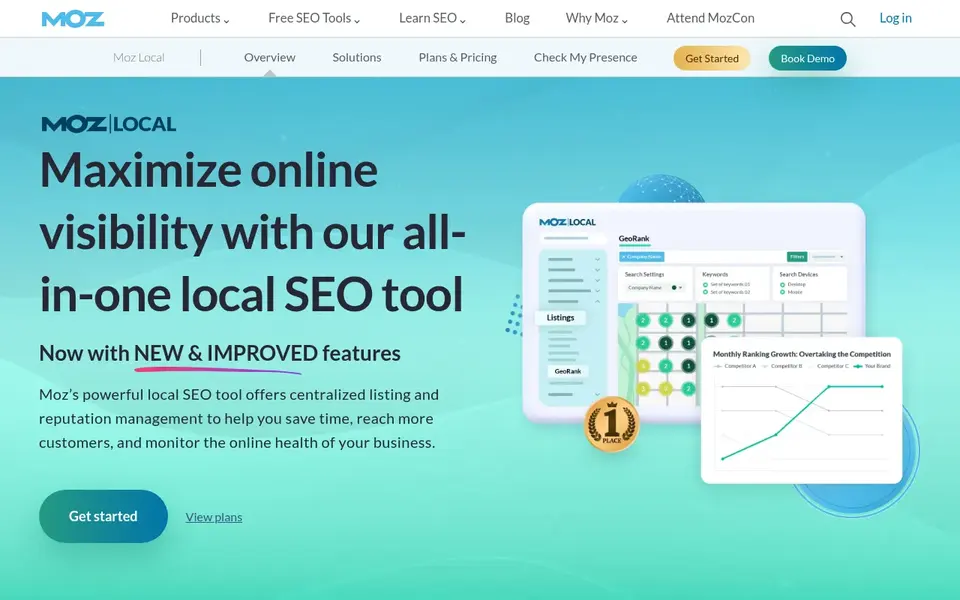
Moz Local focuses on business listing accuracy. For a plumber, that means your name, address, phone number and service categories stay the same across the directories that feed local search. Duplicate listings are a common problem when a firm moves yard or changes its trading name, and Moz Local is built to find and fix those.
It does not try to be a full Google Business Profile manager. You still edit the profile itself in Google, and the review and post features are basic compared with reputation tools. The fit is for a plumber who has already claimed the profile and now wants the wider citation picture clean.
Skip it if reviews and posts are your priority. It is a listings tool first.
- Listing distribution to major directories
- duplicate detection
- simple dashboard
- Review tools are limited
- less useful for profile posting
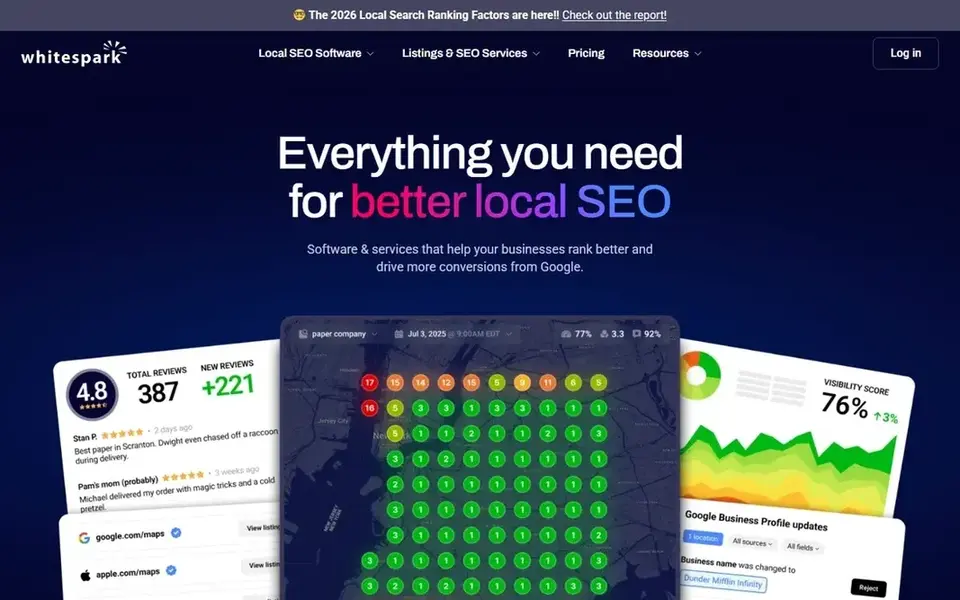
Whitespark is known for citation building and local search tools. A plumber can use it to find the directories that matter for a trade business, check where the business is already listed, and track map rankings by grid across a service area. That grid view is useful when you want to know whether you show up in the next town over, not just at your registered address.
The citation side is partly manual: the tool finds opportunities and helps you manage them, but you still submit and verify listings. That is fine for a firm that wants control, less fine if you want everything done in one click.
Skip it if you need review request automation or profile post scheduling. Whitespark supports those areas only lightly.
- Citation finding and building tools
- local rank grid tracking
- clear reporting
- Not a profile manager
- citation work is manual in parts
Yext is a listings and digital presence platform built for organisations with many locations. A plumbing company with branches across several counties can update hours, phone numbers and service categories in one place and push the changes out. That reduces the risk of one branch showing old opening hours during an emergency call.
For a single-site plumber, Yext is more than you need. The value appears when you have several locations and staff who each update their own details. Read the contract terms carefully, because the model is built around ongoing management rather than a one-off fix.
Skip it if you have one address and one phone number. Google Business Profile plus a simpler tool will cover you.
- Central control of many listings
- consistent data across locations
- structured approach to updates
- Heavy for small firms
- contract terms need reading
Google Business Profile is the source itself. Every plumber should claim and verify the listing before paying for any third-party tool. You can set opening hours, mark 24-hour emergency availability, list services, add photos of vans and completed work, and reply to reviews directly.
The free profile covers the basics well. What it does not give you is rank tracking across a service area, citation checks or automated review requests. Those gaps are why the other tools on this list exist.
Use it as your foundation. If you only do one thing this month, verify the profile and make sure the phone number and hours are right.
- Free and official
- direct control of hours, services and photos
- reviews and messaging built in
- No advanced rank tracking
- limited bulk tools for multiple sites
How I chose
I chose these tools by reading vendor documentation and public sources, then matching features to how plumbing businesses actually work. The questions I asked were simple: does it handle service areas and emergency hours, can it manage reviews without a marketing team, does it work for one van or several, and what does it leave out? I did not run hands-on tests, and I have not used every tool in a live plumbing account, so treat this as a documented comparison rather than a lab review.
The second filter was fit and limits. A tool that is excellent for a marketing agency can be too much for a plumber who checks his profile between jobs. I kept tools that either cover the profile directly or fill a clear gap around it, such as citations, reviews or rank tracking. I left out anything I could not confirm exists and operates today.
What to check before you buy
- Confirm the tool can handle service-area businesses, not just a single shopfront address, because plumbers often travel to customers.
- Check whether it supports 24-hour or emergency hours, since a wrong "closed" label loses calls.
- Ask how review requests are sent and whether the timing can be set after the job is finished.
- Look for multi-location support if you run more than one crew or branch, with separate profiles per area.
- Check whether citation and listing updates are included or sold as a separate add-on.
- Read the contract length and cancellation terms before you pay, especially for listing platforms.
Frequently asked questions
Do I need paid software to manage a Google Business Profile for a plumbing business?
No. The free Google Business Profile gives you direct control of hours, services, photos and review replies. Paid tools add convenience: review request automation, rank tracking across a service area, citation checks and reporting. Start free, then add a tool when a specific job becomes a time drain.
Which tool is best for handling plumbing reviews?
Birdeye is built around review requests and a shared inbox, so it fits firms that want to ask after every job and reply in one place. BrightLocal also monitors reviews and lets you reply. Both are paid tools, so check pricing pages before deciding.
Can these tools help me rank in nearby towns, not just my own?
Some can. BrightLocal and Whitespark offer local rank tracking by grid, which shows where you appear across a map rather than at one point. That helps a plumber who covers several towns. The profile itself still needs correct service areas set in Google.
What if I have several plumbers and vans across different areas?
Look at Yext or Birdeye for central control of listings and reviews across locations. BrightLocal also supports multi-location reporting. Make sure each location has its own verified profile and a real address or service area, following Google's guidelines.
Is it against Google's rules to ask customers for reviews?
Asking is allowed. You can request reviews from real customers after a job. What is not allowed is review gating, paying for reviews, writing fake reviews or offering incentives. Keep requests neutral and let customers write what they want.
Sources
See where you really rank - block by block
ProMapRanker scans Google Maps across a grid of your service area. Simple monthly plans from $19, white-label on every plan.
Start freeBrowse all guides
← Best Google Business Profile Software for Gyms in 2026Best Google Business Profile Software for Restaurants in 2026 →
 best citation building services for roofers
Best Citation Building Services for Roofers in 2026
A roofer-focused look at the best citation building services for 2026, compared from vendor documentation and public sources, with limits and buyer checks.
Read → best citation building services for landscapers
Best Citation Building Services for Landscapers in 2026
A practical guide to the best citation building services for landscapers in 2026, comparing listings tools, manual services and local SEO platforms.
Read → best citation building services for home services
Best Citation Building Services for Home Services in 2026
A practical guide to the best citation building services for home services in 2026, covering listings tools, manual submission services and local SEO platforms.
Read → local pack rank tracking
Local Pack Rank Tracking: Monitoring Your 3-Pack Position
How to track whether you are in or out of the local 3-pack across your service area over time.
Read → why is my google maps ranking dropping
Why Is My Google Maps Ranking Dropping? Diagnosing Sudden Drops
Lost Maps rankings overnight? Learn the most common reasons rankings drop and a step-by-step diagnostic checklist to recover.
Read → google map pack ranking factors
Google Map Pack Ranking Factors: What Actually Moves the Needle
The real Google Map Pack ranking factors and how to prioritize them for faster local wins.
Read →More in Local SEO & Google Maps · All guides A to Z by date · Latest guides