 ProMapRanker
Best Google Business Profile Software for Restaurants in 2026

Single restaurants and small groups · Pricing starts at: See website
Direct answer
My top pick for restaurants is BrightLocal because it handles listings, review replies and local rank tracking in one dashboard that suits a single dining room or a small group of locations. It offers a free trial, so you can check the workflow before committing. If you mainly need to manage many locations, look at Uberall; if review responses and menu updates are your daily pain, Semrush Listing Management and Yext are worth comparing.
I compared these tools from vendor documentation and public sources rather than hands-on testing. I looked at how each one handles the tasks a restaurant actually does every week: updating hours, changing menus, replying to reviews and keeping listings consistent. The order below reflects fit for restaurant workflows, not a ranking of overall quality.
Key takeaways
- Restaurants need profile software that handles opening hours, menus, photos and review replies, not just citations.
- Multi-location groups should prioritise bulk editing and a single inbox for reviews across every branch.
- Review response tools matter more for restaurants than for most local businesses because diners read recent replies.
- Check whether the tool syncs menu and hours changes to Google Maps without a manual re-upload.
- No single tool fits every restaurant, so match the software to your location count and daily workflow.
Quick comparison
| Pick | Great for | Pricing starts at | Free tier | |
|---|---|---|---|---|
| BrightLocal | Single restaurants and small groups | See website | Free trial | Visit |
 Semrush Listing Management | Teams already using Semrush | See website | No free plan | Visit |
 Yext | Brands wanting one source of truth | See website | No free plan | Visit |
 Uberall | Multi-location restaurant groups | See website | No free plan | Visit |
 Moz Local | Simple citation cleanup | See website | No free plan | Visit |
 Birdeye | Review-heavy restaurants | See website | No free plan | Visit |
 Localo | Small restaurants on a budget | See website | Free trial | Visit |
The best Google Business Profile management software for restaurants compared
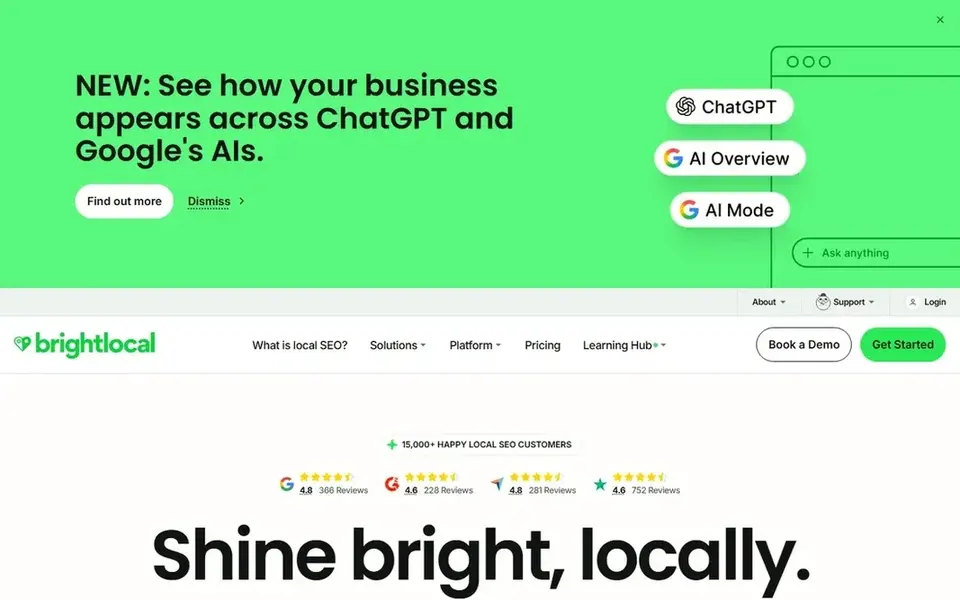
BrightLocal is a local marketing platform built around listings, reviews and rank tracking. For a restaurant, the useful part is the review dashboard, which pulls Google reviews into one place so you can reply without logging into each profile. It also runs citation audits, which help when your address or phone number has drifted across directories after a move or rebrand.
For daily restaurant work, BrightLocal lets you monitor how your profile ranks for searches like "pizza near me" in your area, and it tracks review volume over time. You can schedule review requests after a diner pays, which fits the restaurant habit of asking for feedback at the end of a meal. The citation tools keep your name, address and phone consistent across the directories diners use.
The limits show up with menus and photos. BrightLocal is not a menu management system, so if your menu changes weekly you will still update Google directly or through a POS integration. A single restaurant that only wants review replies may find the full platform more than it needs.
- Review reply tools
- local rank tracking
- citation audit and building
- Menu syncing is limited
- some features are add-ons
Semrush Listing Management is an add-on to the wider Semrush platform. It pushes your restaurant's name, address, hours and phone number to Google and other directories from one place. If your team already uses Semrush for keyword research or competitor tracking, adding listing management keeps everything in one login.
For restaurants, the value is consistency. When you change winter hours or add a second phone line for reservations, you update it once and the tool distributes it. Review management lets you see and reply to Google reviews alongside your other marketing data. The local rank tracking in Semrush also shows how your profile performs for neighbourhood searches.
The main drawback is that it assumes you want the wider Semrush suite. A small restaurant that only needs profile management will pay for features it does not use. Menu updates still happen in Google directly, and the tool does not handle table bookings or order links.
- Listings sync across directories
- review management
- fits an existing Semrush workflow
- Requires a Semrush subscription
- menu tools are not the focus
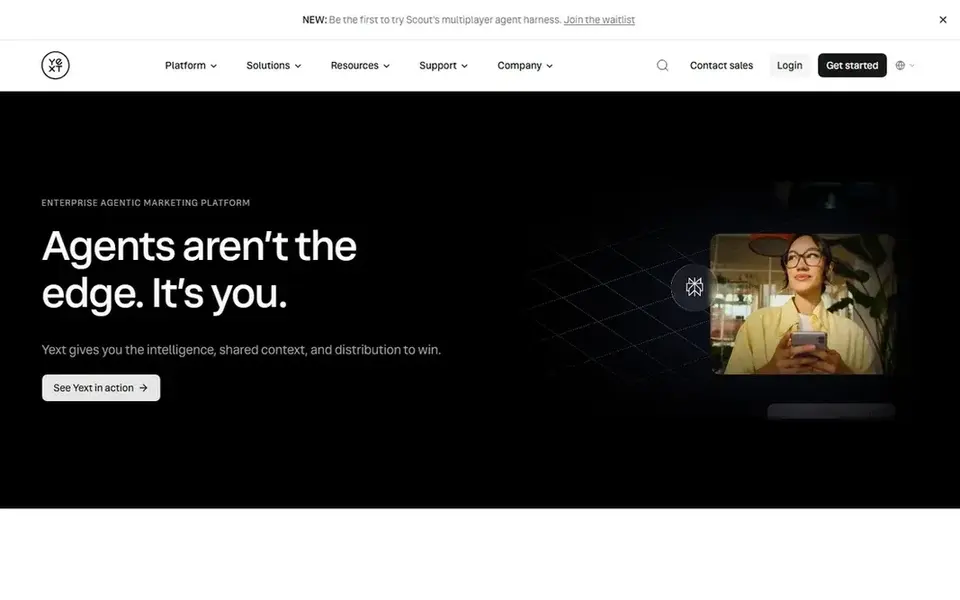
Yext is a listings and knowledge management platform that treats your business data as a single source of truth. You enter your restaurant's details once, and Yext pushes them to Google and a large network of other directories and apps. It is built for brands that want strict control over how their information appears everywhere.
For a restaurant group, Yext makes sense when you have several branches and want hours, phone numbers and descriptions managed centrally. It supports review monitoring and lets you respond from one dashboard. Location pages and structured data help search engines understand each branch, which matters when diners search by neighbourhood.
The trade-off is cost and setup. Yext is priced for businesses that need its full network, and a single independent restaurant will likely find it expensive for the benefit. Menu management is possible but not the core strength, so you may still handle menus separately.
- Central data store
- strong multi-location control
- wide directory network
- Higher cost
- setup takes effort
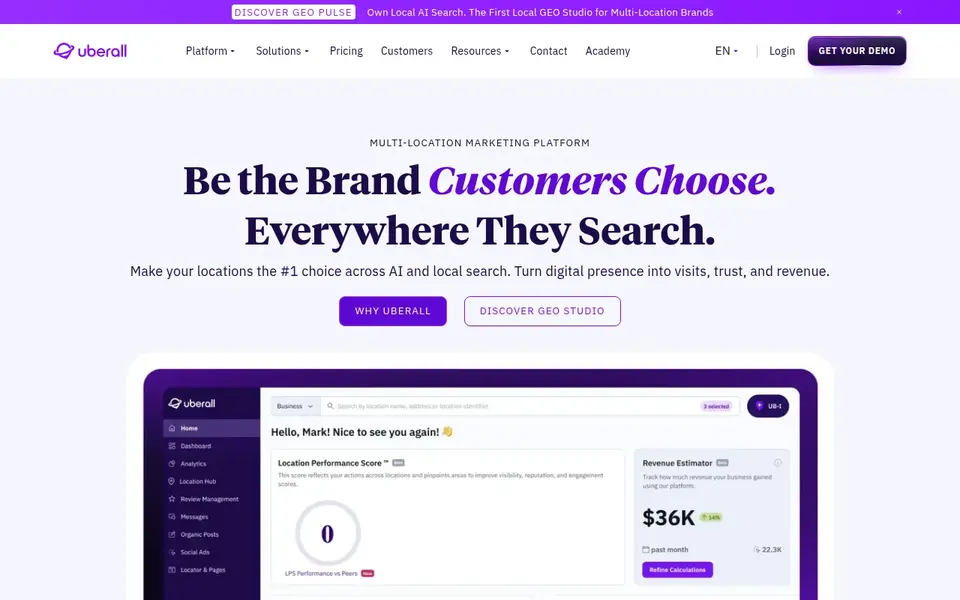
Uberall is a location marketing platform aimed at businesses with many physical sites. For restaurant groups, it lets you manage hours, photos and descriptions for every branch from one dashboard. Changes roll out to Google and other directories without editing each profile by hand.
The review inbox is useful for restaurants because diners often leave feedback about service or food at a specific branch. Uberall collects reviews across locations so a central team can reply or route them to the right manager. Listings sync keeps address and phone details consistent, which matters when a group opens new sites.
Uberall is not aimed at a single independent restaurant. The pricing and setup are built around multi-location needs, and a one-site business will not use most of the features. Smaller operators should look at lighter tools first.
- Bulk location management
- review inbox across branches
- listings sync
- Priced for larger groups
- can be complex for one site
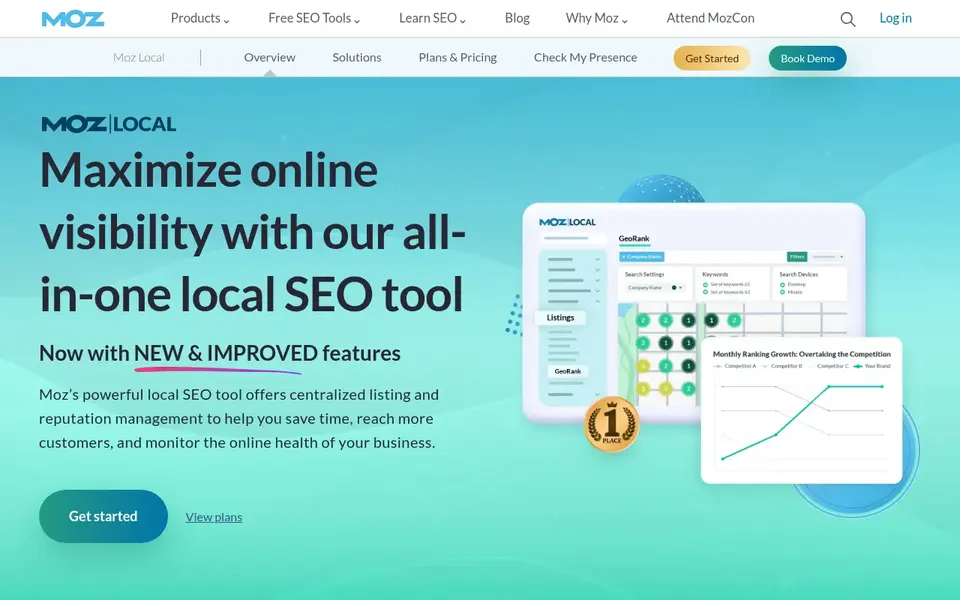
Moz Local focuses on getting your restaurant's name, address and phone number consistent across the main directories. It checks where your data appears and flags mismatches, which is useful after a move or a rebrand. The interface is simple enough for an owner who does not want a complex marketing platform.
For restaurants, Moz Local helps with the basics: making sure Google and the main data aggregators show the same address and hours. It is a good fit if your main problem is inconsistent listings rather than review management. The tool also shows how your listings compare across directories.
Moz Local is lighter on review replies and menu updates than BrightLocal or Yext. A restaurant that needs a daily review inbox will want a different tool. It works best as a citation cleanup step rather than a full profile management system.
- Straightforward listing sync
- citation audit
- easy to understand
- Fewer review tools
- limited menu support
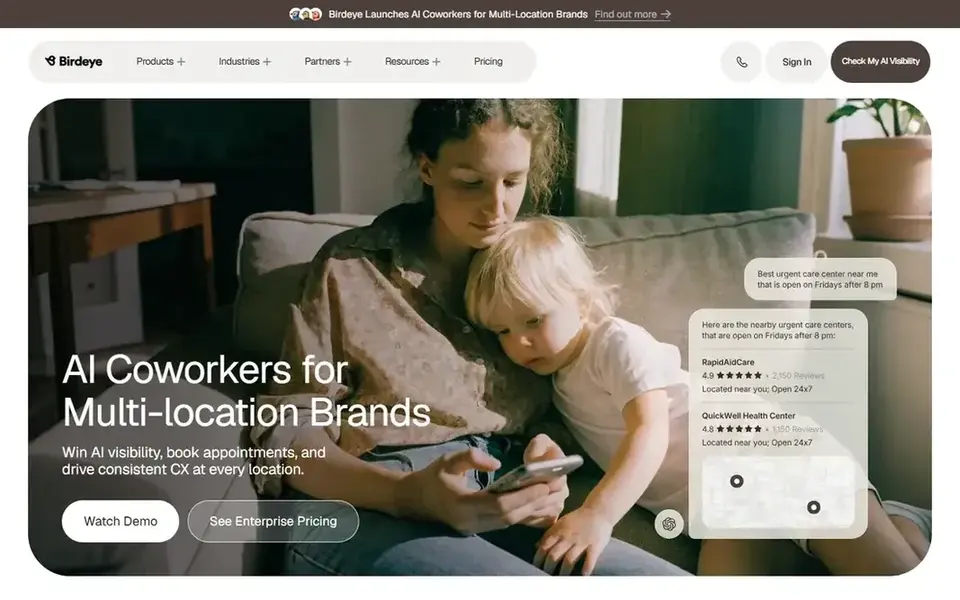
Birdeye is a reputation and customer experience platform. For restaurants, the main draw is review collection and response. You can send review requests after a visit and manage replies across Google and other sites from one inbox. It also supports messaging, which some restaurants use for reservations or feedback.
The restaurant fit is strong when reviews are your priority. Diners read recent reviews before choosing where to eat, so a steady flow of responses helps. Birdeye's dashboards show review trends by location, which helps a group spot a branch with service problems.
Birdeye is priced for businesses that want the full reputation suite. A small restaurant that only needs to reply to a handful of reviews each week may find it heavy. It is not a menu management tool, so you still update menus in Google.
- Review collection and replies
- messaging tools
- multi-location support
- Priced for the full suite
- more than a listings tool
Localo is a local SEO tool with a focus on Google Business Profile monitoring and rank tracking. It is simpler than the enterprise platforms, which suits an independent restaurant that wants to see how its profile performs without a complex setup. You can track local rankings and watch review activity.
For a restaurant, Localo helps answer a basic question: are we showing up when people search for our cuisine nearby? It tracks rankings for chosen keywords and monitors profile changes. Review monitoring lets you keep an eye on new feedback without checking Google every day.
Localo is lighter on bulk multi-location management and deep integrations. A restaurant group with many branches will outgrow it. For a single site that wants simple tracking, it is a reasonable starting point.
- Simple rank tracking
- review monitoring
- easy setup
- Lighter multi-location tools
- fewer integrations
How I chose
I built this list from vendor documentation and public sources, not from hands-on testing. I read each product's feature pages, help docs and public descriptions to understand what it actually does for a restaurant profile. I then matched those features to the tasks restaurants repeat: updating hours, changing menus, replying to reviews and keeping listings consistent.
I also weighed limits. A tool that is strong for a ten-branch group is often too much for one dining room, and a simple tracker may not handle bulk edits. I noted where each product is weaker, such as menu syncing or review depth, so you can match the software to your own workflow. Pricing changes often, so I point you to each vendor's site rather than quoting figures.
What to check before you buy
- Confirm the tool can update opening hours, including holiday and seasonal hours, across Google and other directories.
- Check how menus are handled: does it sync a menu link or structured menu, or will you still edit Google directly?
- Ask whether review replies can be routed to branch managers rather than one central inbox.
- Test how many locations you can manage in one dashboard before the price tier changes.
- Confirm the tool follows Google's guidelines and does not suggest review gating or keyword-stuffed business names.
- Check whether photos can be uploaded in bulk, since restaurants update food and interior images often.
Frequently asked questions
Do restaurants need special Google Business Profile software?
Restaurants have needs that differ from other local businesses: menus, daily hours, reservations and a high volume of reviews. General listing tools work, but check that the software handles hours changes and review replies well. Menu syncing is less common, so confirm whether you will still update menus in Google directly.
Can one tool manage reviews for several restaurant branches?
Yes, platforms like Uberall, Yext and Birdeye are built for multiple locations and collect reviews across branches in one inbox. BrightLocal and Semrush also support multi-location review management. Check how replies are routed so the right manager sees feedback for their site.
How often should I update my restaurant's Google profile?
Update hours whenever they change, especially around holidays, and refresh photos when the menu or interior changes. Reply to new reviews regularly rather than in batches. A management tool helps by showing what changed and what needs attention, but the updates still need a person to approve them.
Is a free trial enough to judge the software?
A free trial lets you test the dashboard and see whether the workflow fits your team. Use it to check hours editing, review replies and how many locations you can manage. It will not show long-term results, so read the vendor documentation and ask about support before you commit.
What should I avoid in Google Business Profile management?
Avoid tools that promise review gating, bought reviews or keyword-stuffed business names. These practices go against Google's guidelines and can hurt your profile. Choose software that supports honest review requests and accurate business information, and keep your menu and hours current.
Sources
See where you really rank - block by block
ProMapRanker scans Google Maps across a grid of your service area. Simple monthly plans from $19, white-label on every plan.
Start freeBrowse all guides
← Best Google Business Profile Software for Plumbers in 2026Best Google Business Profile Post Scheduling Tools in 2026 →
 best google business profile management software for gyms
Best Google Business Profile Software for Gyms in 2026
A practical guide to the best Google Business Profile management software for gyms in 2026, compared from vendor documentation and public sources.
Read → best citation building services for roofers
Best Citation Building Services for Roofers in 2026
A roofer-focused look at the best citation building services for 2026, compared from vendor documentation and public sources, with limits and buyer checks.
Read → best citation building services for landscapers
Best Citation Building Services for Landscapers in 2026
A practical guide to the best citation building services for landscapers in 2026, comparing listings tools, manual services and local SEO platforms.
Read → white label local seo reporting
White-Label Local SEO Reporting for Agencies
How white-label local SEO reporting lets agencies deliver branded geo-grid reports that win client trust.
Read → best visibility analysis software
Best Visibility Analysis Software in 2026
Compare the best visibility analysis software for search and AI answers. We review 8 tools that track brand mentions, citations, and rankings Updated for 2026.
Read → local seo for junk removal companies
Local SEO for Junk Removal Companies
A local SEO guide for junk removal companies: Google Business Profile setup, reviews, and same-day service local search visibility.
Read →More in Local SEO & Google Maps · All guides A to Z by date · Latest guides