 ProMapRanker
Best Local Keyword Research Tools for 2026

All-in-one keyword and competitor research · Pricing starts at: See website
Direct answer
Semrush is my first pick for most local businesses because its keyword database, local pack data and competitor tools cover the whole research workflow in one place; it has a free plan with limits, so check the pricing page before you commit. If you mainly need grid-based rank tracking around a service area, Local Falcon fits better, and if budget is the deciding factor, Mangools is the easier starting point.
I compared these tools from vendor documentation and public sources, not from hands-on testing. The aim is to show how each one fits the way a local business actually researches keywords: by service, by suburb or town, and by what shows up in the map pack. I have noted where a tool is strong and where it stops short, so you can match it to your workload.
Key takeaways
- Local keyword research needs location modifiers, service-area terms and "near me" style queries, not just national search volume.
- Grid-based rank tracking shows how visibility changes street by street, which a single city-level rank number hides.
- Google Business Profile and Maps data should feed your keyword list, because those surfaces drive most local discovery.
- A cheaper tool with clean local data beats an expensive suite you only use for one report.
- Check export limits and location coverage before you pay, since local projects often need many small location checks.
Quick comparison
| Pick | Great for | Pricing starts at | Free tier | |
|---|---|---|---|---|
| Semrush | All-in-one keyword and competitor research | See website | Free plan | Visit |
 Ahrefs | Backlink-led keyword ideas | See website | No free plan | Visit |
 Moz Pro | Beginners who want guided keyword work | See website | Free trial | Visit |
 Local Falcon | Grid-based local rank tracking | See website | Free trial | Visit |
 Mangools | Small budgets and simple workflows | See website | Free plan | Visit |
 BrightLocal | Local SEO reporting and citations | See website | Free trial | Visit |
 Whitespark | Local citation and keyword discovery | See website | Not stated | Visit |
The best local keyword research tools compared
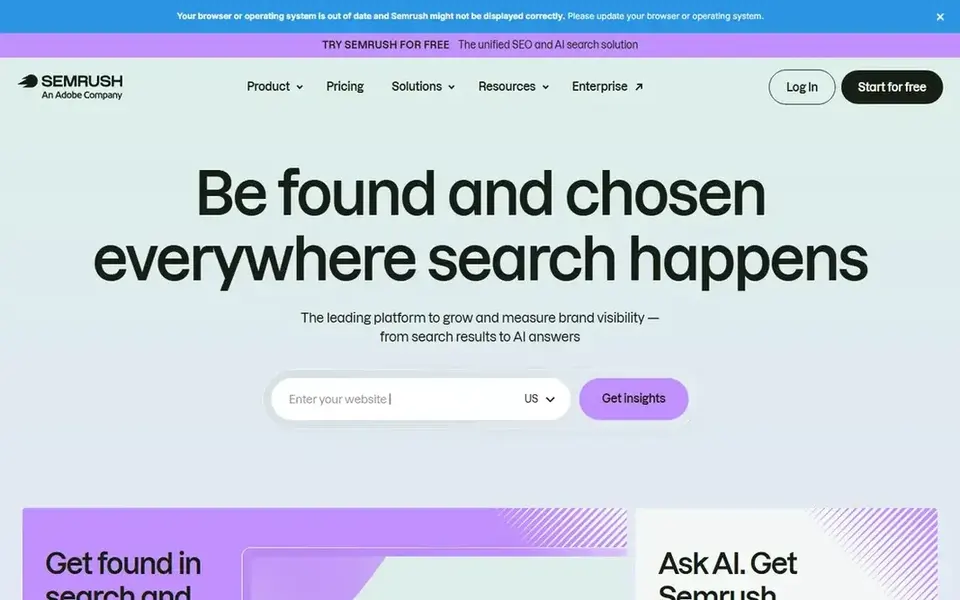
Semrush is a broad SEO platform with a keyword research module that handles location targeting well. For a local business, that means you can pull keyword ideas for a service plus a town, then compare them against competitors ranking in the same area. It suits agencies and in-house marketers who want one login for keyword, competitor and rank data rather than stitching several tools together.
The workflow for local keyword research usually starts with the Keyword Magic Tool, where you enter a core service term and filter by country or region. You can then build lists around "near me" phrasing, suburb names and service variants. The domain overview and competitor tools let you see which local pages rank for those terms, and the position tracking feature can follow a set of location-specific keywords over time.
The limits are mostly about cost and complexity. Local pack and grid-style reporting is not the core of the platform, so if street-level visibility is your main question you will still want a dedicated local rank tracker. Small businesses with a single location may find the interface and plan structure more than they need.
- Large keyword database
- Local pack and Maps data
- Strong competitor analysis
- Local reporting needs higher tiers
- Interface can feel heavy for beginners

Ahrefs is best known for its backlink data, but its Keywords Explorer is a solid way to find local service terms and see who ranks for them. It fits businesses and agencies that want to understand why a competitor outranks them, not just which keywords exist. The interface is clean and the data is presented in a way that is easy to act on.
For local work, you can enter a service term, filter by country, and review matching terms and questions. The site explorer shows which pages on a competitor's site attract traffic, which often reveals service pages or location pages you have not built. That is useful when you are planning a set of town-level landing pages and want to see what already works in your market.
The gap is local pack and grid data. Ahrefs does not replace a dedicated local rank tracker, and there is no free plan, so it is a bigger commitment for a single-location business. Skip it if map pack visibility is your only concern.
- Strong backlink index
- Clean keyword explorer
- Good competitor page analysis
- Thinner local pack data
- No free plan
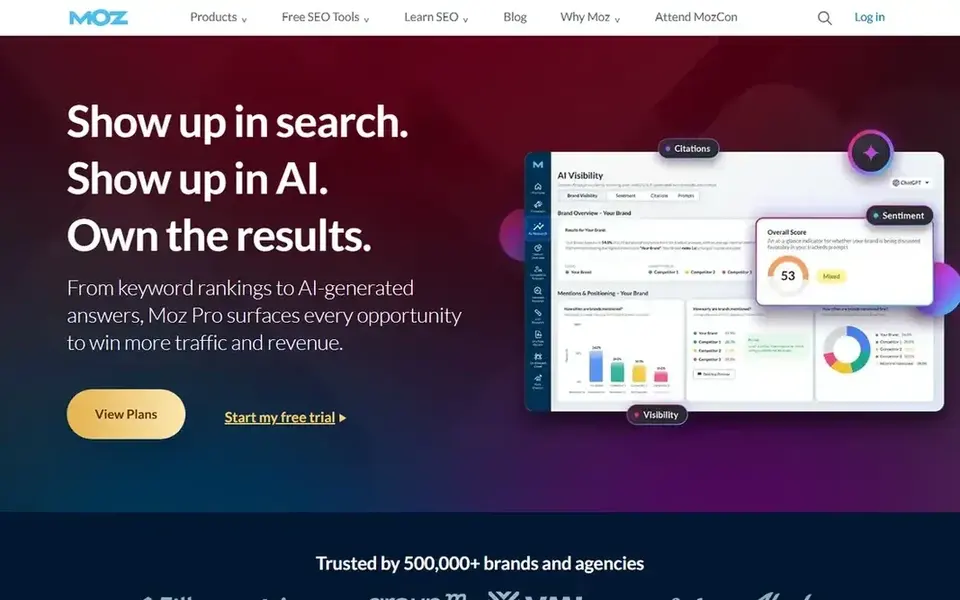
Moz Pro is a long-running SEO suite with a keyword explorer that is friendly to people new to research. It suits small business owners who want a guided path through keyword ideas, difficulty and ranking checks without a steep learning curve. The supporting guides and community material help you interpret what the numbers mean.
For local keyword research, you can seed a service term, review related keywords and questions, and build lists for location pages. Rank tracking lets you follow those terms over time, and the on-page tools help you check that a page is built around the right phrase. It is a reasonable fit for a business that is building its first proper local content plan.
The limits show up when you need deep local pack data or street-level grids. Those features sit on higher plans or are not the platform's focus. A business with many locations may outgrow it quickly.
- Clear keyword explorer
- Helpful learning resources
- Good rank tracking basics
- Local features on higher plans
- Smaller keyword database than rivals
Local Falcon is a local rank tracking tool built around grid reports. It shows how a business ranks across a map of points around a location, which is much closer to how customers actually search than a single city-level number. It fits businesses with a service radius, multi-location brands and agencies that need to prove local visibility.
The tool helps keyword research indirectly. By seeing which terms rank well in some grid points and poorly in others, you can decide which service and location combinations deserve their own pages. If a term ranks at the centre of a town but drops at the edges, that is a signal to build content for surrounding areas. It pairs well with a keyword database tool rather than replacing one.
The clear limit is that Local Falcon does not give you keyword volumes or broad idea generation. Skip it if you only need a list of terms; use it when you already have terms and want to see how they perform across a map.
- Street-level grid reports
- Clear map visuals
- Good for multi-location checks
- Not a keyword database
- Limited use outside rank tracking
Mangools is a set of lightweight SEO tools with a keyword finder at the centre. It suits solo business owners and small teams who want straightforward keyword ideas without a complex platform. The interface is easy to learn, and the tools are arranged around common tasks like finding keywords, checking competitors and tracking ranks.
For local research, you can enter a service term, filter by location, and review related keywords and questions. The competitor tools show which pages attract traffic, which helps when you are planning location pages. It is a practical choice for a business that needs a working keyword list and a simple rank check, not a full local marketing platform.
The trade-off is depth. Local pack data and grid tracking are limited, and large multi-location projects will want more. Skip it if you need detailed local visibility reporting.
- Simple interface
- Affordable entry point
- Useful keyword finder
- Fewer local data points
- Less depth for large projects
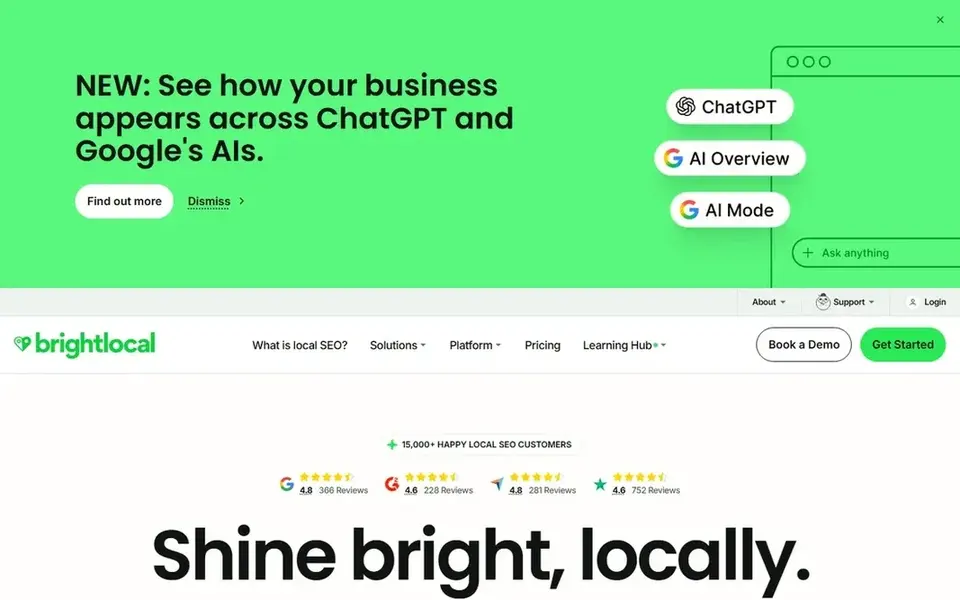
BrightLocal is a local SEO platform with reporting, citation and review tools alongside keyword research features. It fits agencies and multi-location businesses that want local data in one place. The keyword tools help you find terms and track rankings, while the wider platform covers the listing and reputation work that local clients often need.
In practice, you might use it to research service and location terms, then check how those terms rank for a client and report on progress. The citation tools help keep business information consistent, which supports the pages you build around those keywords. It is a sensible fit when keyword research is part of a broader local retainer.
The limit is focus. If you only want keyword ideas, a dedicated keyword tool may be simpler and cheaper. The platform's value grows when you also need citations, reviews and client reporting.
- Local-focused reporting
- Citation and review tools
- Good for agencies
- Keyword research is one part of the platform
- Plans scale with locations
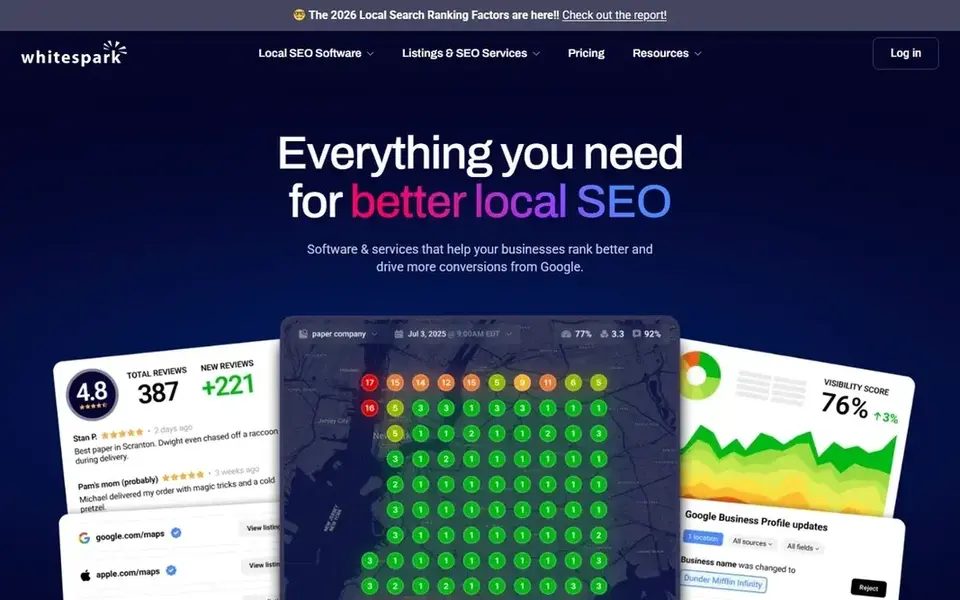
Whitespark is a local SEO toolset with keyword research and citation finding features. It suits businesses and agencies that want local-specific data rather than a general SEO suite. The keyword tools are built around local search behaviour, and the citation finder helps you build the listings that support local rankings.
For keyword research, you can generate local term ideas and review how they are used, then plan pages around service and location combinations. The citation side is useful because consistent listings and well-built location pages work together. It is a good fit for an agency that handles local clients and wants both pieces in one place.
The main limit is transparency: pricing is not stated publicly, so you need to check the site. It is also a smaller platform than the major suites, so very large projects may need more.
- Local keyword discovery
- Citation finder
- Local SEO focus
- Pricing not stated publicly
- Smaller than the big suites
How I chose
I picked these tools by reading vendor documentation and public sources, then matching each one to the way local keyword research actually works. I did not run hands-on tests, so I have not scored speed, accuracy or support response times. Instead I looked at what each tool documents about location targeting, local pack data, grid tracking, export options and the kind of business it is built for.
The second filter was fit and limits. A tool that is excellent for an agency with fifty locations may be overkill for a single shop, and a cheap keyword finder may not show how visibility changes across a service area. I noted where each tool stops short so you can judge whether that gap matters for your workload. Where pricing or free-plan details were not clear from public sources, I said so rather than guessing.
What to check before you buy
- Confirm the tool lets you filter keywords by country, region or city, not just by language.
- Check whether local pack or grid data is included, or whether you need a separate rank tracker.
- Look at export limits and how many location checks your plan allows, since local projects need many small checks.
- Read the plan details for the number of projects, users and tracked keywords you actually need.
- Check that the tool supports the towns and service areas you target, not only major cities.
- Confirm the free plan or trial limits before you build a workflow around it.
Frequently asked questions
What makes a keyword tool good for local SEO?
A good local keyword tool lets you filter by location, shows local pack or map data, and helps you find service-plus-town terms. It should also let you track rankings for those terms over time. Volume data alone is not enough, because local intent depends on where the searcher is.
Do I need a separate rank tracker for local search?
Often yes. General keyword tools show a single ranking position, while local visibility changes across a service area. A grid-based tracker shows how you rank at different points around a location, which is closer to what customers see. Some platforms include both, so check before buying two tools.
Can I do local keyword research with a free plan?
Sometimes. Several tools offer a free plan or trial with limits on searches, projects or exports. A free plan is fine for building an initial list, but you will usually need a paid plan for ongoing tracking and reporting. Check the limits before you rely on it.
How many keywords should a local business track?
It depends on how many services and locations you cover. A single-location business might track a focused set of service and "near me" terms, while a multi-location business needs a set for each area. Start with the terms that match your main services and expand as you build pages.
Are these tools enough to rank in Google Maps?
No single tool ranks you. Keyword research tells you what to target, but rankings also depend on your Google Business Profile, reviews, citations and the quality of your location pages. Use the tools to plan, then follow Google's guidelines for profiles and reviews.
Sources
See where you really rank - block by block
ProMapRanker scans Google Maps across a grid of your service area. Simple monthly plans from $19, white-label on every plan.
Start freeBrowse all guides
← Best Local Citation Audit Tools in 2026Best Local Landing Page Builders in 2026 →
 best listing management software for physical therapists
Best Listing Management Software for Physical Therapists in 2026
A practical guide to the best listing management software for physical therapists in 2026, covering Google Business Profile, citations, reviews and multi-location tools.
Read → best listing management software for locksmiths
Best Listing Management Software for Locksmiths in 2026
A practical guide to the best listing management software for locksmiths in 2026, covering Google Business Profile, citations, reviews and multi-location tools.
Read → best listing management software for hotels
Best Listing Management Software for Hotels in 2026
A practical guide to the best listing management software for hotels in 2026, comparing how each tool handles Google Business Profile, maps and directories.
Read → free google business profile audit
Free GBP and Geo-Grid Audit: Check Your Local Visibility Instantly
Run a truly free GBP and geo-grid audit with no signup wall and see your real local visibility instantly.
Read → google my business optimization checklist
Google Business Profile Optimization Checklist (2026)
The definitive Google Business Profile optimization checklist for 2026 covering every field, signal, and best practice.
Read → local seo for phone repair shops
Local SEO for Phone Repair Shops
A local SEO guide for phone repair shops: Google Business Profile setup, reviews, and mall-kiosk and storefront local SEO.
Read →More in Local SEO & Google Maps · All guides A to Z by date · Latest guides