 ProMapRanker
Best Legal Workflow Automation Software (2026)

Straightforward workflow and case management · Pricing starts at: $50 per user/month (billed annually)
Direct answer
MyCase is the first pick on this list for straightforward workflow and case management. Listed starting prices: MyCase from $50 per user/month, Clio from $49 per user/month and Rocket Matter from $59 per user/month. Alternatives: Filevine for litigation workflow and documents, and Clio for intake, matters and billing in one system. Prices, free plans and limits for all 6 tools follow.
This ProMapRanker guide covers 6 legal workflow automation software for small law firms. Each profile lists a starting price, free plan details, strengths and drawbacks, so you can drop poor fits quickly.
Key takeaways
- MyCase sits first on this list: simple workflow and case management.
- PracticePanther fits task led workflow and calendaring.
- A permanent free plan is missing from all 6 tools, MyCase and PracticePanther included; plan for a trial or a premium start.
- The cheapest monthly starting price in the list is $49 per user/month, offered by Clio.
Quick comparison
| Pick | Great for | Pricing starts at | Free tier | |
|---|---|---|---|---|
| MyCase | Straightforward workflow and case management | $50 per user/month (billed annually) | Free trial (14 days) | Visit |
 Filevine | Litigation workflow and documents | Quote only | No | Visit |
 Clio | Intake, matters and billing in one system | $49 per user/month | No | Visit |
 Rocket Matter | Workflow with time tracking | $59 per user/month (billed annually) | Free trial (14 days) | Visit |
 Smokeball | Workflow with document automation | Quote only | No | Visit |
 PracticePanther | Task led workflow and calendaring | $49 per user/month (billed yearly) | Free trial (14 days) | Visit |
Every option for legal workflow automation software for small law firms explained
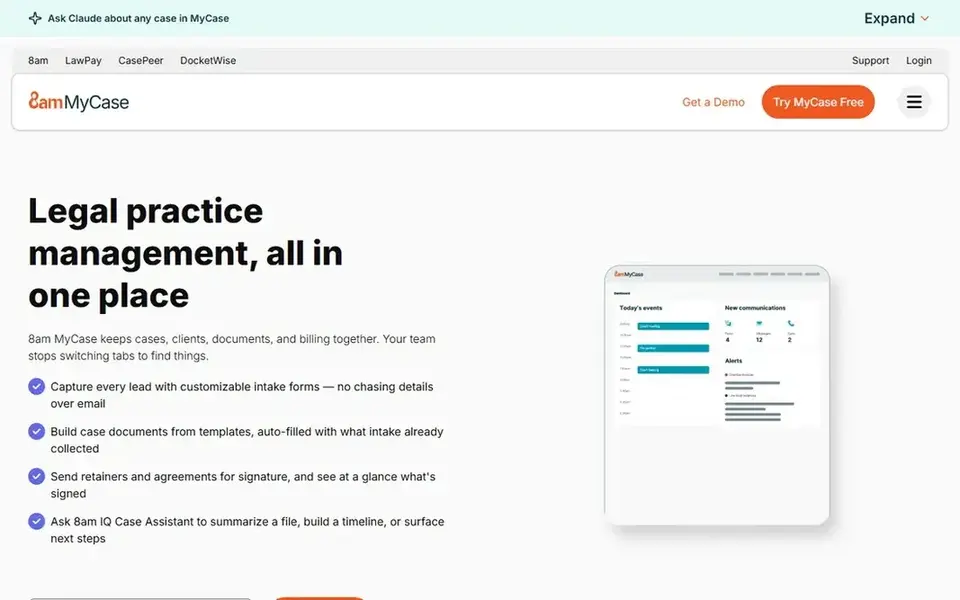
MyCase serves straightforward workflow and case management. The case page presents the client, the matter, the deadlines and the billing status together, and task lists can follow a matter stage. So a lawyer can open a file and see what is due next.
Worth adding: the starting price is $50 per user a month when billed yearly. A 14 day free trial lets a firm test workflows, intake, case pages and billing before committing. MyCase cost at the entry level: $50 per user/month. As for free access: Free trial (14 days).
- Clear workflow and case view
- 14 day free trial
- Advanced reporting and automation sit on higher levels
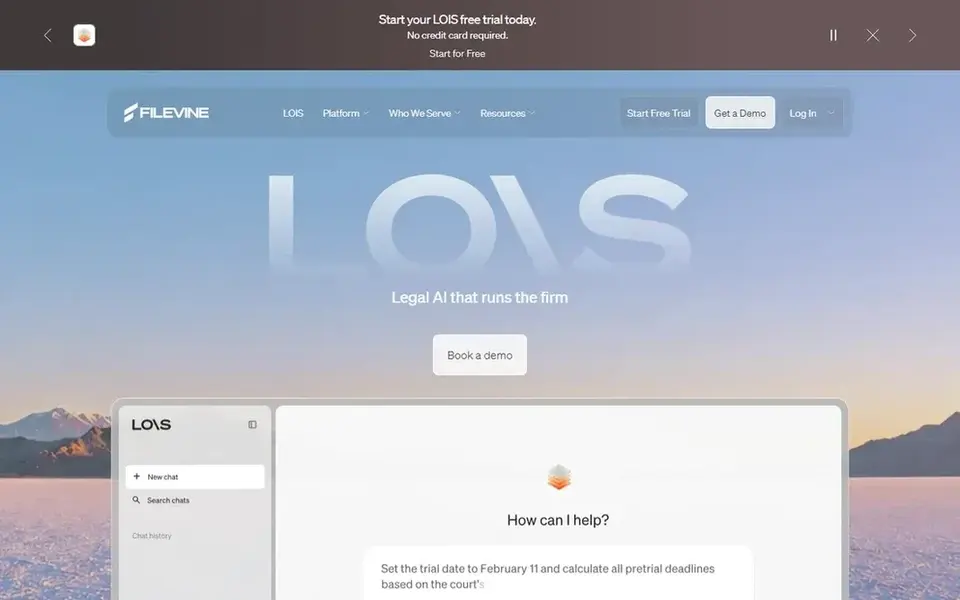
Where Filevine fits: litigation workflow and documents. For a small team that handles discovery or large document sets, the document tools and the timeline view can cut the time spent searching for a file or a date.
As for the details, the system builds a matter timeline from the case events. So a lawyer can see the full history of a file in order, from intake to trial. There is no list price for Filevine, so a quote is the way in. Filevine has no permanent free option.
- Task automation
- Matter timelines and document tools designed for litigation
- Pricing is quote only, so cost comparison needs a sales conversation

Clio was built for intake, matters and billing in one system. A lead can move from an intake form into a matter, a calendar and a bill without retyping the client details, and a matter stage change can build the next task list.
In practice, the starting price is $49 per user a month, published on the Clio pricing page, which hands a firm a clear baseline for budgeting. Intake forms, client communication and time tracking sit in the same system, and calendar sync with Outlook and Google Calendar keeps the firm calendar aligned with each matter. Starting cost for Clio: $49 per user/month. No free plan comes with Clio.
- Matter
- Intake and billing in one place
- Some advanced features sit on higher priced plans
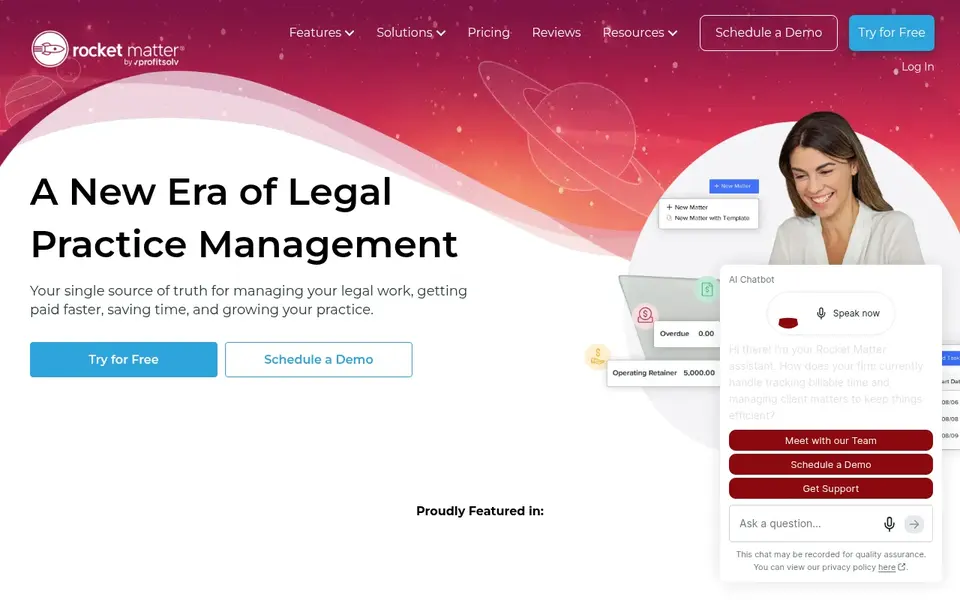
For workflow with time tracking, Rocket Matter is a natural candidate. The calendar shows deadlines, hearings and meetings, and each entry can link to documents, contacts and notes.
In daily use, the system also handles intake, document management and reporting. What you pay to start with Rocket Matter: $59 per user/month. Free options: Free trial (14 days).
- 14 day free trial
- Time tracking and billing in one place
- Higher starting price than Clio, MyCase, PracticePanther and CosmoLex

Smokeball works best for workflow with document automation. The system also handles time tracking, billing and reporting.
From a buyer's view, the matter and task views support shared dates, reminders and task lists, and entries can link to the matter and the document set. Pricing for Smokeball is quote based, so budget talks start with the vendor. Smokeball has no free plan.
- Matter and task views
- Document automation linked to matters and dates
- Pricing is quote only, so cost comparison needs a sales conversation
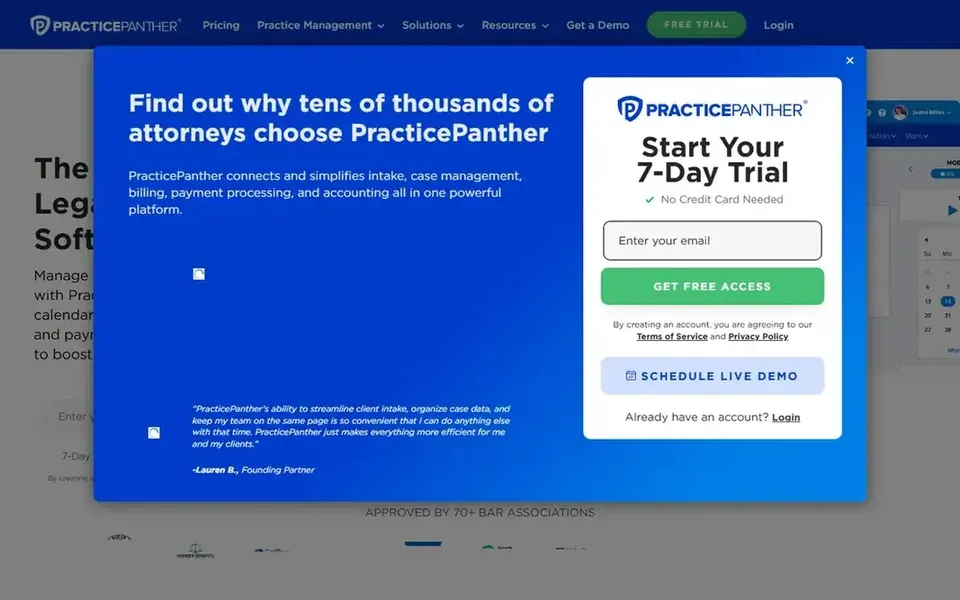
PracticePanther is designed for task led workflow and calendaring. The system supports reminders, recurring events and shared calendars, and automation can create tasks from a calendar event or a matter stage, which helps a team keep a case moving without a manual prompt.
PracticePanther pricing: $49 per user/month. On free options: Free trial (14 days).
- 14 day free trial
- Capable task and calendar links
- Some integrations and advanced tools need a higher level
How these tools were picked
Pricing pages, product documentation and feature lists were the main sources, and every entry carries at least one honest drawback. Where a price is missing, the vendor does not list one publicly or ties it to a quote. Always confirm before budgeting. The order reflects how well each tool fits the most common buying scenario for legal workflow automation software for small law firms, then price clarity, then free plan access. It is a starting point, not a verdict.
Pre-purchase checklist
- Ask Filevine and Smokeball for a written quote, since no starting price is shown.
- Run a trial of MyCase, Rocket Matter and PracticePanther with real work before paying for a year; your own workflow is the best test.
- Read the limits listed for MyCase first: advanced reporting and automation sit on higher levels.
- Before rolling out Rocket Matter, verify the integrations your workflow depends on.
- Look at the help docs and support options for Smokeball before you commit.
Frequently asked questions
Does any tool for legal workflow automation software for small law firms here have a free plan?
A permanent free plan is not offered by MyCase, PracticePanther or the other tools here. MyCase, Rocket Matter, PracticePanther offer a trial. Plan a short evaluation period instead.
Do these tools publish their prices?
Not all of them. Filevine and Smokeball publish no starting price, so expect a quote request for those. The rest, MyCase included, show a starting price, though seats and billing terms still change the final cost.
Can workflow automation build tasks when a matter stage changes?
A firm should test whether the task template spans its own steps, whether deadlines can be set from the stage change, and whether the tasks link to the right owner and date.
Is MyCase the right pick for everyone comparing legal workflow automation software for small law firms?
No single tool suits every team. MyCase comes first because it fits simple workflow and case management, while Filevine suits litigation workflow and documents and Clio suits intake, matters and billing in one system. Match the tool to your own size, budget and workflow before deciding.
What is the cheapest option for legal workflow automation software for small law firms in this list?
On published monthly entry prices, Clio is the lowest here at $49 per user/month. Entry price is only part of the cost, because seats, add-ons and billing terms can change the total.
Sources
See where you really rank - block by block
ProMapRanker scans Google Maps across a grid of your service area. Simple monthly plans from $19, white-label on every plan.
Start freeBrowse all guides
← Best Legal Intake Automation Software for Law Firms in 2026Medical Appointment Scheduling Software: Best Picks of 2026 →
 best gamified worksheet platforms for schools
Gamified Worksheet Platforms for Schools: Best Picks of 2026
Compare 8 best gamified worksheet platforms for schools, with prices, free plans and who each fits. Fit, price and catches for every tool. Decide faster.
Read → best form builder software for freelancers
Form Builder Software for Freelancers: Best Picks of 2026
Shortlisting the best form builder software for freelancers? 6 products compared on cost, free access and ideal buyer. Pros and cons for every tool. Facts only.
Read → best ctv platforms
2026 Guide to the Best CTV Platforms
Best CTV platforms: 5 tools compared on price, free plans and fit. Our number one: LG Ad Solutions, for reach on LG smart TVs. Each entry gets a plain verdict.
Read → best iot connectivity platforms
7 Top IoT Connectivity Platforms Compared (2026)
Need the best IoT connectivity platforms? We compare 7 tools on cost, free access and who each suits. Clear notes on pricing gaps and limits. Facts only.
Read → padlet alternatives
Best Padlet Alternatives in 2026
Find the best padlet alternatives for classrooms, teams and creative projects, with current pricing, free plans, boards, templates and collaboration tools.
Read → which software is best for remote work
Which Software Is Best for Remote Work in 2026
Answering which software is best for remote work, we compare Slack, Zoom, Asana, Notion, Teams and more, with pricing and honest tradeoffs in 2026 now.
Read →More in Project Management & Productivity · All guides A to Z by date · Latest guides