 ProMapRanker
Form Builder Software for Freelancers: Best Picks of 2026
Direct answer
Google Forms is the first pick on this list for free forms with no setup. Listed starting prices: Google Forms from $0 (free), Paperform from $49 a month and Cognito Forms from $19 a month. Paperform is better for branded forms and pages, and Cognito Forms is better for calculations and payments. All 6 tools are compared below on price, free plan and limits.
ProMapRanker compared 6 form builder software for freelancers. The goal is a practical shortlist: published prices, free plan facts, best-fit use cases and honest limits for every entry.
Key takeaways
- Google Forms is the opening pick, best for free forms with no setup.
- The main caution on Google Forms: restricted design and logic.
- Gravity Forms suits advanced WordPress forms.
- The lowest published monthly entry price here is $19 per month, from Cognito Forms.
- A free plan is available from 5 of the 6 tools: Google Forms, Paperform, Cognito Forms, WPForms, Typeform.
Quick comparison
| Pick | Great for | Pricing starts at | Free tier | |
|---|---|---|---|---|
 Google Forms | Free forms with no setup | $0 (free) | Yes | Visit |
 Paperform | Branded forms and pages | $49 a month (billed yearly) | Yes | Visit |
 Cognito Forms | Calculations and payments | $19 a month (billed yearly) | Yes | Visit |
 WPForms | Forms on WordPress sites | $49.50 a year (Basic) | Yes | Visit |
 Typeform | Conversational client forms | $28 a month (billed annually) | Yes | Visit |
 Gravity Forms | Advanced WordPress forms | $59 a year (Basic) | No | Visit |
Tool-by-tool breakdown
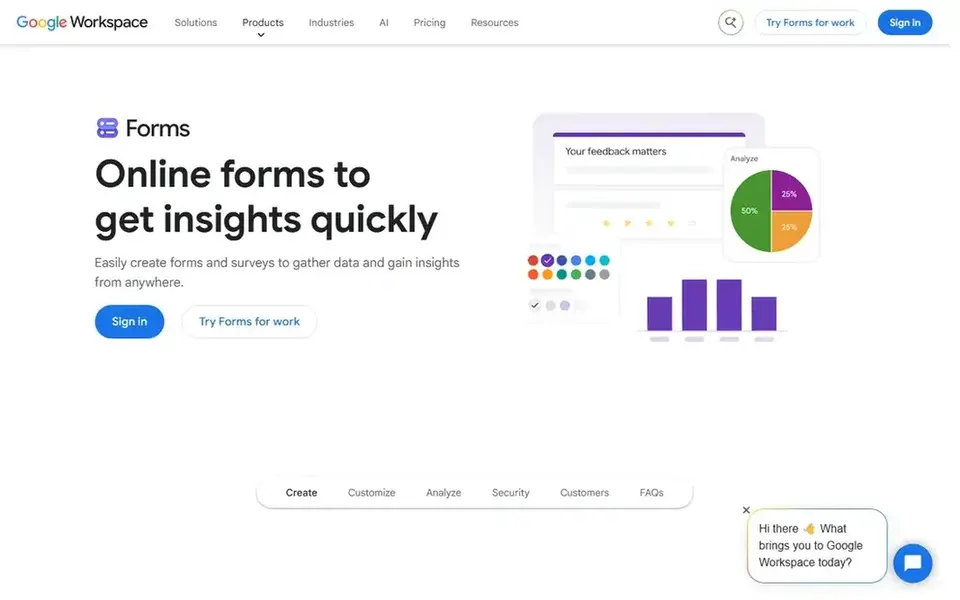
Google Forms works best for free forms with no setup. Google Forms is the fastest way for a freelancer to collect answers, with no setup, no subscription, and no ramp-up time. It is free with a Google account, and responses land in a spreadsheet automatically, which fits feedback surveys, intake checklists, and event signups.
The limits are design and logic. For internal forms, fast surveys, and any job where the answers matter more than the look, Google Forms is free and it works. A freelancer should use it before paying for anything else. Price to start with Google Forms: $0. You can start on Google Forms without paying.
Points against: no vendor pricing page lists a plan price.
- Straightforward and quick
- Free with a Google account
- Restricted design and logic
Paperform targets branded forms and pages. The Pro plan costs $49 a month billed yearly, as shown on the Paperform pricing page, with two months free on yearly billing.
What to check first: Highest starting price here.
Every plan comes with a 7-day trial with no card required. Entry price for Paperform: $49 per month. A free plan is available with Paperform.
- 7-day trial on every plan
- Capable design control
- Free plan limits submissions
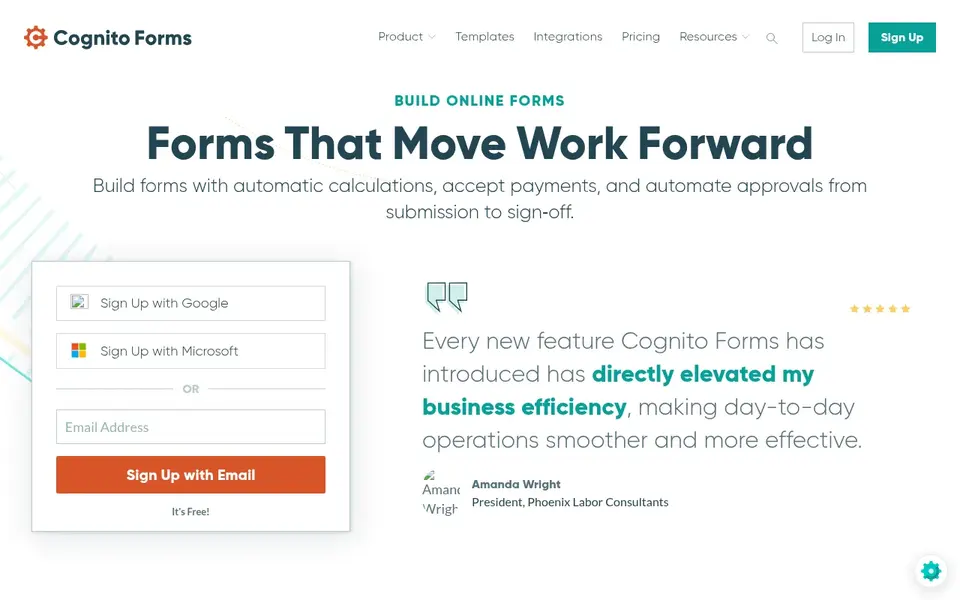
Choose Cognito Forms for calculations and payments. For a freelancer who needs a form that calculates a price, takes a payment, and sends a confirmation, Cognito Forms is a capable low-cost pick at $19 per month billed yearly. The limits are design and scale.
The forms look plainer than Typeform or Paperform, and higher levels add cost as entries and storage grow. Also, the first 14 days are not charged, so a freelancer can test the calculation tools before paying. The Pro plan costs $19 a month billed yearly, or $24 a month on monthly billing, as shown on the Cognito Forms pricing page. The free Individual plan spans entry-level use. Price to start with Cognito Forms: $19 per month. Free access exists with Cognito Forms.
Where it is weaker: Design is plainer than Typeform.
- Calculations built in
- 14-day trial
- Higher levels add cost
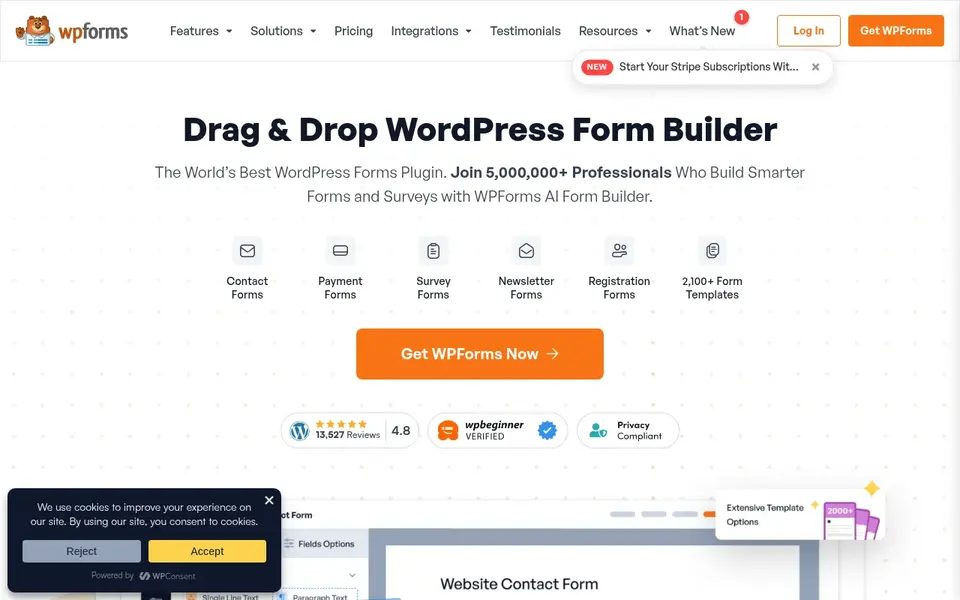
WPForms is built with Forms on WordPress sites in mind. For everyday use, Lite includes entry-level forms only, and features like payments, surveys, and user registration need higher levels.
Limits to weigh: extras need higher levels.
Also, the Basic plan costs $49.50 a year, normally $99 a year, as shown on the WPForms pricing page. A free Lite version is referenced on the vendor site for entry-level use. WPForms starts at: $49.50 per year. Free access exists with WPForms.
- Large template range
- Drag-and-drop builder for WordPress
- Lite version limits features
In short, Typeform is for conversational client forms. Typeform fits a freelancer who sends intake forms, quotes, and feedback surveys to clients, since its one-question-at-a-time style gets more replies than a long page of fields.
Trade-offs to know: Lowest plan limits responses.
The Basic plan costs $28 a month billed annually, as shown on the Typeform pricing page, with a free plan for straightforward forms and a 14-day trial on the Growth plan. What you pay to start with Typeform: $28 per month. Free access exists with Typeform.
- Solid logic and design
- Forms that feel like a conversation
- Higher levels rise quick
Gravity Forms works best for advanced WordPress forms. The limits are cost and setup. From a buyer's view, the WordPress integration is the deepest here, with entries stored in the site and hooks for developers who want to extend it.
Drawbacks to consider: No free plan.
The Basic plan costs $59 a year, as shown on the Gravity Forms pricing page. It includes one site with unlimited forms and entries. Gravity Forms pricing: $59 per year. There is no free plan with Gravity Forms.
- Capable conditional logic
- Deep WordPress integration
- Setup takes more time than hosted builders
Worth knowing about form builder software for freelancers
Confirm payment fees, file upload limits, and whether the form matches the client brand. Confirm who owns the form data and how it exports, so a client can take it with them.
Our selection method
For each of the 6 tools we noted price, free plan or trial, fit for form builder software for freelancers and the main limit, using vendor pages and documentation. Prices and plan limits come from vendor pages and can change, so confirm them on the vendor site before you buy. Position on the page reflects fit for a typical buyer first, with price clarity and free access breaking ties. Treat it as a guide, not a ruling.
Pre-purchase checklist
- Prices are a starting point; Cognito Forms shows $19 per month to start, so verify what your seat count would cost.
- Look at free plan limits closely: Google Forms, Paperform, Cognito Forms and others have one, and the caps decide whether it is usable for real work.
- Read the limits listed for Google Forms first: restricted design and logic.
- Check how data leaves WPForms: formats, limits and whether exports are available on every plan.
- The entry price of Google Forms is only the starting point; model the full cost with seats and extras.
Frequently asked questions
How much should a freelancer budget for a form builder?
An entry-level form runs from $0 to $19 a month in this list, whereas a client-facing form runs from $28 to $49 a month.
Which options for form builder software for freelancers have a free plan?
On this list, Google Forms, Paperform, Cognito Forms, WPForms and Typeform include a free plan. Caps on seats, usage or features are common, so test the free plan against your real workload.
Do these tools publish their prices?
Yes. Every tool from Google Forms to Gravity Forms shows a starting price, though seats, add-ons and billing terms still change the final cost.
Can I try these tools before paying?
Often, yes. Google Forms, Paperform, Cognito Forms and others have a free plan. Use your own data and a real task during the test, and check what the free tier or trial limits before you rely on it.
What is the cheapest option for form builder software for freelancers in this list?
On published monthly entry prices, Cognito Forms is the lowest here at $19 per month. Entry price is only part of the cost, because seats, add-ons and billing terms can change the total.
Sources
See where you really rank - block by block
ProMapRanker scans Google Maps across a grid of your service area. Simple monthly plans from $19, white-label on every plan.
Start freeBrowse all guides
← 2026 Guide to the Best CTV PlatformsGamified Worksheet Platforms for Schools: Best Picks of 2026 →
 best route planning software for uniform delivery
Best Route Planning Software for Uniform Delivery in 2026
Compare 8 picks for the best route planning software for uniform delivery, with prices, free plans and who each fits. Includes honest limits for each tool.
Read → best remote notary platform
Top 5 Remote Notary Platform, Compared on Price (2026)
5 options for the best remote Notary platform, with entry costs, free tiers and the buyer each one serves. Each tool gets a one-line verdict. See the full list.
Read → best process intelligence platforms
Best Process Intelligence Platforms in 2026
6 best process intelligence platforms, compared on pricing, free plans and best-fit use. Fit and flaws are laid out for each entry. Jump to the table.
Read → airbyte alternatives
Airbyte Alternatives in 2026
Compare the best airbyte alternatives in 2026, including Fivetran, Hevo, Stitch, Estuary, Meltano, dltHub, Skyvia, and more, with pricing notes inside.
Read → best digital twin software
Best Digital Twin Software in 2026
Compare the best digital twin software for factories, buildings, and energy assets, with current pricing, strengths, limits, and the right fit for each team.
Read → clearscope alternatives
Clearscope Alternatives in 2026
Find the best clearscope alternatives for content scoring, briefs, and topic research, with pricing and strengths compared for teams in 2026 today here.
Read →More in Project Management & Productivity · All guides A to Z by date · Latest guides