 ProMapRanker
Best Legal Intake Automation Software for Law Firms in 2026

All-in-one practice management with intake · Pricing starts at: $50 per user/month (billed yearly)
Direct answer
If you need all-in-one practice management with intake, MyCase is the first tool to look at here. Listed starting prices: MyCase from $50 per user/month and CASEpeer from $90 per user/month. For a different need, CASEpeer covers personal injury intake and case work and Clio Grow covers businesses already using Clio Manage. Prices, free plans and limits for all 6 tools follow.
Short on time? The summary and table above give the quick view of 6 legal intake automation software for law firms, and the profiles that follow give the detail behind each entry.
Key takeaways
- This list starts with MyCase, which is built for all-in-one practice management with intake.
- The lowest published monthly entry price here is $50 per user/month, from MyCase.
- Lawmatics suits full intake CRM with marketing automation.
- One limit worth knowing about CASEpeer: client intake management begins at Pro, not Basic.
- MyCase, Lawmatics and the 4 others all need a premium plan or a trial, since no free plan is listed.
Quick comparison
| Pick | Great for | Pricing starts at | Free tier | |
|---|---|---|---|---|
| MyCase | All-in-one practice management with intake | $50 per user/month (billed yearly) | Free trial (10 days) | Visit |
 CASEpeer | Personal injury intake and case work | $90 per user/month | No | Visit |
 Clio Grow | Businesses already using Clio Manage | Quote only | Free trial (7 days) | Visit |
 SmartAdvocate | Litigation intake and case management | Quote only | No | Visit |
 Filevine | Intake inside a full case product | Quote only | No | Visit |
 Lawmatics | Full intake CRM with marketing automation | Quote only | No | Visit |
The best legal intake automation software for law firms
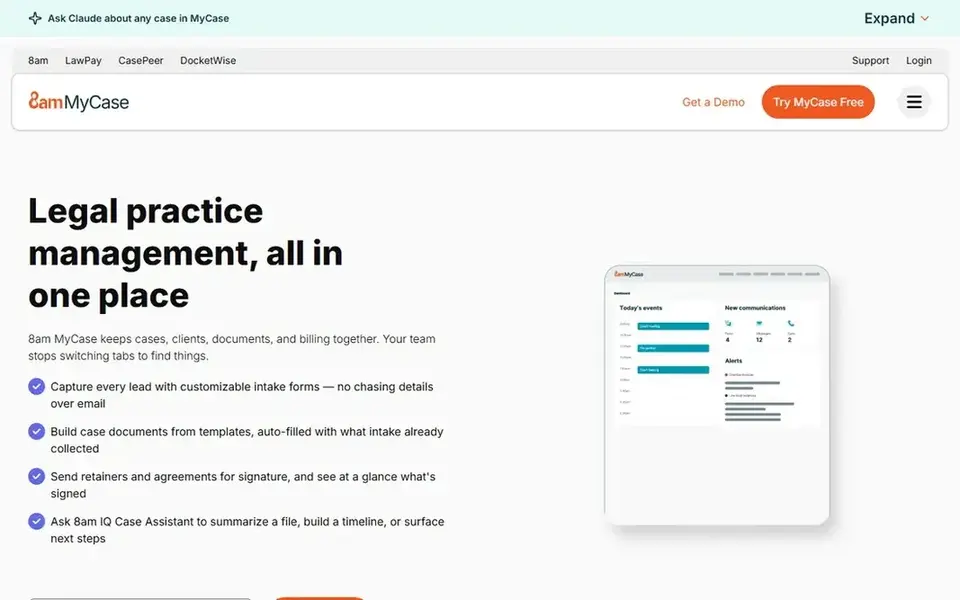
Pick MyCase if this describes you: all-in-one practice management with intake. MyCase publishes three tiers on its pricing page. On top of that, entry-level spans cases, contacts, time, invoicing, and trust accounting, but it leaves intake automation out.
MyCase Accounting is a $39 per user a month add-on on Pro and Advanced. On top of that, the page supplies a 10-day free trial with no credit card required, and states that no long-term contract or setup fee is required. Worth adding: a firm that buys Basic for intake will have to move to Pro. So the honest starting price for intake work is $100 per user per month on annual billing, not $50. Advanced brings AI case tools, split billing, and an open API. Entry price for MyCase: $50 per user/month. Free plan details: Free trial (10 days).
Drawbacks to consider: Accounting costs $39 per user a month additional.
- Intake, billing
- Cases in one system
- Intake forms and workflows start at Pro, not Basic
CASEpeer is aimed squarely at personal injury intake and case work. Entry-level is $90 per user a month, Pro is $130, and Advanced is $160. Advanced brings text scheduling, data sync for reporting, a multi-office reporting suite, an intake investigator portal, case grades, and API access.
Intake management arrives at Pro, along with unlimited two-way texting, case stage screens, litigation event plans, more than 50 additional reports, and 8am IQ legal AI for writing help. A personal injury firm that wants intake automation should therefore price Pro at $130 per user a month. The starting price for CASEpeer: $90 per user/month. There is no free plan with CASEpeer.
Limits to weigh: Client intake management begins at Pro, not Basic.
- Published prices on all three levels
- Made for personal injury from intake to settlement
- Personal injury focus may suit general firms less well

Clio Grow works best for businesses already using Clio Manage. Businesses already on Clio Manage get the most from Grow, since the value sits in the shared matter record and the single login. Beyond that, when a lead becomes a client, the matter moves into Clio Manage without retyping the details.
What to check first: Grow AI is billed per hired matter, so cost varies with results.
For everyday use, Grow AI layers on phone, web, and email agents that engage leads and screen them for fit. The 7-day free trial provides a short window to check the forms and booking flow. In practice, the vendor pricing page lists Grow as included in the Elite plan and as an add-on for Core and Signature, with no published price for the add-on itself. There is no fixed entry price for Clio Grow; pricing comes through a quote. Free plan details: Free trial (7 days).
- Intake forms, booking
- Native sync with Clio Manage matters
- No standalone published price
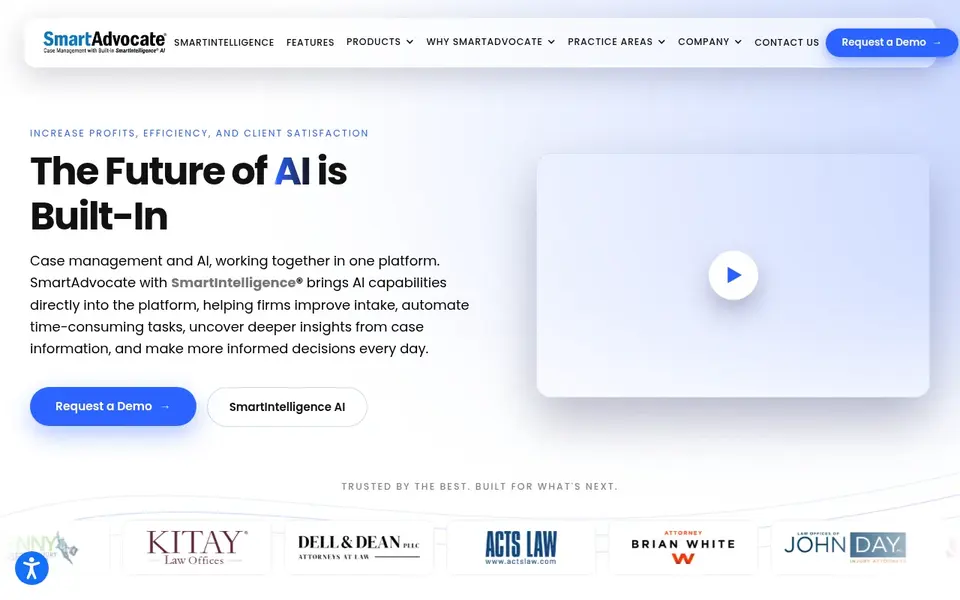
SmartAdvocate is a good fit for litigation intake and case management. SmartAdvocate is a case management system aimed at litigation businesses, with intake as part of a wider system. It handles automatic client intake, workflow automation, document management with merge codes and batch scanning, calendaring with deadline tracking, billing and invoicing, eSignature, texting from a unique phone number, a client portal, and mobile apps for iPhone and Android.
Limits to weigh: Designed for litigation, so setup may be heavy for small general firms.
In practice, smaller general businesses should weigh the setup time against their intake volume, and ask what onboarding, training, and data migration are included in the quote before they commit. The vendor site displays no price, so businesses need a sales quote to budget. SmartAdvocate sells by quote instead of a published price. SmartAdvocate has no permanent free option.
- Deep litigation workflow automation and custom dashboards
- More than 175 integrations
- No published price
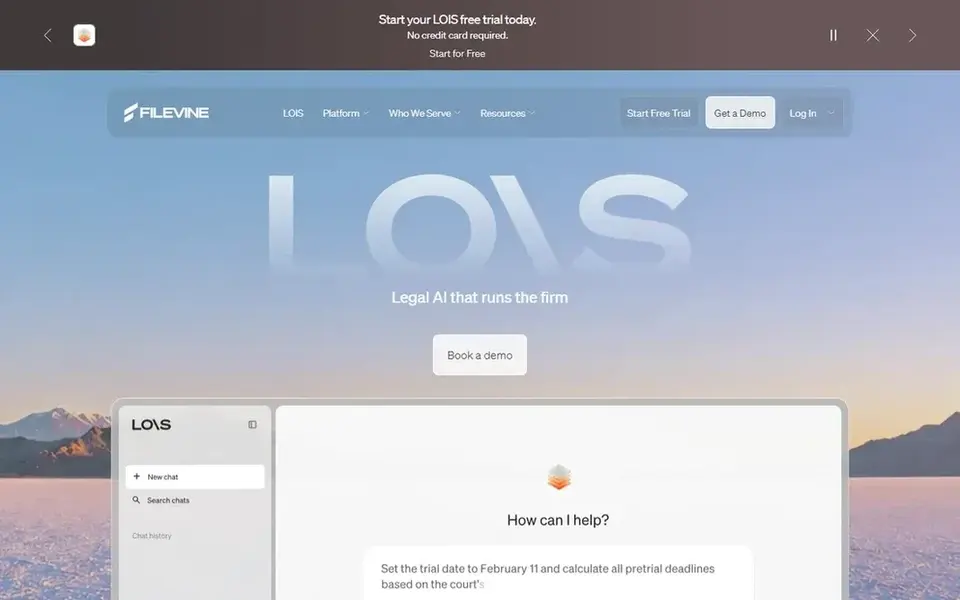
Choose Filevine for intake inside a full case system. Around it sit matter management, document management, document assembly, online payments, Periscope analytics, deadline management.
The main drawbacks: Implementation runs through Certified Implementation Partners.
A client portal, plus LOIS AI tools for drafting, research, and deposition work. Beyond that, the page does offer a free trial of LOIS Explore, but that includes AI research and drafting only, not Filevine case management. Filevine does not show a fixed starting price, so you request a quote. Filevine has no free tier.
- Lead Docket and LeadsAI included in the Intake package
- Intake, matters, documents
- No published price
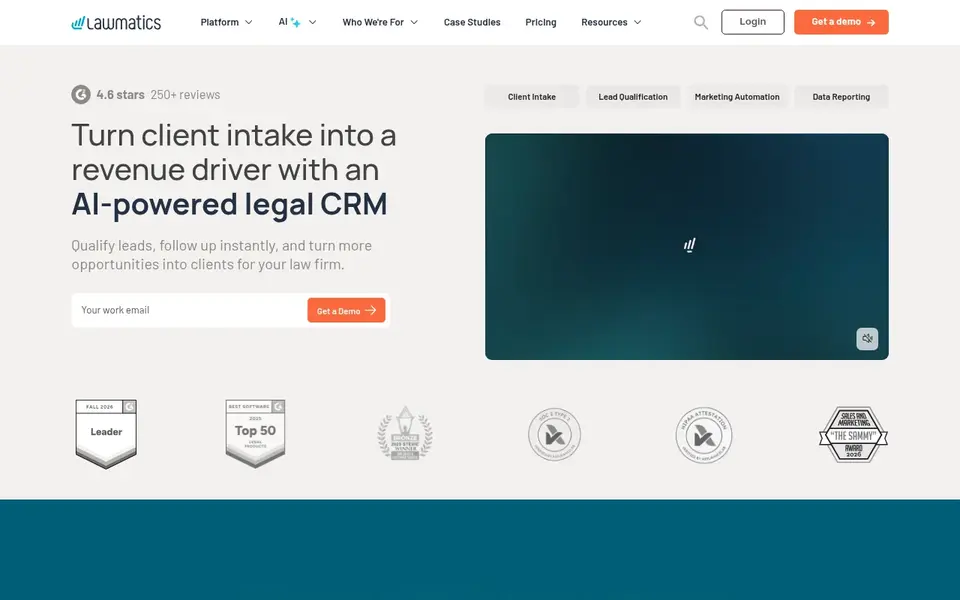
Lawmatics serves full intake CRM with marketing automation. Lawmatics is a legal CRM built around intake and marketing. It handles client intake forms, lead management, calendaring, custom forms, e-signature, and task management, with pipelines and drip campaigns that carry a prospect from first enquiry to signed client.
Where it falls short: No published price.
The pricing page we opened lists three plans, Essential, Premium, and Enterprise, with no dollar figures on any of them. In practice, the Premium plan brings workflow and marketing automation, SMS and MMS, round-robin scheduling, advanced conflict checking, email marketing, custom reporting, and analytics with ROI tracking. Essential lets 500 contacts and 10 automations, whereas Premium permits 10,000 contacts and unlimited automations. Both Essential and Premium carry a three-user minimum, so a solo lawyer still pays for three seats. Lawmatics does not publish a starting price; ask for a quote. Lawmatics has no free tier.
- Deep intake and marketing automation
- Made for law businesses only
- Three-user minimum on Essential and Premium plans
What to confirm before you sign up
- Confirm the entry price on the vendor page. For Clio Grow, SmartAdvocate, Filevine and Lawmatics that means a quote rather than a fixed price.
- Take the trial from MyCase and Clio Grow and push a live task through it before you pay.
- Before choosing MyCase, weigh its main limit: intake forms and workflows start at Pro, not Basic.
- Ask the daily users to test Lawmatics on a live task before you roll it out to everyone.
- Check whether the features you need in Filevine sit on the entry plan or only on higher tiers.
Frequently asked questions
What is legal intake automation software?
Legal intake automation software records new enquiries, qualifies them, follows up by email or text, books consultations, collects e-signatures, and moves signed clients into a matter file. It replaces manual intake steps like retyping form answers, chasing unanswered leads, and copying details between systems.
Do these tools publish their prices?
Not all of them. Clio Grow, SmartAdvocate, Filevine and Lawmatics publish no starting price, so expect a quote request for those. The rest, MyCase included, show a starting price, though seats and billing terms still change the final cost.
Can I try these tools before paying?
Often, yes. MyCase and Clio Grow offer a free trial. Use your own data and a real task during the test, and check what the free tier or trial limits before you rely on it.
What is the cheapest option for legal intake automation software for law firms in this list?
On published monthly entry prices, MyCase is the lowest here at $50 per user/month. Entry price is only part of the cost, because seats, add-ons and billing terms can change the total. Prices, free plan details and limits for all 6 tools in this legal intake automation software for law firms roundup sit on the individual cards above.
Is MyCase the right pick for everyone comparing legal intake automation software for law firms?
No single tool suits every team. MyCase comes first because it fits all-in-one practice management with intake, while CASEpeer suits personal injury intake and case work and Clio Grow suits firms already using Clio Manage. Match the tool to your own size, budget and workflow before deciding.
Sources
See where you really rank - block by block
ProMapRanker scans Google Maps across a grid of your service area. Simple monthly plans from $19, white-label on every plan.
Start freeBrowse all guides
← Gamified Worksheet Platforms for Schools: Best Picks of 2026Best Legal Workflow Automation Software (2026) →
 best form builder software for freelancers
Form Builder Software for Freelancers: Best Picks of 2026
Shortlisting the best form builder software for freelancers? 6 products compared on cost, free access and ideal buyer. Pros and cons for every tool. Facts only.
Read → best ctv platforms
2026 Guide to the Best CTV Platforms
Best CTV platforms: 5 tools compared on price, free plans and fit. Our number one: LG Ad Solutions, for reach on LG smart TVs. Each entry gets a plain verdict.
Read → best route planning software for uniform delivery
Best Route Planning Software for Uniform Delivery in 2026
Compare 8 picks for the best route planning software for uniform delivery, with prices, free plans and who each fits. Includes honest limits for each tool.
Read → best ai agent assist software for support teams
7 Best AI Agent Assist Software for Support Teams for 2026
Weighing the best AI agent assist software for support teams? We lined up 7 products by cost, free access and fit. Every tool lists pros and cons. Facts only.
Read → best scheduling software for cleaning business
8 Best Scheduling Software for Cleaning Business Options for 2026
Weighing the best scheduling software for cleaning business? We lined up 8 products by cost, free access and fit. Each entry gets a plain verdict. Easy to scan.
Read → deputy alternatives
Best Deputy Alternatives in 2026
Find the best deputy alternatives for shift scheduling, time tracking, and hourly teams, with prices and free plans for restaurants and shops in 2026.
Read →More in Project Management & Productivity · All guides A to Z by date · Latest guides