 ProMapRanker
Best Deputy Alternatives in 2026


Scheduling and payroll for small teams · Pricing starts at: See website
Key takeaways
- Homebase and 7shifts suit per-location pricing, which helps a busy restaurant or shop with many staff at one site.
- When I Work, Sling, and ZoomShift suit small teams that want low per-user costs and a simple schedule.
- Connecteam and Planday suit deskless and mobile teams that need forms, chat, and training alongside schedules.
- QuickBooks Time suits teams already on QuickBooks, where payroll and time data should stay in one place.
Quick comparison
| Pick | Great for | Pricing starts at | Free tier | |
|---|---|---|---|---|
| Homebase | Scheduling and payroll for small teams | See website | Yes | Visit |
 When I Work | Simple low-cost scheduling | $2.50 per user per month | Free trial | Visit |
 7shifts | Scheduling for restaurants | $39.99 per location per month | Yes | Visit |
 Connecteam | Deskless teams and frontline work | $29 per month | Yes | Visit |
 Sling | Free scheduling for small teams | $1.70 per user per month | Yes | Visit |
 Planday | Scheduling with payroll links | See website | Free trial | Visit |
 ZoomShift | Simple scheduling for seasonal teams | $2 per user per month | Yes | Visit |
 Buddy Punch | Clock-ins with anti-fraud controls | $19 per month plus $4.99 per user | Free trial | Visit |
 QuickBooks Time | Time tracking for QuickBooks users | $20 per month plus $10 per user | Free trial | Visit |
The best deputy alternatives
Deputy covers shift scheduling, time and attendance, and team communication for hourly teams, and the alternatives below cover the same ground at different prices and depths. Some charge per location, which suits a busy single site, while others charge per user, which suits a small team spread across sites. We compared official pricing pages, and we left Deputy itself off this list. Free plans are real for several tools here, but time tracking, payroll, and advanced scheduling often sit on paid tiers, so check the tier that includes the feature you need.

Homebase fits small businesses that want scheduling, time tracking, hiring, and messaging in one app, with a free start for a single location and a small team. Its basic plan covers schedules and time tracking, while paid plans add hiring tools, team messaging depth, and payroll as an add-on, so a shop can grow without switching tools.
The catch is per-location pricing. A single busy site benefits, but a business with many sites pays per site, so multi-site costs need a full quote. Check the team size limit on the free plan before relying on it for a growing roster.
- Free basic plan for one location
- Hiring, messaging, and time tracking
- Payroll add-on
- Paid plans are per location
- Advanced scheduling and payroll features need higher tiers
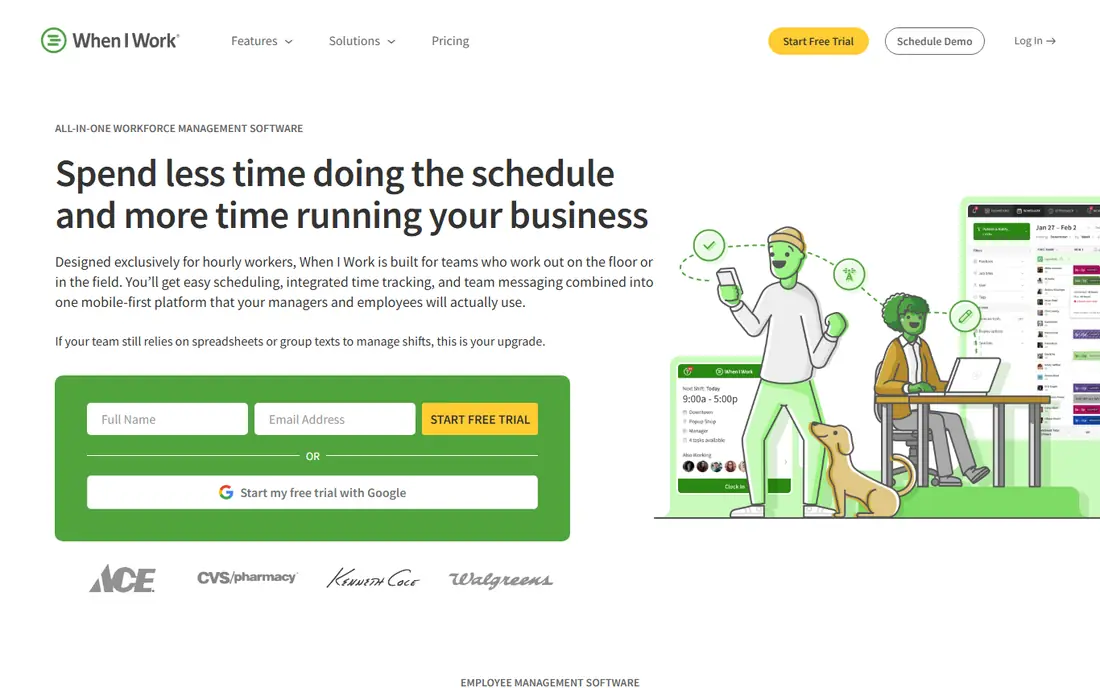
When I Work fits small shift teams that want a schedule live quickly, with staff able to view shifts, swap, and message from a phone app. Its strength is simplicity: managers build a schedule, publish it, and staff respond, without a large setup project or a complex rule engine.
The catch is that attendance and time features need attention to plan choice. The low entry price covers scheduling, while time tracking and advanced features sit higher, so compare the tier that matches your full workflow, not just the schedule price.
- Low entry price
- Easy schedule creation and shift swaps
- Mobile apps for staff
- Time clock features sit on higher plans or add-ons
- No free plan, only a trial
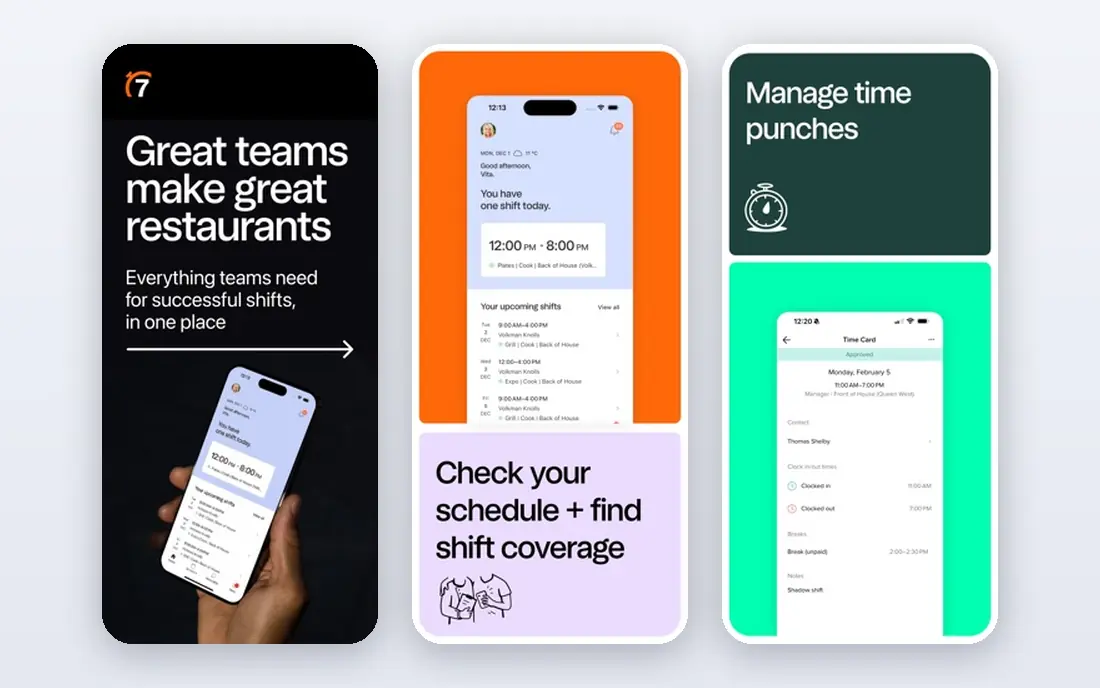
7shifts fits restaurants that need schedules built around sales, tips, and labour costs, with staff communication and task lists in the same app. It connects to point-of-sale systems, tracks tips and labour against sales, and offers a free plan for one location with a small team, which suits a single restaurant testing the tool.
The catch is that 7shifts is restaurant-first. A non-restaurant team may find its tip and POS depth unnecessary, while a restaurant group needs to price per location across all sites. Payroll is an add-on, so include it in the total if you want one system for pay.
- Restaurant scheduling, tip pooling, and labour costing
- POS integrations
- Payroll add-on
- Per-location pricing
- Payroll and advanced features need higher tiers or add-ons
Connecteam fits deskless and field teams that need more than a schedule, such as daily checklists, forms, training, and team chat in one mobile app. Its hub model lets a team buy scheduling, communication, or operations hubs separately, with a free plan for up to 10 users that covers basic use across hubs.
The catch is hub maths. A team that needs several hubs will pay for each one, so the total can pass a simpler scheduler quickly. Price the hubs you actually need, and confirm whether your payroll system integrates cleanly, since Connecteam does not run native payroll.
- Scheduling plus chat, forms, checklists, and training
- Free plan for small teams
- Hub-based pricing
- Paid plans are per hub, so costs rise with each hub added
- Payroll is via integration, not native
Sling fits budget-first teams that need a schedule and team messaging, with time tracking as a later step rather than a day-one requirement. Its free plan covers scheduling essentials for up to 30 users, which makes it a genuine starting point for a small team, while paid plans add time tracking and labour controls.
The catch is that the free plan is scheduling only. Teams that need clock-ins, payroll, or advanced compliance will need a paid plan or another tool, so Sling is best when the schedule itself is the main job and the budget is tight.
- Free scheduling for up to 30 users
- Team messaging
- Labour cost views
- Time tracking needs a paid plan
- No native payroll
- Feature range is narrower than larger rivals
Planday fits teams that want scheduling paired with payroll integrations in their country, with rules for availability, skills, and labour costs. It supports schedule templates, shift rules, and time tracking, with payroll connections that vary by market, which suits businesses operating in several regions.
The catch is regional pricing and payroll depth. Costs and payroll partners differ by country, so a US team should confirm local pricing, payroll support, and minimum seats before assuming the same terms as a European listing. Get a local quote for your exact setup.
- Scheduling, time, and payroll integrations
- Shift templates and rules
- Admin controls
- Pricing varies by region and plan
- Payroll depth depends on local integrations
ZoomShift fits small and seasonal teams that need a straightforward schedule, with the option to pause a plan during quiet months. Its starter pricing is low, and the pause feature suits seasonal businesses that do not want to pay for a full year of scheduling they only use for part of it.
The catch is scope. ZoomShift keeps scheduling simple, so teams that need deep compliance, payroll, or advanced reporting will outgrow it. For a small team with a stable rota, simplicity and the pause option are genuine advantages.
- Low price
- Plan pause for seasonal work
- Simple schedule and time tools
- Free plan limits time tracking
- Feature range is narrower than larger platforms
Buddy Punch fits small teams that need stronger clock-in controls, such as GPS location, photo capture, and QR or facial checks, to reduce buddy punching. It tracks time, overtime, and paid time off, with integrations to payroll systems, so hours flow toward pay without manual re-entry in many setups.
The catch is the combined price. A base fee plus a per-user fee makes a very small team pay more than the per-user figure suggests, so calculate the total for your headcount. Buddy Punch is a time and attendance tool first, with scheduling as a supporting feature.
- GPS and photo clock-ins
- Overtime and PTO tracking
- Payroll integrations
- Base fee plus per-user fee
- No free plan, only a trial
QuickBooks Time, formerly TSheets, fits teams already running QuickBooks for payroll or accounting, where time data should flow straight into pay and invoices. It offers mobile clock-ins with GPS, scheduling, time approvals, and job costing, with a direct link to QuickBooks payroll that cuts manual entry.
The catch is ecosystem fit. Outside QuickBooks, its price and setup are harder to justify against a simpler scheduler, and there is no free plan, only a trial. For a QuickBooks team, the integration alone can justify the cost, but check the total with your QuickBooks plan.
- Strong QuickBooks payroll integration
- GPS time tracking
- Scheduling and approvals
- No free plan
- Best value only for teams already on QuickBooks
How we picked these
We compared official feature pages, pricing pages, and app store listings, and we checked public documentation for each product before including it. We kept only products that exist and work now, that fit the topic directly, and that a reader could sign up for or buy without guessing at the cost. Where a price was not published clearly, we wrote See website instead of filling in a number we could not confirm.
We also weighed the trade-offs that show up after signup, such as limits on the free plan, per-user or per-location billing, and how hard it is to move data out later. A product that looked cheap at first glance did not stay on the list if its limits made it a poor fit for ordinary use. We did not claim hands-on testing that did not happen, and we left out the named product itself from its own alternatives list.
How to choose a Deputy replacement
Start with how you will be charged. Per-location pricing helps a busy single site with many staff, while per-user pricing helps a small team spread across sites. A free plan helps a tiny team, but only if it includes time tracking or payroll when you need those features, so read the tier, not just the headline.
Then check the features that decide a week. Shift swaps, availability, overtime rules, tip handling, and payroll integration matter more than a long feature list. Run a real rota through a trial, including a swap, a sick call, and an overtime week, before you commit a whole team to a new app.
Finally, check the phone experience for staff, not just managers. If clock-ins fail, schedules do not load, or messages get missed on the phones your team actually uses, the system will fail in practice. Ask staff to test the app during the trial, and keep the old schedule running until the first live week is clean.
Frequently asked questions
What are the best deputy alternatives?
Homebase suits small all-round teams, When I Work suits simple low-cost scheduling, 7shifts suits restaurants, Connecteam suits deskless teams, and Sling suits budget-first scheduling. The best pick follows team size, site count, and whether payroll matters.
Is there a free alternative to Deputy?
Yes, Homebase, 7shifts, Connecteam, Sling, and ZoomShift all offer free plans, but free tiers limit team size, locations, or features such as time tracking. They are good for testing, and most growing teams will need a paid plan.
Which Deputy alternative is best for restaurants?
7shifts is the restaurant specialist, with tip pooling, POS links, and labour costing, while Homebase suits a general small restaurant that also wants hiring and payroll. Choose 7shifts when restaurant labour data drives the schedule.
Do these tools include payroll?
Homebase and 7shifts offer payroll as an add-on, QuickBooks Time links to QuickBooks payroll, and others rely on integrations. Confirm payroll support for your state and plan before switching, because payroll is often an add-on, not a core feature.
How much do Deputy alternatives cost?
Entry prices range from free plans to $2.50 per user per month for When I Work, $39.99 per location per month for 7shifts, and $29 per month for Connecteam. Per-location and per-user models rank very differently, so price your exact team and site count.
Sources
See where you really rank - block by block
ProMapRanker scans Google Maps across a grid of your service area. Simple monthly plans from $19, white-label on every plan.
Start freeKeep reading
 zscaler alternatives
Best Zscaler Alternatives in 2026
Looking for zscaler alternatives? We compare 9 SASE and zero trust platforms on architecture, data protection, pricing, and fit for your network and team.
Read → zapier alternatives free
Best Zapier Alternatives Free in 2026
Nine automation tools for zapier alternatives free in 2026, all with genuinely free tiers, plus free plan limits, starting prices and upgrade paths explained.
Read → which platform is best for online reputation
Which Platform Is Best for Online Reputation in 2026
Wondering which platform is best for online reputation? We compare 8 review, listing, and response tools for small and multi-location businesses and agencies.
Read →