 ProMapRanker
Which Software Is Best for Remote Work in 2026

Key takeaways
- No single tool covers remote work alone, because chat, meetings, tasks, docs and files are different jobs.
- Slack and Microsoft Teams cover daily chat, while Zoom covers live meetings and Loom covers async video.
- Asana and ClickUp cover task tracking, while Notion covers docs, wikis and lightweight project work.
- Miro covers visual workshops and brainstorming that chat and docs handle poorly.
- Start on free tiers, then pay only for the tools your team actually opens every week.
Quick comparison
| Pick | Great for | Pricing starts at | Free tier | |
|---|---|---|---|---|
 Slack Slack | Team chat and channels | $8.75 per user per month | Yes | Visit |
 Zoom Zoom | Video meetings | See website | Yes | Visit |
 Asana Asana | Project and task management | $10.99 per user per month | Yes | Visit |
 Notion Notion | Docs, wikis and workspaces | $10 per user per month | Yes | Visit |
 Microsoft Teams Microsoft Teams | Microsoft 365 teams | $4 per user per month | Yes | Visit |
 ClickUp ClickUp | All in one work management | $7 per user per month | Yes | Visit |
 Loom Loom | Async video messages | $15 per user per month | Yes | Visit |
 Miro Miro | Visual whiteboards and workshops | $8 per user per month | Yes | Visit |
The best software for remote work
We compared the best tools for remote work on chat, meetings, task tracking, documentation, collaboration and price. The best remote work platforms are the ones that cover your five core jobs without forcing your team into ten subscriptions.
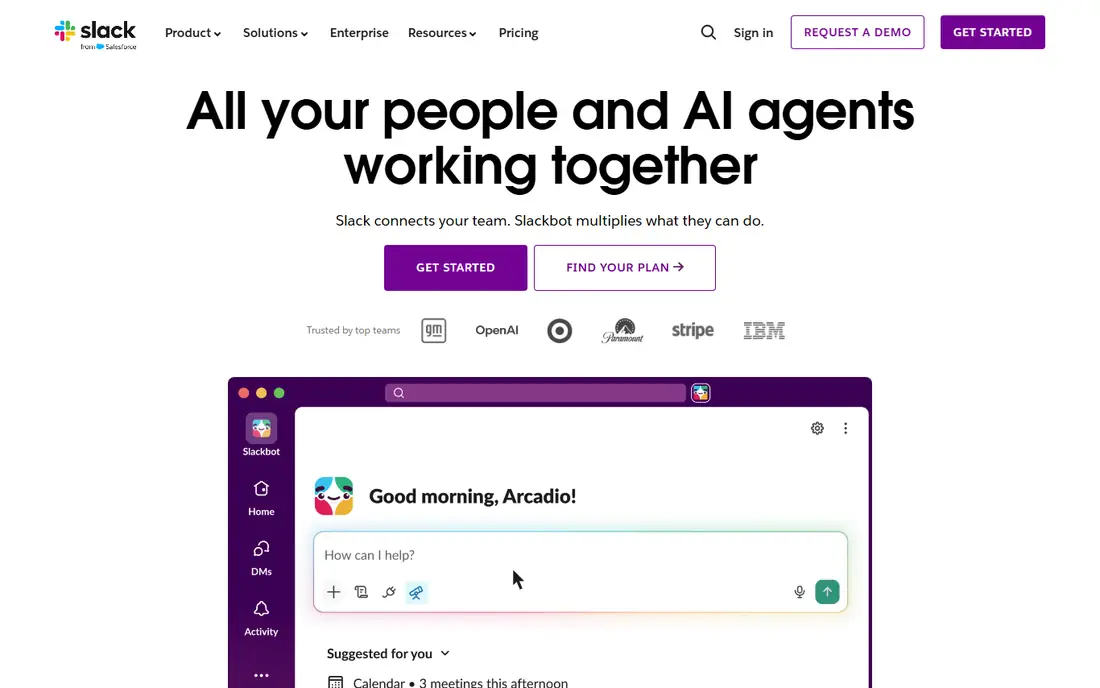
Slack is the best remote work app for daily team chat, because channels keep conversations organised by project, team or topic, and threads keep replies attached to the original message. Huddles offer a quick audio or video call without scheduling a meeting, and integrations connect Slack to project tools, calendars, file storage and customer systems. Search, pinned messages and canvases help teams find decisions later.
The free plan is the main limit. Message history is capped at 90 days, which hurts teams that rely on search for older decisions, and Pro at 8.75 dollars per user per month billed annually removes that cap. Slack also gets noisy at scale, so teams need channel rules and notification habits. For most non Microsoft teams, Slack remains the default chat tool.
- Channel based chat with threads
- Huge integration library
- Huddles for quick audio and video
- Free plan limits message history to 90 days
- Large teams can find channels noisy
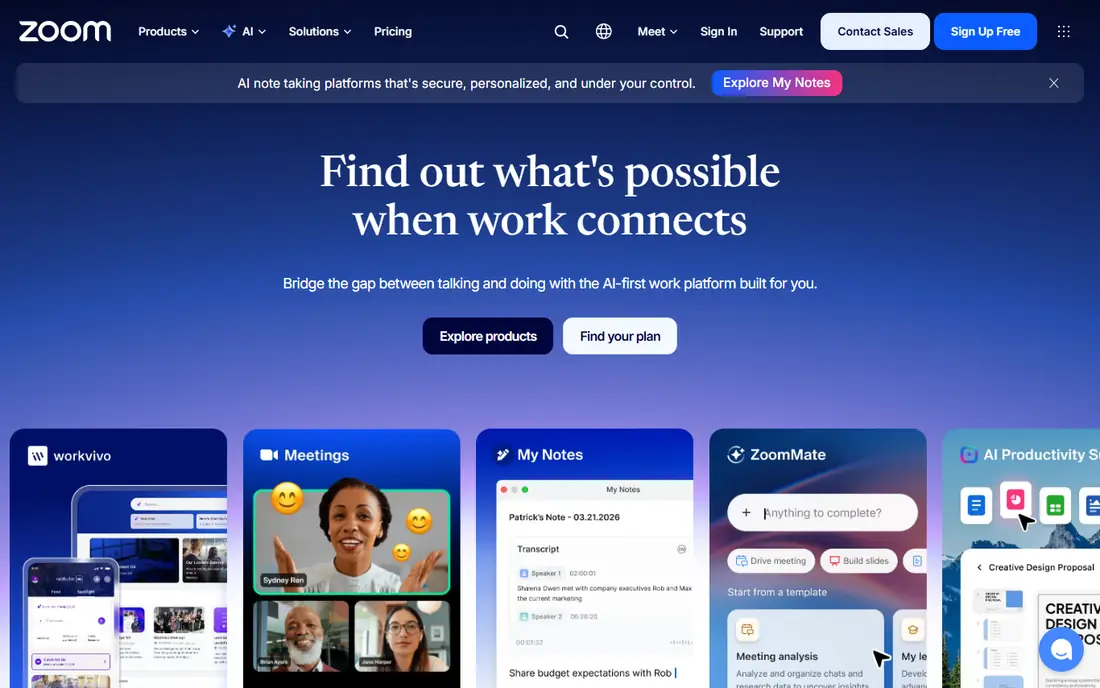
Zoom is the best remote work software for live meetings, because it handles large calls, breakout rooms, screen sharing and webinars with familiar controls. Most remote workers already know how to join a Zoom call, which reduces friction for clients and new hires. Paid plans add AI meeting summaries, longer meetings and admin controls that matter for larger teams.
The free tier caps group meetings at 40 minutes, which suits quick check ins but not workshops or planning sessions. Paid pricing varies by plan, so check the current price on the vendor site for the meeting length and attendee numbers you need. For teams that meet live every day, Zoom is still the safest meeting choice.
- Reliable video meetings
- Breakout rooms and webinars
- AI summaries on paid plans
- Free meetings are capped at 40 minutes
- Paid pricing varies by plan and add ons
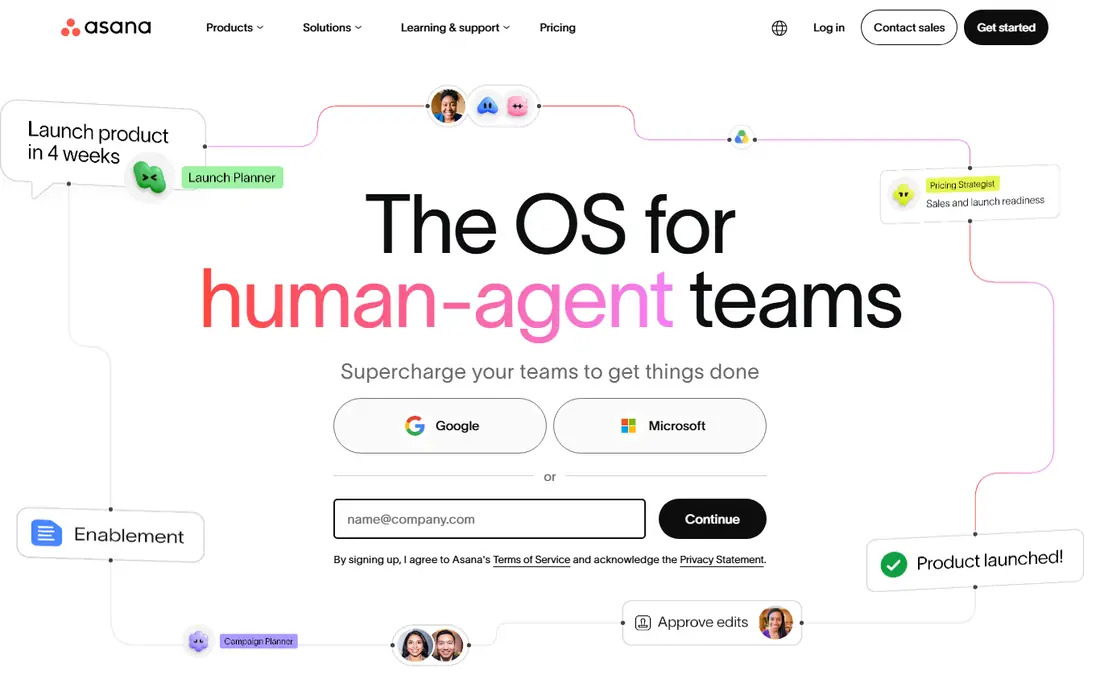
Asana suits remote teams that need a clear answer to who is doing what by when. Tasks, boards, timelines and calendars show work from several angles, while goals and portfolios link daily tasks to larger objectives. Reporting helps managers spot overdue work without asking for status updates in chat, which protects focus time.
The free Personal plan works for small teams, but larger teams need Starter at 10.99 dollars per user per month billed annually for more features and controls. Some advanced reporting and portfolio tools sit on higher tiers, so check the plan table against your team size. For structured project work, Asana is easier to adopt than heavier enterprise tools.
- Clear task lists, boards and timelines
- Goals and portfolios
- Strong reporting
- Free plan is limited to small teams
- Advanced reporting needs higher tiers
Notion is the best tool for remote workers who need a shared home for decisions, docs and knowledge. You can build a wiki, a project tracker, a meeting notes database and a company handbook in one workspace, with templates to start quickly. That flexibility suits async teams, because a new hire can find how work is done without asking in chat.
Flexibility is also the risk. Without a workspace owner and clear structure, Notion pages multiply and old docs linger, which confuses new joiners. Paid plans start at 10 dollars per user per month, with a free plan for individuals. Use Notion for docs and knowledge, and pair it with Asana or ClickUp when task tracking needs to be strict.
- Flexible docs, wikis and databases
- Templates for many workflows
- Good for async knowledge sharing
- Can become messy without an owner
- Task tracking is lighter than Asana or ClickUp
Microsoft Teams is the obvious pick for organisations that already use Microsoft 365. Chat, video meetings, file storage and Office apps live in one place, with admin controls, compliance tools and security policies that IT teams value. Staff can co edit Word, Excel and PowerPoint files without leaving a meeting or chat, which keeps work in one ecosystem.
The tradeoff is weight. Teams can feel slower and busier than Slack, especially for small teams that do not need its full admin depth. The cheapest paid tier, Essentials, starts at 4 dollars per user per month, but most organisations get Teams as part of a broader Microsoft 365 plan. If your company already pays for Microsoft 365, Teams is the lowest friction choice.
- Chat, meetings and files inside Microsoft 365
- Strong admin and security controls
- Familiar Office apps
- Interface can feel heavy
- Best value only inside a Microsoft 365 subscription
ClickUp aims to replace several remote tools at once, with tasks, docs, chat, whiteboards, goals and time tracking in a single workspace. Its free plan is generous, covering unlimited users with core features, and paid Unlimited plans start at 7 dollars per user per month. That breadth suits small teams that want one bill and one login instead of five separate tools.
The catch is complexity. New users can feel lost among views, custom fields and automations, and a team needs time to set up ClickUp well. If you only need chat or docs, a focused tool will be faster. If you want to consolidate tasks, docs and goals into one system and are willing to invest setup time, ClickUp is the best value pick here.
- Tasks, docs, chat, whiteboards and goals in one app
- Generous free plan
- Strong customisation
- Feature breadth can overwhelm new users
- Setup takes time to get right
Loom is the best remote work tool for replacing a meeting with a short video. You record your screen and camera, explain a design, a bug or a plan, and teammates watch when they are online, leaving comments at specific moments. That async pattern helps teams across time zones, because nobody needs to stay late for a walkthrough.
The free plan allows 25 videos, which suits occasional use but not daily recording. Paid plans start at 15 dollars per user per month, which is high if only one or two people record regularly. For teams that record walkthroughs, feedback and training often, Loom saves meeting time and creates a searchable video library.
- Quick screen and camera recordings
- Comments and reactions on videos
- Reduces live meetings
- Free plan caps videos at 25
- Paid price is high for occasional use
Miro covers the visual work that chat, docs and task lists handle poorly. Teams can brainstorm on an infinite canvas, map customer journeys, run retrospectives and plan sprints with sticky notes, diagrams and templates, all in real time. That visual space matters for workshops, because ideas that stay in chat threads are hard to organise and revisit.
The free plan allows only three editable boards, so active teams need a paid plan from 8 dollars per user per month. Miro is also not a task tracker, so action items still need a home in Asana or ClickUp after a workshop. For remote teams that run regular brainstorms and planning sessions, Miro is the best visual collaboration tool here.
- Infinite canvas for brainstorming
- Workshop templates
- Real time collaboration
- Free plan limits boards to three
- Can feel unstructured for task tracking
How we picked these
We compared official pricing pages, feature pages and recent remote tool comparisons, and we kept only tools that serve remote teams in October 2026. We weighed chat, meeting, task, doc, visual and file needs, plus free tier usefulness, integrations, admin controls and price. We favoured tools with a free tier or trial, because a remote tool must be tested with real teammates before a company wide rollout.
We did not claim hands on testing that did not happen, and we did not invent user counts, uptime figures or productivity claims. Prices shown are per user per month on annual billing unless stated, before taxes, and they can change. Always confirm the current price, seat minimums and included features on the vendor pricing page before you buy for a whole team.
How to build a remote work stack without tool sprawl
Cover five jobs with five tools, then stop. Pick one chat tool, Slack or Teams, one meeting tool, Zoom, one task tool, Asana or ClickUp, one docs home, Notion, and one visual tool, Miro, only if you run workshops. Add Loom when async video would replace at least two live meetings a week, not just because video is fashionable.
Audit the stack twice a year. Check which seats are unused, which tools duplicate each other, and which free tiers would cover your actual use. Model price at double your current headcount, because a tool that is cheap at ten people can be expensive at forty. Write down where decisions live, where tasks live and where files live, and share that page with every new hire on day one.
Frequently asked questions
Which software is best for remote work for a small team?
For a small team, Slack for chat, Zoom for meetings, Notion for docs and Asana or ClickUp for tasks cover the core jobs at low cost. Start on free tiers, then pay for the tools your team opens daily. Avoid buying a full suite before you know which jobs actually need paid features.
What are the best tools for remote workers who work alone?
Solo remote workers need fewer tools, and Notion for notes and planning, Loom for client updates and Zoom for meetings often cover the job. Add a task tool only if client work grows beyond a simple list. Keep subscriptions low, because solo workers pay every seat cost themselves.
What is the best remote work platform for Microsoft 365 users?
Microsoft Teams is the best choice for Microsoft 365 users, because chat, meetings, files and Office apps work together with central admin controls. It avoids paying for Slack and Zoom on top of a Microsoft subscription you already hold. Teams suits larger organisations best, while smaller Microsoft teams may still prefer Slack for chat speed.
What are the best remote work apps for async teams?
Notion, Loom and ClickUp suit async teams best, because docs, video messages and tasks can be consumed without a live meeting. Slack threads and recorded Zoom meetings also help, provided teams write decisions down rather than leaving them in chat. Set response time expectations, so async work does not feel like waiting.
Do I need to pay for remote work software?
No, most tools here offer free tiers that cover small teams, including Slack, Zoom, Asana, Notion, Teams, ClickUp, Loom and Miro. Paid plans remove limits on history, meeting length, boards and videos, and add admin controls. Pay only when a free limit blocks real work, and audit paid seats regularly.
How do I choose between Slack and Microsoft Teams?
Choose Slack if your team does not use Microsoft 365, values integrations and a lighter chat experience, and wants huddles and canvases. Choose Teams if your organisation already pays for Microsoft 365, needs central admin and compliance controls, and works mainly in Office apps. Both handle chat and meetings well, so ecosystem fit should decide.
Sources
See where you really rank - block by block
ProMapRanker scans Google Maps across a grid of your service area. Simple monthly plans from $19, white-label on every plan.
Start freeKeep reading
 zoom alternatives
Best Zoom Alternatives in 2026
Compare Zoom alternatives in 2026, with free meeting limits and prices, so you can pick the best alternative to Zoom for your team, class, or community.
Read → which ai tool is best for content writing
Which AI Tool Is Best for Content Writing in 2026
Wondering which ai tool is best for content writing? We compare ChatGPT, Claude, Jasper, Grammarly, and more on price, quality, and best use in 2026 now.
Read → vmware alternatives
Best VMware Alternatives in 2026
Compare the best VMware alternatives, from free open source hypervisors to enterprise platforms, with pricing, migration notes, and help choosing a replacement.
Read →