 ProMapRanker
Gantt Chart Software for Marketing Teams: Best Picks of 2026

Light Gantt charts for small teams · Pricing starts at: $10 a month (billed yearly)
Direct answer
Instagantt is the first pick on this list for light Gantt charts for small teams. Listed starting prices: Instagantt from $10 a month, ClickUp from $9 per user/month and Monday.com from $9 per seat/month. Look at ClickUp for all-in-one work hub on a budget, and at Monday.com for campaign planning and approvals. Prices, free plans and limits for all 6 tools follow.
Choosing gantt chart software for marketing teams usually comes down to price, fit and limits. This ProMapRanker guide sets 6 tools side by side on those three points, with the facts kept short and checkable.
Key takeaways
- Instagantt takes the first slot, best suited to light Gantt charts for small teams.
- Before buying ClickUp, weigh this: free plan limits the Gantt view to 60 uses.
- Smartsheet fits spreadsheet-style planning at scale.
- The lowest published monthly entry price here is $7 per user/month, from GanttPRO.
Quick comparison
| Pick | Great for | Pricing starts at | Free tier | |
|---|---|---|---|---|
| Instagantt | Light Gantt charts for small teams | $10 a month (billed yearly) | Yes | Visit |
 ClickUp | All-in-one work hub on a budget | $9 per user/month (billed annually) | Yes | Visit |
 Monday.com | Campaign planning and approvals | $9 per seat/month (billed yearly) | Yes | Visit |
 Wrike | Structured campaigns with proofing | $10 per user/month (billed yearly) | Yes | Visit |
 GanttPRO | Focused Gantt charts at a low price | $7 per user/month (billed yearly) | Free trial (14 days) | Visit |
 Smartsheet | Spreadsheet-style planning at scale | $9 per member/month (billed yearly) | Free trial (30 days) | Visit |
6 gantt chart software for marketing teams in detail
Think of Instagantt for light Gantt charts for small teams. The Individual plan costs $10 per month billed yearly, and the Teams plan costs $20 per month billed yearly for three collaborators, plus $8 per month for each additional collaborator.
What to check first: Free version only works with Asana and handles up to three projects.
From a buyer's view, there is no built-in task management beyond the chart, so teams must pair it with another tool for briefs and approvals. What you pay to start with Instagantt: $10 per month. Instagantt includes a free tier.
- Clean Gantt chart with drag-and-drop scheduling, milestones
- Baselines on every plan
- It supports only finish-to-start and start-to-start dependencies
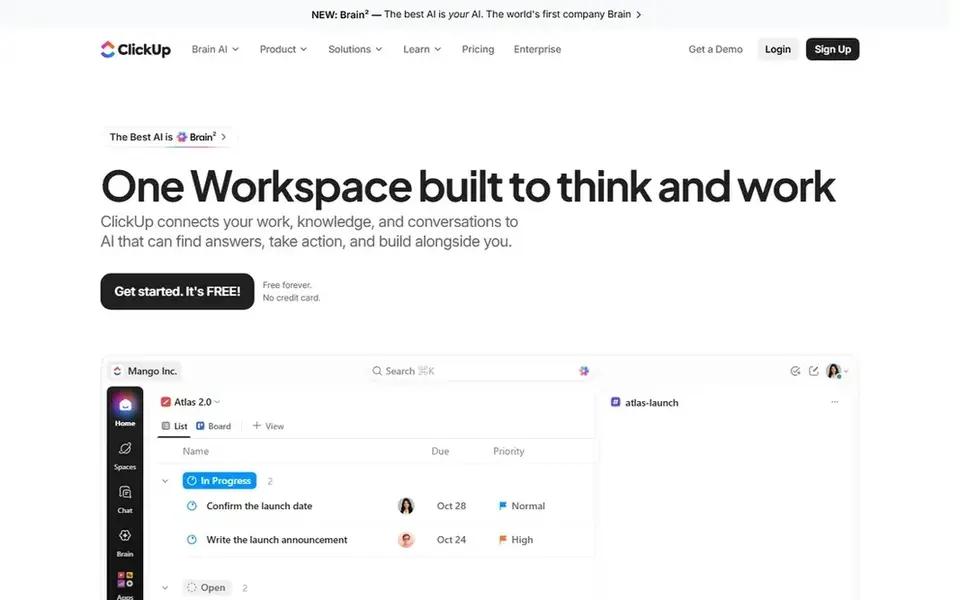
ClickUp works best for all-in-one work hub on a budget. The free plan includes a Gantt view but limits it to 60 uses. So a team that checks the chart daily will hit the limit quick.
Beyond that, ClickUp also bills the entire workspace when you upgrade. So every member becomes a priced seat, and the November 2026 price change lifted Business to $17 per user a month billed yearly. More specifically, the Core plan at $9 per user a month billed yearly contains unlimited Gantt charts, custom fields, and time tracking, which is a solid bundle for the price. Price to start with ClickUp: $9 per user/month. A free plan is available with ClickUp.
Where it is weaker: upgrading applies to the entire workspace at once.
- Custom fields
- Docs, goals
- Free plan limits the Gantt view to 60 uses
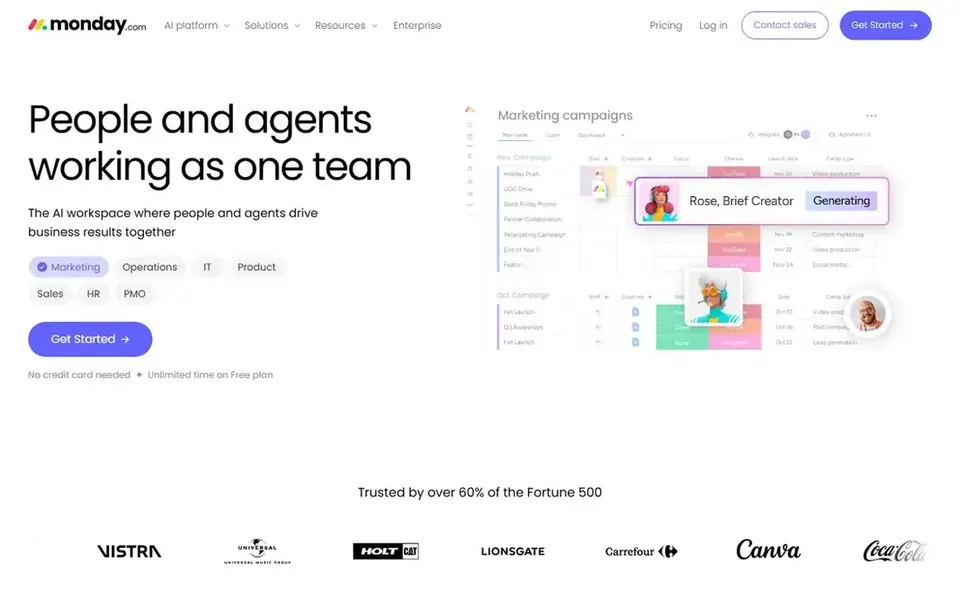
Monday.com was built for campaign planning and approvals. Its timeline view turns a campaign plan into a Gantt chart with dependencies, milestones, and owner columns, and boards can hold briefs, assets, and approval status in the same place.
One point to plan around is that the Gantt view sits on Standard at $12 per seat a month billed yearly, not on Basic at $9, and priced plans start at three seats sold in set seat groups. Entry price for Monday.com: $9 per seat/month. Monday.com includes a free tier.
Limits to weigh: priced plans start at three seats sold in set groups.
- Automations in one place
- Timeline view with dependencies and milestones
- Gantt view needs Standard at $12 per seat/month billed yearly
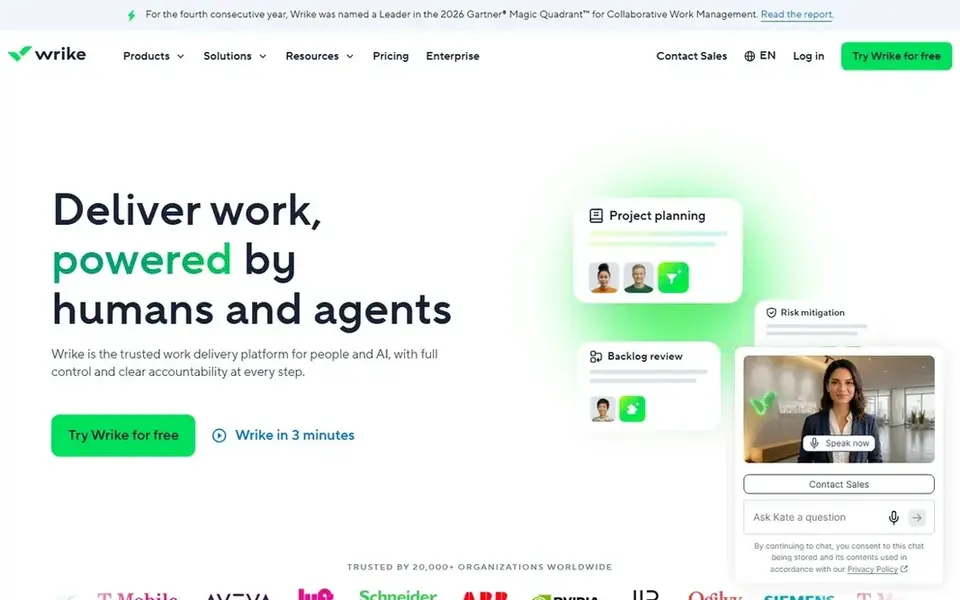
Wrike makes the most sense for structured campaigns with proofing. The Team plan at $10 per user a month billed yearly includes 2 to 15 users and bundles interactive Gantt charts, shareable dashboards, and 200 automation actions per month.
Worth adding: the limits display up quick: Team has no time tracking and no approval workflows, which sit on Business at $25 per user a month billed yearly, and seats are sold in set groups. So a team of six buys ten seats. The starting price for Wrike: $10 per user/month. Wrike offers a free plan.
Where it is weaker: Team has no time tracking or approval workflows.
- Request forms for brief intake plus proofing and approvals on creative work
- Shareable dashboards and Gantt charts on Team
- Seats are sold in set groups, so a team of six buys ten seats
GanttPRO is aimed squarely at focused Gantt charts at a low price. Core opens at $7 per user a month billed yearly.
Where it shines: imports Microsoft Project, Excel.
The tool imports Microsoft Project, Excel, and Jira Cloud files, which helps teams that inherit plans from other systems. On top of that, GanttPRO is a focused Gantt chart tool with no additional modules to learn. GanttPRO starts at: $7 per user/month. On free options: Free trial (14 days).
Points against: per-user rates vary by team size, with smaller teams seeing higher rates.
- All four dependency types, auto-scheduling
- Baselines on every plan
- No permanent free plan

Smartsheet targets spreadsheet-style planning at scale. The Pro plan at $9 per member a month billed yearly contains Gantt, board, and calendar views, unlimited sheets, and 250 automation runs per month.
It deals with content calendars, campaign trackers, and asset lists in one grid, and the Business plan adds a Timeline view, workload tracking, and unlimited automations. Price to start with Smartsheet: $9 per member/month. Free plan details: Free trial (30 days).
Drawbacks to consider: No free plan for new signups.
- Unlimited sheets and capable reporting across plenty of campaigns
- Calendar views on a familiar grid
- Pro stops at 10 members, so expanding teams must move to Business at $19
Selection criteria
We compared the tools on published pricing, free plan or trial availability, feature coverage for gantt chart software for marketing teams, and the limits each vendor documents. Figures are shown as the vendors publish them. Billing terms, seat minimums and add-ons can change the real cost. We ordered the tools by general fit, then by how clearly pricing is shown, then by free access. A buyer with unusual needs may reorder them.
What to confirm before you sign up
- Prices are a starting point; GanttPRO shows $7 per user/month to start, so verify what your seat count would cost.
- Check what the free option really includes: Instagantt, ClickUp, Monday.com and Wrike offer a free plan, and usage caps differ.
- Take the trial from GanttPRO and Smartsheet and push a live task through it before you pay.
- Before choosing Instagantt, weigh its main limit: free version only works with Asana and handles up to three projects.
- Compare total cost, not headline price: for Wrike, add extra seats, add-ons and any usage-based charges.
- Find out whether the entry plan of GanttPRO covers your must-haves or only a trimmed-down version.
Frequently asked questions
How are the tools for gantt chart software for marketing teams ordered?
The order follows typical fit for gantt chart software for marketing teams, with Instagantt first and Smartsheet last, then price clarity and free access. It is editorial judgement, not a score, so another team could rank the tools differently.
What is the cheapest option for gantt chart software for marketing teams in this list?
On published monthly entry prices, GanttPRO is the lowest here at $7 per user/month. Entry price is only part of the cost, because seats, add-ons and billing terms can change the total.
Is Instagantt the right pick for everyone comparing gantt chart software for marketing teams?
No single tool suits every team. Instagantt comes first because it fits lightweight Gantt charts for small teams, while ClickUp suits all-in-one work hub on a budget and Monday.com suits campaign planning and approvals. Match the tool to your own size, budget and workflow before deciding.
Do these tools publish their prices?
Yes. Every tool from Instagantt to Smartsheet shows a starting price, though seats, add-ons and billing terms still change the final cost.
Sources
See where you really rank - block by block
ProMapRanker scans Google Maps across a grid of your service area. Simple monthly plans from $19, white-label on every plan.
Start freeBrowse all guides
← 6 Best Amazon and Walmart Listing Tools for Brands in 2026Website Design Software for Bloggers in 2026: Top 7 Compared →
 best walmart marketplace inventory tools for brands
Best Walmart Marketplace Inventory Tools for Brands in 2026
6 best Walmart marketplace inventory tools for brands, compared on pricing, free plans and best-fit use. Every pick gets a straight assessment. Clear verdicts.
Read → best content design platforms for businesses
7 Best Content Design Platforms for Businesses in 2026
Need the best content design platforms for businesses? We compare 7 tools on cost, free access and who each suits. Prices and drawbacks included. Facts only.
Read → best photo editing apps
Best Photo Editing Apps in 2026
Compare the best photo editing apps for mobile and desktop, with free tools, presets, RAW editing, and design features for every skill level in detail.
Read → best ai background remover tools
Best AI Background Remover Tools in 2026
best ai background remover tools for clean product photos and portraits, compared on free tiers, batch editing, export quality and price in 2026 today.
Read → best floor plan software
Best Floor Plan Software in 2026
Compare the best floor plan software for homes, rentals, and listings in 2026, with free plans, 2D and 3D views, and honest trade-offs for every user.
Read → best construction company website design
Best Construction Company Website Design in 2026
We compared the best construction company website design examples from leading builders, so you can see what makes a construction website clear and trusted.
Read →More in Design & Creative · All guides A to Z by date · Latest guides