 ProMapRanker
Website Design Software for Bloggers in 2026: Top 7 Compared
Direct answer
Lunacy leads the list, best for free desktop design. Listed starting prices: Lunacy from $0, Penpot from $0 per user/month and Adobe Express from $9.99 a month. Penpot fits open source team design; Adobe Express fits fast branded graphics. The other 4 tools in the list cover narrower or pricier cases.
ProMapRanker compared 7 website design software for bloggers. The goal is a practical shortlist: published prices, free plan facts, best-fit use cases and honest limits for every entry.
Key takeaways
- Number one here is Lunacy, a fit for free desktop design.
- Before buying Affinity, weigh this: no browser version, so files live on one machine except when synced.
- 6 out of 7 tools include a free plan, among them Lunacy, Penpot, Adobe Express and Affinity.
- Penpot is the lowest-priced starter here at $0 per user/month.
- Canva suits quick blog graphics.
Quick comparison
| Pick | Great for | Pricing starts at | Free tier | |
|---|---|---|---|---|
 Lunacy | Free desktop design | $0 | Yes | Visit |
 Penpot | Open source team design | $0 per user/month | Yes | Visit |
 Adobe Express | Fast branded graphics | $9.99 a month | Yes | Visit |
 Affinity | One-off design without a subscription | $0 | Yes | Visit |
 Figma | Collaborative blog design | $16 per user/month (billed yearly) | Yes | Visit |
 Sketch | Mac-only interface design | $12 per editor/month (billed annually) | Free trial (30 days) | Visit |
 Canva | Quick blog graphics | Quote only | Yes | Visit |
Website Design Software for Bloggers profiles
Lunacy is a good fit for free desktop design. It reads Sketch files, which helps bloggers who receive designs from a Sketch user.
Where it is weaker: smaller community than Figma or Sketch.
Beyond that, the limits are community and collaboration. Lunacy cost at the entry level: $0. Lunacy has a free plan.
- Runs on Windows, Mac, Linux
- Built-in icons and photos
- Collaboration features are restricted
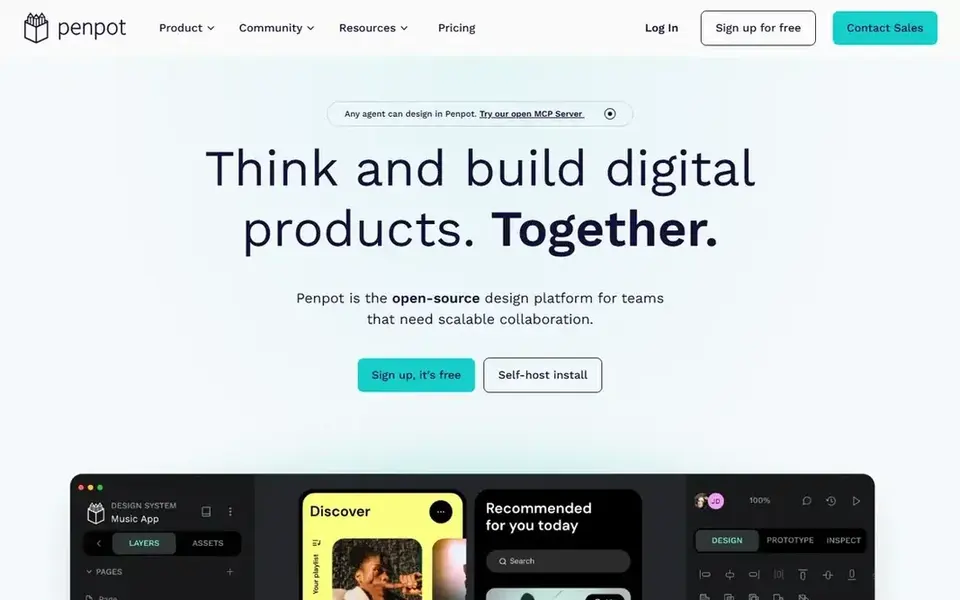
Penpot serves open source team design. A blogger can invite an editor or a designer into the same file, leave comments, and share a link to a design without asking anyone to install software.
More specifically, since Penpot is open source, a technical blogger can also self-host it and keep every file on their own server. On cost, Penpot starts like this: $0 per user/month. Penpot offers a free plan.
Watch-outs: smaller plugin and template library than Figma.
- Open source and self-hostable
- Completely free Professional plan
- Interface is less refined in places
In short, Adobe Express is for fast branded graphics. The free plan handles the basics, whereas Premium at $9.99 a month layers on the full stock library, background removal, and more templates. The limit is depth.
For fast, on-brand graphics at blog speed, it earns its place, but bloggers who require only occasional graphics can stay on the free plan. From a buyer's view, Adobe Express is Adobe's quick graphic tool, designed for people who require a finished image in minutes instead of a full design project. It ships with Adobe fonts, stock photos, and templates for blog headers, social posts, and short video clips, and the brand kit keeps the blog colors and logo one click away. Starting cost for Adobe Express: $9.99 per month. Adobe Express has a free plan.
Limits to weigh: deep editing needs the full Adobe apps.
- Quick social scheduling tools
- Free plan is usable
- Premium costs $9.99 a month with no annual discount shown
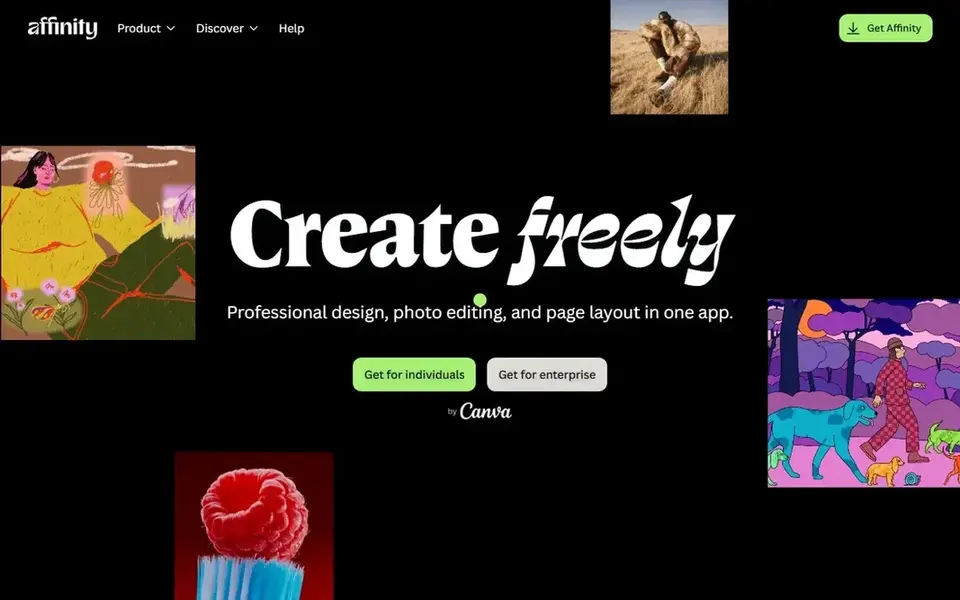
Where Affinity fits: one-off design without a subscription. The central limit is that Affinity is a desktop suite, not a browser tool.
Watch-outs: no browser version, so files live on one machine except when synced.
More specifically, files live on the computer unless the blogger sets up cloud storage, and live collaboration is not part of the workflow. What you pay to start with Affinity: $0. You can start on Affinity without paying.
- Full professional toolset free for individuals
- Quick desktop apps
- Smaller template community than Canva
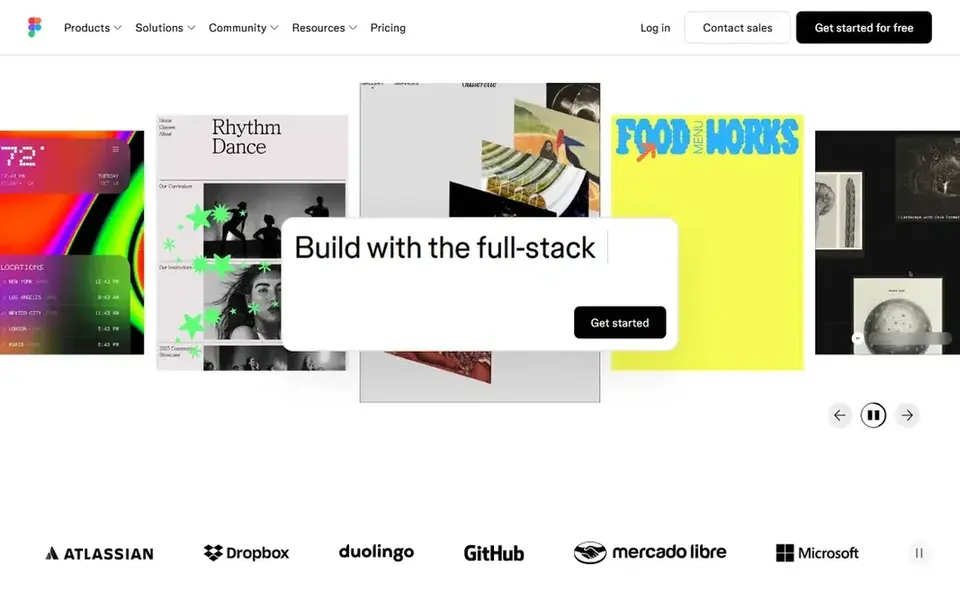
In short, Figma is for collaborative blog design. That keeps the design conversation attached to the design itself, which saves time when a post needs a fast header change before it goes live.
In daily use, a header, a callout box, or a newsletter signup block can be built once as a component and reused across every post template. On top of that, for bloggers, the practical strength of Figma is the way it takes care of reusable pieces. Figma starts at: $16 per user/month. A free plan is available with Figma.
Trade-offs to know: offline work is restricted.
- Works in any browser
- Comments live inside the file
- Full seats cost $16 per user a month billed yearly
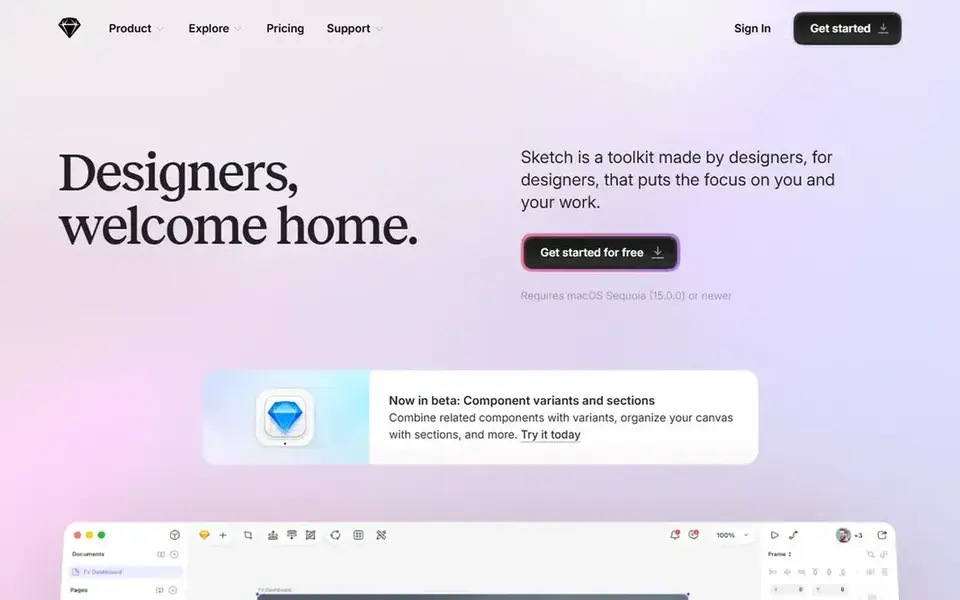
Think of Sketch for Mac-only interface design. There is also no free plan, only a 30-day trial, which means the $12 per editor a month billed annually becomes a fixed cost from the second month onward.
Worth adding: for a solo blogger who already owns a Mac and wants a focused desktop tool, that trade can make sense, but browser-based tools handle more situations for less money. Entry price for Sketch: $12 per editor/month. Trial and free access: Free trial (30 days).
Where it is weaker: Mac only, so Windows and Linux users cannot run it.
- Large library of plugins
- Clean vector editing
- No free plan after the 30-day trial
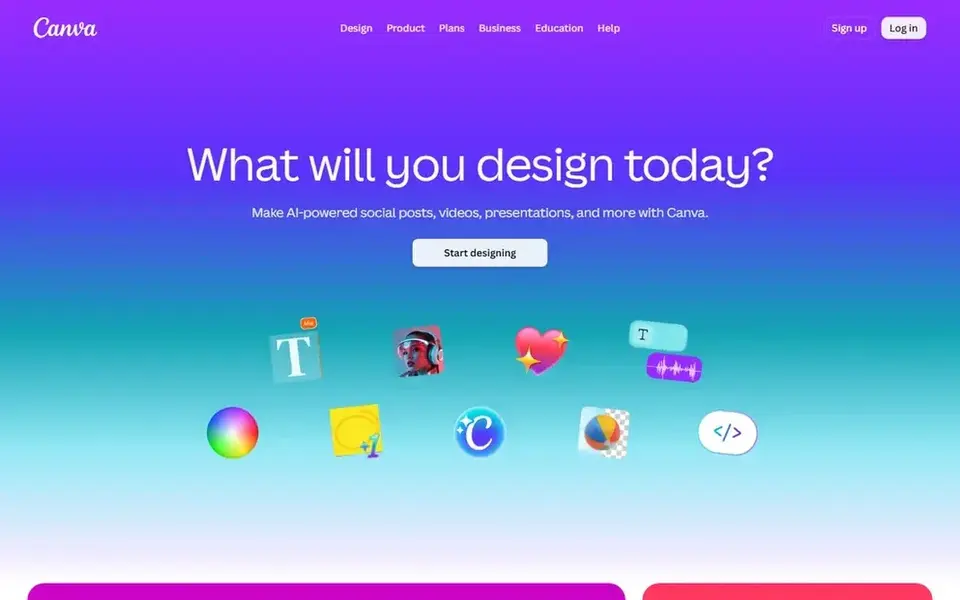
Canva is designed for quick blog graphics. The free plan contains thousands of templates and photos, which is enough for most blogs that publish a handful of posts a week and need one or two images per post. In daily use, bloggers who require Pro should open the Canva pricing page and read the figure in their own currency before deciding.
On top of that, the trade-off is originality. Since millions of people use the same templates, a Canva graphic can look familiar except when the blogger changes the colors, fonts, and layout to match the blog. Canva sells by quote instead of a published price. A free plan is available with Canva.
Points against: Pro price was shown in local currency on the vendor page today, so no dollar figure is stated here.
- Huge template library for blog and social images
- Free plan handles most image work
- Template-heavy designs can look similar across blogs
More on website design software for bloggers
Check the free plan limits, since some free plans cap the number of projects or the storage space. For everyday use, check whether the tool contains a custom domain path if you plan to publish with it, since design-only tools do not publish at all.
Things to verify first
- Ask Canva for a written quote, since no starting price is shown.
- Look at free plan limits closely: Lunacy, Penpot, Adobe Express and others have one, and the caps decide whether it is usable for real work.
- Use real work to test the free trial from Sketch, rather than a demo project.
- Before choosing Lunacy, weigh its main limit: smaller community than Figma or Sketch.
- Price Adobe Express for your actual team size; headline prices rarely include add-ons or overage.
- List the apps you already depend on and check that Sketch supports each one on the plan you would buy.
Frequently asked questions
Which design software is a good match for a new blogger?
Lunacy comes first here and is built for free desktop design. Buyers with other needs may prefer Penpot (for open source team design) or Adobe Express (for fast branded graphics). Compare costs and limits first.
Do these tools publish their prices?
Not all of them. Canva publishes no starting price, so expect a quote request for it. The rest, Lunacy included, show a starting price, though seats and billing terms still change the final cost.
Is Lunacy the right pick for everyone comparing website design software for bloggers?
No single tool suits every team. Lunacy comes first because it fits free desktop design, while Penpot suits open source team design and Adobe Express suits quick branded graphics. Match the tool to your own size, budget and workflow before deciding.
Can I design a blog for free?
Figma Starter, Canva free, Affinity, Penpot, and Lunacy all cost $0 for individual use, and each one includes a different part of the job. A blogger can design layouts in Figma, make social images in Canva, and edit photos in Affinity without spending anything.
What is the cheapest option for website design software for bloggers in this list?
On published monthly entry prices, Penpot is the lowest here at $0 per user/month. Entry price is only part of the cost, because seats, add-ons and billing terms can change the total.
Does Canva Pro have a fixed dollar price?
The Canva pricing page rendered the Pro price in local currency during this check, so this article states quote only for Canva Pro.
Sources
See where you really rank - block by block
ProMapRanker scans Google Maps across a grid of your service area. Simple monthly plans from $19, white-label on every plan.
Start freeBrowse all guides
← Gantt Chart Software for Marketing Teams: Best Picks of 20266 Best Infographic Software for Content Marketers in 2026 →
 best amazon and walmart listing tools for brands
6 Best Amazon and Walmart Listing Tools for Brands in 2026
Searching for the best amazon and walmart listing tools for brands? Here are 6 options with prices and free plans. Short verdicts, no fluff. Compare quickly.
Read → best walmart marketplace inventory tools for brands
Best Walmart Marketplace Inventory Tools for Brands in 2026
6 best Walmart marketplace inventory tools for brands, compared on pricing, free plans and best-fit use. Every pick gets a straight assessment. Clear verdicts.
Read → best content design platforms for businesses
7 Best Content Design Platforms for Businesses in 2026
Need the best content design platforms for businesses? We compare 7 tools on cost, free access and who each suits. Prices and drawbacks included. Facts only.
Read → best digitizing software for embroidery
Best Digitizing Software for Embroidery in 2026
Compare the best digitizing software for embroidery in 2026, including Wilcom, Hatch, Embrilliance, Ink/Stitch, Embird, Brother PE-Design, and SewArt.
Read → best passport photo app
Best Passport Photo Apps in 2026
Looking for the best passport photo app? We compare 8 apps and services on compliance checks, price, print options, and acceptance guarantees for travelers.
Read → best photo editor software for professionals
Best Photo Editor Software for Professionals in 2026
Compared: best photo editor software for professionals in 9 editors for RAW workflow, retouching, tethered shooting, and color, with prices noted here.
Read →More in Design & Creative · All guides A to Z by date · Latest guides