 ProMapRanker
Best Passport Photo Apps in 2026

Key takeaways
- PhotoAiD and Passport Photo Online pair AI checks with human review, which lowers rejection risk.
- Visafoto and Pixtidy are the cheapest digital options when you are comfortable printing yourself.
- Free apps work for simple cases, but read the export terms before you pay for a print sheet.
- No app can guarantee acceptance, since the reviewing office makes the final decision.
Quick comparison
| Pick | Great for | Pricing starts at | Free tier | |
|---|---|---|---|---|
 PhotoAiD | Reviewed photos with a guarantee | $13.95 | No | Visit |
 Passport Photo Online | Digital and printed delivery | $16.95 | No | Visit |
 Visafoto | Cheap digital photos | $9 | No | Visit |
 Smartphone iD | Guided photos with expert review | See website | Yes | Visit |
 PersoFoto | Privacy focused EU photos | See website | Yes | Visit |
 US Passport Photo | On-device editing and print sheets | $9.99 per year | Yes | Visit |
 CompliantPhoto | AI compliance validation | See website | No | Visit |
 Pixtidy | Low cost digital and print sheet | $9.99 | Yes | Visit |
The best passport photo apps
A passport photo has strict rules on size, head position, background, and expression. The best tools check those rules before you submit, and they tell you plainly when a photo needs a retake.
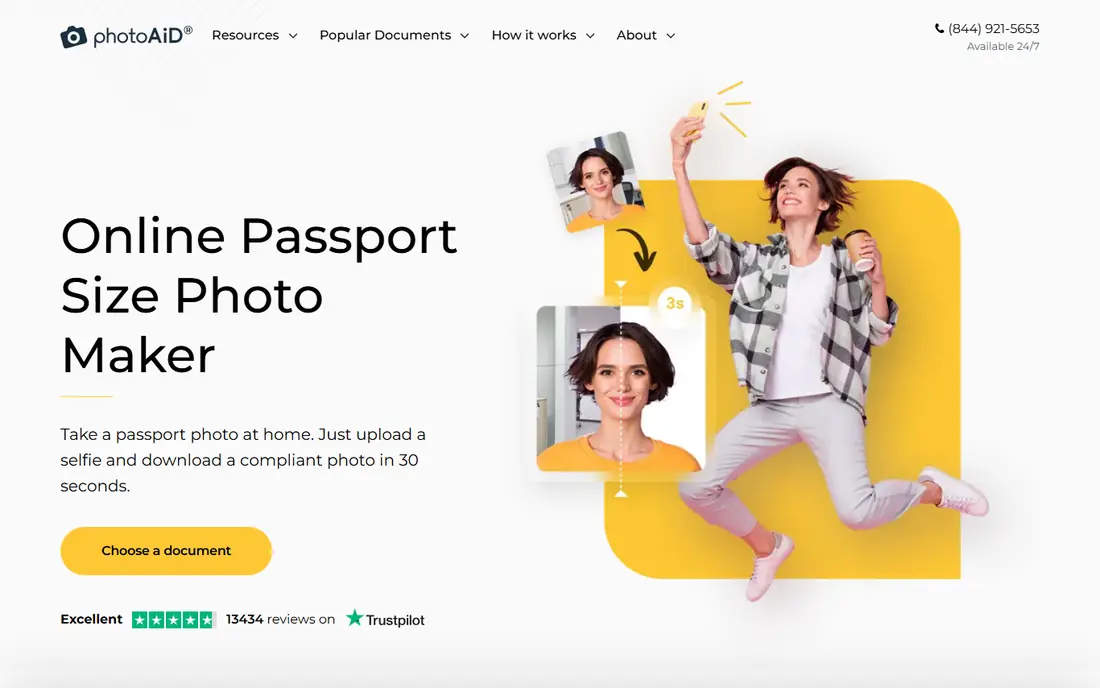
PhotoAiD combines an automated compliance check with a human review, which is why we put it first for anyone worried about rejection. You take a photo or upload one, the tool adjusts background and cropping, and an expert checks the result before delivery. That second pair of eyes catches shadows, head tilt, and framing problems that an automated crop alone can miss.
The price is higher than a do-it-yourself app, and the service is per photo rather than a subscription you can reuse endlessly. For a passport or visa application where a rejection would cost weeks, that extra check is worth the difference.
- AI check plus human expert review
- Wide country coverage
- Printed delivery available
- Premium price for a single photo
- Pay before you see the final file in some flows
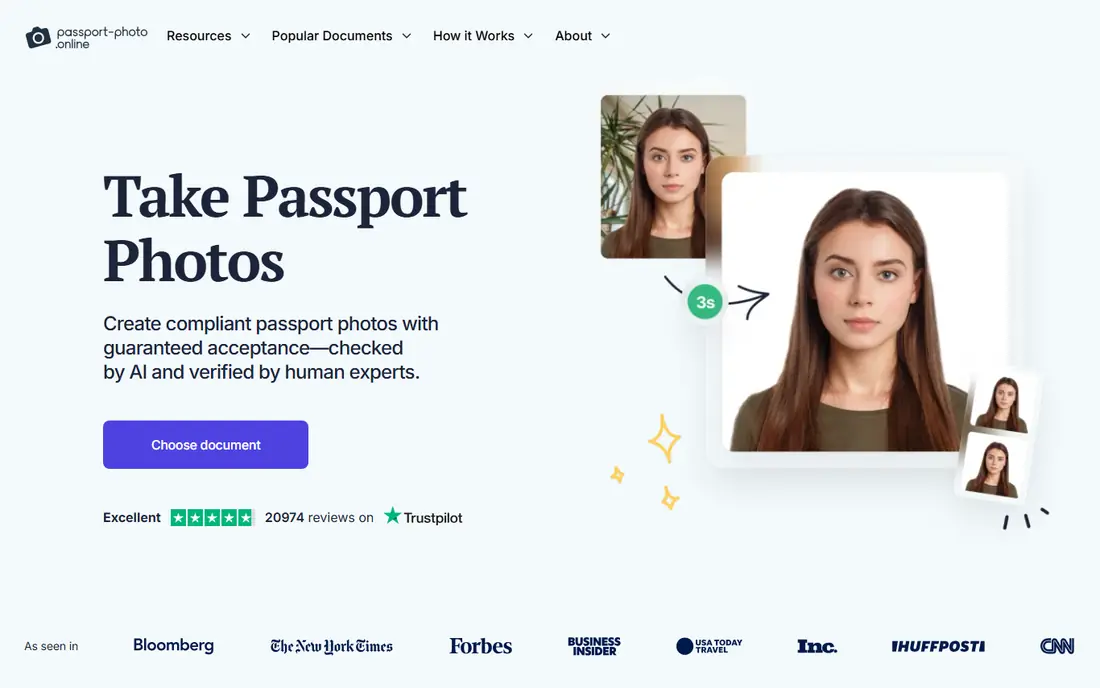
Passport Photo Online covers both routes: a digital file for online applications and printed photos delivered to your door. Experts review orders, and the service offers an acceptance guarantee that refunds and compensates if authorities reject the photo. That promise is reassuring, though you should still read its exact terms before ordering.
Printed delivery takes a few business days, so it suits planned applications better than a last-minute renewal. If you only need a digital file, a cheaper digital-only service may do. For a single order that covers both formats, it is a tidy option.
- Digital and printed options
- Expert review available around the clock
- Clear per-order pricing
- Higher price than digital-only rivals
- Printed delivery adds waiting time
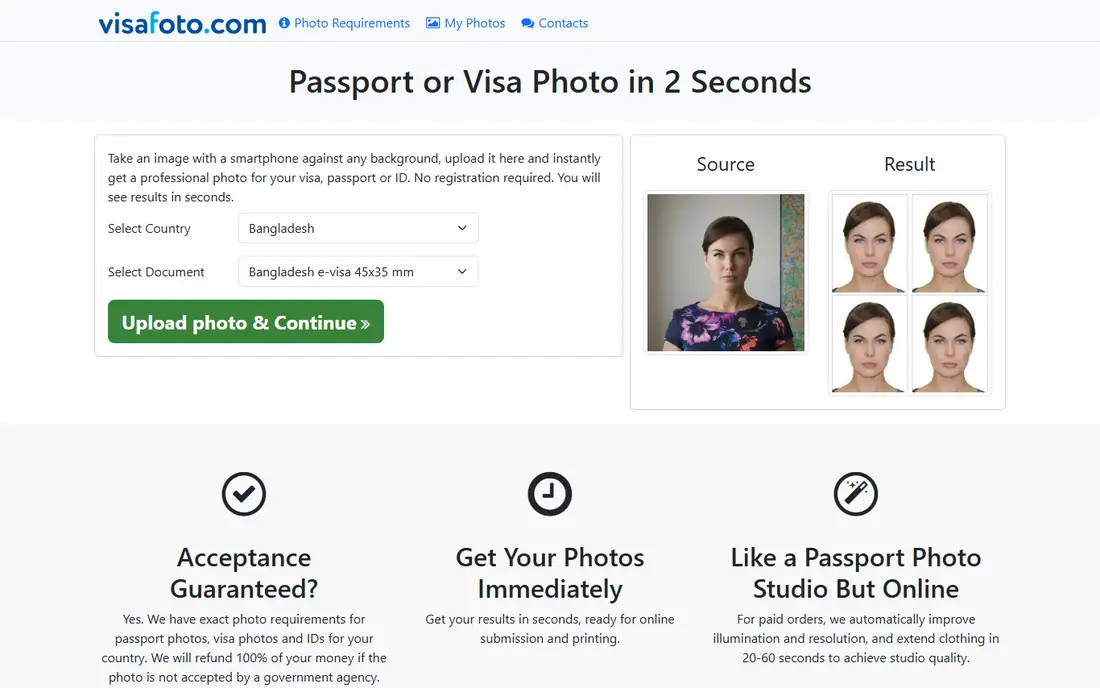
Visafoto is a straightforward web service: upload a portrait, choose the document, and get a sized digital photo in seconds. The price covers a digital picture you can reuse, with a small extra fee if you need a printout. Support is available around the clock, and rejected photos can be replaced or refunded under its policy.
It lacks the human review step that PhotoAiD and Passport Photo Online highlight, so the quality of your starting photo matters more. Take the picture in good light against a plain background, follow the on-screen guidance, and check the result closely before you submit it.
- Low digital price
- Instant processing after upload
- Wide document coverage
- No free plan
- Printouts cost extra
Smartphone iD guides you through the photo step by step, then checks the result with AI and a human expert. That guidance helps first-time applicants who are unsure about distance, lighting, or expression. Digital delivery suits online applications, and prints can be ordered when a paper application needs them.
Pricing varies by country, document, and delivery choice, so check the total before you confirm. The app itself is free to download, but the verified photo is a paid service. For applicants who want coaching plus a review, it is a strong middle option.
- Step-by-step photo guidance
- AI plus human verification
- Digital and print options
- Final price varies by document and delivery
- App flow asks for an order to finish
PersoFoto focuses on biometric standards, with country-specific templates and checks for passports, visas, and ID cards. It suits travelers who need a European document photo as well as a US one, and it offers print sheets for home printing. Privacy-conscious users will like that the tool keeps its checks focused on the document rules rather than extra data collection.
US applicants should compare its US passport guidance with a US-focused service before submitting, since document rules differ by country. Paid features open up full exports in some flows. For multi-country needs, its template range is a real advantage.
- Country-specific biometric checks
- Optional background removal
- Print sheet layouts
- Smaller US-focused guidance than US rivals
- Paid features for full exports
US Passport Photo takes a privacy-friendly approach: face detection and background removal run on your phone unless you turn on backup. It checks eyes, centering, head size, tilt, expression, glasses, light, and sharpness before you use the photo, and it builds a 4 by 6 print sheet you can print at home or at a kiosk.
The free tier covers two photos with ads, which is enough for a single application if you get it right quickly. Unlimited exports, HD files, and print sheets need the yearly Pro plan. For a low-cost DIY route with clear checks, it is a good pick.
- Face checks run on your phone
- 4 by 6 print sheets
- Covers many countries and documents
- Two free photos only
- Paid plan needed for unlimited exports and HD files
CompliantPhoto runs a full AI validation pass on your photo, checking head position, face coverage, eye visibility, expression, lighting, shadows, and background against published government specs. It also offers a fix tool for photos that fail on lighting or background, which can save a retake. Since it runs on the web, there is no app to install.
It does not offer the same human review story as PhotoAiD, and pricing sits on its site rather than in a single published figure here. For web users who want a detailed automated check without downloading an app, it is worth comparing.
- Full AI validation against published specs
- Background and lighting fixes
- No app install needed
- Web-only service
- Pricing needs checking on its site
Pixtidy lets you check a photo free before you pay, which removes the fear of paying for a file you cannot use. The digital option costs less than many reviewed services, and a print sheet option lets you print the photo yourself at a low cost. That combination suits budget-conscious applicants who are comfortable with a home printer or a photo kiosk.
Its brand presence is smaller than the market leaders, and final print quality depends on where you print. If you print at a pharmacy kiosk on photo paper and cut carefully along the guides, the result should match a store print. For a cheap digital-first route, Pixtidy is a sensible choice.
- Free checking before payment
- Digital file plus print sheet option
- Low digital price
- Smaller brand presence than PhotoAiD
- Print quality depends on your printer or kiosk
How we picked these
We compared official feature pages, pricing pages, and app store listings, plus public user reviews, and kept only apps and services that still work in October 2026 and truly fit passport and ID photos. We favored tools that check compliance rather than just crop, and we noted where a human review or a guarantee backs the result. Prices reflect published starting figures at the time of writing, and vendors change them, so check the pricing page before you buy. This article is not official government advice, and the reviewing office makes the final decision on any photo.
How to take a photo that gets accepted
Start with light. Face a window in daylight, keep the light even on both sides of your face, and avoid shadows on the wall behind you. Stand against a plain white or off-white background if you can, though many tools here can replace the background for you.
Keep a neutral expression with your mouth closed and both eyes open, look straight at the camera, and remove glasses if your document rules require it. Hold the phone at eye level, not from below or above, and leave space around your head so the tool can crop correctly. Take several shots and pick the sharpest one, then run it through your chosen checker before you submit or print.
Digital or printed
Online applications need a digital file at the exact pixel size and format the agency asks for. Paper applications need prints at the exact physical size, usually 2 by 2 inches for a US passport. A 4 by 6 print sheet with several copies is the cheapest printed route, but cut carefully along the guides and use photo paper, not plain paper.
Check the document rules first
US passport, visa, Green Card, and state ID photos follow different rules in some details. Choose your exact document in the app before you take the photo, not after, so the size and background match from the start.
Frequently asked questions
What is the best app for passport photos?
PhotoAiD is our pick when acceptance matters most, because it pairs an AI check with human review. Visafoto and Pixtidy are cheaper digital options, and US Passport Photo is a good low-cost app with on-device checks.
What is the best app to take a passport photo at home?
Smartphone iD and US Passport Photo both guide you through taking the photo at home. Face a window for even light, keep a neutral expression, and let the app check head size and background before you submit.
What is the best passport photo software for printing?
US Passport Photo and PersoFoto both build 4 by 6 print sheets you can print at home or at a kiosk. Print on photo paper and cut along the guides for the cleanest result.
Can I use a selfie for a passport photo?
Yes, if it meets the rules. The photo must show your full face looking at the camera, with even lighting and a plain background. A selfie taken at arm's length can distort proportions, so use a timer or ask someone else to take it when you can.
How much does a passport photo app cost?
Free apps cover basic cropping, while verified services range from about $9 for a digital file to about $17 for a digital file with review. Printed delivery costs more and takes longer, while a print sheet you print yourself is the cheapest printed route.
Sources
See where you really rank - block by block
ProMapRanker scans Google Maps across a grid of your service area. Simple monthly plans from $19, white-label on every plan.
Start freeKeep reading
 free alternatives to grok imagine
Free Alternatives to Grok Imagine in 2026
We compared the best free alternatives to grok imagine for image generation, from fast daily credits to design tools, so you can create without paying.
Read → best tools for instagram content creation
Best Tools for Instagram Content Creation in 2026
Compare the best tools for Instagram content creation, from Canva and CapCut to Later and Buffer, on design, video, planning, scheduling, and price in 2026.
Read → best tool to split pdf files
Best Tool to Split PDF Files in 2026
We compared the best tool to split pdf files on split modes, file limits, privacy and price, so you can split a PDF cleanly and keep every page in one go.
Read →