 ProMapRanker
7 Best Content Design Platforms for Businesses in 2026

Reports, presentations and data visuals · Pricing starts at: $12.25 a month (Starter, billed annually)
Direct answer
Visme comes first here, mainly for reports, presentations and data visuals. Listed starting prices: Visme from $12.25 a month (Starter, billed annually), Figma from $16 per editor per month (Professional, billed annually) and VistaCreate from $10 per month (Pro, billed yearly). If your case is different, Figma suits product and interface design with developer handoff and VistaCreate suits low cost team design for social and print. Prices, free plans and limits for all 7 tools follow.
Choosing content design platforms for businesses usually comes down to price, fit and limits. This ProMapRanker guide sets 7 tools side by side on those three points, with the facts kept short and checkable.
Key takeaways
- Visme sits first on this list: reports, presentations and data visuals.
- The lowest published monthly entry price here is $10 per month, from VistaCreate.
- A fair warning about Figma: full seats cost $16 per editor a month on annual billing, and $20 on monthly billing.
- Visme, Figma, Snappa, Venngage, Piktochart: these are the 5 tools out of 7 that offer a free plan.
Quick comparison
| Pick | Great for | Pricing starts at | Free tier | |
|---|---|---|---|---|
| Visme | Reports, presentations and data visuals | $12.25 a month (Starter, billed annually) | Yes | Visit |
 Figma | Product and interface design with developer handoff | $16 per editor per month (Professional, billed annually) | Yes | Visit |
 VistaCreate | Low cost team design for social and print | $10 per month (Pro, billed yearly) | Free trial (14 days) | Visit |
 Snappa | Fast social graphics and ads | $10 a month (Pro, billed yearly) | Yes | Visit |
 Canva | All round business design and team templates | $18 a month (Pro, billed per month) | Free trial (30 days) | Visit |
 Venngage | Infographics and business documents | $10 per month (Premium, billed annually) | Yes | Visit |
 Piktochart | Infographics, reports and visual storytelling | $10 per member per month (Pro, billed annually) | Yes | Visit |
Content Design Platforms for Businesses compared in detail
Visme works best for reports, presentations and data visuals. Visme fits companies that turn data into reports, proposals, presentations and infographics.
Honest limits: PDF and image downloads are restricted on Basic.
Worth adding: before you buy, confirm which export formats your clients need, since PPTX export sits on the higher plan. Starting cost for Visme: $12.25 per month. Free access exists with Visme.
- Presentation analytics on higher plans
- Capable charts
- Starter is restricted to personal use in the terms, so client and commercial work needs Pro or Business
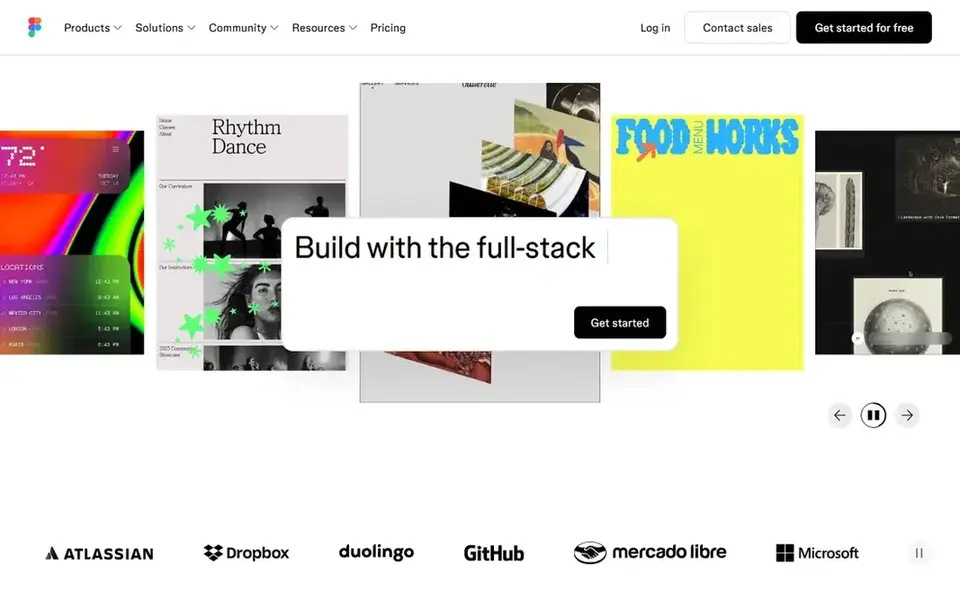
For product and interface design with developer handoff, Figma is a natural candidate. Figma is the right choice when content design means product interfaces, websites, apps and design systems instead of social posts.
As for the details, the Professional plan hands a full seat at $16 per editor a month on annual billing, with unlimited files and projects, team libraries, advanced prototyping and Dev Mode. Dev seats cost $12 a month and Collab seats cost $3 a month. Figma pricing: $16 per editor per month. Figma has a free plan.
The main drawbacks: Full seats cost $16 per editor a month on annual billing.
- Dev Mode for developer handoff
- Live collaboration and shared libraries
- It is not a general marketing template tool
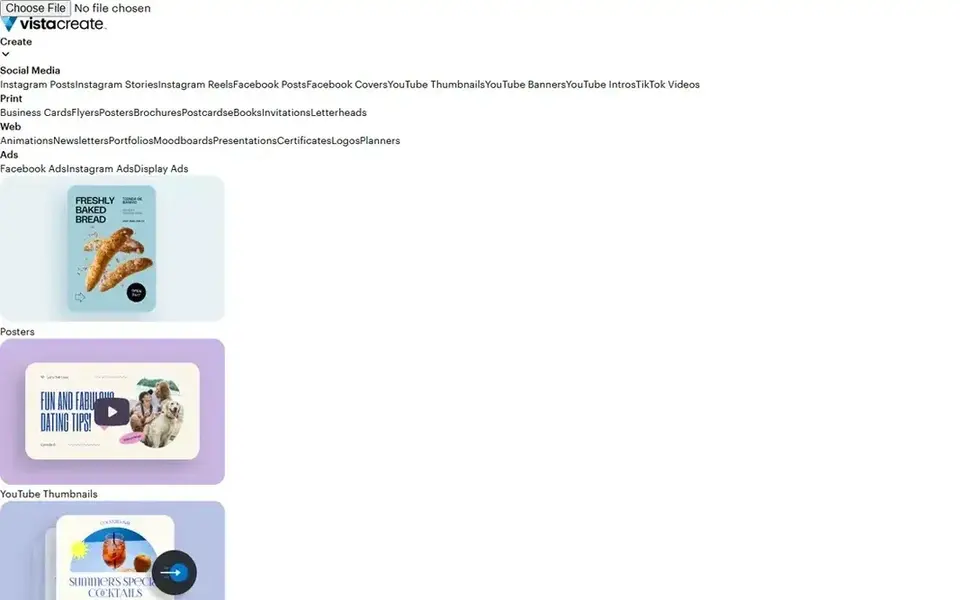
Pick VistaCreate if this describes you: low cost team design for social and print. Pro costs $10 a month on annual billing, or $120 a year, and $13 a month on monthly billing, and that one price handles a team of up to 10 members. It bundles 200,000 templates, premium assets, unlimited Brand Kits, unlimited storage, one click resize, HD downloads, version history and AI tools, with 100 AI image generations a month shared across the account.
Where it falls short: the free Starter plan has no AI tools.
That team pricing changes the maths for a business with 3 to 10 people who all need to build content. Five Canva Business seats cost about $104.15 a month on annual billing, whereas VistaCreate Pro costs $10 per month in total for the same five people. VistaCreate pricing: $10 per month. Free access: Free trial (14 days).
- Unlimited Brand Kits and storage on Pro
- One Pro price handles up to 10 team members
- AI image generation is capped at 100 generations a month shared across the account
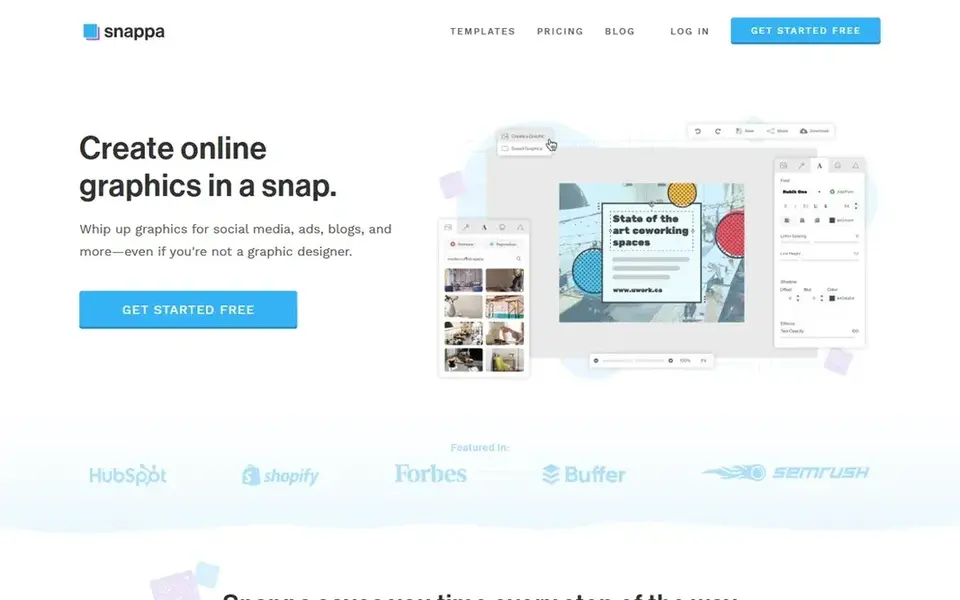
In short, Snappa is for fast social graphics and ads. The free Starter plan permits 3 downloads a month for one user.
So it is handy only for very light use or a trial. Entry price for Snappa: $10 per month. Free access exists with Snappa.
Trade-offs to know: PDF or SVG export; no AI tools, video.
- Very straightforward editor for quick graphics
- Team plan handles 5 users for $20 a month on annual billing
- Free Starter permits only 3 downloads a month
Pick Canva if this describes you: all round business design and team templates. On annual billing, Pro costs $144 a year for one person, which works out at $12 a month, whereas Business costs $250 per person a year, which works out at about $20.83 per person a month.
Worth adding: Pro fits a single owner or marketer who produces most of the content alone, whereas Business fits teams that require shared folders, approvals and admin c In practice, check the storage limit, the number of Brand Kits and the AI allowance on the plan you choose, since those limits change sharply between Free, Pro a Starting cost for Canva: $18 per month. Free access: Free trial (30 days).
Points against: AI use is metered by plan.
- Very large template library
- Solid brand controls on Business plans
- Pro is for one person only, so teams need Business seats
For Infographics and business documents, Venngage is a natural candidate. If your team needs a Brand Kit or PowerPoint export, budget for Business from the start instead of treating Premium as the full business price. Also, business costs $24 per user a month on annual billing, or $49 per user a month on monthly billing, and it brings Brand Kit, font uploads, PDF and PowerPoint export, HTML export, accessible PDF, folders and team collaboration.
What to check first: free plan lets only 5 designs.
Enterprise begins at $499 a month. Beyond that, premium costs $10 a month on annual billing, or $19 a month on monthly billing, and it provides unlimited designs, premium templates, PNG downloads and private sharing. Worth adding: the free plan lets 5 designs with public sharing and Venngage branding, so it is a good match for a short trial instead of regular business use. Starting cost for Venngage: $10 per month. Venngage includes a free tier.
- Template led infographics with charts and maps
- Accessible PDF export on Business
- Brand Kit and PDF and PowerPoint export need Business at $24 per user a month on annual billing
Piktochart is designed for Infographics, reports and visual storytelling. Piktochart helps companies turn text, data and ideas into infographics, reports, presentations and videos. It comes with unlimited PNG downloads, 500 AI credits a month, premium templates, transparent background downloads and 100GB of storage.
Downsides: free plan permits only 2 downloads.
Piktochart is a decent match for marketing and communications teams that publish research summaries, social carousels and internal reports. Beyond that, business costs $17 per member a month on annual billing, or $204 a year, with 1,000 AI credits and PDF and PowerPoint export. Entry price for Piktochart: $10 per member per month. Piktochart offers a free plan.
- AI led visual creation with 500 AI credits a month on Pro
- Unlimited PNG downloads on Pro
- Pro exports PNG only, so PDF and PowerPoint export need Business
Before you commit
- Prices are a starting point; VistaCreate shows $10 per month to start, so verify what your seat count would cost.
- Look at free plan limits closely: Visme, Figma, Snappa and others have one, and the caps decide whether it is usable for real work.
- Run a trial of VistaCreate and Canva with real work before paying for a year; your own workflow is the best test.
- Read the limits listed for Visme first: starter is restricted to personal use in the terms, so client and commercial work needs Pro or Business.
- Confirm minimum seats and billing terms with Canva before you commit to an annual plan.
- Read the plan comparison for Venngage carefully; key features often start on a higher tier.
Frequently asked questions
What is the cheapest option for content design platforms for businesses in this list?
On published monthly entry prices, VistaCreate is the lowest here at $10 per month. Entry price is only part of the cost, because seats, add-ons and billing terms can change the total.
How are the tools for content design platforms for businesses ordered?
Visme sits first and Piktochart last because the order follows typical fit for content design platforms for businesses, then price clarity and free access. It is a judgement call, so read each profile for fit and limits.
What is the best content design system for a small business?
Start with Visme if you need reports, presentations and data visuals. Figma is the better match for product and interface design with developer handoff, and VistaCreate for low cost team design for social and print. The best choice depends on budget, team size and workflow.
Can I try these tools before paying?
Often, yes. Visme, Figma, Snappa and others have a free plan and VistaCreate and Canva offer a free trial. Use your own data and a real task during the test, and check what the free tier or trial limits before you rely on it.
Which options for content design platforms for businesses have a free plan?
On this list, Visme, Figma, Snappa, Venngage and Piktochart include a free plan. Caps on seats, usage or features are common, so test the free plan against your real workload. Several others offer a trial instead.
How much should a business budget for a content design platform?
A single creator can start at $9.99 to $18 a month, based on the tool and billing period. A team of 5 should budget $10 to $104.15 a month on annual billing, because VistaCreate Pro spans 5 people for $10 in total whereas Canva Business costs about $104.15 for 5 seats.
Sources
See where you really rank - block by block
ProMapRanker scans Google Maps across a grid of your service area. Simple monthly plans from $19, white-label on every plan.
Start freeBrowse all guides
Best Walmart Marketplace Inventory Tools for Brands in 2026 →
 best hairstyle try on app
Best Hairstyle Try On App in 2026
Find the best hairstyle try on app for realistic previews, hair color tests and salon-ready photos, with free plans, current prices and honest limits.
Read → best user interface app
Best User Interface App in 2026
Best user interface app picks for 2026, compared for team design, prototyping, handoff and price, so you can pick the right tool for your screens today.
Read → best online photo printing service
Best Online Photo Printing Service in 2026
Compare the best online photo printing service options for prints, large prints, books, and wall art, with print quality, speed, and value explained here.
Read → best company to order checks from
Best Company to Order Checks From in 2026
We compare the best company to order checks from in 2026, reviewing eight personal and business check printers on designs, security, shipping and delivery.
Read → best ai fashion design tools
Best AI Fashion Design Tools (2026)
Comparing the best AI fashion design tools? 7 contenders, each with entry cost, free tier and best-fit buyer. Limits and pricing notes included. Details below.
Read → sysdig alternatives
Best Sysdig Alternatives in 2026
Searching for sysdig alternatives? We compare 8 cloud and container security platforms on runtime protection, image scanning, posture and pricing in 2026.
Read →More in Design & Creative · All guides A to Z by date · Latest guides