 ProMapRanker
Best User Interface App in 2026

Key takeaways
- Figma remains our pick for most teams because it covers design, prototyping, and developer handoff in one shared file.
- Sketch suits Mac-only teams that want a focused native app, while Penpot suits teams that want an open-source, browser-based option.
- Framer is the strongest choice when the end result needs to be a live website, not just a set of screens.
- Uizard and Balsamiq help at opposite ends of the process: fast first drafts on one side, and plain wireframes on the other.
- Price depends on seats and roles, so check how many editors you truly need before you compare monthly totals.
Quick comparison
| Pick | Great for | Pricing starts at | Free tier | |
|---|---|---|---|---|
 Figma | Team interface design | See website | Yes | Visit |
 Sketch | Mac-native interface design | See website | Free trial | Visit |
 Penpot | Open-source interface design | Free | Yes | Visit |
 Framer | Live websites from design | See website | Yes | Visit |
 Uizard | Fast AI-assisted first drafts | See website | Yes | Visit |
 UXPin | Prototypes built from code components | See website | Free trial | Visit |
 Axure RP | Complex logic prototypes | See website | Free trial | Visit |
 Balsamiq | Quick low-fidelity wireframes | See website | Free trial | Visit |
 Lunacy | Free desktop design on Windows | Free | Yes | Visit |
The best user interface apps
We compared how each tool handles screens, components, prototyping, sharing, and handoff to developers. Our list favors tools that stay useful from a first sketch to a build-ready file.
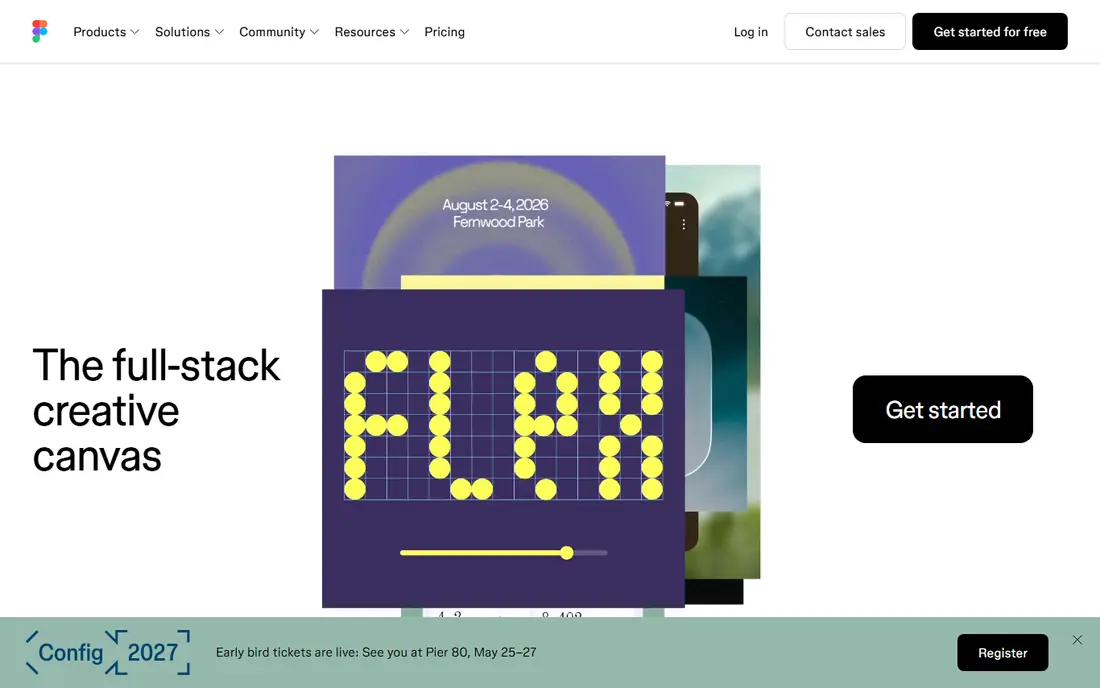
Figma is the default for a reason. Several people can work in the same file at once, leave comments on a specific frame, and watch a design system update across screens without exporting a new file each time. That shared workspace cuts down on the version confusion that used to slow design reviews.
The catch is cost control. Figma charges by seat type, so a team that gives everyone full editing rights will pay more than a team that assigns view or comment roles where they fit. Start with the free plan for a solo project, then map roles before you move a whole team over.
- Real-time collaboration in the browser
- Strong components, variants, and prototyping
- Wide plugin and handoff options
- Seat pricing can grow fast on large teams
- Heavy files need care on slower machines
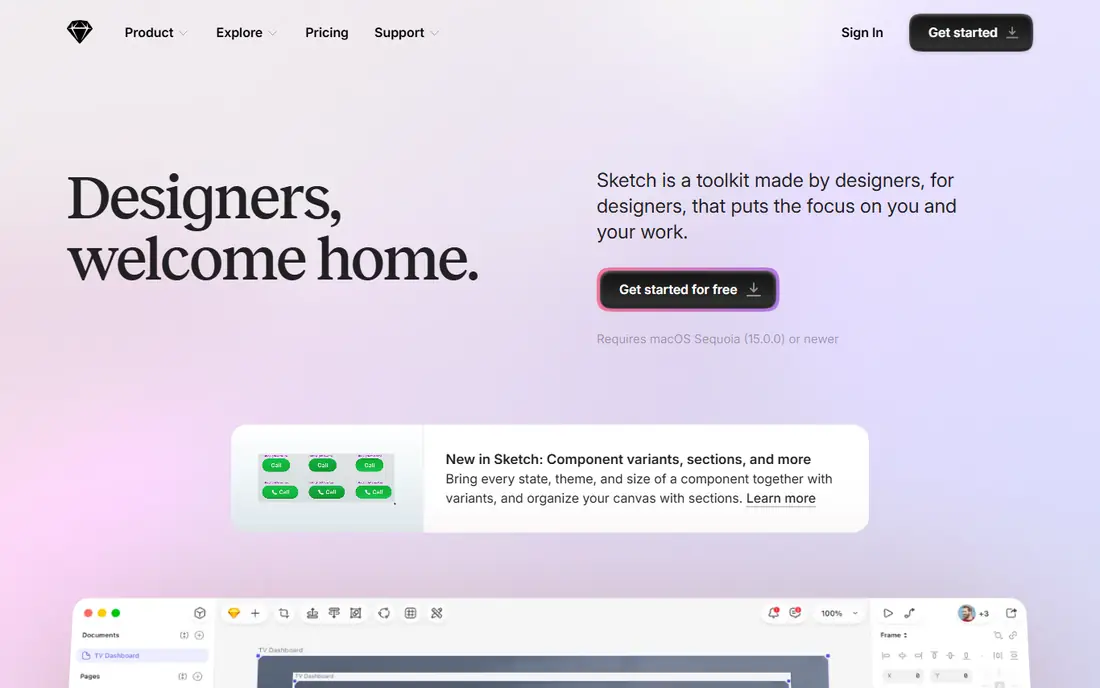
Sketch appeals to designers who like a focused desktop app rather than a browser tab full of panels. It opens fast, edits feel direct, and its symbols and libraries handle repeated parts of an interface with little fuss. For a small Mac-based studio, that simplicity is a real benefit.
The limit is platform. A team with Windows users will lean on Sketch web tools for viewing and commenting, which is workable but not the same as full native editing. Sketch is best when most of the design work happens on Macs.
- Fast native Mac app
- Clean vector editing
- Strong symbols and libraries
- Mac only, so Windows teammates need the web app
- Smaller plugin range than Figma
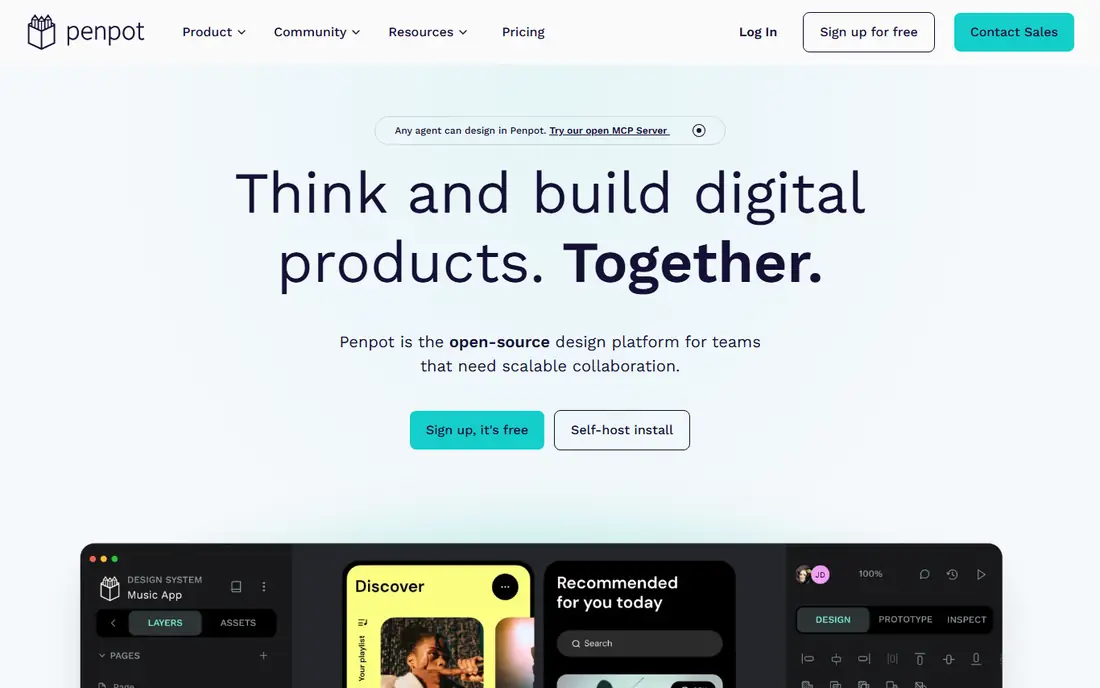
Penpot gives teams an open-source path without giving up modern design work. It runs in the browser, supports components and design tokens, and can be self-hosted when a team needs control over its files and data. For schools, public projects, and cost-sensitive teams, that mix is hard to beat.
Penpot is still catching up on polish in places. Its community is smaller, so you may find fewer ready-made plugins and templates than in Figma. If your team needs the widest plugin shelf, test Penpot on a real project first.
- Free cloud use and self-hosting option
- Designs built on open web standards
- Good components and tokens support
- Smaller community and plugin range
- Some advanced prototyping is less polished than Figma
Framer shines when the deliverable is a website you can open in a browser. You design screens, add motion and interactions, connect content, and publish without handing files to another tool for build. Marketing teams and startups use it to ship landing pages and product sites fast.
Framer is not a straight replacement for a product design tool. If you design a native mobile app with a large component system, Figma or Penpot will fit better. Use Framer where the live site is the product.
- Design and publish a live site in one tool
- Strong motion and layout controls
- Built-in hosting and content tools
- Less suited to native app design systems
- Site pricing rises with traffic and features
Uizard is best at the start of a project, when a blank screen slows everyone down. Give it a prompt or a rough sketch and it returns editable screens you can rearrange, restyle, and link into a prototype. Founders and product managers can test a flow with users before a designer spends days on polish.
Treat that output as a draft. Colors, spacing, and components will need work to match an established brand, and complex interactions still belong in a fuller tool. Uizard saves time at kickoff, not at final handoff.
- Turns prompts, sketches, and screenshots into editable screens
- Quick clickable prototypes
- Easy for non-designers
- Output needs refinement before it matches a real design system
- Less control than manual design tools
UXPin fits teams that already have a React design system and want prototypes that behave like the real product. Instead of drawing a button that only looks right, you use the actual component, so states, inputs, and logic act as they will in production. That fidelity helps catch interaction problems early.
The trade-off is setup. A team without coded components will not get the main benefit, and the learning curve is steeper than in a simple wireframe tool. UXPin earns its price when prototype accuracy changes decisions.
- Prototypes use real coded components
- Conditional logic and data in prototypes
- Strong for design systems
- Higher learning curve
- Best value only for teams with a coded component library
Axure RP remains the choice for prototypes with real logic. You can model multi-step flows, conditional branches, form validation, and data lists without writing production code. Enterprise teams use it to test complex tools, dashboards, and internal software before development starts.
For a simple marketing site or a small app, Axure is more tool than you need. Its interface also feels older than Figma or Framer. Pick Axure when logic, not looks, is the main thing to test.
- Deep conditional logic and variables
- Data-driven prototypes
- Detailed specs and documentation
- Dated feel next to newer tools
- Overkill for simple screens
Balsamiq keeps early discussions honest. Its sketch style stops people from debating button colors when the layout itself is still undecided. You can lay out a screen in minutes, share it, and change the structure based on feedback without redoing polished work.
Balsamiq is not a design system tool. You will move to Figma, Penpot, or another high-fidelity tool once layout is settled. That handoff is a feature, not a flaw, when early speed matters most.
- Very fast sketch-style wireframes
- Keeps focus on layout, not styling
- Easy for stakeholders to comment on
- Not for high-fidelity design or polished prototypes
- Limited component styling
Lunacy is a practical free desktop option, especially on Windows where Sketch is absent. It opens Sketch files, offers vector editing and prototyping, and bundles icons and stock photos that speed up early screens. Solo designers and small teams can do real interface work without a monthly seat bill.
Collaboration is not Lunacy's main strength. It suits a designer working alone or sharing files for review more than a large team editing together in real time. Pair it with a clear file-sharing habit if more than one person touches the design.
- Free desktop app for Windows, Mac, and Linux
- Works with Sketch files
- Built-in icons and photos
- Smaller community than Figma
- Collaboration features are less central
How we picked these
We compared official feature pages, pricing pages, and app documentation for current design, prototyping, and handoff features. We favored tools that are actively maintained, support components or libraries, and offer a free plan or trial so readers can test them. We left out tools that have been discontinued or moved to maintenance-only status, and we did not treat plugin counts or marketing claims as proof of quality.
How to choose the right user interface app
Start with the deliverable. If you ship a mobile or web product with a team, Figma or Penpot will cover most needs. If you ship a marketing site, Framer may let you skip a separate build step. If you only need to test a flow, Balsamiq or Uizard will get you to feedback faster than a polished design file.
Next, check the handoff. Ask how developers will inspect spacing, colors, type, and assets, and how design tokens move from design to code. A tool that looks good in a demo but exports messy specs will cost time later. Run one real screen through the full path, from component to developer view, before you commit.
Finally, count seats honestly. List who edits, who comments, and who only views. Many teams pay for full seats that could be viewer or comment seats. A free plan plus a small set of paid editor seats often covers a project that looks, at first glance, like it needs a large plan.
Frequently asked questions
What is the best app user interface tool for beginners?
Figma is a strong beginner choice because its free plan covers personal projects and its community files show how real screens are built. Balsamiq is simpler if you only need wireframes, and Uizard helps when a blank screen is the main block. Pick based on the task, not on the longest feature list.
Is there a free user interface design app?
Yes. Penpot and Lunacy offer free use, Figma has a free plan, and Framer and Uizard offer free tiers with limits. Free plans often limit projects, collaborators, or publishing features, so check the current plan page for the limits that matter to your work.
Is Sketch still worth using in 2026?
Sketch still works well for Mac-only teams that want a fast native app and a clean library workflow. It is less ideal for mixed-platform teams that need everyone editing in the same tool. If your team is mostly on Macs, try its trial on a real project before deciding.
Can Framer replace Figma?
Framer can replace Figma for marketing websites and landing pages, where the live site is the end result. For native apps and large product design systems, Figma usually fits better. Many teams use both: Figma for the product, and Framer for the site that sells it.
How do I move a design from one tool to another?
Most tools export common formats and support file imports, but components, tokens, and interactions rarely transfer perfectly. Expect to rebuild parts of a design system after a move. Test the import with one complex screen before you migrate a whole library.
Sources
See where you really rank - block by block
ProMapRanker scans Google Maps across a grid of your service area. Simple monthly plans from $19, white-label on every plan.
Start freeKeep reading
 zscaler alternatives
Best Zscaler Alternatives in 2026
Looking for zscaler alternatives? We compare 9 SASE and zero trust platforms on architecture, data protection, pricing, and fit for your network and team.
Read → zapier alternatives free
Best Zapier Alternatives Free in 2026
Nine automation tools for zapier alternatives free in 2026, all with genuinely free tiers, plus free plan limits, starting prices and upgrade paths explained.
Read → which platform is best for online reputation
Which Platform Is Best for Online Reputation in 2026
Wondering which platform is best for online reputation? We compare 8 review, listing, and response tools for small and multi-location businesses and agencies.
Read →