 ProMapRanker
Best Digitizing Software for Embroidery in 2026


Commercial digitizing professionals · Pricing starts at: See website
Key takeaways
- Wilcom EmbroideryStudio remains the professional standard for commercial digitizing, with Hatch as the most popular Wilcom option for hobbyists and small shops.
- Ink/Stitch is the best free digitizing option, with real manual digitizing power for users willing to learn its workflow.
- Embrilliance suits Mac users and modular buyers, since levels can be added as skills and needs grow.
- Embird suits budget buyers who want to build a setup module by module rather than paying for a large suite at once.
- Always test a stitch file on scrap fabric before a real garment, since density, underlay, and pull compensation vary by fabric and machine.
Quick comparison
| Pick | Great for | Pricing starts at | Free tier | |
|---|---|---|---|---|
| Wilcom EmbroideryStudio | Commercial digitizing professionals | See website | Free trial | Visit |
 Hatch Embroidery | Serious hobbyists and small businesses | $149 | No | Visit |
 Embrilliance StitchArtist | Mac users and modular buyers | $169 | No | Visit |
 Ink/Stitch | Free manual digitizing | Free | Yes | Visit |
 Embird | Budget modular digitizing | $149 | No | Visit |
 Brother PE-Design | Brother machine owners | See website | No | Visit |
 SewArt | Cheapest paid auto-digitizing | $75 | Free trial | Visit |
 Bernina ArtLink | Free starter editing for Bernina owners | Free | Yes | Visit |
 Chroma | Ricoma users and new digitizers | See website | Free trial | Visit |
The best digitizing software for embroidery
These tools differ in automation, control, and price, from free manual digitizing to industrial-grade suites.
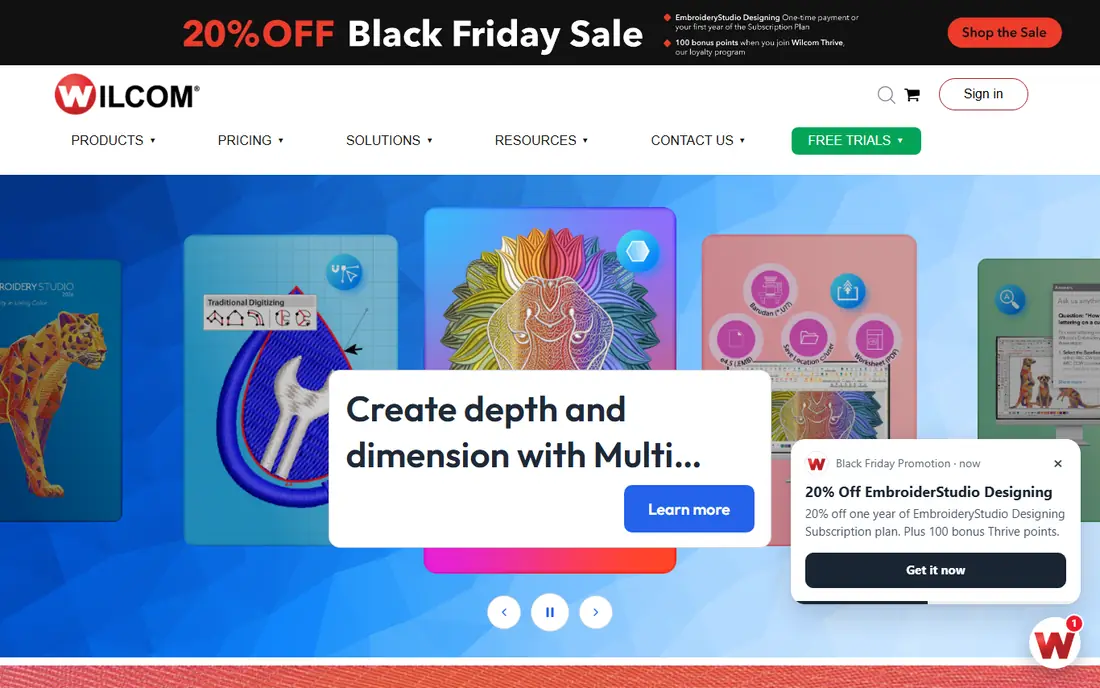
Wilcom EmbroideryStudio is the professional standard for commercial digitizing, and it earns that place through control. Digitizers can set stitch types, density, underlay, pull compensation, and sequencing with precision, and lettering tools handle small text with care that cheaper tools often miss. Production shops rely on it because files are consistent, editable, and ready for high-volume runs.
The cost is the barrier, with full licenses and subscriptions priced well above hobby tools, and pricing that varies by level and dealer. It is also Windows-based in recent listings, so Mac users need a Windows setup or a different tool. For a business that sells digitizing or runs production embroidery, Wilcom remains the benchmark against which other tools are judged.
- Industry-standard digitizing tools
- Precise stitch control and lettering
- Strong for production workflows
- High cost for full licenses
- Windows only in recent listings
- Learning curve for beginners
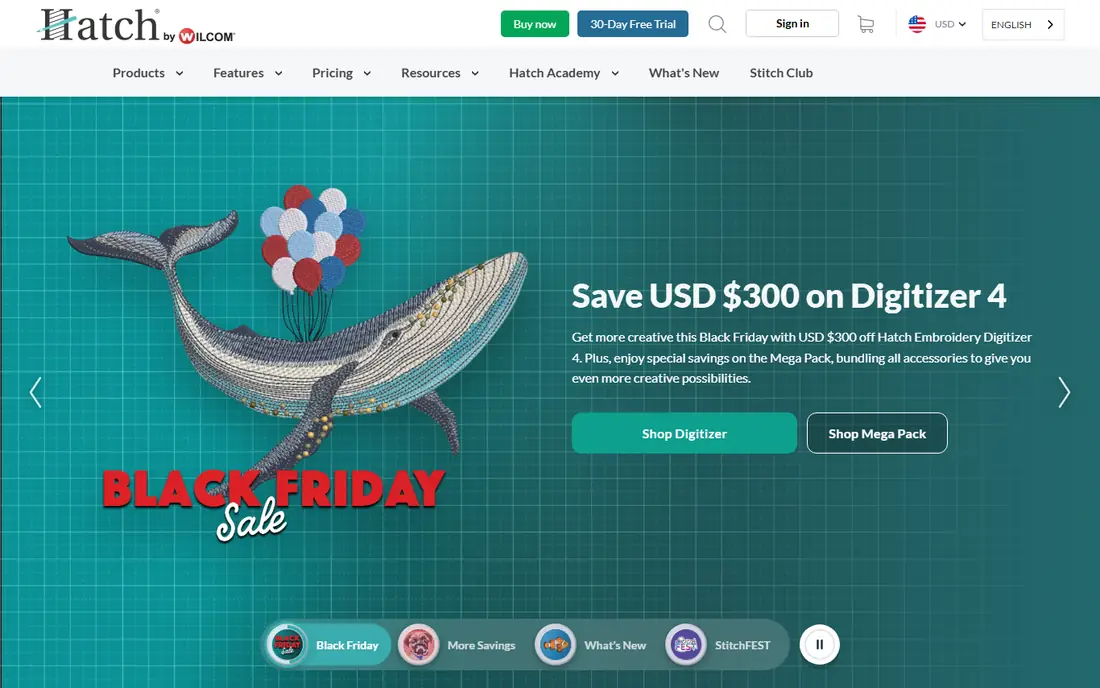
Hatch, by Wilcom, brings Wilcom digitizing technology to hobbyists and small businesses at a lower entry price. Levels range from basic organizing and editing up to full digitizing, with recent listings putting entry pricing near $149 and higher levels up to around $1,099. That ladder lets a user start with editing and lettering, then add digitizing power as skills grow, without switching to a new brand.
Hatch is Windows only, which rules it out for Mac-only users, and the full digitizing level costs several times the entry price. Auto-digitizing also needs checking, since automatic conversion rarely matches careful manual work on complex art. For a serious hobbyist or small shop on Windows, Hatch offers the best balance of Wilcom quality and approachable pricing.
- Wilcom technology at hobby prices
- Levels from basic to digitizing
- Auto-digitizing and manual tools
- Windows only
- Higher levels cost far more than the entry level
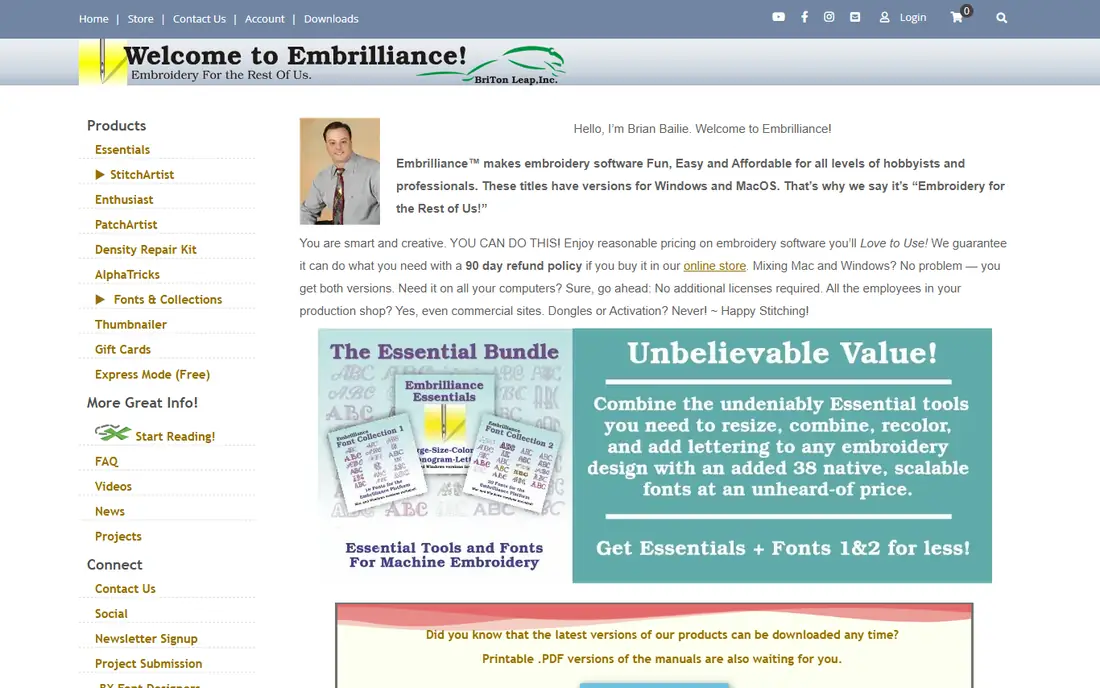
Embrilliance StitchArtist is the best choice for Mac users who want real manual digitizing, since it runs natively on Mac and Windows. Levels start near $169 in recent listings and rise to around $1,499 for the top level, with each level adding stitch types and control. That modular path suits buyers who want to pay for current skill, not for features they may never use.
The top levels are a serious investment, and Embrilliance includes fewer built-in fonts and design collections than some larger suites, so users may buy extras separately. Its interface is also cleaner and less crowded than Wilcom, which many hobbyists prefer. For Mac digitizing with room to grow, StitchArtist is the natural pick.
- Native Mac and Windows support
- Modular levels for different budgets
- Clean interface for manual digitizing
- Higher levels cost far more than entry
- Fewer built-in fonts and designs than some suites
Ink/Stitch is the best free digitizing option, and it is far more capable than a simple converter. Built as an extension for Inkscape, it lets users draw shapes, set stitch types, adjust density and underlay, and export machine files, all without paying for software. For vector-skilled users and learners on a budget, it produces genuinely usable stitch files.
The catch is learning. Users must learn Inkscape plus digitizing concepts, and support comes from the community rather than a paid help desk. Auto-digitizing is basic compared with paid tools, so manual work carries the quality. For a beginner who wants to learn digitizing properly without spending money, Ink/Stitch is the right place to start.
- Completely free and open source
- Manual digitizing with stitch control
- Runs inside Inkscape on Mac, Windows, and Linux
- Learning curve for Inkscape and digitizing
- Community support rather than a commercial help desk
Embird suits budget buyers who want to build a setup over time. Its base program covers editing and conversion, and modules add lettering, digitizing, and other tools, with recent listings putting the base near $149 and modules priced separately. That structure lets a user start small and add only the parts that match real work, rather than paying for a large suite at once.
Embird is Windows only, and its interface feels older than Hatch or Embrilliance, which may put off users who value modern design. Buying many modules can also approach the cost of a larger suite, so buyers should price the full set they need before committing. For a careful, modular purchase on Windows, Embird remains a solid value choice.
- Modular pricing lets users buy only needed parts
- Long track record
- Editing, lettering, and digitizing modules
- Windows only
- Interface feels dated
- Modules add up if many are bought
Brother PE-Design is the natural digitizing choice for Brother machine owners, since it is built around Brother formats and workflows. It offers manual digitizing, auto-digitizing, lettering, and PhotoStitch tools for turning photos into stitch art, which suits home users and small businesses that already sew on Brother machines. File handling is smooth, with fewer conversion surprises than generic tools.
Pricing varies by version and dealer, with recent listings putting versions in a broad range, so check the current vendor or dealer page before budgeting. PE-Design is also Windows only and less suited to a multi-brand production shop. For a Brother owner who wants one integrated tool, it is the most convenient option.
- Built for Brother machines and formats
- Auto-digitizing and photo stitch tools
- Strong for home and small business use
- Windows only
- Pricing varies by version and dealer
- Less suited to non-Brother production shops
SewArt is the cheapest paid route into digitizing, with recent listings putting it near $75. It converts images into stitch files automatically, which suits beginners who want a quick result from clip art or simple logos without learning manual digitizing first. The interface is simple, and the price makes it a low-risk trial for anyone unsure whether digitizing is for them.
Automatic conversion is its limit. Complex art, small text, and detailed logos often need manual cleanup that SewArt cannot provide at the same level as Hatch or Wilcom. Treat SewArt as a starter for simple designs, and move to a manual tool when quality and control matter more than speed. At its price, it is a fair way to learn what auto-digitizing can and cannot do.
- Very low price near $75 in recent listings
- Simple auto-digitizing from images
- Easy for beginners
- Auto-digitizing quality lags manual tools
- Limited manual control for complex designs
Bernina ArtLink is free software from Bernina for Bernina and Bernette machine owners, and it is a useful first step into embroidery software. It handles viewing, resizing, rotating, and converting designs, and it helps beginners understand file formats and stitch basics before investing in a paid tool. For a new Bernina owner, it costs nothing to try.
ArtLink is not a production digitizing tool. Advanced stitch control, complex lettering, and full manual digitizing sit in paid Bernina software or in tools such as Hatch and Wilcom. Use ArtLink to organize designs, test sizes, and learn the basics, then move to a digitizing tool when you start creating original stitch files.
- Free for Bernina and Bernette owners
- Easy resizing and format conversion
- Good first step into digitizing concepts
- Very limited advanced features
- Not suited to production digitizing
Chroma, from Ricoma, offers tiered digitizing software for Ricoma machine users and new digitizers, with levels that range from basic editing to advanced digitizing. Its auto-digitizing tools help beginners turn art into stitch files, while higher tiers add manual control for more detailed work. For a Ricoma owner, the workflow fit and support path are clear advantages.
Pricing varies by tier and subscription model, so check the current Ricoma page before budgeting, and a free trial is worth using to test the level you need. Chroma is less established as a general-purpose choice for non-Ricoma shops, where Wilcom, Hatch, or Embrilliance have broader track records. For Ricoma users who want a matched digitizing tool, Chroma belongs on the shortlist.
- Tiered options from basic to advanced
- Auto-digitizing tools
- Built for Ricoma machine workflows
- Subscription and tier pricing varies
- Less established for non-Ricoma shops
How we picked these
We compared official product pages, vendor and dealer listings, and recent digitizing guides, and we kept tools that are live in October 2026 and that truly create or edit stitch files. We covered free, hobby, and professional tiers, plus Mac and Windows options, so different budgets and machines can find a fit. Where pricing varies by level, module, or dealer, we wrote See website or gave the clearest published starting figure with that caveat.
How to choose the right digitizing software
Start with your machine and your goal. Check which file formats your machine reads, and choose software that exports those formats without awkward conversion. If you only edit purchased designs, a basic editor such as ArtLink, Embird base, or Embrilliance Essentials may be enough. If you create original designs, invest in manual digitizing tools, since auto-digitizing alone rarely gives production quality.
Next, weigh automation against control. Auto-digitizing saves time on simple art, but manual tools give the density, underlay, and sequencing control that prevent puckering and breaks. Test any tool on scrap fabric in the same type you plan to sew, and keep notes on settings that work. Finally, budget for learning: a cheaper tool you master beats an expensive suite you barely use, and skills transfer when you later move up a level.
Frequently asked questions
What is the best digitizing software for embroidery?
Wilcom EmbroideryStudio is the professional standard, Hatch is the best Wilcom option for hobbyists and small shops, and Embrilliance StitchArtist is the best Mac choice. Ink/Stitch is the best free option. The right pick depends on budget, machine, operating system, and whether you sell digitizing or sew for fun.
What is the best machine embroidery software for beginners?
For beginners, Ink/Stitch is best if the budget is zero, SewArt is best for cheap auto-digitizing, and Hatch entry level or Embrilliance entry level are best for learning manual digitizing properly. Start with simple designs, test on scrap fabric, and learn stitch types before tackling complex logos.
What is the best digitizing software for a small business?
Hatch and Embrilliance suit most small businesses, with Wilcom EmbroideryStudio for commercial digitizing work. Hatch fits Windows shops, Embrilliance fits Mac shops, and both offer levels that grow with the business. Price the level you actually need, including any fonts or modules, before choosing.
Is free digitizing software good enough?
Ink/Stitch is good enough for many hobby projects and for learning manual digitizing, with real stitch control at no cost. Paid tools add speed, automation, support, and production features that matter for commercial work. Free software is a strong start, and paid software becomes worth it when time and consistency affect income.
How much does embroidery digitizing software cost?
Prices range from free for Ink/Stitch and ArtLink, to around $75 for SewArt, $149 for Hatch entry and Embird base, and $169 for Embrilliance entry, up to four figures for professional Wilcom and top Embrilliance levels. Check the current vendor page, since levels, modules, and dealer prices change.
Can I digitize on a Mac?
Yes. Embrilliance StitchArtist runs natively on Mac, and Ink/Stitch runs on Mac through Inkscape. Wilcom, Hatch, Embird, and Brother PE-Design are Windows tools in recent listings, so Mac users who want those tools need a Windows setup. Choose a native Mac tool unless you already run Windows.
Sources
See where you really rank - block by block
ProMapRanker scans Google Maps across a grid of your service area. Simple monthly plans from $19, white-label on every plan.
Start freeKeep reading
 zscaler alternatives
Best Zscaler Alternatives in 2026
Looking for zscaler alternatives? We compare 9 SASE and zero trust platforms on architecture, data protection, pricing, and fit for your network and team.
Read → zapier alternatives free
Best Zapier Alternatives Free in 2026
Nine automation tools for zapier alternatives free in 2026, all with genuinely free tiers, plus free plan limits, starting prices and upgrade paths explained.
Read → which platform is best for online reputation
Which Platform Is Best for Online Reputation in 2026
Wondering which platform is best for online reputation? We compare 8 review, listing, and response tools for small and multi-location businesses and agencies.
Read →