 ProMapRanker
Best Photo Editing Apps in 2026

Key takeaways
- Adobe Lightroom suits photographers who want RAW editing, presets, and cloud sync across devices.
- Snapseed is the strongest fully free editor for detailed mobile adjustments, with no subscription required.
- VSCO suits a consistent film inspired look, while PicsArt suits collages, stickers, and social graphics.
- Adobe Photoshop Express, Pixlr, and Polarr cover quick edits, browser editing, and guided tools.
- Affinity Photo and Afterlight suit editors who want a one-time or low cost path without a large subscription.
Quick comparison
| Pick | Great for | Pricing starts at | Free tier | |
|---|---|---|---|---|
 Adobe Lightroom Adobe Lightroom | RAW editing and presets | $11.99 per month | Free trial | Visit |
 Snapseed Snapseed | Free detailed editing | Free | Yes | Visit |
 VSCO VSCO | Film inspired presets | Free | Yes | Visit |
 PicsArt PicsArt | Collages and social graphics | Free | Yes | Visit |
 Adobe Photoshop Express Adobe Photoshop Express | Quick Adobe edits | Free | Yes | Visit |
 Affinity Photo Affinity Photo | Desktop grade editing | See website | Free trial | Visit |
 Pixlr Pixlr | Browser editing | Free | Yes | Visit |
 Polarr Polarr | Guided edits and presets | Free | Yes | Visit |
 Afterlight Afterlight | Simple film style edits | See website | Free trial | Visit |
The best photo editing apps
We compared mobile apps, browser editors, and desktop tools that cover exposure, color, cropping, retouching, presets, and export quality. The list mixes free editors with paid professional tools, so you can start free and pay only for RAW workflow, cloud sync, or advanced design features.
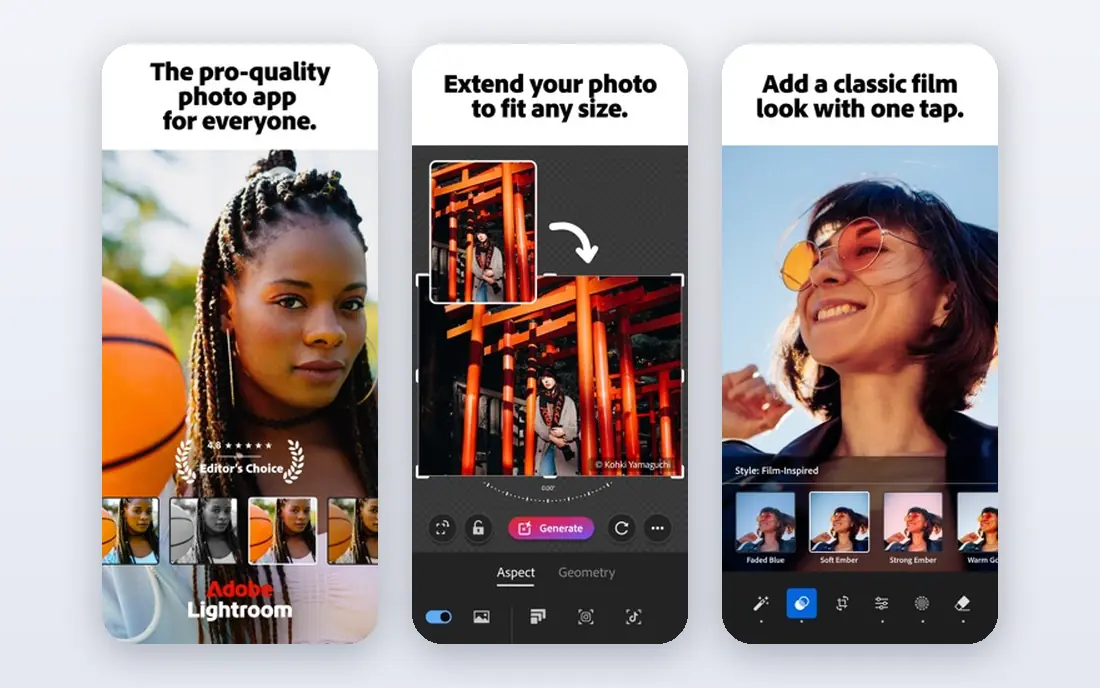
Lightroom is the best photo editing software for many photographers because it treats editing as a workflow, not a single filter. You can adjust exposure, color, and tone, apply selective edits to parts of an image, save presets, and sync edits across phone, tablet, and computer. Batch editing also helps when you return from a trip with hundreds of photos. The free mobile tools cover basic edits, but RAW editing and many premium tools need a subscription, so check the plan that matches your storage needs. If you shoot in RAW, edit often, and want presets that travel with you, Lightroom is worth the cost. If you only edit occasional JPEGs, a free editor may be enough.
- Strong RAW editing and selective adjustments
- Presets sync across mobile, desktop, and web
- Good organization and batch tools
- Full RAW and premium tools need a paid plan
- Subscription cost adds up over time
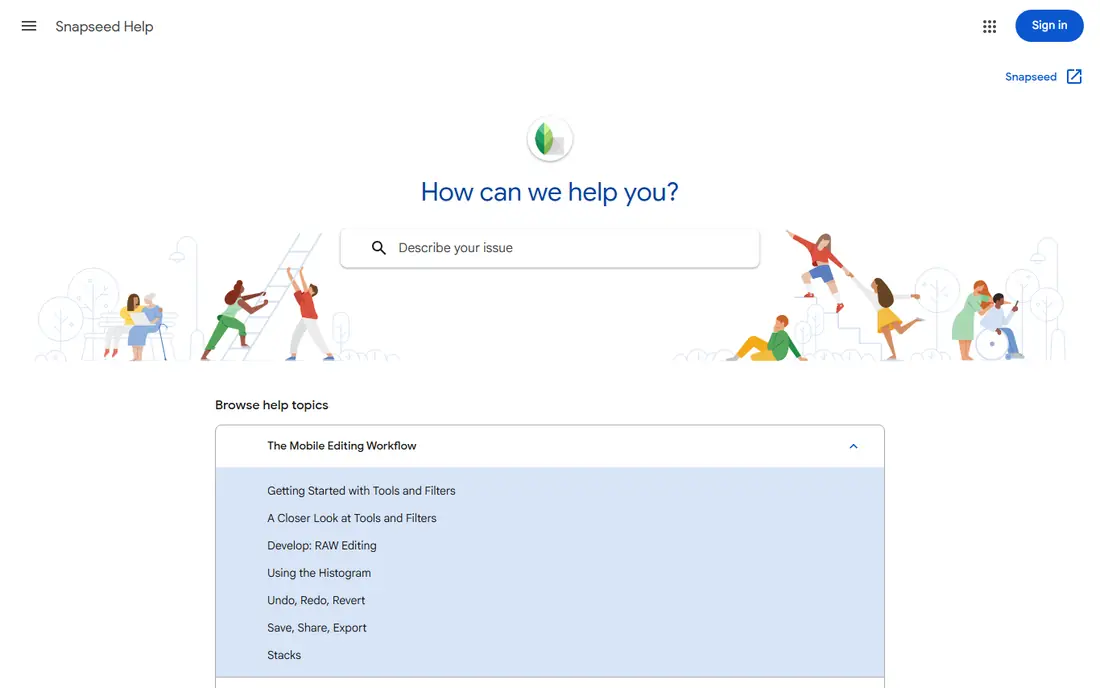
Snapseed remains a favorite because it gives serious tools for free. Google's app includes tuning, curves, white balance, selective adjustments, healing, and perspective correction, plus a range of filters and frames. You can edit in detail without ads or a subscription, which is rare for a mobile editor of this quality. The limits are workflow, not editing power. There is no Lightroom style cloud library, and sharing presets is less central. Export and organization depend on your device gallery. For the best photo editing app that costs nothing, Snapseed is the first app we would suggest to most phone photographers.
- Completely free with detailed tools
- Curves, selective edits, healing, and perspective tools
- Supports RAW on supported devices
- No cloud sync or preset marketplace like Lightroom
- Interface takes a short time to learn
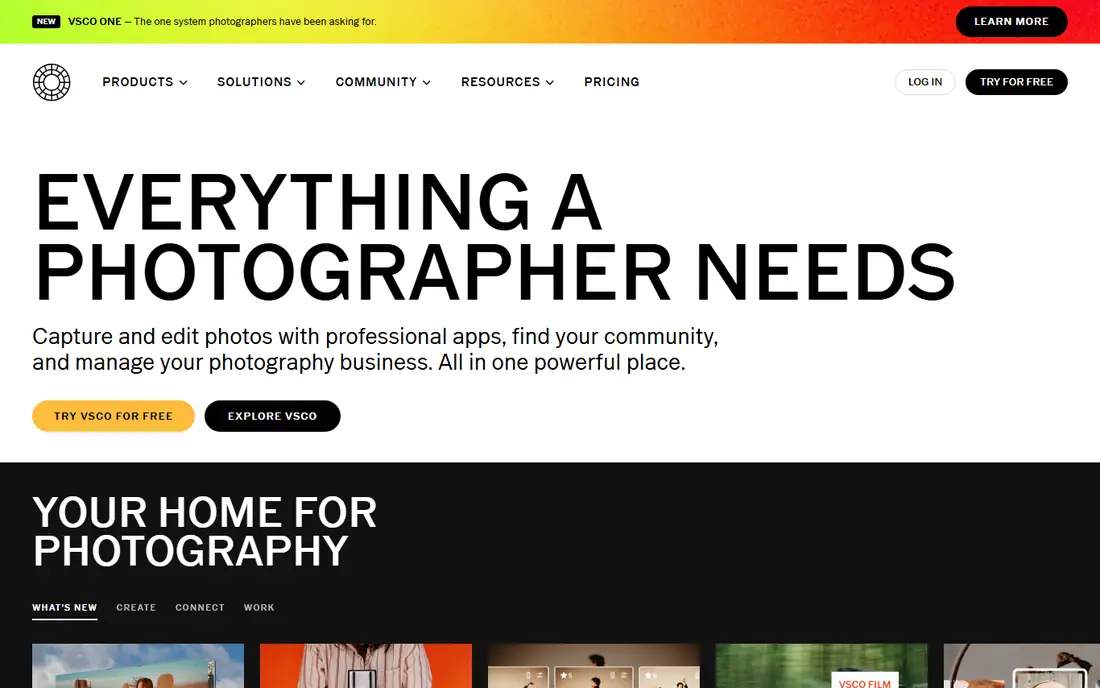
VSCO suits photographers who want a consistent look across a feed. Its presets favor film tones, muted color, and soft contrast, and saved Recipes let you reapply a favorite edit quickly. The editing tools cover exposure, contrast, tone, white balance, and HSL in paid tiers, plus borders and video tools. The free Starter tier includes a limited set of presets and tools, so the full preset library needs a membership. Check the current monthly and annual prices in your region, because VSCO lists several tiers. If a consistent aesthetic matters more than deep retouching, VSCO is a strong choice among the best apps for photo editing.
- Distinct film inspired presets and Recipes
- Clean editing tools and community sharing
- Video editing in paid plans
- Many presets and advanced tools need a paid plan
- RAW support varies by device
PicsArt is less a pure photo editor and more a creative studio for social content. You can cut out subjects, add stickers and text, build collages, and use templates for posts, stories, and thumbnails. That breadth suits creators who turn photos into graphics, not just corrected images. For careful RAW editing or print color work, PicsArt is not the best fit. Paid plans add more tools, assets, and export options, so test the free tier first and check which features you actually use. If your goal is eye catching social graphics, PicsArt covers more ground than a simple filter app.
- Collages, stickers, text, and AI tools in one app
- Large template library for social posts
- Easy sharing
- Many advanced tools and assets need a paid plan
- Interface can feel busy with prompts and offers
Photoshop Express suits quick phone edits when you want Adobe quality without opening a desktop app. It covers cropping, exposure, color, filters, and collages, and it works well for social posts and quick corrections. The interface is simpler than Lightroom, which helps new users. Serious photographers will hit limits in selective editing, RAW control, and batch work. Some premium features also need payment. Use Photoshop Express for fast edits and social sharing, and move to Lightroom or Affinity Photo when you need deeper control.
- Free basic edits with Adobe tools
- Quick fixes, filters, and collages
- Simple sharing to social platforms
- Less powerful than Photoshop or Lightroom for detailed work
- Some features need a paid plan or Adobe account
Affinity Photo is a strong alternative for editors who want Photoshop style power without a monthly Adobe plan. It supports layers, masks, retouching, RAW development, and detailed color tools, and it runs on Windows, Mac, and iPad. For print work, compositing, and detailed retouching, it covers far more than a phone filter app. Beginners may need tutorials, because the toolset is broad and the interface favors desktop workflows. Check the current purchase model on the official site, because Serif has changed pricing and bundling over time. If you edit on a computer and want a one-time style purchase, Affinity Photo deserves a close look.
- Professional layer, retouching, and RAW tools
- No large subscription in many listings
- Available on desktop and iPad
- Learning curve for beginners
- Mobile phone version is limited compared with desktop
Pixlr suits people who edit on different computers or who do not want to install an app. The browser editor offers layers, adjustments, AI background removal in paid tiers, and templates for social graphics. That makes it useful for school, work, and quick edits on a Chromebook or shared machine. The free tier has ads and some limits, and browser performance depends on your connection and device. For detailed RAW workflow or large print files, a desktop editor will feel more reliable. For fast, accessible edits, Pixlr is one of the best editing tools for photos on the web.
- Works in a browser without install
- Layers, AI tools, and templates
- Good for quick edits on shared computers
- Free version includes ads and limits
- Advanced AI and asset access need a paid plan
Polarr helps people who want guided editing without a steep learning curve. It offers presets, masks, and object aware tools, plus the ability to create and share custom filters. That combination suits social creators and hobby photographers who want a consistent style with less manual work. The free tier covers basic edits, but many filters and advanced tools sit behind a subscription. If you like presets, test whether the free set matches your taste before paying. Polarr is a good middle option between a simple filter app and a full professional editor.
- Guided tools and custom presets
- Face and object tools
- Works on mobile, desktop, and web
- Many advanced filters and tools need a paid plan
- Preset quality varies
Afterlight suits photographers who want a calm, film style edit without a cluttered interface. Filters, textures, frames, and light leaks give photos a classic feel, and the tools stay easy to find. It works well for travel photos, portraits, and social feeds where a consistent tone matters. For detailed retouching, selective RAW work, or large libraries, Afterlight is thinner than Lightroom or Affinity Photo. Check the current app store price and subscription terms, because Afterlight has offered both one-time and subscription options over time. If simplicity and style are your priorities, Afterlight is a pleasant, low friction choice.
- Clean interface and film inspired filters
- Textures, frames, and dust effects
- Simple batch and export tools
- Smaller toolset than Lightroom or Affinity Photo
- Some features need a paid plan
How we picked these
We compared official feature pages, pricing pages, app store listings, privacy policies, and public reviews. We checked RAW support, preset systems, retouching tools, export quality, and whether free tiers were usable for real edits. We did not claim hands-on testing, and we favored apps that state free limits and paid features clearly.
How to choose a photo editor
Start with your file type. If you shoot RAW, you need an editor with strong RAW support, such as Lightroom, Affinity Photo, or Snapseed on supported devices. If you shoot JPEGs for social posts, a preset or collage app may be faster and cheaper. Next, check where you edit: phone only, browser, tablet, or desktop, because not every app works well on every device. Also check export quality. Some free tiers limit resolution, add watermarks, or compress files more than paid tiers. Test an export at full size before you commit to a style, especially for prints. A good editor should keep your original safe, let you undo edits, and export in the format your platform or printer needs.
Presets, filters, and honest editing
Presets save time, but they should not replace basic corrections. Fix exposure, white balance, and cropping first, then apply a preset at reduced strength if it still suits the photo. For portraits, use retouching lightly, and keep skin texture natural. For product and travel photos, keep color close to the real scene unless a stylized look is the goal.
What to check before you pay
Confirm whether the price is monthly, annual, or one-time, and whether it covers mobile, desktop, and web. Check cloud storage, preset sync, and whether cancelling keeps your edited files accessible. For the best software for editing photos, compare the tools you use each week, not the total filter count, because many filters will sit unused.
Frequently asked questions
What is the best photo editing app?
The best photo editing app depends on your needs. Lightroom is best for RAW and presets, Snapseed is best for free detailed editing, VSCO is best for a film look, and PicsArt is best for collages and social graphics. Start free, test exports, and pay only for workflow features you use often.
What is the best photo editing software for beginners?
Snapseed, VSCO, and Photoshop Express are strong for beginners because they offer clear tools and presets without a steep learning curve. Lightroom also suits beginners who want to grow into RAW editing. The best software for photo editing for beginners is the app with a layout you understand and an export quality you trust.
What is the best free photo editing app?
Snapseed is the strongest fully free option for detailed edits, with no subscription and no ads in its core tools. Pixlr and Polarr also offer useful free tiers for browser and guided editing. For the best photo editing tools at no cost, start with Snapseed, then add VSCO or PicsArt for style and graphics.
Is Lightroom better than VSCO?
Lightroom is better for RAW editing, selective adjustments, organization, and cloud sync, while VSCO is better for a quick film inspired look and community sharing. If you edit many photos and need presets across devices, choose Lightroom. If you want a consistent aesthetic with less setup, choose VSCO.
What is the best app for photo editing on iPhone?
On iPhone, Lightroom, Snapseed, VSCO, and Afterlight all work well, and the choice depends on RAW support and style. Snapseed covers free detailed edits, Lightroom covers RAW and presets, and VSCO covers film looks. Test each app with the same photo and compare exports before you pay.
Do I need a paid photo editor?
No, many photographers do fine with free editors, especially for social posts and basic corrections. Paid editors add RAW control, cloud sync, batch tools, advanced retouching, and larger asset libraries. Pay when a free limit blocks your workflow, such as RAW editing, high resolution exports, or preset sync across devices.
Sources
See where you really rank - block by block
ProMapRanker scans Google Maps across a grid of your service area. Simple monthly plans from $19, white-label on every plan.
Start freeKeep reading
 youtube alternatives
Best YouTube Alternatives in 2026
Looking for youtube alternatives in 2026? We compare Vimeo, Dailymotion, Twitch, Rumble, and more on price, audience, monetization, control and privacy.
Read → what's the best ai tool for photo editing
What Is the Best AI Tool for Photo Editing in 2026
What is the best AI tool for photo editing? We compare ten tools for 2026, from Photoshop and Lightroom to Luminar, Topaz, Canva and mobile editors today.
Read → twitter alternatives
Best Twitter Alternatives in 2026
Compare the best twitter alternatives for 2026, from Bluesky, Threads, and Mastodon to Reddit, Tumblr, and Micro.blog, with free plans and audience notes.
Read →