 ProMapRanker
Best Floor Plan Software in 2026

Key takeaways
- Planner 5D is the easiest starting point for most homeowners, with a real free plan and a large furniture catalog.
- RoomSketcher and Floorplanner suit people who need measured, listing-ready 2D plans, but exports and measurements often sit behind paid tiers.
- Sweet Home 3D is the only fully free, offline, open-source option here, and it suits simple layouts on a zero budget.
- SketchUp is the step up when you want true 3D modeling, while magicplan suits fast on-site measurement with a phone.
Quick comparison
| Pick | Great for | Pricing starts at | Free tier | |
|---|---|---|---|---|
 Planner 5D Planner 5D | Easy decorating and 3D plans | $4.99 per month | Yes | Visit |
 RoomSketcher RoomSketcher | Measured plans for listings | $12 per month | Yes | Visit |
 Sweet Home 3D Sweet Home 3D | Free offline layouts | Free | Yes | Visit |
 Floorplanner Floorplanner | Quick browser floor plans | See website | Yes | Visit |
 Homestyler Homestyler | Photorealistic room visuals | $6.80 per month | Yes | Visit |
 SketchUp SketchUp | True 3D modeling | $129 per year | Yes | Visit |
 Live Home 3D Live Home 3D | Polished Mac and iOS visuals | See website | Free trial | Visit |
 magicplan magicplan | Phone-based room measurement | See website | Yes | Visit |
 Coohom Coohom | Fast AI-assisted renders | $9 per month | Yes | Visit |
The best floor plan software
Floor plan software ranges from a simple drag-and-drop room planner to a full 3D modeling tool. We compared official pricing pages, free plan limits, export options, and public user reviews for tools that are live in October 2026.
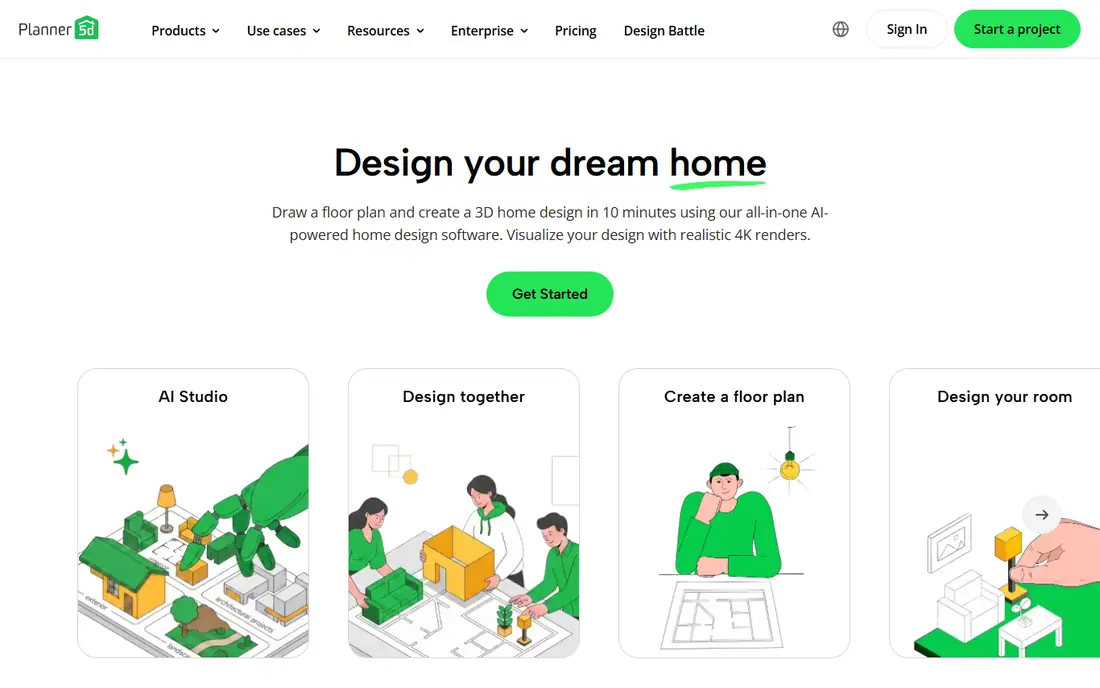
Planner 5D is the tool we suggest first to a homeowner who just wants to see if a sofa fits. You draw walls, drop in furniture, switch to 3D, and walk through the room without learning CAD. It runs on the web, iOS, and Android, so you can start a plan on a laptop and check it in a store on your phone. The free plan allows unlimited projects, which is generous for testing layouts.
The free limits are real. Roughly half the furniture catalog is locked behind Premium, and free renders carry a watermark at low resolution. Premium is reported at $4.99 per month when billed annually, or $59.99 per year, and it opens the full catalog and better renders. If you are redoing one room, the free plan may be enough. If you are planning a whole home, budget for Premium and check the Professional tier only if you need CAD export.
- Easy drag-and-drop design
- Large furniture catalog
- Works on web and mobile
- About half the catalog is locked on free
- Free renders are watermarked and low resolution
- Monthly price adds up
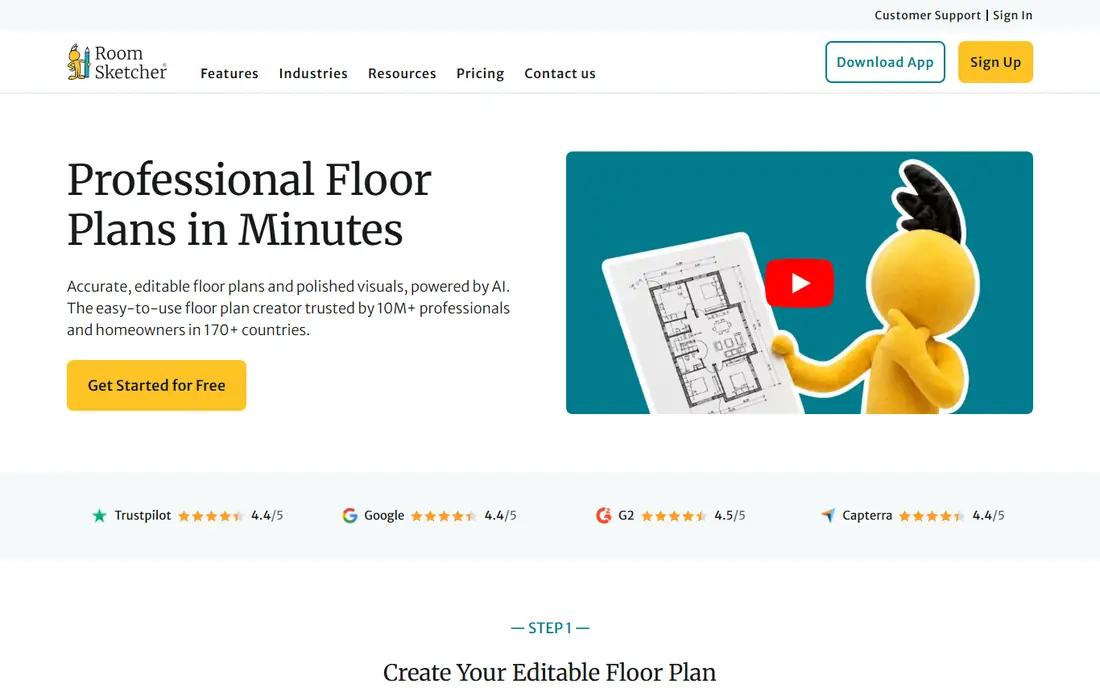
RoomSketcher is the pick when the numbers matter. Its plans print to scale with measurements and total floor area, which helps when you talk to a contractor, a landlord, or a buyer. Real estate agents like it because the output looks clean and professional for listings, and the 3D views help buyers picture a space before a visit.
The free plan is more of a preview than a working tool. Measurements are limited, 3D snapshots are watermarked, and exporting a floor plan can cost extra per level on free. Pro is reported at $12 per month when billed annually, or $144 per year, with higher tiers for teams. If you need one accurate, shareable plan for a listing or a renovation, RoomSketcher is worth paying for. If you only want to play with furniture, Planner 5D is easier.
- Clean measured 2D plans
- Good 3D walkthroughs
- Strong for real estate listings
- Free plan is very limited
- Exports can cost extra on free
- Pro uses a credit system for some outputs
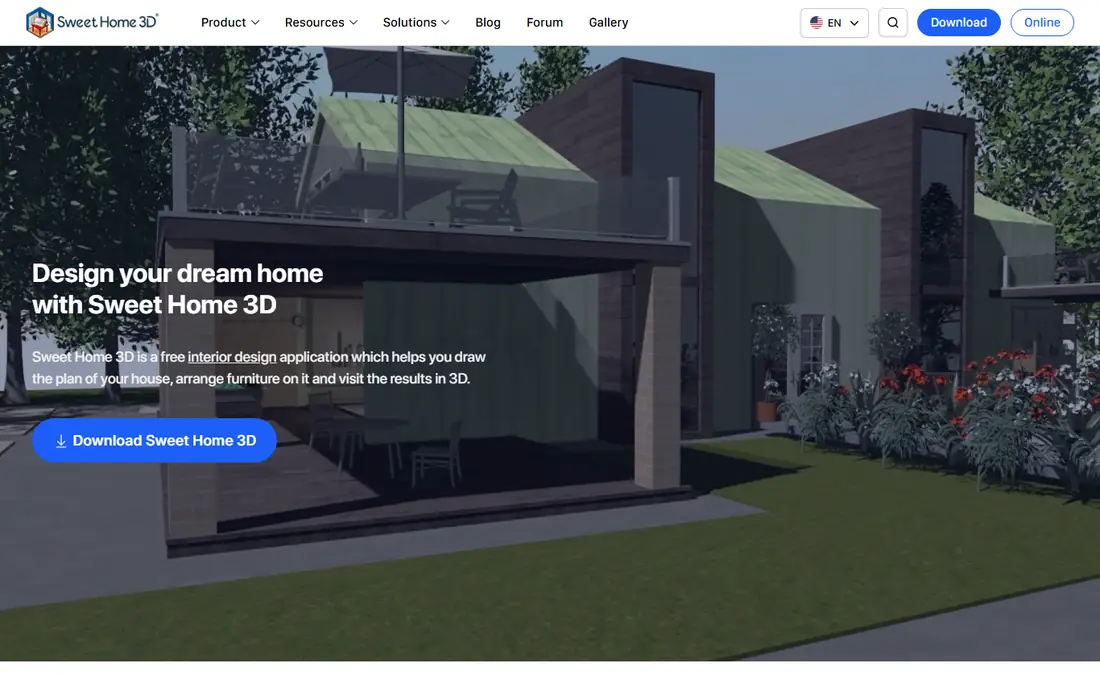
Sweet Home 3D is the only tool on this list that is fully free, offline, and open source. You draw walls and rooms in 2D, furnish them from a built-in catalog, and see the result in 3D, all without a subscription or an account. It runs on Windows, Mac, and Linux, with a browser version as well, which makes it a safe pick for a simple apartment or room layout on a zero budget.
The limits appear on larger projects. There is no real roof tool, no terrain modeling, and no construction sections or elevations without extra plugins. It is a layout tool, not a building tool, so a contractor will still need proper construction drawings. For a renter sketching furniture, a homeowner testing a renovation layout, or a student learning floor plans, Sweet Home 3D is hard to beat on price and simplicity.
- Fully free and open source
- Works offline
- Simple 2D drawing with 3D view
- No roof or terrain tools
- Limited construction features
- Interface feels dated
Floorplanner is the fastest way to draw a plan without installing anything. You open the browser, draw walls, add doors and furniture, and switch between 2D and 3D views. The Basic account is free, which makes it a good choice for a one-off office layout, a rental plan, or a quick test before you commit to a paid tool.
The trade-off is depth. Higher-resolution exports, larger projects, and advanced features require paid tiers, and the furniture catalog is smaller than Planner 5D. Renders are serviceable rather than photorealistic, so Floorplanner suits plans and layouts more than showcase visuals. If speed and simplicity matter most, start here. If you need beautiful renders, look at Homestyler or Coohom instead.
- No install needed
- Quick 2D and 3D plans
- Useful free Basic account
- Advanced exports and features sit behind paid tiers
- Catalog is smaller than Planner 5D
- Less polish on 3D renders
Homestyler gives away more visual quality than most rivals. The free plan includes unlimited 1K renders and a very large library of 3D models and materials, which is enough to see a lifelike picture of a living room without paying. That makes it a strong pick when your main question is how a room will look, not whether a wall is exactly to scale for a builder.
Sharper pictures cost extra, with 2K and 4K renders priced per render or bundled in paid plans. Pro plans are reported from $6.80 per month and add higher-resolution renders and AI credits. Homestyler is less suited to construction documents than RoomSketcher or SketchUp, since its strength is visuals. For decorating decisions, paint, furniture, and layout looks, it is one of the best free starting points on this list.
- Generous free renders
- Very large 3D model library
- Good visual quality
- Sharper renders cost extra
- Best for looks rather than construction plans
- Paid tiers add up for heavy use
SketchUp is the step up when a drag-and-drop planner feels limiting. It is a true 3D modeling tool, so you can shape rooms, furniture, and buildings with precision, and the 3D Warehouse library offers a vast range of ready models. SketchUp Free runs in a browser for personal use, which makes it a good way to learn real modeling without paying.
The learning curve is the price. SketchUp takes longer to learn than Planner 5D or Floorplanner, and professional features, desktop apps, and commercial use require paid plans, with Go reported from $129 per year. If you only need a simple floor plan, SketchUp is more tool than you need. If you want to design, remodel, or model a space in detail, it is the most capable option here and the one most likely to grow with your skills.
- Real 3D modeling power
- Huge model library
- Free web version for personal use
- Learning curve is steeper
- Free version is non-commercial
- Paid plans needed for professional output
Live Home 3D suits Apple households that want a polished native app rather than a browser tool. It offers 2D floor plans with 3D views across Mac, iPad, iPhone, and Windows, with good visual quality and offline use. The interface feels more like a desktop design app than a web planner, which many users prefer for a longer project.
Pricing varies by platform, with different editions for Mac, Windows, and mobile, so check the version you need before you compare totals. Live Home 3D is also a design and visualization tool, not a construction drafting package, so builders will still need separate documents. For a homeowner or designer in the Apple ecosystem who wants a smooth, visual planning app, it is a strong and often overlooked choice.
- Polished native apps for Mac, iOS, and Windows
- Good 3D visuals
- Offline use
- Pricing varies by platform and version
- Less suited to construction documents
- Smaller community than SketchUp
magicplan solves a different problem: measuring a real room quickly. You walk through a space with your phone, capture rooms, and get a floor plan with dimensions, rather than drawing every wall by hand. That speed helps real estate agents, contractors, and renovators who need a plan of an existing space without a tape measure and a long drawing session.
Accuracy depends on the phone, the lighting, and how carefully you capture corners, so check critical measurements by hand before you hand a plan to a builder. Full features and exports sit behind paid tiers, though a free plan lets you test the capture. magicplan is best as a capture tool paired with a design tool, not as a replacement for detailed design or construction drawings.
- Measures rooms with a phone camera
- Fast on-site plans
- Good export formats including PDF and DXF
- Accuracy depends on phone and lighting
- Full features need a subscription
- Best for capture, not detailed design
Coohom is built for interior designers and homeowners who want fast, high-quality renders without a long modeling process. Its AI-assisted tools help generate layouts and visuals quickly, and paid plans are reported from $9 per month. The renders look polished, which helps when you need to show a client or a partner how a room will feel, not just where the walls sit.
The tool leans toward interiors and visuals rather than construction documents, so it will not replace SketchUp or a CAD package for a building project. Advanced features also take time to learn, and heavy render use can push you to higher tiers. For design presentations, e-commerce visuals, and fast interior concepts, Coohom is a strong modern pick. For a simple measured plan, Floorplanner or RoomSketcher will be faster.
- Fast high-quality renders
- AI-assisted design tools
- Good for interior designers
- Paid plans needed for full use
- Catalog and templates suit interiors more than construction
- Learning curve for advanced tools
How we picked these
We compared official pricing pages, free plan limits, export options, and public user reviews for floor plan tools that are live in October 2026. We favored tools with real 2D and 3D planning, not just photo restyling, and we noted where free plans are limited to previews rather than working tools. Where pricing varies by platform or billing period, we used the figure most commonly published and labeled uncertain totals as See website.
How to choose the right floor plan tool
Start with the deliverable. If you need a plan to hand to a builder, you need measurements, scale, and a clean export, which points to RoomSketcher, SketchUp, or a CAD tool. If you need to decide on furniture and paint, a visual tool such as Planner 5D or Homestyler will help more. If you need to measure an existing room fast, magicplan will save hours.
Next, test the free plan with a real room, not a demo. Draw your actual space, add your actual furniture sizes, and try to export or share the result. That test reveals catalog limits, watermark rules, and export costs before you pay. Finally, check device fit: some tools work best on desktop, some on tablet, and some on phone, and a tool you will not open is not a bargain at any price.
Frequently asked questions
What is the best floor plan app for beginners?
Planner 5D is the easiest starting point for most beginners, with drag-and-drop walls, a large catalog, and a free plan. Floorplanner is also simple if you want a quick browser plan without installing anything, while Sweet Home 3D suits beginners who want a free offline tool.
What is the best floor plan software free?
Sweet Home 3D is the most fully free option, since it is open source and offline with no subscription. Planner 5D, Floorplanner, and Homestyler also offer real free plans, but with limits on catalog, render quality, or exports, so test the free tier with your own room first.
What is the best 3D floor plan software?
SketchUp is the strongest 3D option here for true modeling, with a free web version for personal use and paid plans from $129 per year. Planner 5D and Homestyler offer easier 3D views for decorating, but they do not match SketchUp for modeling control.
What is the best floor plan design software for real estate?
RoomSketcher is the strongest pick for real estate listings, with measured 2D plans and clean 3D walkthroughs. magicplan helps agents capture existing rooms fast on site, and Floorplanner works for quick listing plans when budget is tight.
Can I use floor plan software without design experience?
Yes. Planner 5D, Floorplanner, Homestyler, and RoomSketcher are built for non-designers, with drag-and-drop walls and furniture libraries. You only need CAD skills when the plan becomes a construction document, at which point SketchUp or a professional CAD tool is the right step.
What is the best floorplan app for iPhone or Android?
Planner 5D and magicplan are the strongest mobile picks, with Planner 5D for designing on the go and magicplan for measuring rooms with a phone camera. Live Home 3D also works well on iOS, while RoomSketcher focuses more on desktop and tablet use.
Sources
See where you really rank - block by block
ProMapRanker scans Google Maps across a grid of your service area. Simple monthly plans from $19, white-label on every plan.
Start freeKeep reading
 zeffy payment processor stripe alternatives
Zeffy and Stripe Alternatives for Nonprofits in 2026
Explore zeffy payment processor stripe alternatives for nonprofits. We compare 8 fundraising platforms on fees, donor tools, and nonprofit focus. Check fees.
Read → workday alternatives
Workday Alternatives in 2026
Workday alternatives compared: we review 8 HR and payroll platforms that replace Workday, with pricing, strengths and honest limits for each team size.
Read → what's the best weather app
What's the Best Weather App in 2026
Wondering what's the best weather app? We compare 10 free and paid apps for forecasts, radar, alerts, and Colorado mountain weather for everyday and storm use.
Read →