 ProMapRanker
Content Ops Software for Teams: 5 Options Compared in 2026

Consolidating numerous work types · Pricing starts at: $9 per user a month
Direct answer
Start with ClickUp if you need consolidating numerous work types. Listed starting prices: ClickUp from $9 per user a month, Asana from $10.99 per user a month and Airtable from $20 per user a month. If your case is different, Asana suits campaign and project tracking and Airtable suits database-driven editorial workflows. Prices, free plans and limits for all 5 tools follow.
If you are comparing content ops software for teams, this page covers 5 tools in one place: what each is best for, what it costs to start, whether it has a free plan, and the main limit to know about.
Key takeaways
- Top of the list is ClickUp, which targets consolidating plenty of work types.
- ClickUp comes with a trade-off: feature depth can overwhelm new users.
- The lowest published monthly entry price here is $9 per user per month, from ClickUp.
- Only 5 of the 5 tools have a free plan (ClickUp, Asana, Airtable, Notion, Monday.com), so check the caps.
- Monday.com is the one to check for adaptable visual workflow boards.
Quick comparison
| Pick | Great for | Pricing starts at | Free tier | |
|---|---|---|---|---|
| ClickUp | Consolidating numerous work types | $9 per user a month | Yes | Visit |
 Asana | Campaign and project tracking | $10.99 per user a month | Yes | Visit |
 Airtable | Database-driven editorial workflows | $20 per user a month | Yes | Visit |
 Notion | Docs, planning, and automation together | $10 per member per month | Yes | Visit |
 Monday.com | Adaptable visual workflow boards | $9 per seat a month | Yes | Visit |
The full content ops software for teams list
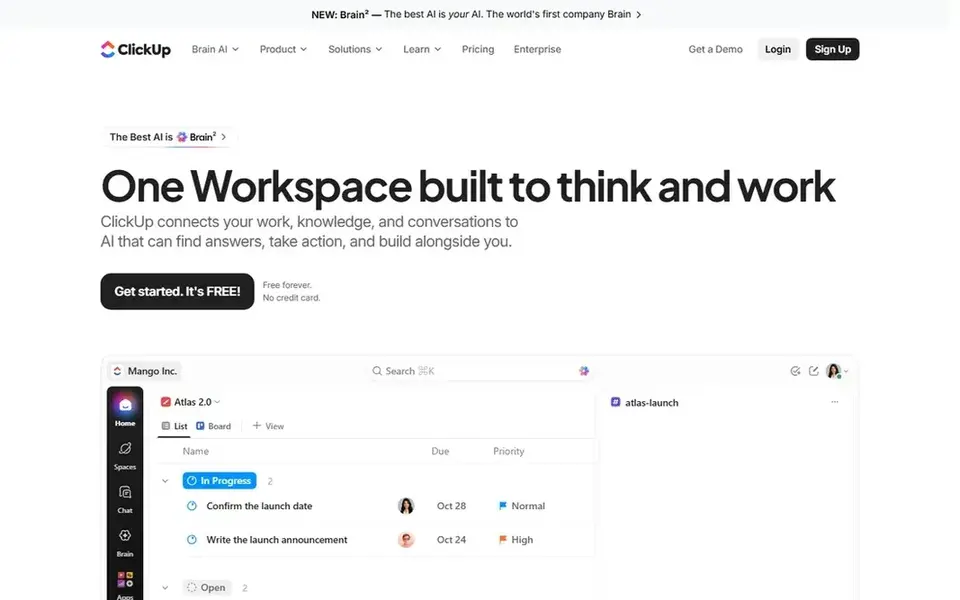
ClickUp is a good fit for consolidating numerous work types. ClickUp describes itself as the everything app for work, bringing tasks, docs, goals, and chat together. The breadth of features can overwhelm teams during rollout, and inconsistent configuration results in confusion.
On top of that, plan your structure before inviting the entire team. In daily use, if you prefer minimal, focused tools, a more straightforward choice may work better. Entry price for ClickUp: $9 per user per month. ClickUp includes a free tier.
What ClickUp does well: Wide feature coverage. Trade-offs to know: Feature depth can overwhelm new users.
- Tasks, docs, goals
- Chat in one app
- Needs configuration discipline
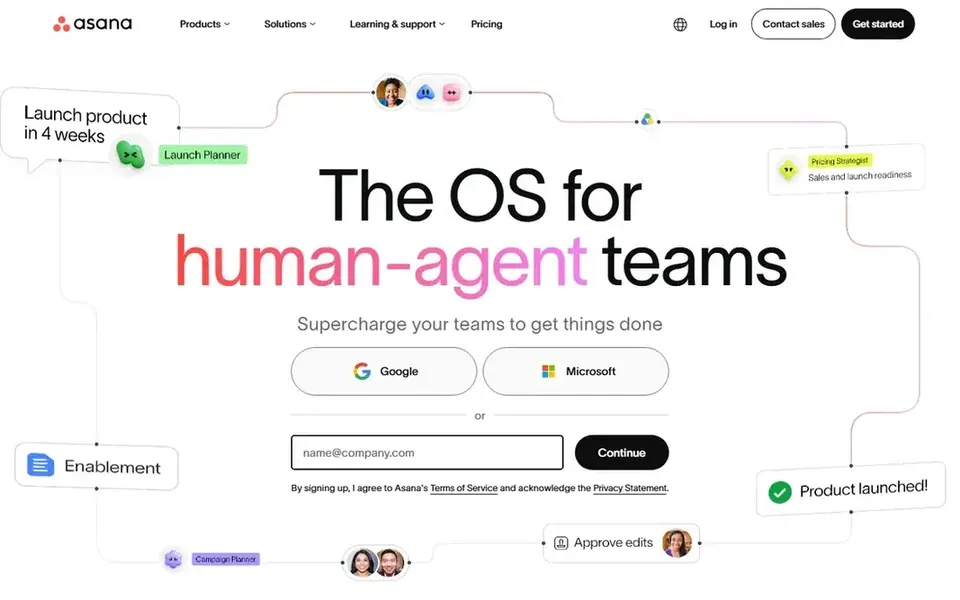
Asana is aimed squarely at campaign and project tracking. Content teams can use it to run campaigns, assign drafts and reviews, and keep handoffs visible.
More specifically, consider a database-first tool if your content operations revolve around large asset catalogs. Asana is not a database, so tracking structured content inventories can feel indirect. Entry price for Asana: $10.99 per user per month. You can start on Asana without paying.
Watch-outs: Less suited to database-style content models.
- Supports human and agent teams
- Clear task and project views
- Advanced structures take time to learn
Airtable works best for database-driven editorial workflows. For content operations, its strength is structured data: you can model briefs, assets, and publishing steps as connected records.
Beyond that, pick something else if you want a ready-made project structure from day one. More specifically, teams that chiefly need straightforward task lists may find it heavier than necessary. Price to start with Airtable: $20 per user per month. Airtable includes a free tier.
Watch-outs: Setup needs planning.
- Automation for repetitive tasks
- AI workflows and apps
- Large bases can get complicated
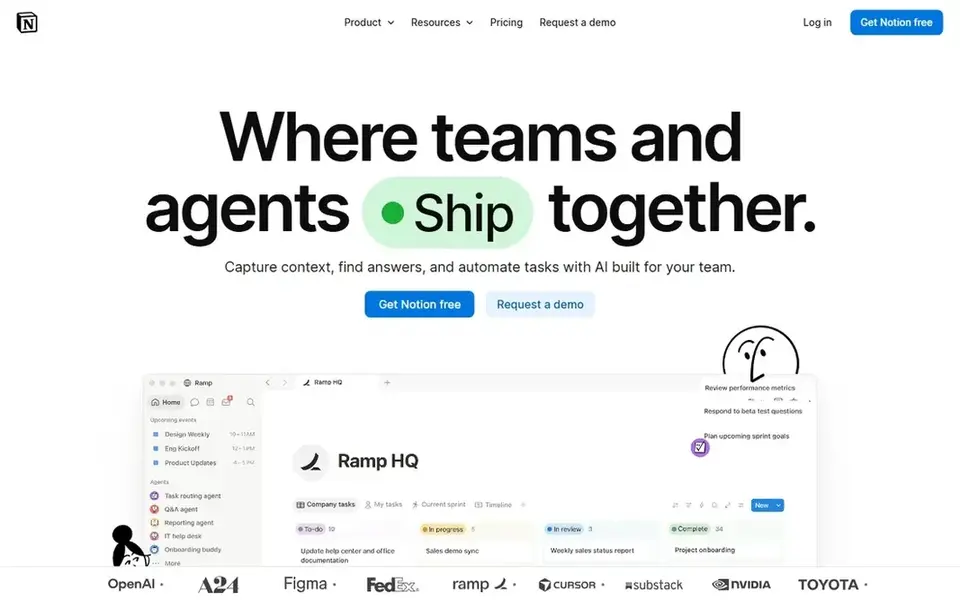
For docs, planning, and automation together, Notion is a natural candidate. Notion is an AI workspace where teams build custom agents, search across their apps, and automate busywork. Worth adding: for content operations, it merges drafting, planning, and light databases in one place.
For everyday use, without clear conventions, workspaces can grow messy and slow to navigate. On top of that, very large or highly governed content programs may outgrow it. Notion pricing: $10 per member per month. A free plan is available with Notion.
Trade-offs to know: Can become cluttered without structure.
- Search across connected apps
- Custom agents and automation
- Large workspaces need maintenance
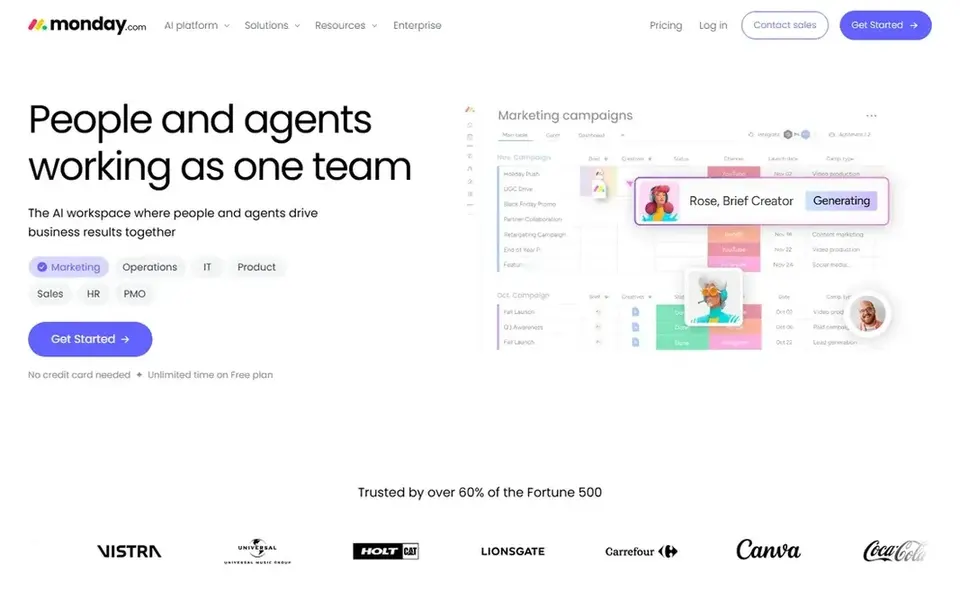
Pick Monday.com if this describes you: adaptable visual workflow boards. Monday.com is described as an AI workspace for people and agents, where teams execute, run, and operate together to drive business results. Standardizing structure early helps.
If you need strict relational data or heavy governance, a different system may serve better. For everyday use, since boards are simple to build, teams can end up with fragmented views of the same content. What you pay to start with Monday.com: $9 per seat per month. A free plan is available with Monday.com.
Trade-offs to know: Deep customization takes effort.
- Adaptable to numerous processes
- AI agents alongside people
- Boards can multiply and fragment
How we chose
For each of the 5 tools we noted price, free plan or trial, fit for content ops software for teams and the main limit, using vendor pages and documentation. Treat prices as a snapshot: vendors change plans often, so check the vendor site for the figure that applies today. We ordered the tools by general fit, then by how clearly pricing is shown, then by free access. A buyer with unusual needs may reorder them.
Questions to settle before buying
- Check the vendor page for the current price: ClickUp starts at $9 per user per month here, and seats or billing terms can move it.
- Look at free plan limits closely: ClickUp, Asana, Airtable and others have one, and the caps decide whether it is usable for real work.
- Before choosing ClickUp, weigh its main limit: feature depth can overwhelm new users.
- Get the contract term, renewal terms and any onboarding fees from Monday.com in writing.
- Confirm you can export your data from ClickUp, so leaving later does not mean losing records.
Frequently asked questions
How are the tools for content ops software for teams ordered?
The order follows typical fit for content ops software for teams, with ClickUp first and Monday.com last, then price clarity and free access. It is editorial judgement, not a score, so another team could rank the tools differently.
Is ClickUp the right pick for everyone comparing content ops software for teams?
No single tool suits every team. ClickUp comes first because it fits consolidating many work types, while Asana suits campaign and project tracking and Airtable suits database-driven editorial workflows. Match the tool to your own size, budget and workflow before deciding.
What should content ops software deal with first?
A tool that models these stages plainly will save more time than one with additional features your team will not use. Automation and reporting can follow once the basics are stable.
Which options for content ops software for teams have a free plan?
ClickUp, Asana, Airtable, Notion and Monday.com offer a free plan in this list. Free plans usually cap users, projects or features, so check the limits on the vendor page.
Can I try these tools before paying?
Often, yes. ClickUp, Asana, Airtable and others have a free plan. Use your own data and a real task during the test, and check what the free tier or trial limits before you rely on it.
Sources
See where you really rank - block by block
ProMapRanker scans Google Maps across a grid of your service area. Simple monthly plans from $19, white-label on every plan.
Start freeBrowse all guides
← Best Collaboration Content Management Software in 2026Software for Managing Content Workflows: Best Picks of 2026 →
 best ai cloud content collaboration software
Best AI Cloud Content Collaboration Software in 2026
Need the best AI cloud content collaboration software? We compare 6 tools on cost, free access and who each suits. Prices and drawbacks included. Choose faster.
Read → best gantt software for event planning agencies
5 Best Gantt Software for Event Planning Agencies in 2026
Need the best gantt software for event planning agencies? We compare 5 tools on cost, free access and who each suits. Caveats come with every verdict.
Read → best content calendar tools for real estate agents
Best Content Calendar Tools for Real Estate Agents (2026)
Weighing the best content calendar tools for real estate agents? We lined up 5 products by cost, free access and fit. Strengths and weak spots are spelled out.
Read → best web meeting software
Best Web Meeting Software in 2026
Compare the best web meeting software for teams in 2026, with pricing, meeting limits, and picks for Google, Microsoft, and meeting-first teams in the US.
Read → best iam tools
Best IAM Tools in 2026: 8 Platforms Compared
We compared the best iam tools for single sign on, multi factor authentication, and access control, with pricing and fit for teams of every size in 2026.
Read → best work order software
Best Work Order Software in 2026
Compare the best work order software for maintenance teams, with mobile apps, preventive maintenance, pricing, and free plans for small crews in 2026.
Read →More in Project Management & Productivity · All guides A to Z by date · Latest guides