 ProMapRanker
Best AI Cloud Content Collaboration Software in 2026
Direct answer
This list puts Box first for secure internal and external collaboration. Listed starting prices: Egnyte from $22 per user a month, Miro from $8 per member a month and Notion from $10 per member a month. Alternatives: Egnyte for enterprise content governance and AI context, and Miro for visual collaboration and ideation. The other 3 tools in the list cover narrower or pricier cases.
Choosing AI cloud content collaboration software usually comes down to price, fit and limits. This ProMapRanker guide sets 6 tools side by side on those three points, with the facts kept short and checkable.
Key takeaways
- Box takes the first slot, best suited to secure internal and external collaboration.
- Only 2 of the 6 tools have a free plan (Miro, Notion), so check the caps.
- Microsoft SharePoint suits Microsoft 365 centric organizations.
- Miro has the lowest monthly starting price in this list: $8 per member per month.
- What to know about Box first: can be expensive for large teams.
Quick comparison
| Pick | Great for | Pricing starts at | Free tier | |
|---|---|---|---|---|
 Box | Secure internal and external collaboration | See website | Not stated | Visit |
 Egnyte | Enterprise content governance and AI context | $22 per user a month | Free trial | Visit |
 Miro | Visual collaboration and ideation | $8 per member a month | Yes | Visit |
 Google Workspace | Cloud-native productivity and collaboration | See website | Not stated | Visit |
 Notion | Adaptable AI workspace and automation | $10 per member a month | Yes | Visit |
 Microsoft SharePoint | Microsoft 365 centric organizations | See website | Not stated | Visit |
AI Cloud Content Collaboration Software compared in detail
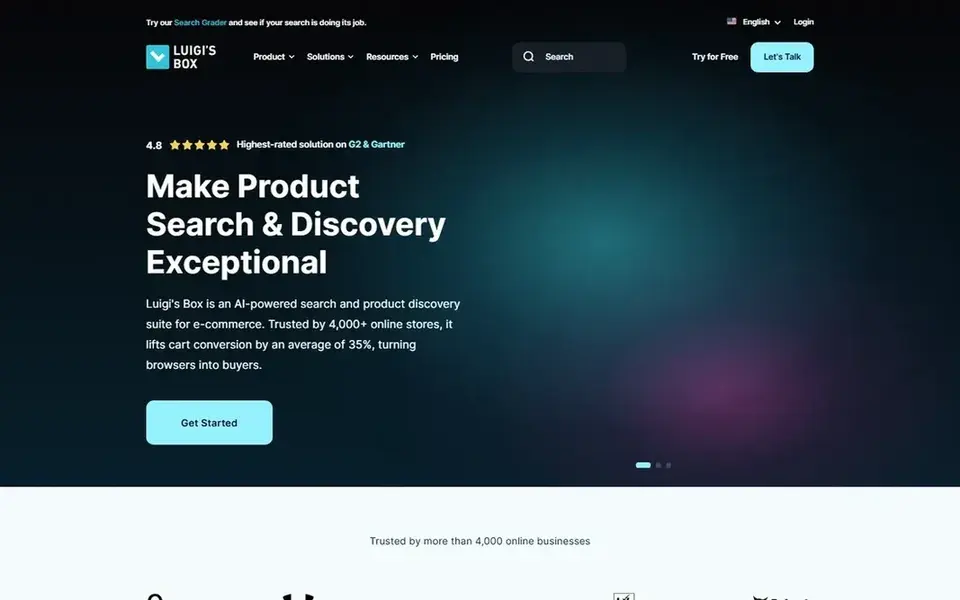
Box is a good fit for secure internal and external collaboration. Teams that work with external partners frequently appreciate its security and control capabilities.
Trade-offs to know: Advanced features may need configuration.
As for the details, Box may be more than smaller teams need, and its full feature set can need thoughtful setup. Box does not show a starting price in this comparison, so check the vendor site for current pricing. Free access: Not stated.
- AI-powered content management
- Capable data protection focus
- Can be expensive for large teams
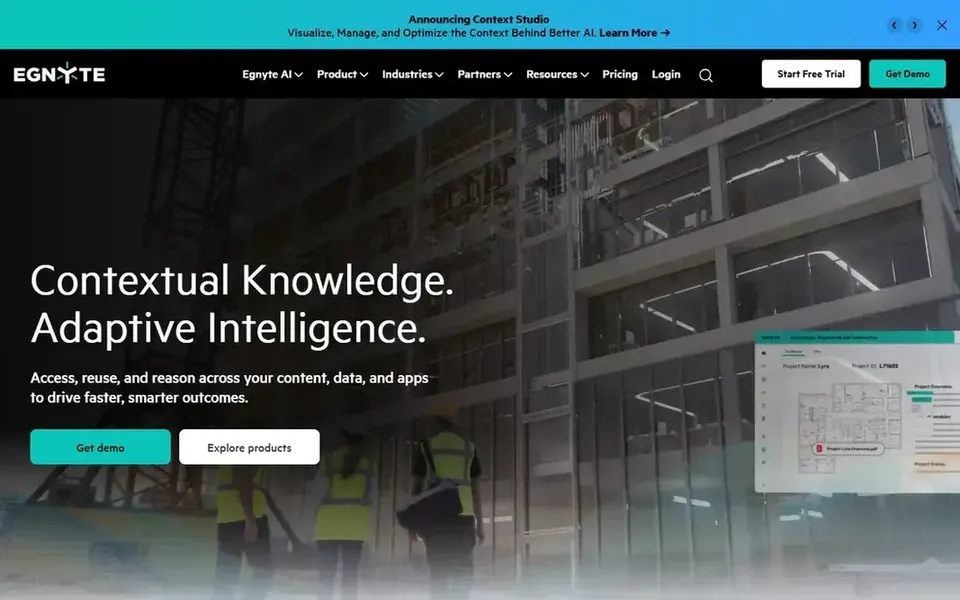
In short, Egnyte is for enterprise content governance and AI context. Egnyte's enterprise orientation means smaller teams may find it complicated or overbuilt for their needs.
Where it falls short: Enterprise focus may overwhelm small teams.
Also, enterprises with complicated data landscapes frequently find it a solid fit. Entry price for Egnyte: $22 per user per month. Free plan details: Free trial.
- Solid governance features
- Deals with large files
- Needs setup for full value

Miro is aimed squarely at visual collaboration and ideation. The product encourages brainstorming and planning in a shared canvas.
Where it falls short: Best for visual workflows.
Main advantages: Breaks down tool silos.
If your primary need is document collaboration or secure file sharing, consider SharePoint, Box, or Google Workspace instead. Starting cost for Miro: $8 per member per month. Miro offers a free plan.
- AI-powered visual product
- Supports ideation to launch
- Not a traditional file storage system
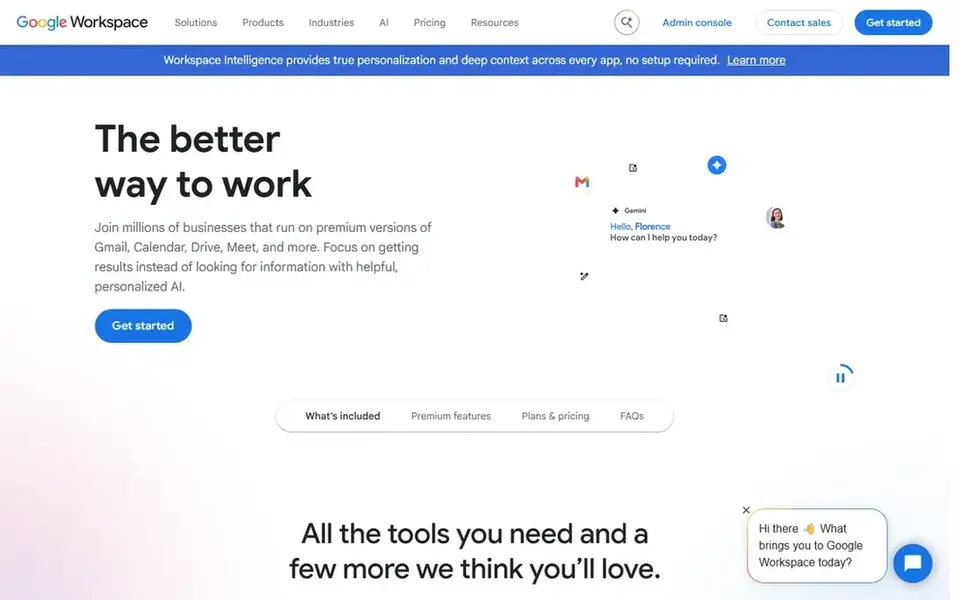
Google Workspace is a good fit for cloud-native productivity and collaboration. Google Workspace provides a suite of secure, online productivity and collaboration tools that enable teams of all sizes to do their best work.
Where it falls short: Needs comfort with Google ecosystem.
It merges familiar apps for documents, communication, and storage in a cloud-first environment. Teams that value live co-editing and a straightforward user experience frequently find it a natural fit. Pricing for Google Workspace is not stated here, so ask the vendor for current figures. Free plan details: Not stated.
- Scales for teams of all sizes
- Secure online productivity tools
- Less granular control than some enterprise products
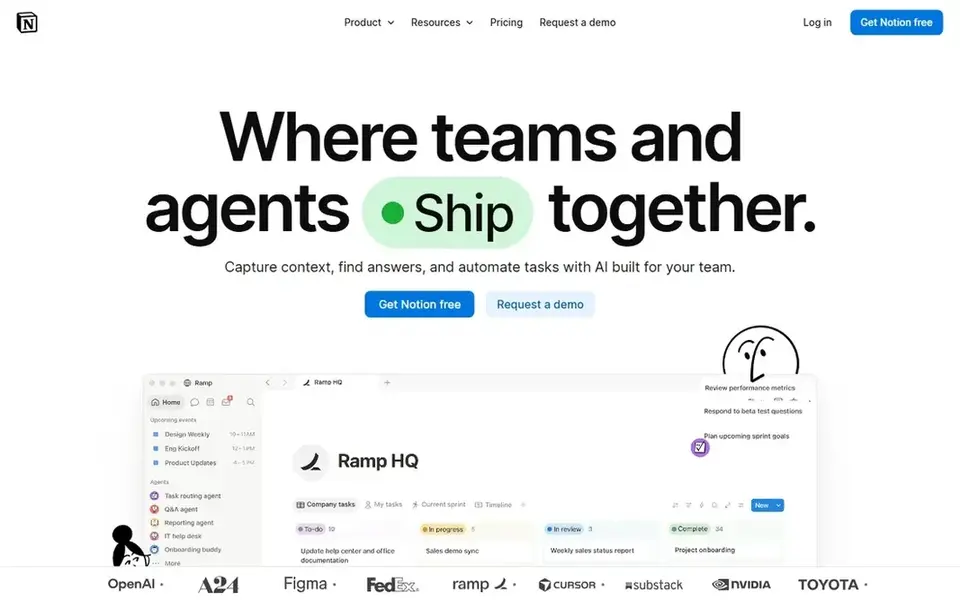
Notion was built for adaptable AI workspace and automation. Notion may need significant configuration to match complicated workflows, and it is not primarily a file storage or governance platform.
Where it is weaker: Less concentrated on file storage.
The starting price for Notion: $10 per member per month. A free plan is available with Notion.
- Search across connected apps
- Adaptable workspace structure
- Can require setup for complicated workflows
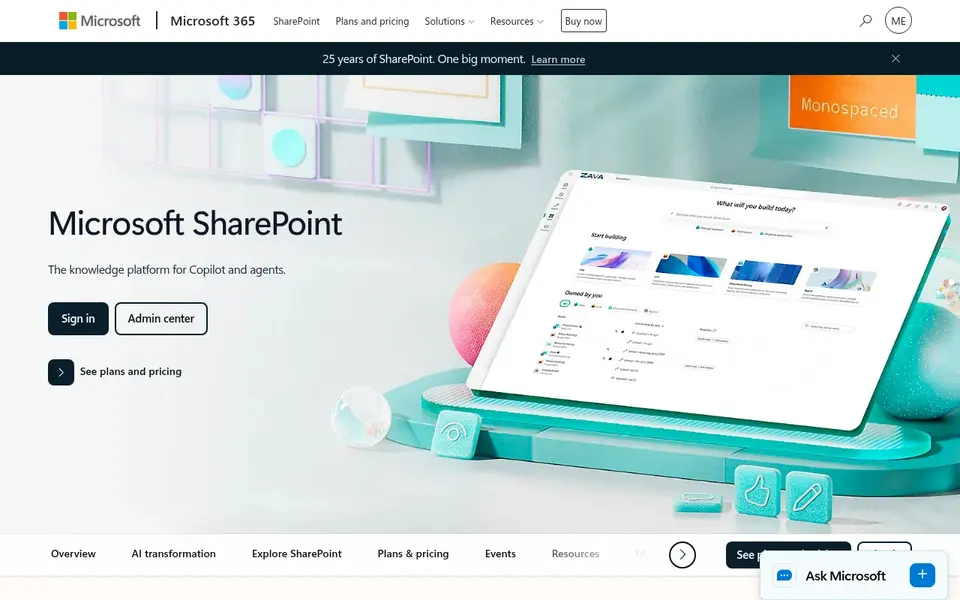
In short, Microsoft SharePoint is for Microsoft 365 centric organizations. Microsoft SharePoint is a collaborative content management system that powers collaboration, communication, automation, and AI experiences across Microsoft 365.
SharePoint's depth can translate into administrative overhead, and its full value emerges primarily inside the Microsoft ecosystem. Check the vendor site for Microsoft SharePoint pricing; none is listed in this comparison. Trial and free access: Not stated.
The main drawbacks: Best value within Microsoft ecosystem.
- AI experiences for content and collaboration
- Deep integration with Microsoft 365
- Can be complicated to configure
How we compared the tools
The comparison looks at four things: starting price, free access, how well the feature set matches AI cloud content collaboration software, and the main limit of each tool. Treat prices as a snapshot: vendors change plans often, so check the vendor site for the figure that applies today. The order reflects how well each tool fits the most common buying scenario for AI cloud content collaboration software, then price clarity, then free plan access. It is a starting point, not a verdict.
Things to verify first
- Confirm the entry price on the vendor page. For Box, Google Workspace and Microsoft SharePoint that means a quote rather than a fixed price.
- Read the fine print on the free plans from Miro and Notion; seat, project and feature caps differ.
- Take the trial from Egnyte and push a live task through it before you pay.
- Read the limits listed for Box first: can be expensive for large teams.
- Ask Microsoft SharePoint how an export works before you move any records in; an easy exit lowers the risk.
- Confirm the exact Notion plan that includes your must-have features.
Frequently asked questions
Which options for AI cloud content collaboration software have a free plan?
Miro and Notion offer a free plan in this list. Free plans usually cap users, projects or features, so check the limits on the vendor page. One other tool offers a trial instead.
Is Box the right pick for everyone comparing AI cloud content collaboration software?
No single tool suits every team. Box comes first because it fits secure internal and external collaboration, while Egnyte suits enterprise content governance and AI context and Miro suits visual collaboration and ideation. Match the tool to your own size, budget and workflow before deciding.
What is AI cloud content collaboration software?
It is cloud-based software that merges file storage, sharing, and collaboration with AI features like automation, search, and content insights. These tools help teams work together on documents and projects whereas using AI to cut busywork.
How are the tools for AI cloud content collaboration software ordered?
Box sits first and Microsoft SharePoint last because the order follows typical fit for AI cloud content collaboration software, then price clarity and free access. It is a judgement call, so read each profile for fit and limits.
Do these tools publish their prices?
Not all of them. Box, Google Workspace and Microsoft SharePoint publish no starting price, so expect a quote request for those. The rest, Egnyte included, show a starting price, though seats and billing terms still change the final cost.
Sources
See where you really rank - block by block
ProMapRanker scans Google Maps across a grid of your service area. Simple monthly plans from $19, white-label on every plan.
Start freeBrowse all guides
← 5 Best Gantt Software for Event Planning Agencies in 2026Best Collaboration Content Management Software in 2026 →
 best content calendar tools for real estate agents
Best Content Calendar Tools for Real Estate Agents (2026)
Weighing the best content calendar tools for real estate agents? We lined up 5 products by cost, free access and fit. Strengths and weak spots are spelled out.
Read → best ai content intelligence platforms for remote teams
6 Best AI Content Intelligence Platforms for Remote Teams for 2026
6 best AI content intelligence platforms for remote teams, with entry costs, free tiers and the buyer each one serves. Short verdicts, no fluff. Easy to scan.
Read → best agency management software
Top 6 Agency Management Software, Compared on Price (2026)
Best agency management software in 2026: 6 tools with starting prices, free plans and limits. Every pick includes one clear drawback. Built for quick decisions.
Read → best route planner app free
Best Route Planner App Free in 2026
Best route planner app free picks for 2026, compared for stop limits, optimization and offline use, so you can plan multi-stop days without paying a fee.
Read → best scholarship management software
Best Scholarship Management Software in 2026
Compare the best scholarship management software for schools, foundations and nonprofits, with applications, review, awards and current pricing notes.
Read → tilt skaffold alternatives low footprint
Tilt Skaffold Alternatives Low Footprint in 2026
Compare tilt skaffold alternatives low footprint for Kubernetes development, with light local tools, live reload and remote debugging in one guide today.
Read →More in Project Management & Productivity · All guides A to Z by date · Latest guides